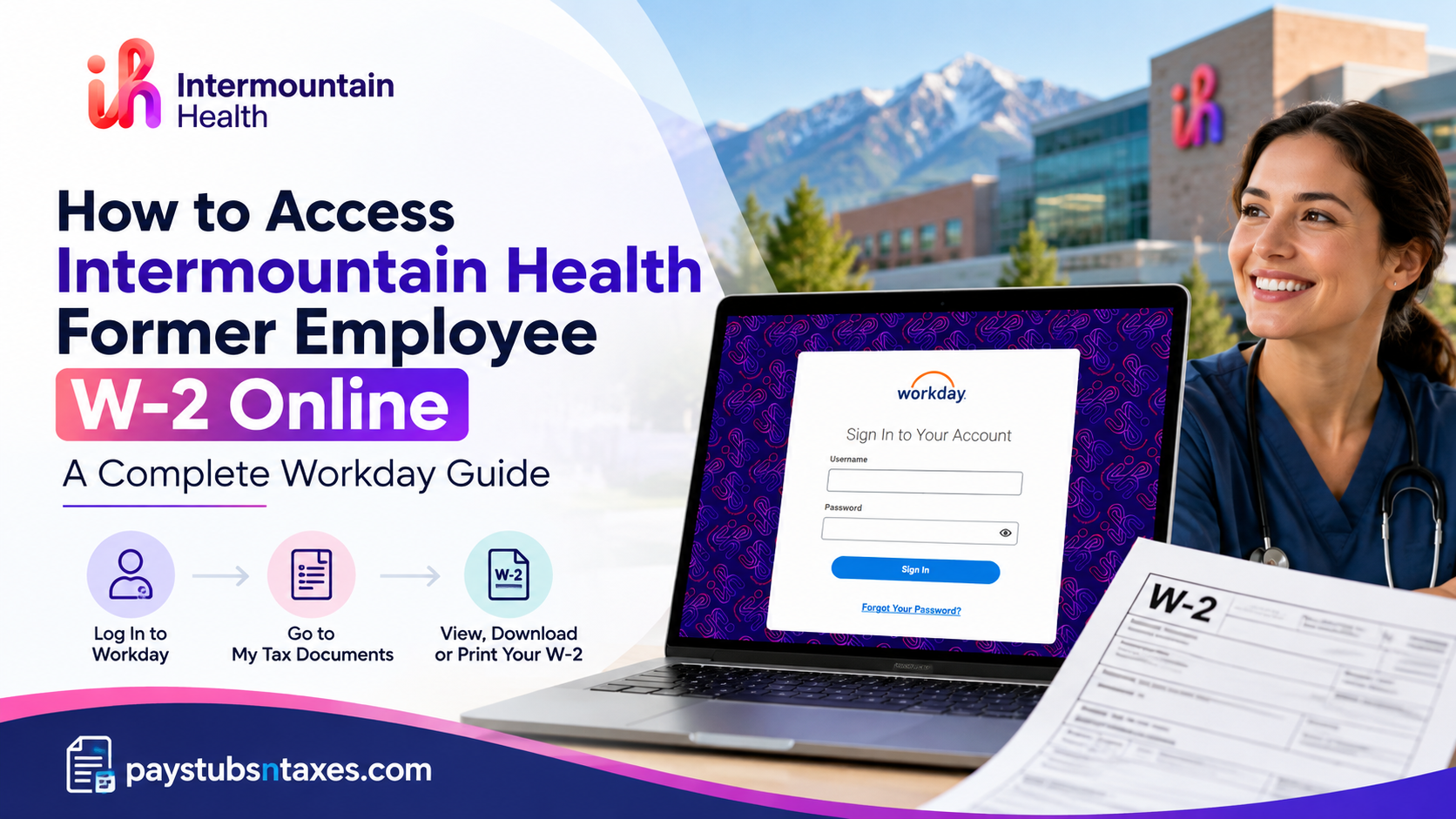
Former employees of Intermountain Health can access their year-end W-2 tax statements online through the Workday Non-SSO Employee Self-Service Portal, provided their post-employment account remains active. During the offboarding process, eligible former employees receive separate Workday login credentials at their personal email addresses, enabling them to retrieve essential payroll and...
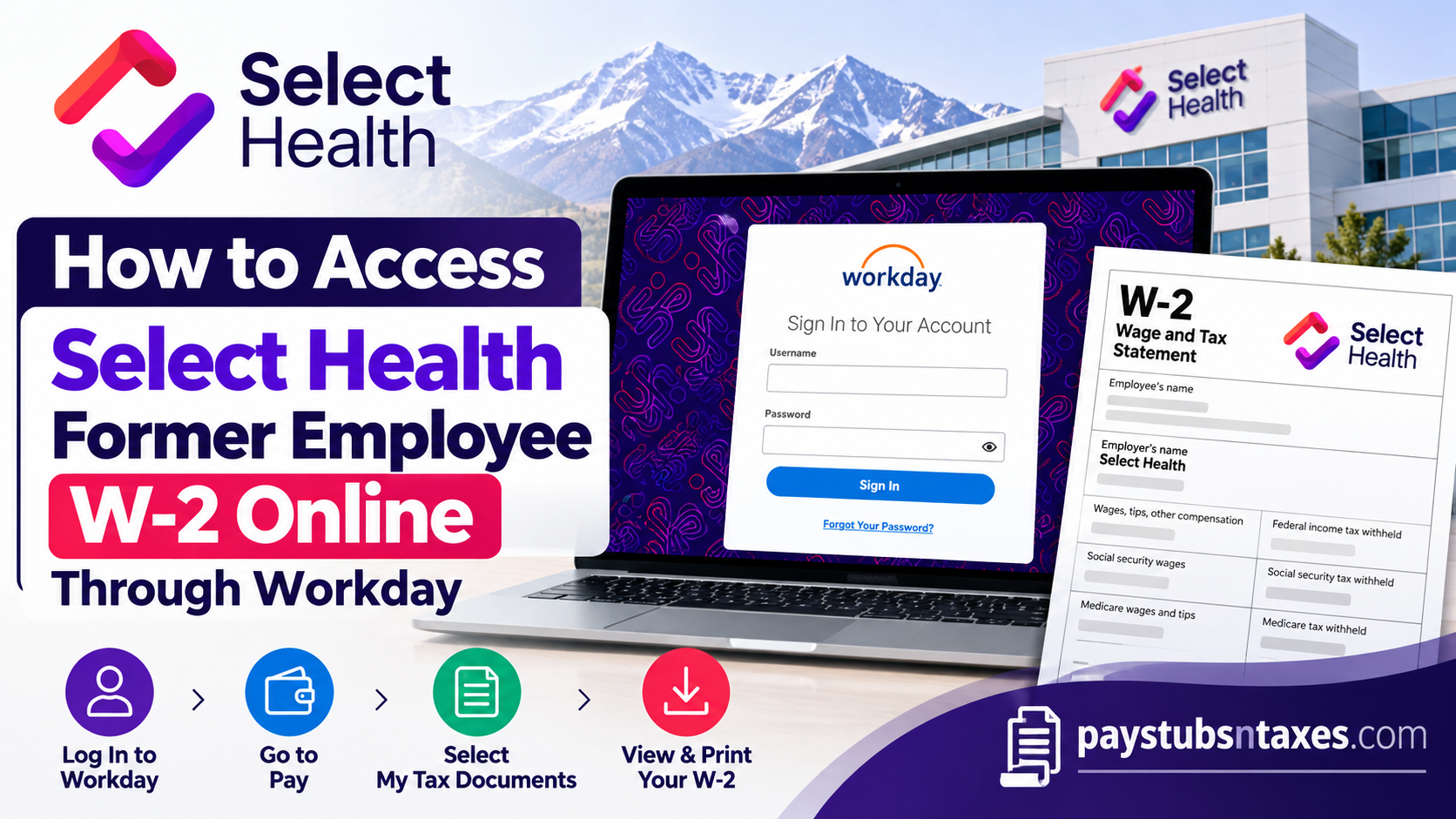
Former Select Health employees can access their W-2 tax forms through the Non-SSO Workday portal using the login credentials sent to their personal email during offboarding. After signing in, open Pay, select My Tax Documents, locate the relevant tax year, and click View/Print to download your W-2. Because former employee...
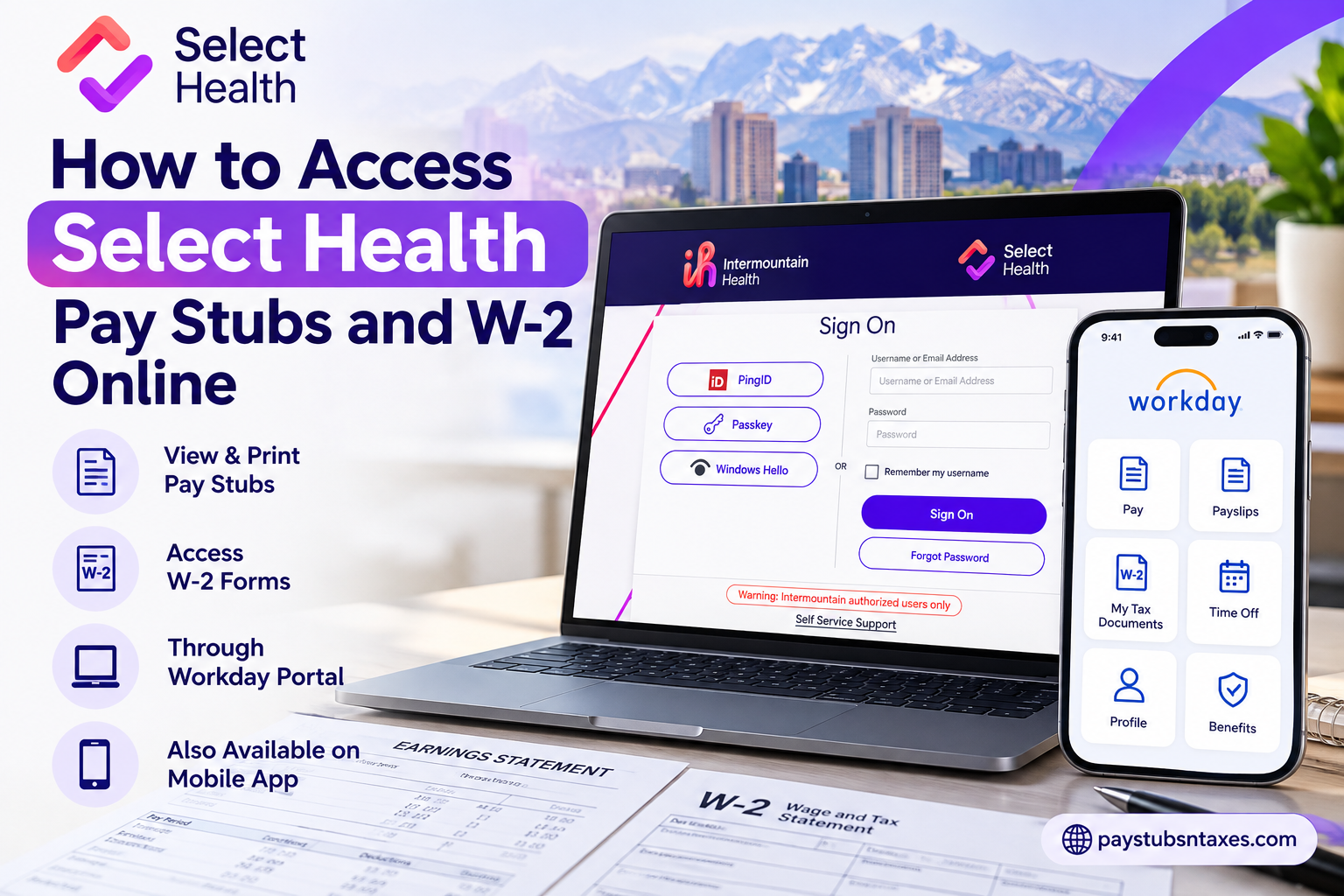
Select Health employees can access their pay stubs and W-2 statements through the Workday employee portal and mobile app. After signing in with their employee credentials and completing single sign-on authentication, employees can open Pay → Payslips to retrieve pay statements or Pay → My Tax Documents to access available...
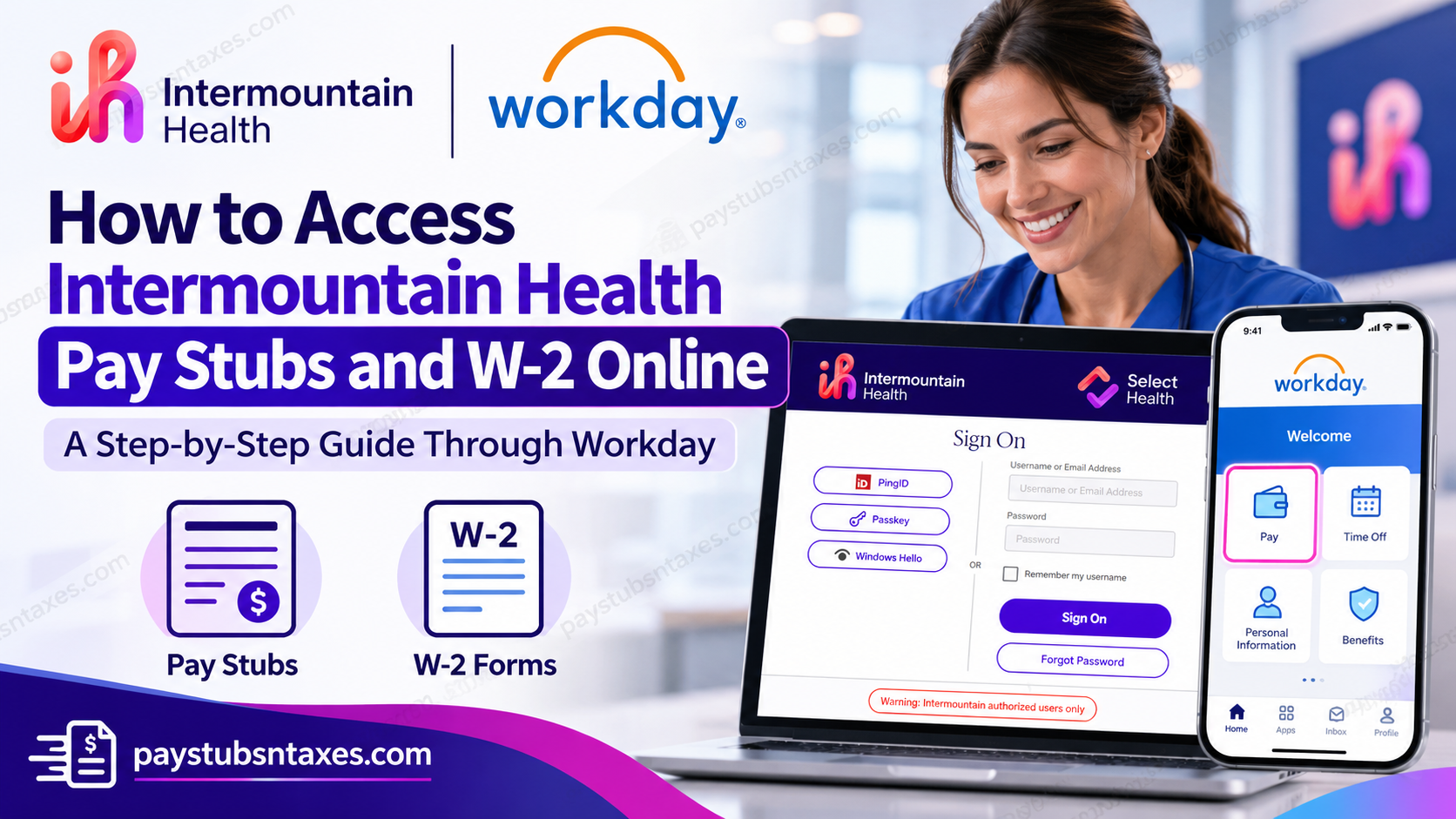
Intermountain Health employees can access their pay stubs and W-2 forms through the Workday employee portal. Whether you need to review your latest earnings, download an earlier payslip, or retrieve a year-end tax statement, Workday provides a convenient way to manage your payroll documents online. To access Intermountain Health pay...