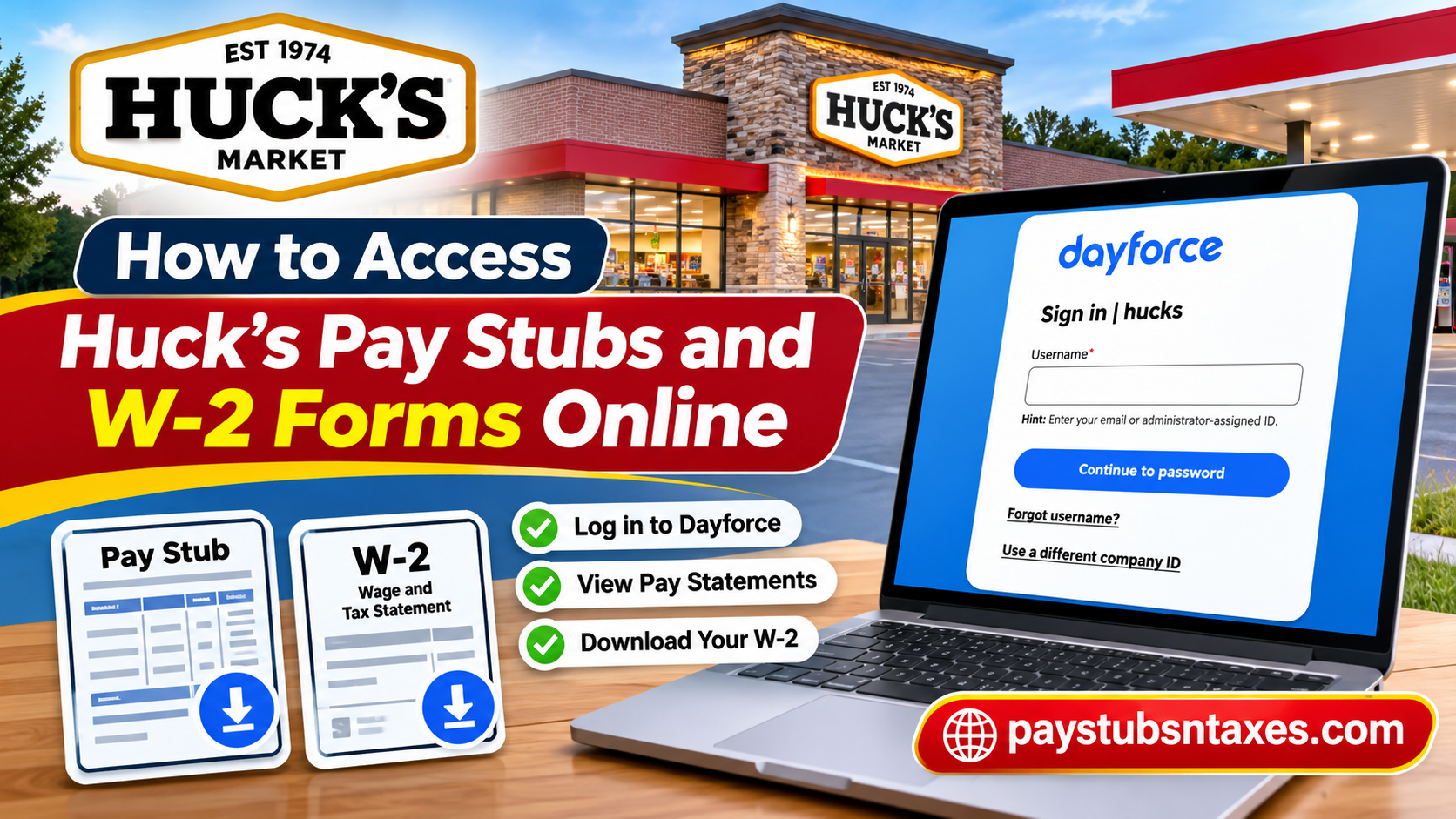
Huck’s Market employees can access their pay stubs and Form W-2 through the Dayforce employee portal. Enter hucks as the company ID and sign in with your employee credentials. From the Dayforce menu, open Earnings, then select Earnings Statements for pay stubs or Year End Forms for W-2s. You can print either document or save a PDF copy to your computer. Through the Huck’s Dayforce employee portal, eligible associates can securely view, download, and print their pay stubs and Form W-2 statements from virtually anywhere with an internet connection. Whether you are a newly hired associate navigating the payroll system for the first time or a long-serving employee preparing your annual income tax return, understanding how to use Dayforce can save considerable time and eliminate unnecessary administrative complications.
This comprehensive guide explains how to access Huck’s pay stubs and W-2 forms online, log into the Dayforce employee portal, retrieve previous payroll statements, and resolve common login difficulties.
About Huck’s Market
Huck’s Market, previously known as Huck’s Now and Huck’s Food & Fuel, is an American convenience store chain headquartered in Carmi, Illinois. Operating under Martin & Bayley, Inc., the company has established a substantial retail presence throughout the Midwestern and Southern United States, particularly in Illinois, Indiana, Kentucky, Missouri, and Tennessee.
The company’s origins date back to 1960, when entrepreneurs Bob Martin and Frank Bayley formed a business partnership and launched the Big John’s Supermarket chain in Southern Illinois. Their entrepreneurial vision eventually paved the way for the opening of the first Huck’s convenience store in Grayville, Illinois, in 1974.
Since becoming an employee-owned organization in 2001, Huck’s has cultivated a workplace culture in which associates have a meaningful stake in the company’s long-term prosperity. Today, the chain operates more than 130 convenience stores and continues to emphasize customer satisfaction, employee development, and operational excellence.
Alongside competitive wages and various employment benefits, Huck’s offers its associates access to electronic payroll information through Dayforce, enabling them to manage important employment and tax documents efficiently.
How to sign in to Huck’s Dayforce employee portal
- Open the Dayforce login page on your computer.
- Enter hucks in the Company ID field. If another employer appears on the sign-in screen, select Use a different company ID and enter hucks.
- Confirm that the page displays Sign in | hucks, then enter your email address or administrator-assigned username.
- Select Continue to password, enter your password, and complete any verification prompts to reach your Dayforce landing page.
If you have forgotten your username, select Forgot username? on the sign-in screen. If you are signing in for the first time and have yet to receive your credentials, contact your local Huck’s office for account setup instructions.
How to view and print Huck’s pay stubs
- From the Dayforce landing page, select the menu icon (three horizontal lines) in the upper-left corner.
- Select Earnings, then open the Earnings Statements tab.
- Find the statement by pay date and select it to open the full pay stub.
- Select the Print icon in the upper-right corner of the statement.
- In the print dialog, choose Save as PDF to keep a digital copy, or select your printer to make a paper copy.
If you are looking for a specific paycheck, use the date the payment was issued. For example, when a pay period ends in one month and payday falls in the next, look under the month in which you were paid. If you need an older statement, widen the date range if the Earnings screen provides a filter.
How to download your Huck’s Form W-2 from Dayforce
- From the Dayforce landing page, open the menu and select Earnings.
- Open the Year End Forms tab.
- Select the tax year you need, then click the corresponding Form W-2. The form opens in a panel on the right.
- Select Print. Choose Save as PDF to download a copy, or select a printer for a paper copy.
Huck’s Dayforce portal provides access to available W-2s from the past seven years. If you are filing a return for a previous year, select the year printed on the W-2 you need. For instance, if you are filing your 2025 return in 2026, look for your 2025 Form W-2.
What to do if you cannot access your W-2
If your W-2 is missing, first confirm that you are signed in under the hucks company ID and have selected the correct year under Year End Forms. If the form is still unavailable, you can no longer sign in, or your mailing address has changed, contact your local Huck’s office first. You can also call the Huck’s Support Center at (618) 382-2334 and ask to speak with HR or payroll.
Have your full name, employee ID, and the tax year you need ready. If payroll requires additional identity verification, ask how to provide sensitive information securely. If you have moved, ask payroll to confirm the mailing address on file before requesting a paper copy.
Conclusion
Accessing Huck’s Market pay stubs and W-2 forms online is a convenient process through the Dayforce employee self-service platform. By signing in at www.dayforcehcm.com, using the company ID hucks when prompted, and navigating to the Earnings section, authorized employees can retrieve their available payroll statements and annual tax documentation with minimal effort. The Earnings Statements tab provides access to regular pay stubs, while the Year End Forms tab allows employees to locate and download available W-2 statements. Both functions help simplify payroll recordkeeping, income verification, and annual tax preparation.
Employees who encounter login difficulties, missing documents, or account-access restrictions should contact their local Huck’s management team or the company’s Support Center at 618-382-2334. Ultimately, understanding the Dayforce system empowers Huck’s associates to manage their employment records independently, safeguard essential financial information, and approach payroll-related responsibilities with greater confidence.
Frequently Asked Questions
1. What is the Huck’s Market employee payroll portal?
Huck’s Market uses Dayforce for employee pay statements and year-end tax forms, including Form W-2.
2. What is the Dayforce company ID for Huck’s employees?
The company ID is hucks. If Dayforce displays another employer’s sign-in page, select Use a different company ID and enter hucks.
3. What username do I use to sign in to Huck’s Dayforce?
Enter your email address or the username assigned by your Dayforce administrator. Select Continue to password and enter your password.
4. How do I get my Dayforce login details as a new Huck’s employee?
Contact your local Huck’s office for account setup instructions if you have yet to receive your login credentials.
5. What if I forgot my Huck’s Dayforce username?
Select Forgot username? on the Huck’s Dayforce sign-in page and follow the prompts. If you still cannot recover your username, contact your local Huck’s office.
6. Where are my Huck’s pay stubs in Dayforce?
Open the three-line menu in the upper-left corner, select Earnings, and open Earnings Statements. Choose the statement for the pay date you need.
7. How do I find an older Huck’s pay stub?
Look for the date your paycheck was issued. If the statement falls outside the displayed date range, widen the range using the date filter if available.
8. How do I save a Huck’s pay stub as a PDF?
Open the pay statement, select the Print icon in the upper-right corner, and choose Save as PDF in the print dialog.
9. Can I print my Huck’s pay stub from a personal computer?
Yes. Sign in to Dayforce on your computer, open the statement, click Print, and select an available printer.
10. Where can I find my Huck’s W-2 in Dayforce?
Go to Menu → Earnings → Year End Forms, choose the tax year, and select Form W-2. The form opens in a panel on the right.
11. How do I download my Huck’s W-2?
Open your W-2 under Year End Forms, select Print, and choose Save as PDF. Select a printer in the same dialog if you need a paper copy.
12. How many years of Huck’s W-2 forms can I access online?
You can access available W-2s from the past seven years through Year End Forms. Select the year the wages were reported, even if you are filing the return later.
13. What should I do if my Huck’s W-2 is missing from Dayforce?
Check that you signed in under the hucks company ID and selected the correct tax year. If the form is still missing, contact your local Huck’s office or call (618) 382-2334 and ask for payroll assistance.
14. How do I request my W-2 if I no longer work at Huck’s?
If your Dayforce login still works, check Earnings → Year End Forms. If you cannot sign in, contact your former Huck’s location or call the Support Center at (618) 382-2334 to request a copy.
15. What if my mailing address changed and I need a paper W-2?
Contact your local Huck’s office or call (618) 382-2334. Ask payroll to confirm or update your mailing address before requesting a paper copy.
