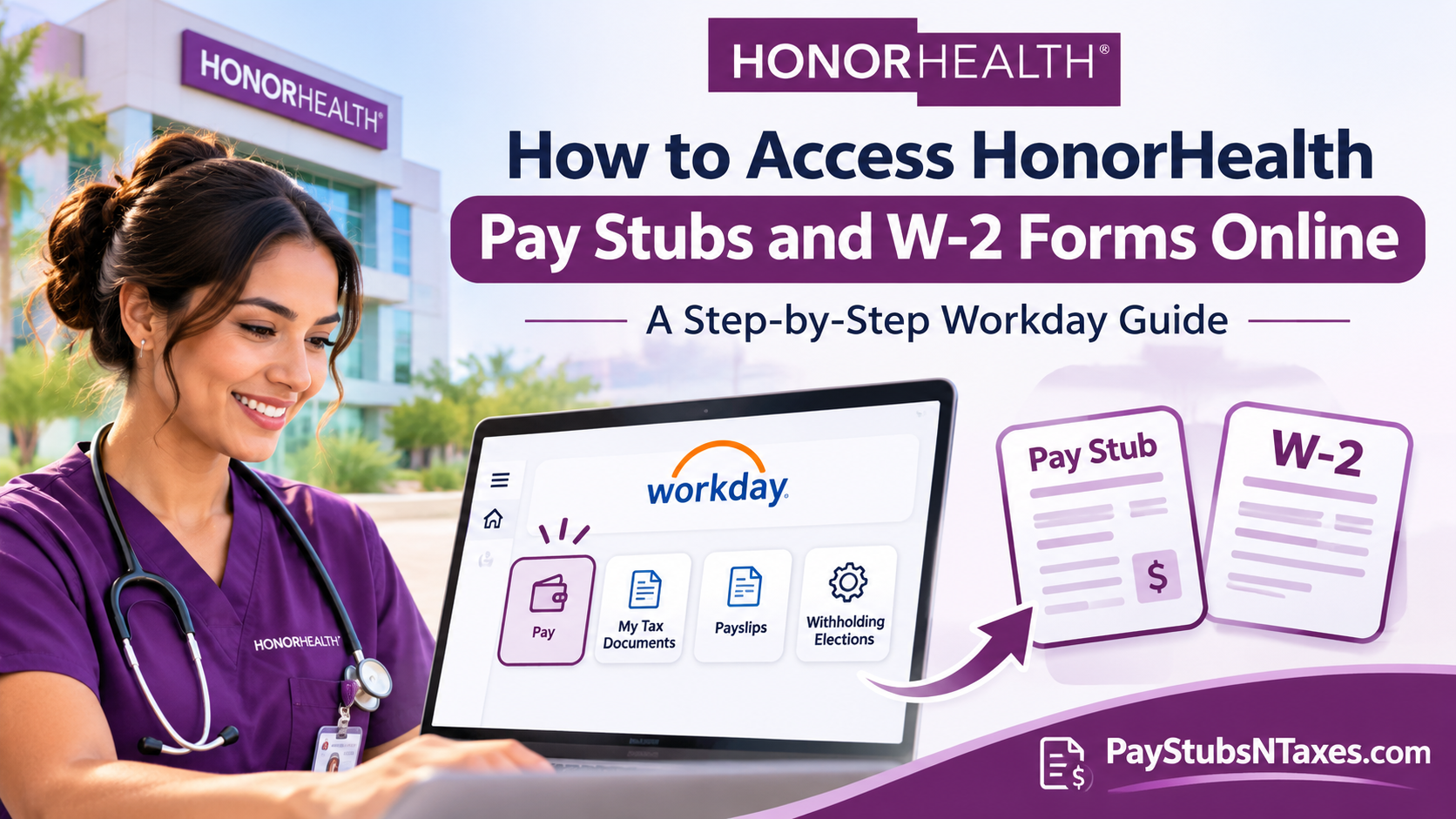
HonorHealth employees can access their pay stubs and year-end W-2 forms through Workday Employee Self-Service. Open the HonorHealth Workday login page, select Current Employees, and sign in with your HonorHealth Microsoft single sign-on credentials. Once you’re in, go to Pay → Payslips for pay stubs or Pay → My Tax Documents for W-2 forms. Former employees can select Future and Former Employees to sign in with a separate Workday password.
HonorHealth, one of Arizona’s largest nonprofit healthcare systems, moved its employee self-service functions from UltiPro to Workday. Alongside payroll records, Workday lets staff manage direct deposit, tax withholding elections, benefits, and personal details. For employees who previously used UltiPro, the Pay app in Workday is the starting point for both routine pay statements and annual tax documents.
This comprehensive guide explains how to access HonorHealth pay stubs and W-2 forms online, navigate the Workday employee portal, download payroll documents, establish electronic W-2 consent, and resolve common login difficulties. It also outlines the procedures applicable to newly hired and former employees.
How to Log In to HonorHealth Workday
Your sign-in method depends on whether you are a current employee, an incoming hire, or a former employee.
| Employee status | Workday sign-in option | Credentials |
| Current employee | Current Employees | HonorHealth Microsoft single sign-on credentials |
| New hire before your start date | Future and Former Employees | Workday username and temporary password provided during onboarding |
| Former employee | Future and Former Employees | Former HonorHealth email address as the username and a separate Workday password |
Sign in from a work computer or personal device.
On an HonorHealth computer, you can reach the portal through Human Resources → Pay and Compensation → Staff Member Self Service. From a personal computer or tablet, open the HonorHealth Workday login page in a supported browser such as Google Chrome, choose the appropriate sign-in option, and follow the prompts.
If you’re a new hire, use the username and temporary password issued during onboarding. Workday will prompt you to change the temporary password when you first sign in. Use your updated credentials until your start date, then switch to Current Employees and use HonorHealth’s single sign-on.
Sign in through the Workday mobile app.
Download the Workday app for iPhone or Android. When asked for your organization ID or tenant, enter honorhealth. Once the HonorHealth sign-in page opens, follow the prompts for your employment status. If you’re already working at HonorHealth, use the current-employee single sign-on option.
How to View, Download, or Print HonorHealth Pay Stubs
HonorHealth pay stubs appear in Workday under Payslips. Choose the pay period you need, whether you’re checking your latest deposit or retrieving a previous statement for your records.
- Sign in to HonorHealth Workday.
- From the home page, choose View All Apps → Pay. You can also open Menu in the upper-left corner and select Pay.
- Under View, select Payslips.
- Find the statement for the applicable pay date and select View to open it or Print to generate a printable copy.
- To keep a digital copy, use the PDF download option if it appears or choose Save as PDF in your browser’s print dialog.
If you’re printing at work, check the destination printer before submitting the job. A payslip contains personal payroll information, so it’s worth confirming where the document will come out.
How to Check Local Tax Withholding in Workday
If the local tax line looks different from what you remember seeing in UltiPro, check your withholding elections before drawing conclusions from the payslip layout. In Workday, open Pay → Withholding Elections under Actions, then select the Local Elections tab. Review the information on file. If you need to change an election, scroll to the bottom of the page and choose Update.
How to Get Your HonorHealth W-2 Online
Once HonorHealth has posted your W-2 for the selected tax year, you can retrieve it from My Tax Documents in Workday.
- Sign in to HonorHealth Workday and open Menu → Pay.
- Under View, select My Tax Documents.
- Locate Form W-2 for the year you need.
- Open the form or select the available print option. Allow Workday a moment to generate the document.
- Save a PDF copy or print the form for your records.
Check the tax year on the form before you download it, especially if several years appear on the same page. If the year you need is missing, contact HR for help confirming whether the form has been posted and how to obtain a copy.
How to Opt In to Electronic W-2 Delivery
You can set your delivery preference for your 2026 W-2 and future W-2s through Workday. The Printing Election setting controls how you receive the form. To open a form that has already been posted, select it from the list of tax documents.
- Sign in to Workday and open Pay.
- Under View, choose My Tax Documents.
- Find Printing Election and select Edit.
- Choose your preferred delivery method. To consent to electronic delivery, select the electronic option shown on the screen.
- Select OK, then Done to complete the update.
How Former HonorHealth Employees Can Access Workday
Former HonorHealth employees retain Workday access for three years after their separation date. To sign in after leaving HonorHealth, open the Workday login page and select Future and Former Employees. Enter your former HonorHealth email address as your username and use the temporary Workday password sent on your separation date. After signing in, go to Pay → My Tax Documents to retrieve an available W-2 or Pay → Payslips to look for a pay statement.
If the temporary password email never arrived or you’ve forgotten your password, select Forgot Password on the sign-in screen. Enter your former HonorHealth email address in the Username field and the personal email address recorded in Workday in the Email field. If those details match the account, Workday will send a one-time password reset link to your personal email. If you no longer have access to that inbox or your three-year access period has ended, contact HonorHealth HR for help obtaining the records you need.
Who to Contact for HonorHealth Workday or Payroll Help
| Issue | Contact |
| Workday sign-in problems or current-employee password reset | HonorHealth IT Service Desk at 480-882-4357 |
| Missing pay stub, payroll discrepancy, or help obtaining a W-2 | HR@HonorHealth.com |
| Workday employee record or self-service issue | HRIS@HonorHealth.com |
When asking about a missing document, include the pay date for a payslip or the tax year for a W-2 so the support team can identify the record. Keep passwords and Social Security numbers out of ordinary email.
Conclusion
HonorHealth’s transition from UltiPro to Workday has consolidated numerous employee self-service functions into a centralized digital environment, enabling staff members to manage payroll information with greater convenience and flexibility.
Whether you need to view HonorHealth pay stubs, download a W-2 form, update tax withholding elections, or establish electronic tax document consent, the process generally begins by signing in to the HonorHealth Workday portal and opening the Pay application.
Current employees should use Microsoft Single Sign-On, while future hires and separated employees must follow their respective username-and-password authentication procedures.
With Workday access available through supported web browsers and mobile devices, retrieving essential employment documentation no longer has to be an unnecessarily complicated undertaking.
By familiarizing yourself with the platform’s payroll features, maintaining accurate personal information, and securely retaining important documents, you can ensure that your HonorHealth earnings statements and tax records remain readily accessible whenever the need arises.
HonorHealth Pay Stubs and W-2 FAQs
1. Does HonorHealth use Workday or UltiPro for payroll documents?
HonorHealth moved its employee self-service functions from UltiPro to Workday. Current employees can find pay stubs and W-2 forms in the Pay app.
2. How do I log in to HonorHealth Workday as a current employee?
Open the HonorHealth Workday login page, choose Current Employees, and sign in with your HonorHealth Microsoft single sign-on credentials. HonorHealth Workday login
3. Can I access HonorHealth Workday from home?
Yes. Open the HonorHealth Workday login page in a supported browser on your personal computer or tablet. Choose the sign-in option that matches your employment status.
4. What is the HonorHealth organization ID for the Workday mobile app?
Enter honorhealth when the Workday app asks for an organization ID or tenant. Then follow the sign-in prompts for your employment status.
5. How do new HonorHealth hires sign in before their first day?
Select Future and Former Employees and use the username and temporary password provided during onboarding. Workday prompts you to change the password at your first login. On your start date, switch to Current Employees and use single sign-on.
6. Where can I find my HonorHealth pay stubs?
In Workday, open Menu → Pay and select Payslips under View. Find the pay date you need and select View beside the corresponding statement.
7. Can I download or print an HonorHealth pay stub?
Yes. Select Print beside the payslip in Workday. To keep a digital copy, use the PDF download option if it appears or select Save as PDF in your browser’s print dialog.
8. How do I check my local tax withholding in HonorHealth Workday?
Open Pay and select Withholding Elections under Actions. Go to Local Elections to review your information. Select Update if you need to change an election.
9. How do I download my HonorHealth W-2 from Workday?
Go to Pay → My Tax Documents and select the W-2 for the tax year you need. Once Workday generates the document, save it as a PDF or print it.
10. How do I opt in to electronic W-2 delivery?
Go to Pay → My Tax Documents and select Edit under Printing Election. Choose electronic delivery, then select OK and Done to confirm your preference.
11. How long can former HonorHealth employees access Workday?
Former employees retain Workday access for three years after their separation date. If that period has ended, email HR@HonorHealth.com for help obtaining payroll or tax records.
12. How do I get my HonorHealth W-2 after leaving the company?
Select Future and Former Employees on the Workday login page. Sign in using your former HonorHealth email address as your username and your separate Workday password. Then open Pay → My Tax Documents and select the relevant tax year.
13. How do I reset my HonorHealth Workday password as a former employee?
Select Forgot Password on the former-employee sign-in screen. Enter your former HonorHealth email address as your username and the personal email address on file in Workday. If the details match, Workday will send a one-time reset link to your personal inbox.
14. Who can help if I can’t sign in to HonorHealth Workday as a current employee?
Call the HonorHealth IT Service Desk at 480-882-4357 for assistance with your login or a password reset.
15. What should I do if my HonorHealth pay stub or W-2 is missing?
Check Payslips for the correct pay date or My Tax Documents for the correct tax year. If the document is still missing, email HR@HonorHealth.com and include the pay date or tax year you need.
