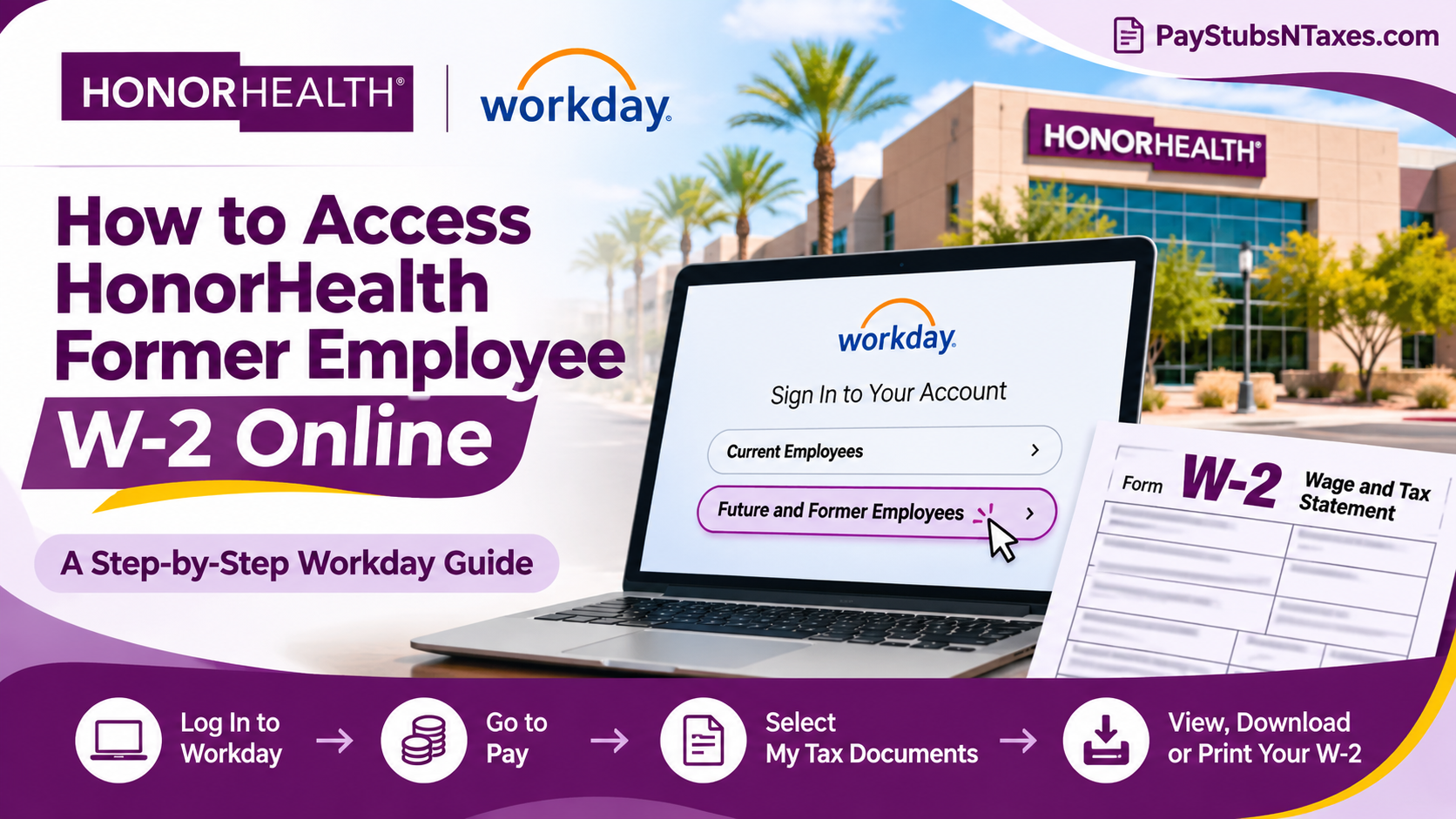
Former HonorHealth employees can access their W-2s in Workday for three years after their separation date. Open the HonorHealth Workday login page, select Future and Former Employees, and sign in using your former HonorHealth email address and your Workday password. Once signed in, go to Menu → Pay → My Tax Documents, select the tax year you need, and download or print your Form W-2. This comprehensive guide explains how to access your HonorHealth W-2 online after termination, navigate the Workday portal, recover forgotten credentials, download tax statements, and resolve common login difficulties.
How to Log In to HonorHealth Workday After Leaving
HonorHealth transitioned from UltiPro to Workday for payroll and employee self-service. When you leave HonorHealth, your employee single sign-on (SSO) access ends, and you switch to a username-and-password login through the Future and Former Employees option.
- Open the HonorHealth Workday portal. Use a supported browser, such as Google Chrome, on your computer or tablet. HonorHealth Workday sign-in
- Select “Future and Former Employees.” If you are setting up the Workday mobile app and it asks for an organization code, enter honorhealth.
- Enter your former HonorHealth email address as your username. You still use this address to identify your Workday account after separation, even if you can no longer open your work inbox.
- Enter your Workday password. Workday should send you a new temporary password on your separation date. If the email never arrived or you no longer have the password, use Forgot Password on the former employee sign-in page.
How to Reset Your HonorHealth Workday Password
The password reset form asks for two email addresses that serve different purposes. In the Username field, enter your former HonorHealth email address. In the Email field, enter the personal email address on file in Workday.
If the details match, Workday sends a one-time password reset link to your personal inbox. Check your spam or junk folder if the message does not appear. If you no longer have access to the personal address on file, or the reset email still does not arrive, call the HonorHealth IT Service Desk at (480) 882-4357 for help regaining access.
How to Download or Print Your HonorHealth W-2
Once you are signed in to Workday, you can find your year-end tax statements in the Pay section.
- Open Menu in the upper-left corner of the Workday home page.
- Under Personal, select Pay. If the Pay worklet appears on your home page, you can open it directly.
- Under View, select My Tax Documents.
- Find the W-2 for the tax year you need and open it using the available view or print option.
- Allow a few minutes for Workday to generate the document. Once it opens, save it as a PDF or print a copy.
If you need the form for wages paid in 2026, choose the 2026 W-2 once it appears in Workday. The year shown refers to the year the wages were paid, even if you download the form the following year. Before printing, check the selected printer, especially if you are using a shared computer or network.
How to Check Your Electronic W-2 Delivery Preference
Workday keeps your W-2 delivery preference under Printing Election. To review it, go to Pay → My Tax Documents and select Edit under Printing Election. Choose your preferred delivery method and confirm it by selecting OK, then Done.
If you are looking for a W-2 that has already been issued, start with the list in My Tax Documents. Use Printing Election when you want to review or change how an upcoming W-2 will be delivered.
What to Do If Your W-2 Is Missing or Your Access Has Expired
If you can sign in but the W-2 you need is missing, first confirm that you are looking for the correct tax year. If the form still does not appear, or you need a corrected or duplicate copy, email HonorHealth at HR@HonorHealth.com or HRIS@HonorHealth.com. Include the tax year and a brief description of the issue so the team can direct your request.
The three-year access period runs from your separation date. If that period has ended, contact HonorHealth HR or HRIS to request the form. For sign-in and password problems during the access period, call the IT Service Desk at (480) 882-4357.
Conclusion
Accessing your HonorHealth former employee W-2 online does not have to become an unnecessarily complicated undertaking. Through Workday’s dedicated non-SSO login pathway, separated employees can continue retrieving available wage and tax statements for up to three years after leaving the organization.
The process begins by visiting the HonorHealth Workday portal, selecting Future and Former Employees, and signing in with your former HonorHealth email address and designated password. Once authenticated, navigate to Pay > My Tax Documents, choose the appropriate tax year, and download or print your W-2.
Should you encounter forgotten credentials, missing tax statements, or technical difficulties, the Workday password recovery feature and HonorHealth’s HR and IT support channels provide additional avenues for assistance.
Ultimately, taking a proactive approach to maintaining your employment and tax records will help ensure a smoother filing experience, reduce avoidable delays, and preserve access to the financial documentation you may need long after your professional relationship with HonorHealth has concluded.
HonorHealth Former Employee W-2 FAQs
1. Which Workday login option should I use after leaving HonorHealth?
Select Future and Former Employees. Your employee single sign-on (SSO) access ends when you leave HonorHealth, so you’ll sign in with a username and password.
2. What is my former employee Workday username?
Your username is your former HonorHealth email address, even if you can no longer access that inbox.
3. When should I receive my temporary Workday password?
Workday should email you a new temporary password on your separation date. If you didn’t receive it or can’t find it, select Forgot Password on the former employee sign-in page.
4. How do I reset my HonorHealth Workday password?
Select Forgot Password. Enter your former HonorHealth email address in the Username field and the personal email address on file in Workday in the Email field. If the details match, Workday sends a one-time reset link to your personal inbox.
5. What if I no longer have access to the personal email address on file?
Call the HonorHealth IT Service Desk at (480) 882-4357 for help regaining access to your Workday account.
6. How long can I access HonorHealth Workday after leaving?
Your Workday access continues for three years from your separation date.
7. Can I access my HonorHealth W-2 on my phone?
You can sign in through the Future and Former Employees option on the HonorHealth Workday login page. If the Workday mobile app asks for an organization code, enter honorhealth.
8. Where are HonorHealth W-2 forms stored in Workday?
Open Menu, select Pay under Personal, and choose My Tax Documents under View. If Pay appears on your Workday home page, you can open it directly.
9. How do I download my HonorHealth W-2 as a PDF?
In My Tax Documents, select the W-2 for the relevant year and open the available view or print option. Once the document appears, save it as a PDF.
10. Why hasn’t my W-2 opened after I selected it?
Workday may take a few minutes to generate the document. If the W-2 is listed but doesn’t open after a few minutes, try reopening it in a supported browser such as Google Chrome.
11. Can I get a prior-year HonorHealth W-2 online?
Yes, if your Workday account is still active and the form appears in My Tax Documents. Select the year in which the wages were paid.
12. How do I change my electronic W-2 delivery preference?
Go to Pay → My Tax Documents and select Edit under Printing Election. Choose your preferred delivery method and select OK, then Done.
13. What should I do if my W-2 is missing from Workday?
Check that you’ve selected the correct tax year. If the form still doesn’t appear, contact HR@HonorHealth.com or HRIS@HonorHealth.com and specify which year you need.
14. How do I get my W-2 after my three-year Workday access expires?
Email HR@HonorHealth.com or HRIS@HonorHealth.com to request a copy. Include the tax year so the team can direct your request.
15. Who should I contact if my HonorHealth W-2 contains an error?
Email HR@HonorHealth.com or HRIS@HonorHealth.com. Identify the tax year and briefly describe the information you believe needs correcting.
