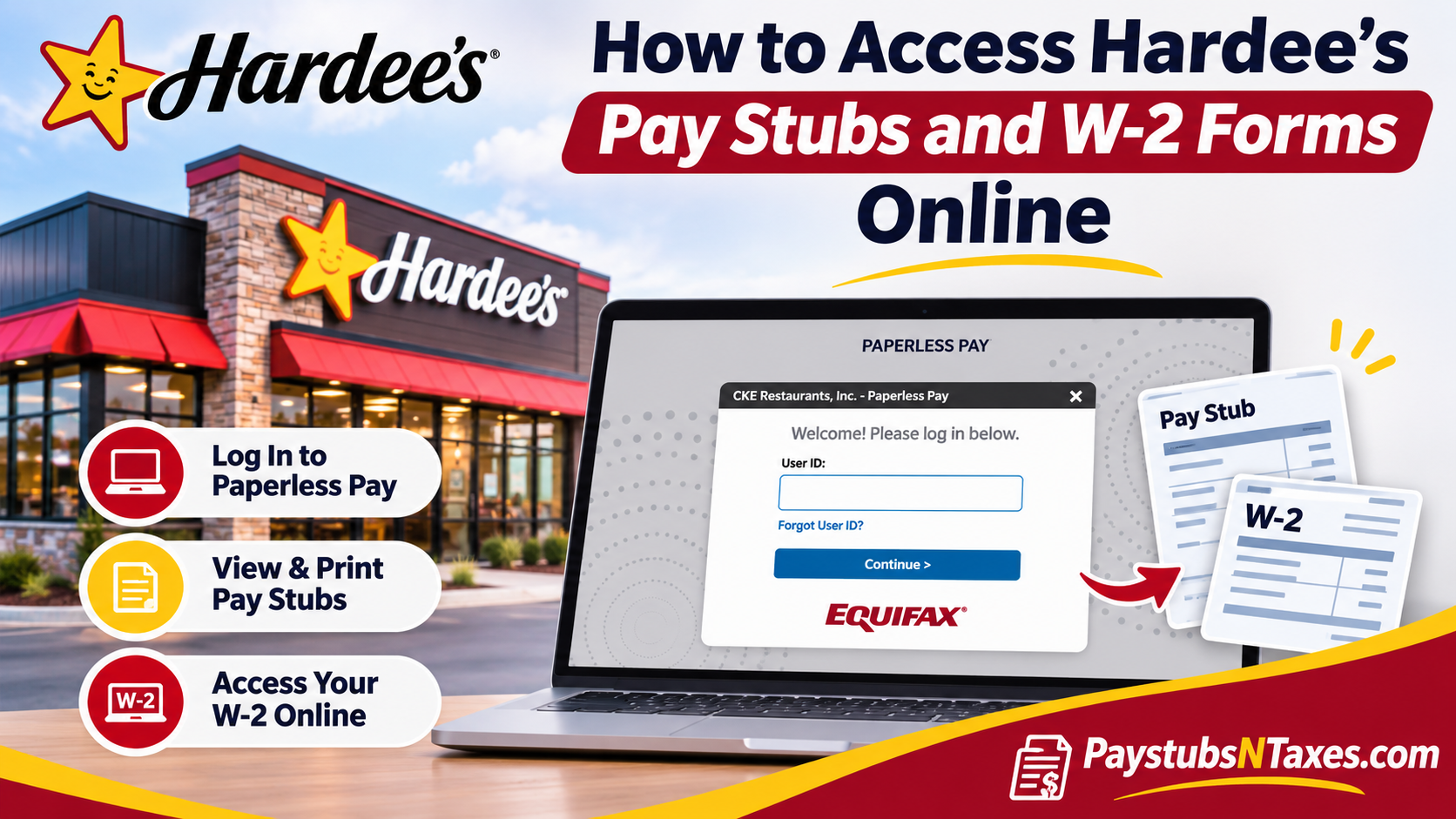
If your Hardee’s location uses CKE Restaurants payroll, you can access your pay stubs and W-2s through Equifax Paperless Pay. Open the CKE Paperless Pay portal and enter 10508 if the site asks for an employer code. After signing in, select PayStubs for paycheck statements or go to Tax Form Services → Tax Forms to find your W-2. To enroll in electronic W-2 delivery, open Tax Form Services → My Account and choose Receive form online. Hardee’s is part of CKE Restaurants, which also operates the Carl’s Jr. brand. Since Hardee’s restaurants include both company-operated and franchised locations, the restaurant name alone does not tell you which payroll system to use. If an independent franchisee employs you, check your onboarding materials or ask your manager which portal handles your pay and tax records.
This comprehensive guide explains how to log in to Hardee’s Paperless Pay, register for an account, retrieve pay stubs, access W-2 forms, enroll in electronic tax document delivery, and resolve common login difficulties.
How to Sign In to Hardee’s Paperless Pay
If you already have a Paperless Pay account, follow these steps:
- Open the CKE Paperless Pay portal. If you start from the general Paperless Pay site, enter 10508 as the employer code and select Login.
- On the welcome page, select Click Here to Login.
- Enter your User ID and select Continue.
- Enter your password and select Log in.
- Complete the multi-factor authentication prompt to reach your payroll dashboard.
If you forget your User ID, select Forgot User ID? on the first sign-in screen. If you remember your ID but cannot recall your password, continue to the password screen and select Forgot Password?
How to Register for a Paperless Pay Account
Your first paperless pay statement is available beginning with your first paycheck. If you are setting up access for the first time, open the CKE portal and choose Register Now! when the sign-in window offers that option.
- Complete the required registration fields and select Continue.
- Enter your address information, followed by your contact details.
- After the system validates your information, enter the one-time passcode it sends you.
- Create your User ID and password to finish setting up the account.
If you do not see Register Now!, or if the system cannot verify your information, ask your manager or payroll contact to confirm which portal your location uses and how to activate your account.
How to View and Print Hardee’s Pay Stubs
Your most recent pay stub may appear on the Paperless Pay home page alongside a pay summary. If it does not, open the Main Menu and select PayStubs. To find an earlier statement, select Pay History and choose the relevant pay date. Once you have opened the correct statement, select Print PayStub.
If you need a digital copy, choose Save as PDF in your device’s print dialog, if available. Before saving or printing, check the pay date and pay period, especially if you are gathering several months of statements for a rental application or comparing deductions across paychecks.
How to Access Your Hardee’s W-2 Online
- Sign in to Paperless Pay and open the menu in the upper-left corner.
- Scroll to Tax Form Services and select Tax Forms.
- Find the W-2 for the tax year you need and select its checkbox.
- Choose View to open the form. Use the available print option if you need a paper copy.
Once you have enrolled in electronic delivery, look for your W-2 in Tax Form Management around January 31 of the following year. The portal is where you retrieve the form itself. If you prefer a mailed copy, check your delivery preference and confirm your mailing address with payroll.
How to Sign Up for Electronic W-2 Delivery
You can manage your delivery preference separately from viewing a tax form. To go paperless, complete the consent process in your account:
- Open Tax Form Services → My Account.
- Scroll to the W-2 section, select its checkbox, and choose Receive form online.
- Read the disclosure, check the consent box, and select Accept & Continue.
- Verify the email and mailing addresses shown on screen and select Confirm & Submit.
- Check for the confirmation receipt, which indicates that you have enrolled in online delivery.
What to Do If You Cannot Access Your Payroll Records
If your password reset stalls, you cannot receive a verification code, or a pay stub or W-2 is missing, contact your restaurant manager or the payroll team for the employer listed on your paycheck. If you have left Hardee’s and can no longer sign in, ask that employer how to obtain a copy and confirm the mailing address on file. For CKE corporate payroll login assistance, you can also try 1-888-892-7180.
Conclusion
Accessing Hardee’s pay stubs and W-2 forms online is a relatively straightforward process for eligible employees whose payroll accounts are managed through Equifax Paperless Pay.
By visiting https://paperlesspay.talx.com/cke or entering employer code 10508 on the general Paperless Pay website, registered users can authenticate their accounts, review recent earnings statements, retrieve historical pay records, and navigate to Tax Form Services to access available W-2 documents.
New employees can establish their accounts through the Register Now! option, while existing users can recover forgotten credentials using the platform’s built-in account recovery features.
Since W-2 forms are generally made available by January 31 of the following year, reviewing electronic delivery preferences and maintaining accurate contact information can help prevent unnecessary complications during tax season.
Employees who experience technical difficulties, require historical payroll documentation, or cannot access their accounts after leaving the company should contact the HR or payroll department responsible for their employment records.
Ultimately, familiarizing yourself with Hardee’s Paperless Pay not only simplifies routine payroll administration but also provides a practical, secure, and convenient way to maintain control over your essential employment and tax documents.
Hardee’s Pay Stubs and W-2 FAQs
1. What is the Hardee’s Paperless Pay employer code?
The employer code for CKE Restaurants is 10508. Enter it if the Paperless Pay sign-in page asks for an employer code.
2. Do all Hardee’s employees use Equifax Paperless Pay?
Independently operated Hardee’s franchises may use a different payroll system. Check your onboarding materials or ask your manager which portal your location uses.
3. How do I register for a Hardee’s Paperless Pay account?
Select Register Now! if it appears in the sign-in window. Enter the required details, verify your identity with the one-time passcode, and create a User ID and password. If the registration option is missing, ask your payroll contact how to activate your account.
4. When can I see my first Hardee’s pay stub?
If your location uses CKE payroll, your first electronic pay stub is available beginning with your first paycheck. Look on the Paperless Pay dashboard or under PayStubs.
5. How do I view my latest Hardee’s pay stub?
Sign in to Paperless Pay and check the dashboard. If the latest statement does not appear there, open the main menu and select PayStubs.
6. How do I find older Hardee’s pay stubs?
Open PayStubs → Pay History and select the pay date you need. Check the pay period on the statement before saving or printing it.
7. Can I print or save my Hardee’s pay stub as a PDF?
Yes. Open the statement and select Print PayStub. To keep a digital copy, choose Save as PDF in your device’s print dialog if that option is available.
8. How do I recover my Paperless Pay User ID or password?
Select Forgot User ID? on the first sign-in screen. If you know your User ID, enter it, select Continue, and choose Forgot Password? on the next screen.
9. What if I cannot receive my Paperless Pay verification code?
Contact your restaurant manager or payroll team to confirm your account details and ask how to restore access.
10. How do I view or print my Hardee’s W-2?
Go to Tax Form Services → Tax Forms. Select the checkbox next to the W-2 for the correct tax year, choose View, and use the print option if you need a paper copy.
11. How do I sign up for electronic Hardee’s W-2 delivery?
Go to Tax Form Services → My Account, select the W-2 checkbox, and choose Receive form online. Accept the disclosure, verify your email and mailing addresses, and select Confirm & Submit. Look for the confirmation receipt.
12. When does Hardee’s post W-2 forms online?
If you enrolled in electronic delivery through CKE payroll, check Tax Forms around January 31 of the following year. Contact payroll if the form for the year you need is missing.
13. Will Hardee’s email or mail my W-2?
If you choose electronic delivery, retrieve the W-2 itself through Tax Forms in the portal. If you prefer a mailed copy, confirm your paper delivery preference and mailing address with payroll.
14. Can former Hardee’s employees get their W-2 online?
If you still have access to your CKE Paperless Pay account, check Tax Forms for the relevant year. If you can no longer sign in, request a copy from the employer listed on your last pay stub.
15. Who should I contact if my Hardee’s pay stub or W-2 is missing?
Contact your restaurant manager or the payroll team for the employer listed on your paycheck. Tell them the pay date or tax year you need so they can locate the record.
