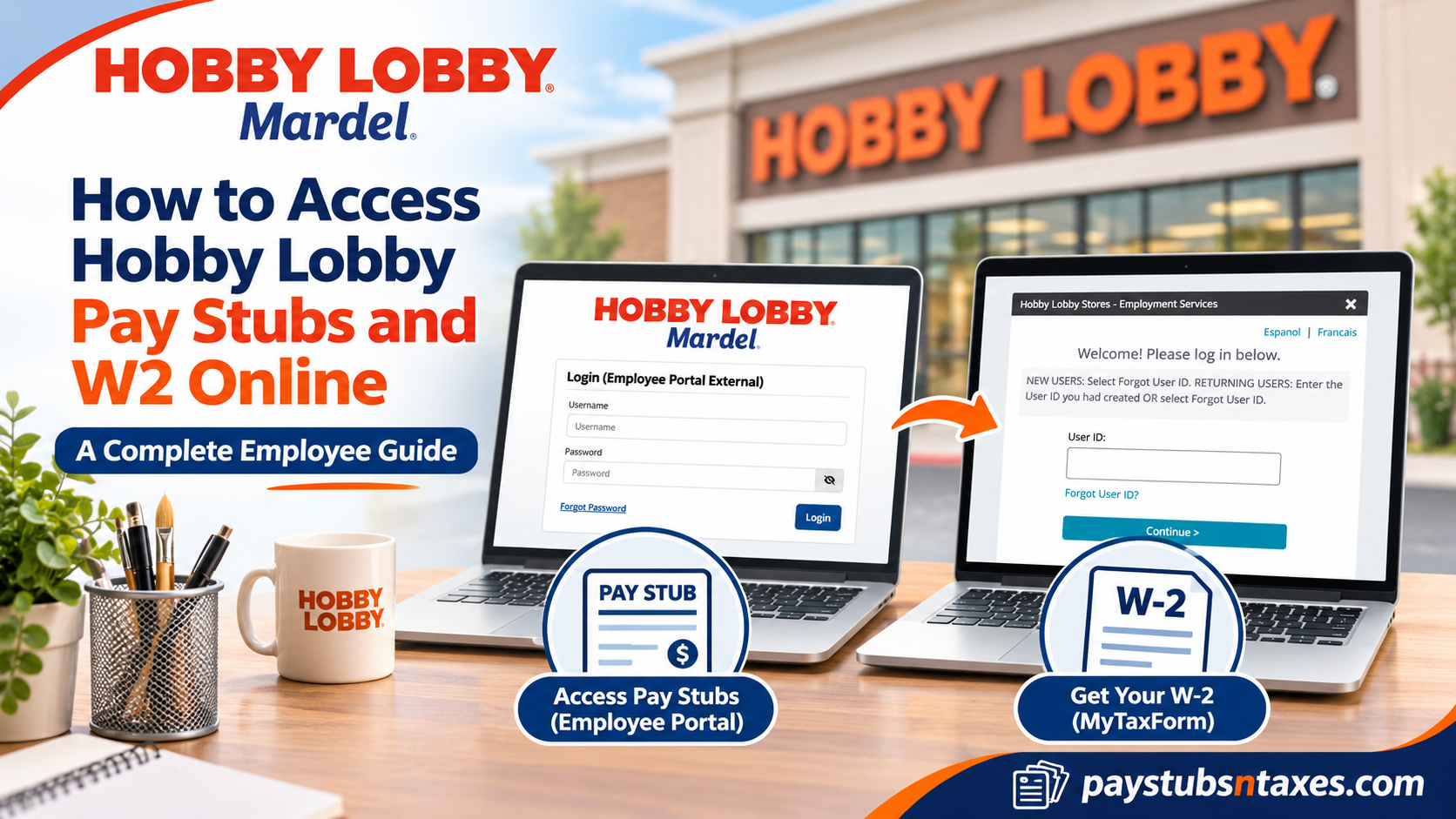
Current Hobby Lobby associates can view their pay stubs through the Hobby Lobby Employee Portal. For a W-2, current and former U.S. associates can go directly to MyTaxForm, enter employer code 11141, and sign in to Tax Form Management. If you have left Hobby Lobby and need an old pay stub, contact HR or Payroll if your Employee Portal access has ended. This comprehensive guide explains how to access Hobby Lobby pay stubs, retrieve W-2 statements, register for electronic tax document delivery, recover forgotten login credentials, and resolve common payroll-related difficulties.
| What you need | Where to go | What to have ready |
| A pay stub as a current associate | Hobby Lobby Employee Portal | Your Employee Portal username and password |
| A W-2 as a current or former U.S. associate | MyTaxForm | Employer code 11141, your MyTaxForm credentials, or the information needed to verify your identity |
| A past pay stub after leaving Hobby Lobby | Hobby Lobby HR or Payroll if your portal access has ended | The pay period or paycheck date you need |
How to View Your Hobby Lobby Pay Stubs Online
Whether you are checking a recent paycheck or gathering documents for a rental application, start with the pay period you need. A pay stub shows the earnings, deductions, taxes withheld, and net pay for an individual paycheck. The pay date and the period worked may differ, so check both if you are looking for a particular shift or payroll adjustment.
- Open the Hobby Lobby Employee Portal and select Log In in the upper-right corner.
- On the Login (Employee Portal External) page, enter your Employee Portal username and password, then select Login.
- Once signed in, locate your pay statements and open the one for the relevant pay period.
- Review the statement and use the available download or print option if you need a copy for your records.
If your password no longer works, select Forgot Password on the external login page and follow the prompts. If you can sign in but a particular statement is missing, give HR or Payroll the paycheck date or pay period so they can locate the right record.
How to Read and Save Your Pay Statement
Once you have opened the right statement, compare the pay period and pay date with the work or payment you are checking. Gross pay is what you earned before taxes and other deductions, while net pay is the amount you take home. If you are reviewing overtime or a payroll adjustment, look at the earnings lines before comparing the total with your bank deposit. That distinction makes it easier to tell whether your question concerns the amount you earned, a deduction, or the payment itself.
When you save a statement, include the pay date in the filename so you can identify it later without opening several files. If you need to send it to a lender or another organization, check which pay periods they require and how they want you to submit the copies. Pay statements contain personal information, so use a private device and the recipient’s secure submission method when available.
How to Get Your Hobby Lobby W-2 Through MyTaxForm
Form W-2 reports your wages and tax withholding for a calendar year. Hobby Lobby’s tax forms are hosted in Tax Form Management, which you can reach directly through MyTaxForm. This is the starting point for current and former associates alike, even if you can no longer sign in to the Employee Portal.
- Go to MyTaxForm, enter Hobby Lobby’s U.S. employer code 11141, and select Login.
- Check that the sign-in screen identifies Hobby Lobby Stores – Employment Services. If you already have a MyTaxForm account, enter the User ID you created. If this is your first visit or you have forgotten your User ID, select Forgot User ID?
- Follow the identity verification prompts. Enter the personal information requested using the details Hobby Lobby has on file. If prompted, choose a verification method and enter the one-time passcode.
- If the site asks you to create credentials, choose a username, check its availability, create a password, and save your changes. If asked whether to remember the device, reserve that option for a private device you control.
- On the home page, locate your tax forms, select the W-2 for the correct year, and choose View or Download. You can print the form from the PDF viewer or save it for your records.
If you need a copy delivered another way, check whether Postal Mail or Fax is available for the selected form and follow the prompts. If the year you need is missing, ask Hobby Lobby HR or Payroll how to obtain a copy for that year.
How to Sign Up for Electronic W-2 Delivery
Electronic delivery lets you retrieve your W-2 as soon as Hobby Lobby makes it available in MyTaxForm. To receive it electronically, you must give consent in Tax Form Management. The notification email tells you when the form is ready to view or download, so make sure your contact email is one you can still access.
- Sign in to MyTaxForm using employer code 11141.
- Open W-2 Delivery Options and select Go Green.
- Choose the option to receive your tax forms online, acknowledge the electronic delivery consent, and confirm your contact information.
- If the portal displays Test Now, open the test page to verify that your PDF viewer can display the form. Complete any remaining prompts to save your election.
If you prefer a paper W-2, select the paper option when it is offered. If you do not consent to electronic delivery, Hobby Lobby mails your paper W-2 to the last address it has on file. If you have moved, confirm your mailing address with HR or Payroll, particularly if you left the company before the form was issued.
If you sign in after receiving an email notification, you can open MyTaxForm directly and check the tax year shown on the form before saving it. If you have worked for Hobby Lobby across several calendar years, put the year in the filename. That makes it easier to distinguish a newly issued W-2 from a copy you downloaded during a previous filing season.
How Former Hobby Lobby Employees Can Retrieve Payroll Records
If you are a former associate looking for a W-2, start at MyTaxForm with employer code 11141. Use your existing MyTaxForm User ID or follow the Forgot User ID? prompts. If the verification screen offers only a phone number or email address you can no longer access, contact Hobby Lobby’s HR Service Center for help retrieving the form or requesting a replacement.
If you need an old pay stub and can no longer use the Employee Portal, ask Hobby Lobby HR or Payroll for the statement. Give them the pay date or a date range, particularly if you need several statements. If you are looking for your final pay stub, the date your last paycheck was issued may be more useful than your last day of work.
What to Do If Your Hobby Lobby W-2 Is Missing or Incorrect
If you can sign in but your W-2 is missing, confirm that you are looking at the correct tax year. If you opted for electronic delivery, check whether you received the availability email. If you expected a paper copy, ask HR or Payroll to confirm the mailing address and explain how to request a replacement. If the form contains an error, identify the box or detail in question when you contact Payroll so they can review it.
For help viewing or printing a W-2, call the Hobby Lobby HR Service Center at 405-745-1100. Have the tax year ready when you call. MyTaxForm may also display Form 1095-C, which reports employer-provided health coverage. To request a printed 1095-C, contact the Hobby Lobby Benefits Department at 800-200-1494 or benefits@hobbylobby.com.
Conclusion
Accessing Hobby Lobby pay stubs and W-2 forms online is straightforward once employees understand which platform serves their particular needs. Current associates can use the Hobby Lobby Employee Portal to review available payroll statements, while both current and former employees can retrieve eligible W-2 tax documents through MyTaxForm using employer code 11141.
For employees seeking faster and more convenient access to year-end tax statements, enrolling in electronic W-2 delivery can be particularly beneficial. By completing the required identity verification, confirming accurate contact information, and maintaining secure login credentials, employees can streamline the process of obtaining essential financial records.
Should technical complications or document availability issues arise, Hobby Lobby’s HR Service Center and Benefits Department provide additional avenues for assistance. Ultimately, understanding these resources allows employees to manage payroll information, prepare their tax returns, and maintain important employment records with greater confidence and efficiency.
Frequently Asked Questions
1. Where can I find my Hobby Lobby pay stubs?
Open the Hobby Lobby Employee Portal, select Log In, and enter your employee username and password. After signing in, open the pay statement for the period you need.
2. How do I reset my Hobby Lobby Employee Portal password?
Select Forgot Password on the Employee Portal External login page and follow the prompts. If you still cannot sign in, contact Hobby Lobby HR or Payroll for help.
3. Can former Hobby Lobby employees get copies of old pay stubs?
Yes. If your Employee Portal access has ended, ask Hobby Lobby HR or Payroll for copies. Give them the paycheck dates or the pay periods you need.
4. What is the Hobby Lobby employer code for MyTaxForm?
The Hobby Lobby employer code for U.S. associates is 11141. Enter it on MyTaxForm to reach the Hobby Lobby Stores – Employment Services sign-in screen.
5. Can I access my Hobby Lobby W‑2 after I leave the company?
Yes. Former associates can go directly to MyTaxForm, enter employer code 11141, and sign in or verify their identity to access available W‑2 forms.
6. How do I sign in to MyTaxForm for the first time?
After entering employer code 11141, select Forgot User ID? on the Hobby Lobby sign-in screen. Follow the identity verification prompts and create your username and password when prompted.
7. What if I forgot my Hobby Lobby MyTaxForm User ID?
Select Forgot User ID? on the MyTaxForm sign-in screen. Use the information Hobby Lobby has on file and complete any verification steps the site requests.
8. Can I use my Employee Portal credentials to sign in to MyTaxForm?
Each portal has its own login. Use your Hobby Lobby Employee Portal credentials for pay stubs and your MyTaxForm User ID and password for W‑2 forms.
9. How do I download or print my Hobby Lobby W‑2?
Sign in to MyTaxForm and select the W‑2 for the correct tax year. Choose Download to save it or View to open it and print from your PDF viewer.
10. How do I sign up for electronic W‑2 delivery?
In MyTaxForm, open W‑2 Delivery Options and select Go Green. Choose online delivery, acknowledge your consent, and confirm your contact information. You’ll receive an email when your form is available.
11. Will Hobby Lobby mail my W‑2 if I don’t choose electronic delivery?
Yes. If you do not consent to electronic delivery, Hobby Lobby mails your paper W‑2 to the last address it has on file.
12. How do I update my mailing address for my Hobby Lobby W‑2?
Contact Hobby Lobby HR or Payroll to confirm or update your mailing address. If the form has already been mailed, ask how to request a replacement.
13. What if MyTaxForm sends a passcode to an old phone number or email address?
Use another verification method if MyTaxForm offers one. If you can’t access any of the listed options, contact Hobby Lobby HR for help retrieving your W‑2.
14. Can I get a Hobby Lobby W‑2 from a previous year?
Check MyTaxForm for the year you need. If it’s missing, contact Hobby Lobby HR or Payroll and specify the tax year when you request a copy.
15. What should I do if my Hobby Lobby W‑2 shows incorrect information?
Contact Hobby Lobby Payroll and identify the tax year and the box or personal detail that appears incorrect. Ask Payroll to review the discrepancy and explain how to obtain a corrected form if needed.
