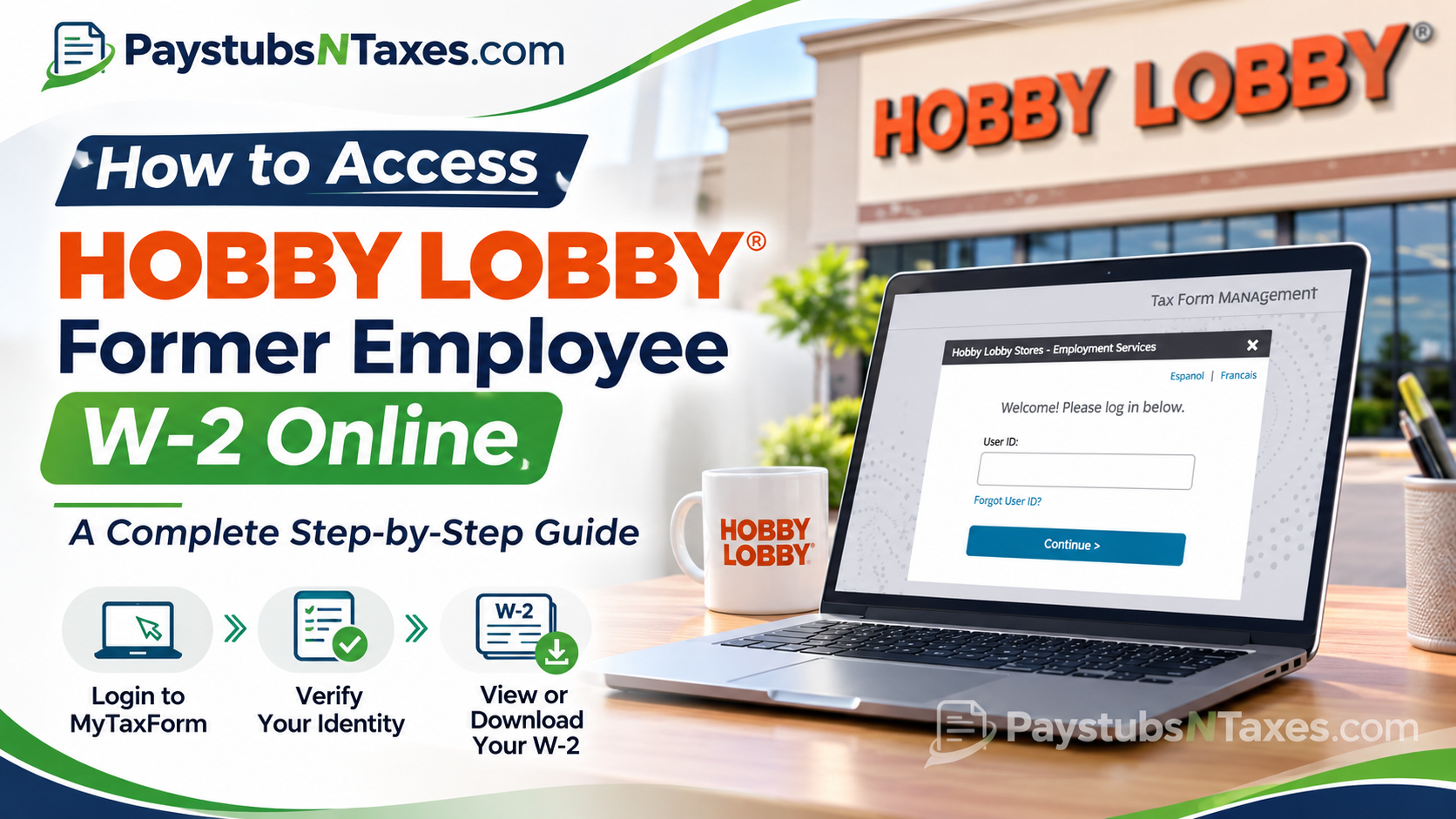
Leaving a job does not necessarily mean leaving behind the administrative responsibilities associated with your employment. Whether you recently resigned, retired, or moved on to a different career, obtaining your Form W-2 from a previous employer remains an essential part of fulfilling your annual tax obligations. Fortunately, former Hobby Lobby employees can access their year-end tax statements through MyTaxForm, an online Tax Form Management platform powered by Equifax, without necessarily visiting their former workplace or waiting for documents to arrive in the mail.
Hobby Lobby provides two primary methods for receiving W-2 statements: electronic delivery and traditional postal mail. Although both options serve the same fundamental purpose, electronic access offers greater convenience, enhanced accessibility, and the opportunity to retrieve important tax documents as soon as they become available.
If you are wondering how to access your Hobby Lobby former employee W-2 online, this comprehensive guide explains everything you need to know, including the official tax portal, employer identification code, account registration, identity verification, electronic delivery consent, W-2 downloads, and troubleshooting procedures.
How to Access Hobby Lobby Former Employee W-2 Online: Step-by-Step Instructions
Retrieving your Hobby Lobby W-2 involves accessing the designated tax document portal, authenticating your identity, and locating the relevant tax statement.
Although the process is relatively straightforward, users accessing the platform for the first time may need to complete additional registration and security procedures.
1. Open MyTaxForm and enter the Hobby Lobby employer code
On the Tax Form Management sign-in page, enter 11141 in the employer name or code field, then select Login. The next screen should identify the employer as Hobby Lobby Stores – Employment Services. Check that name before entering any personal information, particularly if you used MyTaxForm for another employer.
The Hobby Lobby employer code takes you to the company’s sign-in page. From there, your personal User ID identifies your account and gives you access to the tax forms associated with your employment.
2. Sign in or set up your account
Returning users. Enter the User ID you previously created, select Continue, and follow the prompts to sign in. If your User ID escapes you, select Forgot User ID? and complete the identity verification steps. If you remember the User ID but have forgotten your password, use the password recovery option when it appears.
First-time users. Select Forgot User ID? on the Hobby Lobby sign-in screen. Although the label sounds like it is meant for returning users, the Hobby Lobby screen directs new users to the same link to begin account setup.
- Review the identity verification notice and continue.
- Enter the personal information requested, using the details Hobby Lobby has on file, then select Continue.
- Choose an available method to receive a one-time passcode. Enter the code when prompted.
- Create a unique User ID and password. If Check Status appears, use it to confirm that your preferred User ID is available, then select Save.
- If the portal asks whether to remember your device, choose Yes only on a private device you control. On a shared or public computer, select No and continue.
If the verification code can only be sent to a phone number or email address you can no longer access, contact the HR Service Center for help before making further attempts.
3. Find, download, or print your Hobby Lobby W-2
Once you are signed in, look for the most recent tax forms on the MyTaxForm home page. Find the entry labeled W-2, verify the tax year, and select the checkbox beside the form if the dashboard requires it. If you left Hobby Lobby in one calendar year but received your final paycheck in the next, check both years for wages paid by the company.
- View opens the form so you can review it, save it, or print it.
- Download saves a copy directly to your device when that option is available.
- Postal Mail lets you request a paper copy if the option appears for your form.
- Fax may also appear as a delivery option. Follow the prompts and verify the destination number before submitting the request.
Open the downloaded PDF to confirm that the pages are readable and the tax year is correct. If the dashboard also lists Form 1095-C, choose Form W-2 for your wage and withholding information.
4. Choose electronic or paper W-2 delivery
Hobby Lobby offers electronic and paper delivery. If you want to receive a W-2 online as soon as it becomes available through electronic delivery, complete the consent process in MyTaxForm. The portal can then notify you by email when your form is ready to view or download.
- Sign in and open W-2 Delivery Options or look for Online Delivery Consent.
- Select Go Green or choose the option to receive your tax forms online.
- Review the disclosure and acknowledge your consent.
- Confirm your email address and any other contact details requested.
- If Test Now appears, open the test PDF with the reader specified on screen, then follow any remaining prompts to finish.
If you previously opted in, check My Account for your delivery preferences when the consent option is absent from the home page. If you prefer paper delivery or have not consented to electronic delivery, Hobby Lobby mails the W-2 to your last address on file. If you have moved since leaving the company, ask HR to confirm the mailing address in your payroll record. If the form has already been sent, ask how to request a replacement.
View or Download Your Hobby Lobby W-2
- After successfully completing the login process, you should arrive at your Tax Form Management account dashboard.
- This interface provides access to available employment tax documents and account-related options.
- Look for the section displaying your most recent tax statements.
- If your Hobby Lobby W-2 has already been issued and remains available through the platform, it should appear among the accessible documents.
- Select the applicable tax year to ensure that you retrieve the statement corresponding to the period in which you earned wages from Hobby Lobby.
- For example, if you worked for Hobby Lobby during 2025, you would ordinarily need your 2025 Form W-2 when preparing your federal income tax return in 2026.
Once you have located the relevant W-2 statement, select the checkbox associated with the document you wish to access.
- Depending on the available interface options, you may be able to:
- View: Open the W-2 electronically for examination.
- Download: Save a digital copy of the tax statement to your device.
- Print: Produce a physical copy for recordkeeping or tax preparation.
- Postal Mail: Request delivery of an available tax document through the postal service, where the option is supported.
- Fax: Request transmission by fax, where this feature remains available.
- For immediate access, selecting Download is generally the most convenient option.
- Save the document in a secure location and use a PDF-compatible application to open it.
- Before using the W-2 to prepare your income tax return, carefully review the employee information, employer details, annual wages, and tax withholding figures.
- If you discover discrepancies, contact Hobby Lobby’s HR or payroll representatives rather than attempting to modify the tax document yourself.
Hobby Lobby Former Employee W-2 Contact Information
If you encounter difficulties recovering your account, verifying your identity, or accessing a W-2 statement, Hobby Lobby provides an HR contact number for assistance.
Hobby Lobby HR Service Center
Phone: 405-745-1100
Tax Form Portal: https://www.mytaxform.com
Employer Code: 11141
Before calling, consider preparing the information necessary to help the representative locate your employment records.
This may include your full legal name, approximate employment dates, previous store location, and the tax year for which you need a W-2.
For security reasons, share sensitive identifying information only through authorized verification procedures.
Conclusion
Obtaining your Hobby Lobby former employee W-2 online does not have to be a frustrating or time-consuming undertaking. Through the MyTaxForm Tax Form Management platform, eligible former employees can securely access available year-end tax statements, download electronic copies, and manage their document delivery preferences without relying exclusively on traditional postal correspondence.
To begin, visit MyTaxForm.com, enter Hobby Lobby employer code 11141, and sign in using your personalized credentials. If you are accessing the portal for the first time, complete the required identity verification and account registration procedures before navigating to your available tax forms.
For employees who prefer prompt and convenient access, enrolling in electronic delivery can be particularly advantageous, provided the appropriate consent has been submitted and accepted.
Ultimately, whether you need your W-2 to prepare an income tax return, verify previous earnings, or maintain accurate financial records, understanding the proper retrieval process can save considerable time and unnecessary inconvenience.
If technical difficulties or missing documents prevent you from accessing your tax information, the Hobby Lobby HR Service Center at 405-745-1100 remains the designated contact for further assistance.
Frequently Asked Questions
1. What is the Hobby Lobby employer code for MyTaxForm?
The employer code for U.S. Hobby Lobby employees is 11141. After entering it, look for Hobby Lobby Stores – Employment Services on the sign-in screen.
2. How do I sign in to MyTaxForm for the first time?
Select Forgot User ID? on the Hobby Lobby sign-in screen. Verify your identity using the information Hobby Lobby has on file, enter the one-time passcode, and create a User ID and password when prompted.
3. What if I forgot my MyTaxForm User ID or password?
Select Forgot User ID? to recover your User ID. If you remember your User ID but forgot your password, enter your User ID and use the password recovery option when it appears.
4. What if I can’t receive the MyTaxForm verification code?
Check whether the portal offers another phone number or email address you can access. If none of the listed options works, call the Hobby Lobby HR Service Center at 405-745-1100 for help accessing your W-2.
5. How do I download my Hobby Lobby W-2 as a PDF?
Find the W-2 for the correct tax year on the MyTaxForm home page and select Download. If you only see View, open the form and use the PDF viewer’s save option.
6. How do I print my Hobby Lobby W-2?
Select View and print from the document viewer. If the form opens but won’t print, download the PDF and print it from a PDF reader.
7. How do I sign up for electronic W-2 delivery?
Open W-2 Delivery Options or Online Delivery Consent, choose Go Green or the option to receive tax forms online, and confirm your contact details. If Test Now appears, open the test PDF and complete the remaining prompts.
8. Will MyTaxForm email me when my Hobby Lobby W-2 is ready?
If you consent to electronic delivery, MyTaxForm can email you when the form is available. Confirm that the email address in your account is one you still use.
9. Will Hobby Lobby mail my W-2 if I don’t choose electronic delivery?
Yes. If you don’t consent to electronic delivery, Hobby Lobby mails your paper W-2 to the last mailing address it has on file.
10. What if I moved after leaving Hobby Lobby?
Contact the Hobby Lobby HR Service Center to confirm or update the mailing address in your payroll record. If your W-2 was already sent to your old address, ask how to request a replacement.
11. Can I request a mailed or faxed copy through MyTaxForm?
If Postal Mail or Fax appears for the W-2 you need, select it and follow the prompts. If neither option appears, contact Hobby Lobby HR to ask which delivery methods are available.
12. Can I get a Hobby Lobby W-2 from a previous year?
Check MyTaxForm for the specific tax year. If the older W-2 isn’t listed, call the HR Service Center and ask for a copy for that year.
13. Why is my Hobby Lobby W-2 missing from MyTaxForm?
Confirm you’re signed in under Hobby Lobby Stores – Employment Services and check the tax year. If the W-2 still doesn’t appear, ask HR whether it has been issued and how you can get a copy.
14. Which form should I select if I see both a W-2 and a 1095-C?
Select Form W-2 for your wages and tax withholding. Form 1095-C reports information about employer-provided health coverage.
15. Who should I call for a duplicate Hobby Lobby W-2?
Call the Hobby Lobby HR Service Center at 405-745-1100. Have the tax year, your current mailing address, and your former employee ID, if available, ready when you call.
