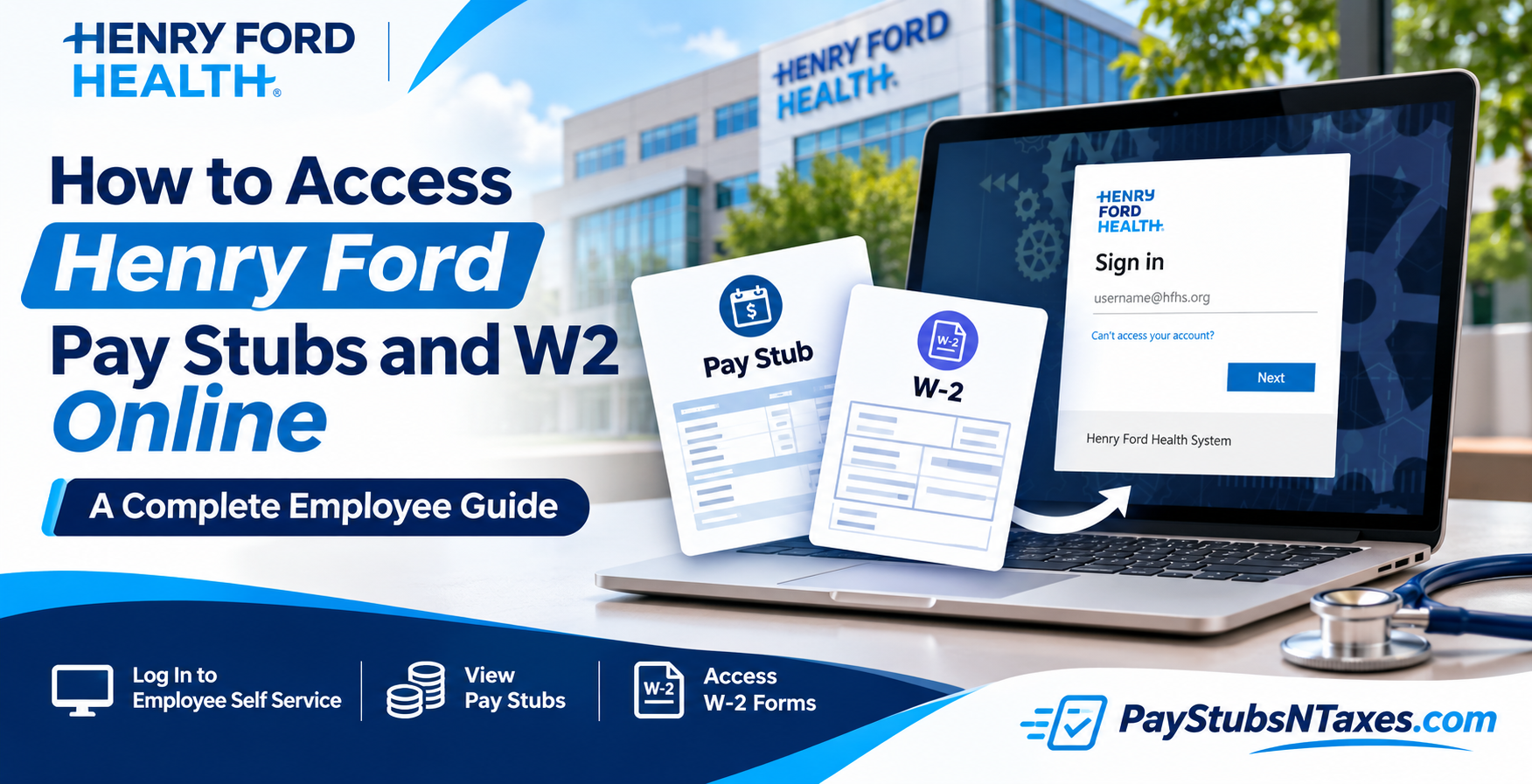
Henry Ford Health employees can access their pay stubs and W-2 forms through the Employee Self Service (ESS) portal, which provides a convenient way to review payroll records and manage personal information. Whether you need your latest earnings statement, a previous paycheck, or a W-2 for your tax records, knowing where to look can save time and make the process straightforward. Current employees can view payroll documents online, while former employees must request pay stub reprints through Henry Ford’s HR website and receive their W-2 forms by mail. This guide explains how to sign in, locate your documents, manage electronic delivery consent, and get assistance when needed.
Henry Ford Employee Self Service: Getting Started
The Henry Ford Health ESS portal allows employees to view payroll documents and update their personal information through a web-based application. You can access it from a home computer, a work computer, or an available employee kiosk.
To begin, open the Henry Ford Employee Self Service portal. The sign-in process uses Microsoft single sign-on, so have your Henry Ford work account credentials ready.
- Enter your Henry Ford work email address or assigned organizational username.
- Select Next and follow the prompts to authenticate.
- Complete any additional verification requested.
- Once signed in, navigate to Employee Self Service to access your employee information.
Because payroll records contain sensitive information, use a trusted device whenever possible and sign out when you have finished, particularly if you are using a shared computer or kiosk.
How to Log In to Henry Ford Health Employee Self Service
Before retrieving your pay stubs or W-2 forms, you must successfully authenticate your identity through Henry Ford Health’s designated employee login system.
The portal supports access through authorized organizational credentials, including Microsoft-based single sign-on (SSO) authentication.
Step-by-Step Henry Ford Employee Login Instructions
- Visit the official Henry Ford Health Employee Self Service website. Open your preferred internet browser and navigate to the official ESS login portal at https://workforceconnect.hfhs.org/psp/ext/EMPLOYEE/HRMS/c/ROLE_EMPLOYEE.HF_MY_HOME_FLU.GBL?cmd=login.
- Locate the employee sign-in interface. Depending on your employment classification and account configuration, the portal may redirect you to Henry Ford Health’s Microsoft authentication page.
- Enter your organizational username. Provide your assigned Henry Ford Health username or corporate email address, typically associated with the @hfhs.org domain.
- Select the Next button. After entering your username, click Next to proceed to the password verification stage.
- Enter your account password. Supply the password associated with your Henry Ford Health corporate account.
- Complete additional security verification if requested. Depending on the organization’s current security requirements, you may need to complete multifactor authentication or another identity verification process.
- Access your Employee Self Service dashboard. Once successfully authenticated, the system will display your personalized ESS homepage, where you can navigate to payroll information, tax documents, employee benefits, and other HR resources.
Important: New employees or recently rehired personnel who have not yet received their corporate credentials may need to use the separate New/Re-hire Employee Self Service login option available through Henry Ford Health’s Human Resources website.
For a convenient starting point, visit the official Henry Ford Health Human Resources page at:
https://www.henryford.com/human-resources
How to View Henry Ford Pay Stubs Online
Current employees can retrieve their pay statements through the My Pay section of Employee Self Service. This is the main route for reviewing available paycheck records.
To access your Henry Ford pay stubs:
- Sign in to the ESS portal.
- Open Employee Self Service.
- Select My Pay.
- Click View All Pay Checks.
- Choose the paycheck you want to review.
For quicker access to your latest statement, select View Paycheck under Hot Spots on the ESS homepage. This shortcut is particularly useful when you simply want to check your most recent payment without navigating through your paycheck history.
Once the statement opens, review the information carefully. If you need a personal copy, use the available download or print option.
Henry Ford Health pays employees biweekly, and the published payroll schedule is available on OneHENRY. Checking that schedule can help you keep track of upcoming pay dates and plan your finances with greater confidence.
How to Consent to Electronic W-2 Delivery
Employees who want to receive their W-2 electronically must provide their consent through ESS. Once submitted, that consent remains in effect throughout employment unless it is revoked.
To manage your electronic delivery preference:
- Sign in to Employee Self Service.
- Go to the Home page.
- Look under Hot Spots for W-2 Consent.
- Open the link and follow the instructions to provide consent.
You only need to consent once; there is no need to repeat the process each year while your consent remains active. If you later decide to withdraw it, you can return to the W-2 consent link in ESS and revoke your authorization.
Employees who do not consent to electronic delivery will receive a paper W-2 at their home address. Keeping your mailing address current is therefore essential, especially if you have recently moved.
How to Access Your Henry Ford W-2 Online
If you worked for Henry Ford Health during the previous year and remain employed, you can access your available W-2 through Employee Self Service after completing the electronic consent process.
When your W-2 becomes available online, you will receive an email notification letting you know that it is ready to view or download.
Follow these steps to retrieve it:
- Log in to Employee Self Service.
- Select W2 Statement under Hot Spots.
Alternatively, open My Pay and choose W2 Statement.
- Enter your Social Security number and date of birth when prompted for security verification.
- Locate the appropriate tax year.
- Select Year End Form to open the W-2.
- Download or print a copy for your records.
Only enter sensitive information after confirming that you are using the official Henry Ford ESS portal.
Active employees can view and reprint W-2 forms online for four years. Saving your own copies as they become available can make future paperwork easier to manage.
If you cannot access your W-2, check your electronic delivery consent first. From the ESS homepage, open W2 Consent Form under Hot Spots and confirm that you have authorized electronic delivery.
How Former Henry Ford Employees Can Obtain Pay Stubs
Former employees who need copies of their pay statements must submit a Pay Stub Reprint Request form through Henry Ford’s HR website.
Locate the form, complete the requested information, and follow its submission instructions. Providing accurate details about the pay statements you need will help Employee Services identify the relevant records.
If you cannot locate the form or need help with the request, contact Employee Services for guidance.
How Former Employees Receive Their W-2 Forms
All terminated employees receive a paper W-2 by mail. Consequently, former employees should ensure that Henry Ford Health has their correct mailing address.
If you have moved since leaving the organization, contact Employee Services to ask how to update your address. If your W-2 has not arrived or you need another copy, Employee Services can advise you on the appropriate next steps.
The key distinction is straightforward: active employees can access available electronic W-2 forms through ESS after consenting, while former employees receive their W-2 by mail.
What to Do If You Cannot Sign In
If you encounter difficulty accessing Employee Self Service, start with the account recovery option on the sign-in page. The Microsoft login screen includes a “Can’t access your account?” link, which can help you begin the recovery process.
Follow the available password reset or account recovery instructions. If you still cannot sign in, contact the IT Service Desk at 248-853-4900 for assistance.
For payroll questions, document requests, or other employee service matters, use these contact details:
| Support team | Contact information | When to contact |
| IT Service Desk | 248-853-4900 | Sign-in problems and technical access issues |
| Employee Services | 855-874-7100 | Payroll questions, pay stub reprints, and W-2 assistance |
| Employee Services email | employeeservices@hfhs.org | Employee service inquiries and guidance |
Where to Find Additional HR Information
The Human Resources page on OneHENRY provides additional information for Henry Ford employees, including access to the published payroll schedule.
You must be connected to the Henry Ford Health network to access this internal information. If you are away from work, use Henry Ford’s remote access process to connect to the network before opening the relevant OneHENRY resources.
Conclusion
Obtaining your Henry Ford Health pay stubs and W-2 forms online is considerably easier when you understand the organization’s Employee Self Service system and the procedures governing electronic payroll documentation.
For current employees, ESS offers a convenient, centralized platform for reviewing paycheck histories, retrieving annual tax statements, updating direct deposit arrangements, and managing personal employment information. By navigating to My Pay, employees can access available earnings statements, while the W2 Statement section provides a straightforward route to their annual tax documentation.
Former employees, meanwhile, can obtain replacement pay stubs and W-2 forms through Henry Ford Health’s dedicated Human Resources request services, ensuring that essential employment records remain obtainable even after organizational access has ended.
Whether you are preparing your income tax return, verifying your earnings, or safeguarding your financial records, maintaining accurate personal information and using official Henry Ford Health payroll resources will help you navigate the process with greater confidence, efficiency, and peace of mind.
Frequently Asked Questions About Henry Ford Pay Stubs and W-2 Forms
1. Where can I access the Henry Ford employee payroll portal?
Visit the Henry Ford Employee Self Service portal and sign in through Microsoft SSO using your Henry Ford work account credentials.
2. How do I view my Henry Ford pay stubs online?
After signing in to ESS, select Employee Self Service → My Pay → View All Pay Checks. Choose the paycheck you want to review, then use the available options to save or print it.
3. How can I view my most recent Henry Ford paycheck?
Select View Paycheck under Hot Spots on the ESS homepage. This shortcut opens your most recent paycheck without requiring you to navigate through your payment history.
4. How often does Henry Ford Health pay employees?
Henry Ford Health pays employees biweekly. The published payroll schedule is available on OneHENRY, where employees can check their scheduled pay dates.
5. How do I access my Henry Ford W-2 online?
Sign in to ESS and select W2 Statement under Hot Spots, or navigate to My Pay → W2 Statement. Complete the requested security verification, choose the correct tax year, and click Year End Form.
6. How do I consent to electronic W-2 delivery?
On the ESS homepage, locate W-2 Consent or W2 Consent Form under Hot Spots. Open the link and follow the instructions to authorize electronic delivery.
7. Do I need to renew my electronic W-2 consent every year?
No. You only need to provide consent once. Your electronic delivery consent remains effective throughout your employment unless you revoke it through Employee Self Service.
8. How will I know when my online W-2 is available?
You will receive an email notification when your electronic W-2 is ready. You can then sign in to ESS to view, download, or print the available form.
9. How long are Henry Ford W-2 forms available online?
Active employees can view and reprint their W-2 forms online for four years. Downloading a personal copy helps keep your records accessible when needed.
10. Why can’t I access my W-2 in Employee Self Service?
Check whether you have consented to electronic delivery by opening the W-2 Consent Form under Hot Spots. If you have provided consent but still cannot access the form, contact Employee Services.
11. Will I receive a paper W-2 if I do not consent electronically?
Yes. Employees who do not authorize electronic W-2 delivery receive a paper copy at their home address. Keep your mailing address current to avoid delivery problems.
12. How do former Henry Ford employees obtain pay stubs?
Former employees must submit a Pay Stub Reprint Request form through Henry Ford’s HR website. Follow the form’s instructions, or contact Employee Services if you need help locating or submitting it.
13. How do former Henry Ford employees receive their W-2 forms?
All terminated employees receive a paper W-2 by mail. If your address has changed or you need assistance obtaining your form, contact Employee Services for guidance.
14. Can I access Henry Ford ESS from home?
Yes. You can access ESS from a home computer, a work computer, or an available employee kiosk. Additional internal HR resources on OneHENRY require access to the Henry Ford network, including remote access when away from work.
15. Who should I contact for Henry Ford payroll or login assistance?
For login problems, use the account recovery link on the sign-in page or call the IT Service Desk at 248-853-4900. For payroll documents and W-2 assistance, call Employee Services at 855-874-7100 or email employeeservices@hfhs.org.
