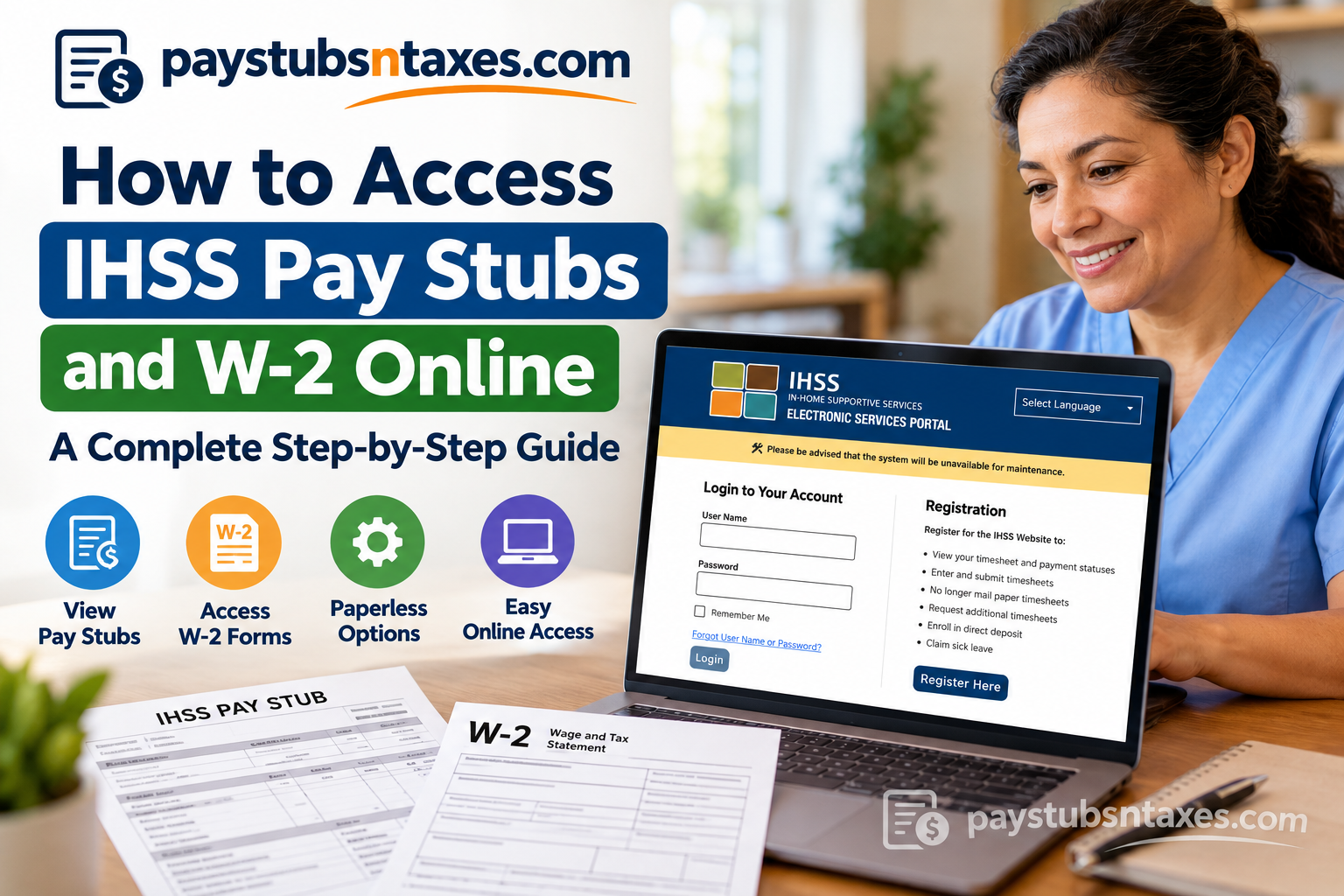
IHSS providers can access their pay stubs and available W-2 forms through California’s Electronic Services Portal (ESP). Once you have signed in, use the Financial menu to locate payment records or open Taxes → W-2 Forms to download your tax documents. Whether you need an earnings statement for your records or a W-2 for tax preparation, the portal puts essential payroll information at your fingertips. The following tutorial explains how to register, retrieve your documents, update your paperless preferences, and resolve common access problems.
What Is the IHSS Electronic Services Portal?
California’s In-Home Supportive Services program helps eligible older adults and people who are blind or have disabilities remain safely in their own homes. Providers deliver authorized assistance, while the Electronic Services Portal gives them a convenient way to manage associated payroll tasks.
Accessible from a smartphone, tablet, laptop, or desktop computer, ESP allows providers to submit electronic timesheets, review payment status and history, manage direct deposit, and submit sick leave claims. Recipients can also use the portal to approve or reject timesheets.
For providers who want to keep their paperwork in order, understanding where to find payment statements and annual tax documents is particularly useful.
How to Register for an IHSS ESP Account
Before you can view your IHSS payroll information online, you must register for an ESP account.
- Visit the official IHSS Electronic Services Portal.
- Select Register Here.
- Follow the registration prompts for your provider account.
- Enter the identifying information requested by the portal.
- Create your login credentials and complete the verification steps displayed.
Use an email address you can reliably access, since you may need it to recover your username or reset your password. Once registration is complete, return to the login page to access your account.
How to Access IHSS Pay Stubs Online
Your IHSS payment records are available through the portal’s Financial section. To find a pay stub, follow these steps:
1. Open the Official ESP Login Page
Go to the IHSS ESP login page.
2. Sign In to Your Provider Account
Enter your username and password, select Login, and complete any additional verification requested.
3. Open the Financial Menu
From the Provider Home screen, select Financial in the navigation bar.
4. Find Your Payment Record
Choose Payment Search or Payment History, depending on the options displayed. Locate the recipient and pay period associated with the statement you need.
5. Open the Available Statement
Select the relevant payment to review its details. When a pay stub or downloadable statement is available, open the document.
A payment record and its associated statement may become available at different stages of processing. If you can see a payment status but cannot yet download a pay stub, check again after processing has progressed.
6. Save or Print Your Pay Stub
Use the document viewer’s download or print controls to retain a copy. Before saving, confirm that you have selected the correct recipient and pay period.
Giving each downloaded file a clear name—for example, one containing the pay period—can save you time when you need to retrieve it later.
How to Access IHSS W2 Forms Online
Available IHSS W-2 forms can be viewed, saved, and printed through ESP. Although commonly searched for as an “IHSS W2,” the document’s formal name is Form W-2, Wage and Tax Statement.
To retrieve yours:
- Visit the IHSS ESP login page.
- Enter your username and password, then select Login.
- From the Provider Home screen, open Financial.
- Select Taxes, followed by W-2 Forms.
- Choose the appropriate Tax Year from the drop-down menu.
- Locate the relevant recipient and select View W-2.
- When the PDF opens, save or print the document.
If you worked for more than one recipient, review the entries displayed for the selected year so that you do not overlook an available form.
Selecting a tax year does not guarantee that its W-2 has already been issued. If the form is unavailable, confirm the year you selected and check again once that year’s documents have been released.
How to Choose Paperless IHSS Pay Stubs
Providers who use direct deposit can choose paperless pay stubs through their ESP account. This allows eligible providers to receive their statements electronically and reduces the paperwork arriving by mail.
To update your preference:
- Log in to your ESP account.
- Open Account Information.
- Select Paperless Mailing Options.
- Choose Electronic Online (Paperless) for the applicable document.
- Select Save and review any confirmation displayed.
You may also see information about these settings under My Preferences. Follow the options currently displayed in your account, since menu wording can change as the portal is updated.
Paperless IHSS W-2 Forms for Tax Year 2027
IHSS/WPCS providers can now choose a paperless mailing option for their tax year 2026 W-2, which arrives in January 2027. Review My Preferences or the paperless mailing settings in your ESP account to see the available election and complete any required consent.
There is an important distinction between viewing a W-2 online and electing paperless delivery. Opening or downloading an available form does not, by itself, mean that you have changed your mailing preference.
Similarly, do not assume that choosing paperless pay stubs automatically changes your W-2 delivery method. Review the preference for each document separately and save your selections.
How to Recover Your IHSS ESP Username or Password
Forgetting your login details need not bring your payroll tasks to a standstill. ESP provides account recovery options on its login page.
- Open the official ESP login page.
- Select Forgot Username or Password.
- Choose the appropriate recovery option.
- Enter the information requested.
- Check your registered email account for the recovery message.
- Follow the instructions to recover your username or reset your password.
If the message does not appear, check your spam or junk folder. If you no longer have access to the registered email address, contact the IHSS Service Desk for assistance.
What to Do If Your Pay Stub or W-2 Is Missing
An unavailable document does not necessarily indicate an error. Before requesting assistance, work through the following checks:
- Confirm the period: Make sure you selected the correct pay period or tax year.
- Check the recipient: If you provide services to multiple recipients, review the relevant record.
- Review payment progress: A statement may not yet be available while payroll processing is underway.
- Check PDF handling: If a document fails to open, review your browser’s download and pop-up settings.
- Try another browser or device: This can help identify a browser-specific display problem.
For a missing W-2, avoid assuming that every provider will receive the same documents regardless of their circumstances. Contact IHSS for clarification about the form’s availability in your account.
If a statement opens but contains information you believe is incorrect, retain a copy and request assistance rather than altering the document yourself.
Can You Access IHSS Payroll Documents on a Phone?
Yes. You can access ESP through a web browser on your smartphone or tablet, making it possible to review payment records and retrieve available documents while away from your computer.
When downloading a PDF on a mobile device, check the browser’s downloads list or your device’s Files app. If you need a printed copy, you can use a compatible printer or transfer the saved document securely to your computer.
Because payroll documents contain sensitive information, store them on a device you control and sign out after using a shared computer.
How to Contact the IHSS Service Desk
If you need help registering, recovering your account, locating a payroll document, or navigating ESP, contact the IHSS Service Desk at (866) 376-7066.
Support is available Monday through Friday, from 8 a.m. to 5 p.m., excluding major holidays.
Before calling, note the affected pay period or tax year and any error message displayed. Having those details ready can help the service desk address your question more efficiently.
Final Thoughts
Accessing your IHSS pay stubs and W-2 forms online no longer needs to involve complicated paperwork, unnecessary phone calls, or prolonged uncertainty about your payroll records.
Through California’s IHSS Electronic Services Portal, providers can review payment histories, retrieve available wage statements, download tax documents, submit electronic timesheets, and manage direct deposit arrangements within a centralized digital environment.
For those who prefer a more streamlined approach, paperless mailing options provide an additional opportunity to simplify document management while keeping important financial information readily accessible.
Ultimately, taking the time to register for ESP, familiarize yourself with its features, and maintain accurate account information can make a meaningful difference in how efficiently you manage your earnings and tax records.
Whether you need to verify your latest payment, retrieve an earlier pay stub, or download a W-2 for tax preparation, the Electronic Services Portal places these essential resources within easy reach.
Frequently Asked Questions
1. How do I access my IHSS pay stubs online?
Log in to the IHSS Electronic Services Portal, select Financial, and open Payment Search or Payment History. Locate the relevant recipient and pay period, then open the available statement to view, save, or print it.
2. Where can I download my IHSS W-2?
Sign in to ESP and navigate to Financial → Taxes → W-2 Forms. Select the tax year, locate the relevant recipient, and click View W-2 to open the downloadable PDF.
3. What is the official IHSS payroll login website?
The official IHSS Electronic Services Portal login page is https://www.etimesheets.ihss.ca.gov/login. Providers can use it to access payment information, available payroll documents, and other self-service features.
4. How do I register for an IHSS ESP account?
Visit www.etimesheets.ihss.ca.gov, select Register Here, and follow the provider registration prompts. Enter the requested information, create your login credentials, and complete the verification steps.
5. Can I access IHSS pay stubs and W-2 forms on my phone?
Yes. ESP is accessible through a web browser on a smartphone, tablet, laptop, or desktop computer. You can open available documents and save their PDFs to your device.
6. How do I reset my IHSS ESP password?
Select Forgot Username or Password on the ESP login page and follow the password recovery prompts. Check your registered email account for the reset message, then follow its instructions.
7. What should I do if I forget my ESP username?
Click Forgot Username or Password on the login page and choose the username recovery option. Provide the requested information and follow the instructions sent to your registered email address.
8. How do I choose paperless IHSS pay stubs?
If you use direct deposit, sign in to ESP and open Account Information → Paperless Mailing Options. Choose Electronic Online (Paperless) for the applicable document and save your selection. Related settings may also appear under My Preferences.
9. Can IHSS providers choose paperless W-2 delivery?
Yes. IHSS/WPCS providers can choose paperless delivery for their tax year 2026 W-2, arriving in January 2027. Review the W-2 mailing preference in ESP and complete the required selection and consent.
10. Does downloading my W-2 automatically stop paper delivery?
No. Viewing or downloading a W-2 does not automatically change your mailing preference. To choose electronic delivery, update the applicable paperless setting in your ESP account.
11. Does choosing paperless pay stubs also make my W-2 paperless?
Do not assume that it does. Review your pay stub and W-2 preferences separately in ESP, select the delivery method you want for each document, and save your changes.
12. Why is my IHSS pay stub unavailable?
The statement may not yet be available while payment processing is underway. Confirm the recipient and pay period, review the payment status, and check again later. Contact the IHSS Service Desk if the issue continues.
13. Why can’t I find my IHSS W-2 in ESP?
Check that you selected the correct tax year and recipient. The form may not have been released yet, or its availability may depend on your circumstances. Contact the IHSS Service Desk if an expected W-2 is missing.
14. Can I print previous IHSS pay stubs and W-2 forms?
Yes, when those documents are available in your account. Locate the payment record or select an available tax year, open the document, and use the PDF viewer’s print or download controls.
15. Who can help with IHSS ESP login or payroll document problems?
Call the IHSS Service Desk at (866) 376-7066, Monday through Friday, 8 a.m. to 5 p.m., excluding major holidays. Have the affected pay period, tax year, or error message ready when requesting assistance.
