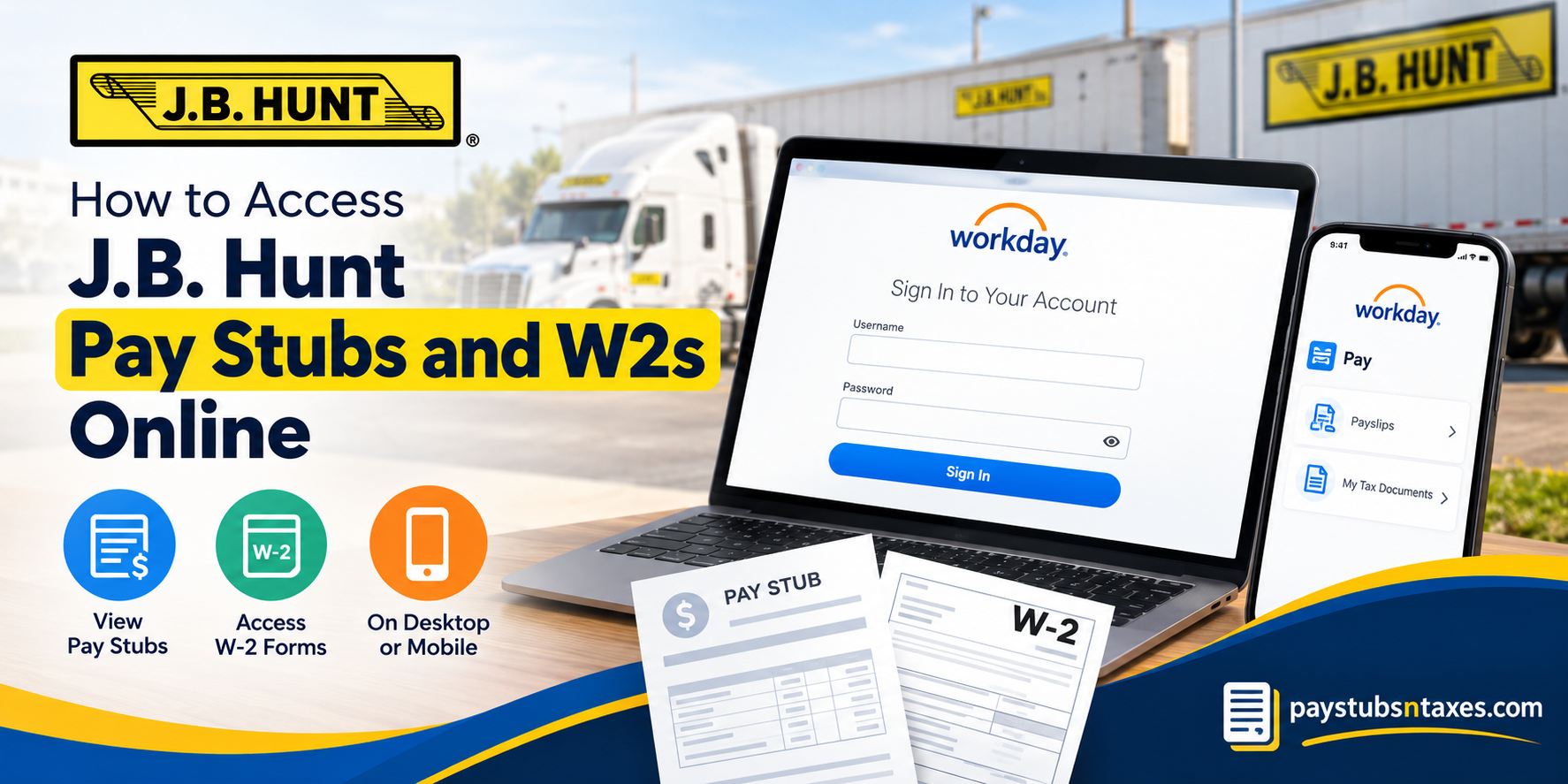
J.B. Hunt Transport Services, Inc. is a prominent American transportation and logistics company headquartered in Lowell, Arkansas. Founded in 1961, the company has evolved from a modest operation into a major logistics enterprise serving customers across the United States, Canada, and Mexico. J.B. Hunt attributes much of its long-term success to sustained investment in people, technology, and operational capacity, with a vision centered on creating an increasingly efficient transportation network across North America. For employees, keeping tabs on payroll information should not be an uphill battle. Current J.B. Hunt employees can access pay stubs and year-end tax documents, including Form W-2, through the Workday self-service portal or Workday mobile app. Once signed in, employees can review earnings, deductions, taxes, previous pay periods, and available tax documents from one secure platform.
This guide explains how to access J.B. Hunt pay stubs and W-2s online, how to download them, and what to do if you encounter difficulty signing in.
J.B. Hunt Workday Login Information
Current J.B. Hunt employees can access payroll and tax documents using the company’s Workday self-service portal or the Workday mobile app.
- Workday portal: https://wd501.myworkday.com/jbhunt/login.htmld
- Mobile organization ID:
jbhunt - Sign-in method: Single Sign-On (SSO)
Because Workday contains confidential employment and financial information, always use a trusted device and a secure internet connection. Never disclose your password or authentication code, and remember to sign out after completing your task—particularly when using a shared computer.
How to View J.B. Hunt Pay Stubs Online
Workday keeps your current and previous pay stubs in one readily accessible location. The precise labels may differ slightly depending on your device and the version of Workday you are using, but the underlying process remains straightforward.
Method 1: Access Pay Stubs From Your Profile
- Sign in to the J.B. Hunt Workday portal using SSO.
- Open your employee profile.
- Select Pay and then Payslips.
- Review the displayed list of pay-period dates.
- Select the pay period you need.
- Click the PDF link associated with that pay period.
- View, download, or print the payslip as required.
Method 2: Use the Pay Application
If the Pay application has been added to your Workday home page:
- Sign in to Workday.
- Open the Pay application.
- Under the View section, select Payslips.
- Choose the relevant pay-period date.
- Open the corresponding PDF.
- Save the document or print a copy for your records.
If the Pay application is not visible, look for View All or use Workday’s application-management options to add it to your home screen.
How to Download a J.B. Hunt Payslip From the Workday Mobile App
The Workday mobile app enables employees to retrieve payroll records while on the move, putting essential information at their fingertips.
- Open the Workday mobile app and sign in.
- Enter
jbhuntas the organization ID if prompted. - Select the Pay application from the landing page. If it is not displayed, tap View All.
- Find Pay History and select the payslip you wish to review.
- On the Pay Details screen, tap Get PDF.
- Wait while Workday generates the file.
- Tap Open PDF when the document is ready.
- Use your device’s share, upload, or save button to store the file in a secure location.
The appearance of the save or share button may vary between Android and Apple devices. Regardless of the platform, take care not to save payroll records to an unsecured or publicly accessible folder.
How to Find Your J.B. Hunt W-2 in Workday
J.B. Hunt employees can also use Workday to retrieve available year-end tax documents, including W-2 forms.
- Log in to the J.B. Hunt Workday portal.
- Select the Pay icon in the Applications section of the main dashboard.
- Locate the View section.
- Click More to expand the available options.
- Select My Tax Documents.
- Find the appropriate tax year and document type.
- Click View/Print beside the relevant W-2.
- Download the PDF or print a copy for your records.
If a corrected W-2, commonly known as a W-2c, appears in your account, retain both the original form and every correction that Workday makes available. Together, these documents provide the complete record needed when preparing or amending a tax return.
When Will the J.B. Hunt W-2 Be Available?
Employees can generally expect their W-2 to become available in Workday by January 31 for income earned during the preceding calendar year.
Employees who have not consented to electronic-only delivery should also expect a paper W-2 to be mailed by the applicable distribution deadline. Postal delivery can take additional time, so keeping your home address up to date in the company’s employment records is essential.
If January 31 has passed and your W-2 is neither visible in Workday nor received by mail, contact J.B. Hunt’s People Support Center for assistance.
Can Former J.B. Hunt Employees Use Workday?
Workday access may change after employment ends. Former employees who can no longer sign in should contact the People Support Center rather than repeatedly attempting to access an inactive account.
Before leaving the company, it is prudent to confirm that your personal email address, mailing address, and telephone number are accurate. Taking care of these details ahead of time can spare you from having to untangle avoidable problems during tax season.
J.B. Hunt Payroll and Workday Support
For questions concerning Workday, pay statements, tax documents, or account access, contact the J.B. Hunt Human Resources and People Support Center:
- Telephone: 1-800-777-4968
- Email: people.support@jbhunt.com
When requesting assistance, explain the issue clearly and mention the affected pay period or tax year. For your protection, never send your password, complete Social Security number, or other sensitive authentication information by email.
Final Thoughts
Workday gives J.B. Hunt employees a secure and efficient way to manage pay stubs and W-2 forms without having to chase down paper records. Once you know where to look, downloading a payslip or tax statement is a matter of minutes. Saving copies in a protected location throughout the year can also make financial planning, income verification, and tax preparation considerably less burdensome.
Frequently Asked Questions
1. Where can I access my J.B. Hunt pay stubs?
Log in to the J.B. Hunt Workday portal, open Pay, and select Payslips. Choose the relevant pay period and click its PDF link to view, download, or print the statement.
2. How do I log in to J.B. Hunt Workday?
Visit the J.B. Hunt Workday portal and sign in using your company Single Sign-On credentials. Current employees should use their authorized J.B. Hunt username and password.
3. What is the J.B. Hunt Workday organization code?
The organization code for the Workday mobile app is jbhunt. Enter this code when the app asks you to identify your employer or organization.
4. How do I download a J.B. Hunt pay stub?
Open Pay > Payslips, select the required pay period, and click the corresponding PDF link. Once the document opens, use your browser or device controls to download it securely.
5. How do I print a J.B. Hunt pay stub?
Open the required payslip PDF in Workday and select the print option in your browser or PDF viewer. Confirm that the correct printer and page settings are selected before printing.
6. How do I view a payslip in the Workday mobile app?
Open the Workday app, select Pay, and choose the required statement from Pay History. Tap Get PDF, wait for the file to be generated, and then select Open PDF.
7. What should I do if the Pay application is missing?
Select View All to display the complete application list. Depending on your Workday configuration, you may also be able to add the Pay application to your home page through Configure Applications.
8. Where can I find my J.B. Hunt W-2?
Sign in to Workday and select Pay from the Applications section. Under View, click More, choose My Tax Documents, and select View/Print beside the appropriate W-2.
9. When will my J.B. Hunt W-2 be available?
J.B. Hunt employees can generally expect their W-2 to be available in Workday by January 31 for income earned during the previous calendar year.
10. Will J.B. Hunt mail my W-2?
A paper W-2 should be mailed by the applicable distribution deadline if you have not consented to electronic-only delivery. Ensure that your mailing address is accurate to prevent delays.
11. Can I download my J.B. Hunt W-2 as a PDF?
Yes. Go to Pay > More > My Tax Documents, find the appropriate W-2, and click View/Print. You can then save the generated document as a PDF.
12. What should I do if I receive a corrected W-2?
A corrected wage statement is identified as a W-2c. Download and retain the original W-2 and every available correction, as the documents may need to be reviewed together.
13. Why will my Workday PDF not open?
Check whether your browser permits pop-ups and downloads from Workday. On a mobile device, confirm that Workday has permission to open or save PDF files. Trying another supported browser may also resolve the problem.
14. Can former J.B. Hunt employees access Workday?
Access may change after employment ends. Former employees who cannot sign in should contact the J.B. Hunt People Support Center for assistance obtaining payroll or tax documents.
15. How do I contact J.B. Hunt payroll support?
Call the J.B. Hunt Human Resources and People Support Center at 1-800-777-4968 or email people.support@jbhunt.com. Never include your password or complete Social Security number in an email.
