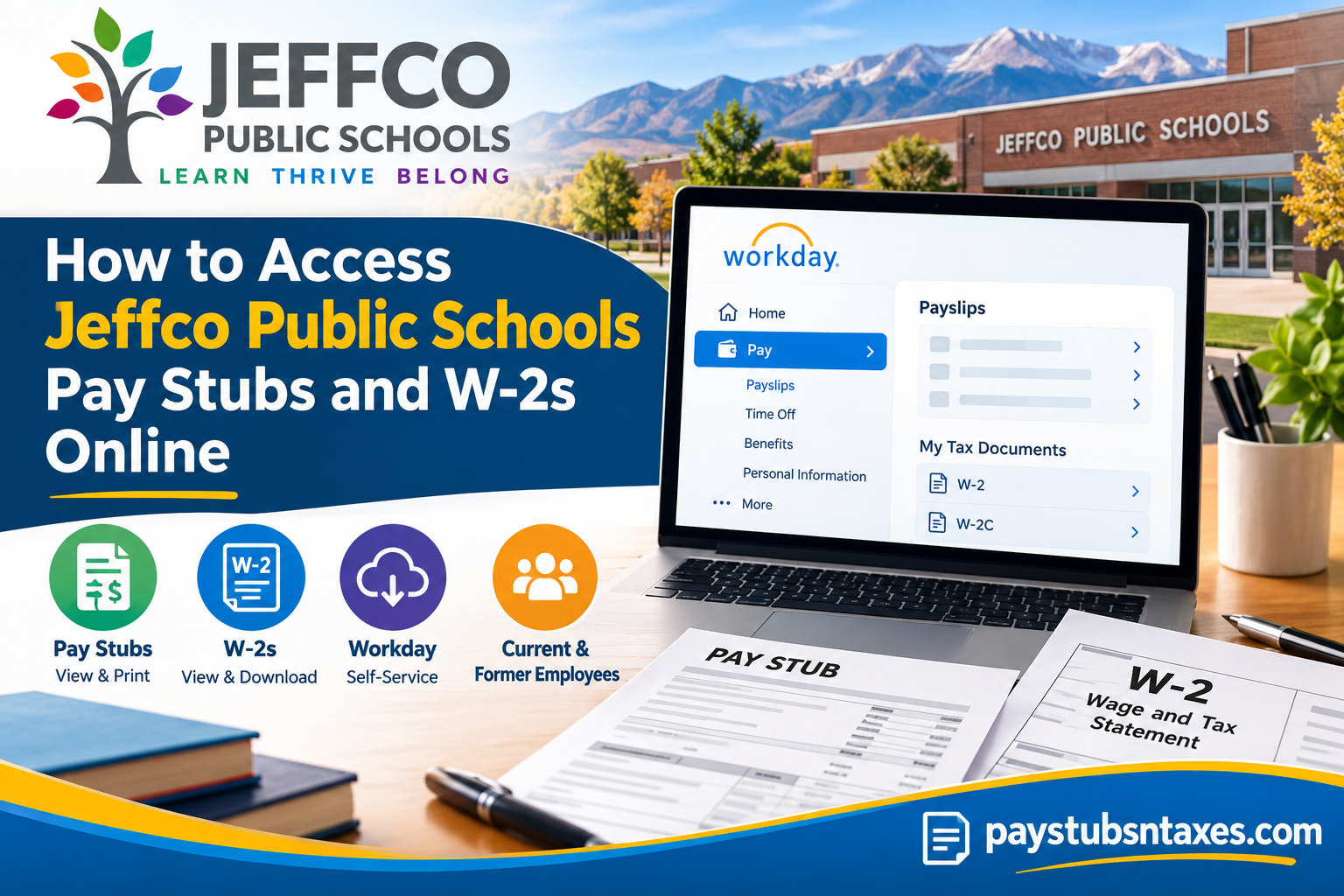
Jeffco Public Schools, formerly known as Jefferson County School District R-1, is a long-established Colorado public school district serving communities across Jefferson County and a portion of Broomfield. The district was reorganized into its present form in 1950 and remains one of Colorado’s largest public school systems. For employees, managing payroll records need not be a cumbersome exercise. Jeffco Public Schools provides access to Workday Self-Service, allowing eligible employees to view pay stubs, retrieve tax documents (W-2), and print payroll records online. Rather than waiting for paperwork to arrive by mail or contacting Human Resources every time a copy is needed, employees can keep essential payroll information at their fingertips through Workday.
Jeffco Public Schools Employee Self-Service
Current Jeffco employees can access comprehensive employee resources through the #TeamJeffco intranet, while payroll and tax-related information is available through the district’s Workday environment.
Employees may begin by visiting the Jeffco Public Schools Workday resource page at:
https://team.jeffcopublicschools.org/departments/human-resources/workday
The username used for access is generally the employee’s full Jeffco email address in the following format: FirstName.LastName@jeffco.k12.co.us.
Once successfully signed in, employees can use Workday to locate current and previous pay information as well as available tax documents.
Quick Access Information
| Item | Details |
| Payroll system | Workday Self-Service |
| Employee username | Full Jeffco email address |
| Pay stub location | Workday → Pay → Payslips |
| W-2 location | Workday → Pay → More → My Tax Documents |
| Available actions | View, download, and print |
| HR email | hr@jeffco.k12.co.us |
| HR phone | 303-982-6515 |
| Former employees | Use the Jeffco Public Schools Former Employees resources page |
How to Log In to the Jeffco Public Schools Workday Portal
Visit the Jeffco Public Schools Workday portal and follow the sign-in instructions displayed on the page.
Your username is generally your full Jeffco email address in the following format:
FirstName.LastName@jeffco.k12.co.us
Enter your password and complete any additional identity-verification steps requested by the system. Because payroll and tax records contain sensitive personal information, use a trusted device and a secure internet connection whenever possible.
Current Jeffco employees may also find Workday information and other employment resources through the #TeamJeffco intranet. Former employees should begin with the district’s Former Employees page, which provides access to relevant information about retirement, address changes, unemployment claims, and other post-employment matters.
Where Can I Find My Jeffco Pay Stubs?
Once you have signed in to Workday, follow these steps:
- From the Workday home page, select View All Apps, and then choose the Pay application.
- Alternatively, select Menu in the upper-left corner and choose Pay from the list of applications.
- Under the View column, select Payslips.
- Find the appropriate pay period in the payslip list.
- Select View to open the payslip, or choose Print to create a printable copy.
Depending on the device and browser you are using, selecting Print may first generate a PDF or open a print-preview window. You can then print the document or save it securely to your device.
How to Access Your Jeffco W-2 Online
Workday also provides access to available year-end tax documents. To locate your W-2:
- Log in to the Jeffco Public Schools Workday portal.
- Select the Pay application from the Applications section of the main dashboard.
- Locate the View section.
- Select More if the complete list of options is not immediately visible.
- Choose My Tax Documents.
- Find the relevant tax year and document type.
- Select View/Print to open, download, or print the document.
The My Tax Documents page may contain Forms W-2, W-2C, and other eligible tax statements. If a W-2C is available, it means that a correction has been issued for an earlier W-2. Download and retain every form displaying a View/Print option, as both the original document and its correction may be needed when preparing or amending a tax return.
How to Go Paperless for Tax Documents
Employees may be able to provide electronic-delivery consent in Workday and receive eligible tax forms online instead of by mail. Electronic delivery can make tax documents available sooner, reduce paper use, and eliminate the risk of an important form being delayed or misplaced in transit.
Before choosing paperless delivery, confirm that:
- You can access your Workday account reliably.
- Your email and contact details are current.
- You can download and securely retain PDF files.
- You have access to a printer if a physical copy becomes necessary.
Follow the consent instructions presented in Workday. Online delivery should not be assumed until the system confirms that the election has been completed successfully.
Jeffco Public Schools also sends W-2s by postal mail to the employee’s designated address, generally no later than January 31 of the following year. Employees expecting a mailed form should therefore ensure that their address on record is complete and up to date.
Can I Access Jeffco Workday from a Mobile Device?
Workday is available on supported mobile platforms, enabling employees to review payroll information while away from a desktop computer. After installing the official Workday application, follow Jeffco’s organizational sign-in instructions and complete any required authentication.
Although mobile access is convenient, a computer may offer a smoother experience when downloading or printing multi-page documents. If you use a shared or public device, do not save your password, and remove any downloaded payroll or tax files before leaving the device.
Jeffco Public Schools W-2 Paper Delivery
Jeffco Public Schools may also provide W-2 forms by postal mail using the employee’s designated mailing address. Employees who are expecting a paper tax statement should therefore make certain that their personal and mailing information is up to date.
W-2 statements are generally required to be furnished by the end of January for the preceding tax year. If you have consented to electronic delivery, however, the online version may become available before a paper copy would otherwise arrive.
Because an outdated address can cause important tax correspondence to go astray, reviewing your contact information before year-end is a sensible precaution.
Jeffco Public Schools Payroll and Workday Support
For assistance with Jeffco Public Schools Employee Self-Service, pay stubs, tax documents, or Workday access, contact Human Resources:
Email: hr@jeffco.k12.co.us
Phone: 303-982-6515
When requesting help, explain the issue clearly and identify the document or tax year involved. However, do not include your password, full Social Security number, banking credentials, or authentication code in an email.
What About Former Jeffco Public Schools Employees?
Former employees should not assume that access to the same internal systems will remain indefinitely available after separation from employment. Jeffco Public Schools provides a dedicated former-employees resource area for information relevant to people who have left the district.
That page may be the most appropriate starting point for matters involving employment records, retirement information, address changes, tax documentation, and other post-employment concerns.
If you are a former employee attempting to obtain a W-2 and your previous Workday credentials no longer work, use the district’s former-employee resources or contact Human Resources for guidance instead of repeatedly attempting to log in with an inactive account.
Final Takeaway
Workday Employee Self-Service places Jeffco Public Schools payroll and tax information within easy reach. From the Pay application, employees can view or print payslips, review current and year-to-date payroll details, and access available W-2 or W-2C forms through My Tax Documents. Keep your contact information current, store downloaded records securely, and contact Jeffco Human Resources whenever an access problem or document discrepancy requires assistance.
Frequently Asked Questions
1. Where can I find my Jeffco Public Schools pay stubs?
Log in to Workday, select View All Apps, open Pay, and choose Payslips from the View column. Select View or Print beside the required pay period.
2. How do I access my Jeffco Public Schools W-2 online?
Open the Pay application in Workday, select More under View, and click My Tax Documents. Choose View/Print beside the appropriate W-2.
3. What is the Jeffco Public Schools Workday portal?
The Jeffco Workday portal is the district’s Employee Self-Service system for accessing payroll information, payslips, tax forms, and other employment records.
4. What username should I use for Jeffco Workday?
Your username is generally your full Jeffco email address:
FirstName.LastName@jeffco.k12.co.us
5. Can I print my Jeffco pay stub from Workday?
Yes. Go to Pay > Payslips, locate the appropriate pay period, and select Print. You may also save the generated document as a PDF.
6. Can I view previous pay stubs in Workday?
Yes. The Payslips section displays the pay periods available in your account, allowing you to view or print previous pay statements.
7. What information appears on a Workday payslip?
A payslip may show gross pay, net pay, taxes, deductions, taxable wages, employer-paid benefits, direct-deposit details, and current and year-to-date totals.
8. Where is “My Tax Documents” in Workday?
Open the Pay application and find the View section. If the option is not visible, select More, followed by My Tax Documents.
9. How do I download my W-2 from Workday?
Navigate to Pay > More > My Tax Documents, locate the required W-2, and select View/Print. You can then download the document to a secure device.
10. What is a W-2C in Workday?
A W-2C is a corrected wage and tax statement issued when information on an original W-2 requires amendment. Retain both the original W-2 and every related correction.
11. Can former Jeffco employees access their tax documents?
Former employees should visit the Former Employees section of the Jeffco Public Schools website. If Workday access is unavailable, contact Human Resources for assistance.
12. Can I access Jeffco Workday on my phone?
Yes. Workday is available through supported mobile devices and the official Workday application. Follow Jeffco’s organizational sign-in instructions to access your account.
13. When does Jeffco Public Schools mail W-2 forms?
Jeffco Public Schools generally mails W-2 forms to the employee’s designated address no later than January 31 of the following year.
14. What should I do if my pay stub or W-2 is missing?
Confirm that you selected the correct pay period or tax year and expand the View menu by choosing More. If the document is still unavailable, contact Jeffco Human Resources.
15. How can I get help with Jeffco Workday?
Email hr@jeffco.k12.co.us or call 303-982-6515 for assistance with Workday access, pay stubs, W-2s, or other Employee Self-Service concerns.
