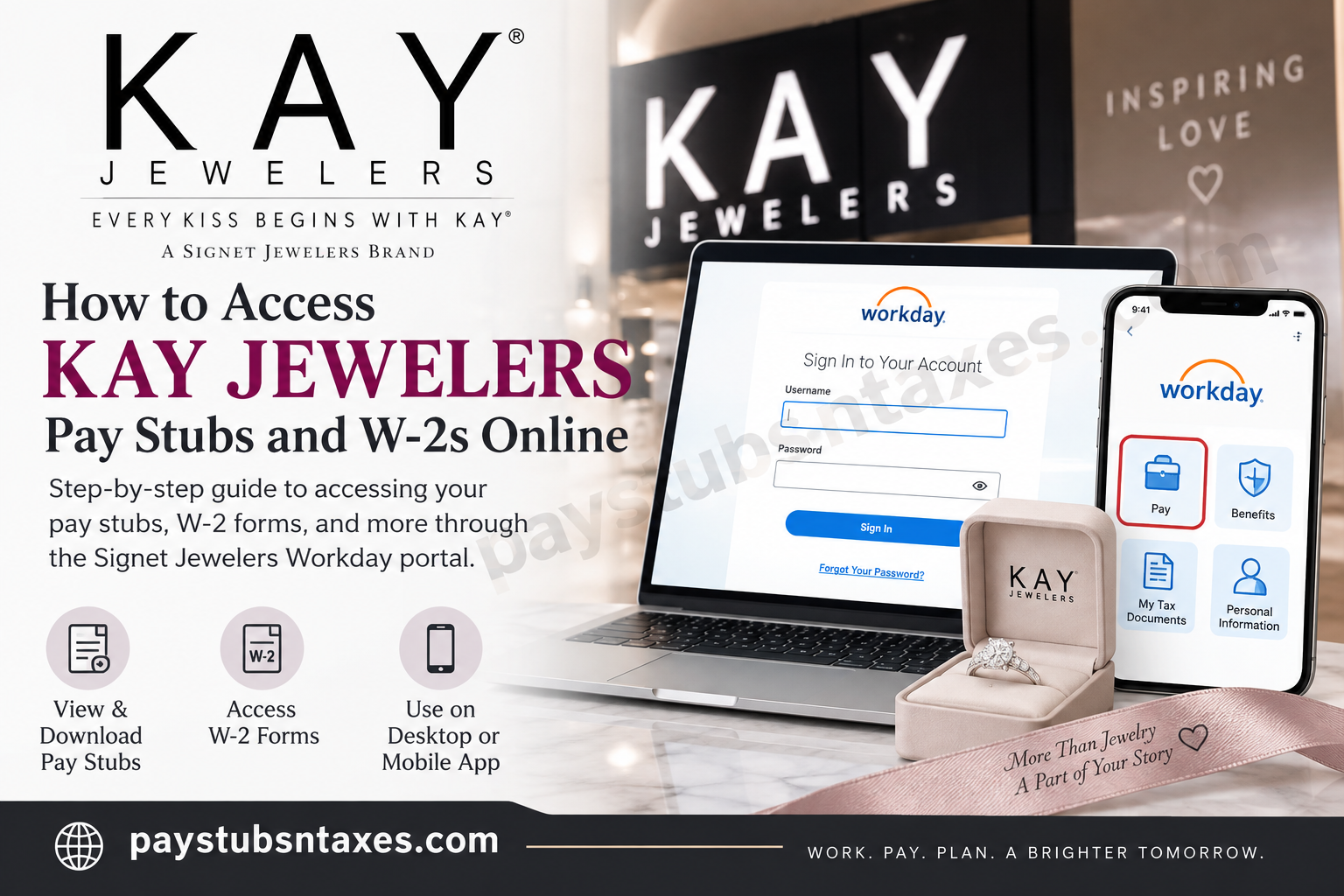
KAY Jewelers employees can access their pay stubs, W-2 tax forms, payroll information, and selected personal employment details online through Workday, the employee self-service platform used by Signet Jewelers. Whether you need a recent payslip for income verification, want to review previous earnings, or are preparing to file your annual tax return, Workday places these documents within easy reach.
Employees can use either the Signet Jewelers Workday website or the Workday mobile app. In addition to payroll documents, Workday provides access to information such as addresses, telephone numbers, email details, tax information, and other employment-related records.
This guide explains how to sign in to KAY Jewelers Workday, retrieve pay stubs, download payslips from a mobile device, access W-2 forms, and obtain assistance when login or payroll problems arise.
About KAY Jewelers
KAY Jewelers has been devoted to celebrating love for more than a century. Its first store opened in Reading, Pennsylvania, in 1916, offering not only jewelry but also eyeglasses, music boxes, silverware, and appliances.
Although much has changed since that first storefront welcomed its customers, KAY’s conviction that everyone deserves to give and receive love remains firmly woven into the company’s identity. Today, KAY is part of Signet Jewelers, a Great Place to Work-Certified company and one of the world’s foremost retailers of diamond jewelry.
From timeless essentials to contemporary trends, KAY provides an extensive selection of quality jewelry. Its team members help customers commemorate engagements, weddings, anniversaries, birthdays, and other meaningful milestones—both in stores and through virtual appointments at KAY.com.
What Is the KAY Jewelers Workday Portal?
The KAY Jewelers Workday portal is an employee self-service system provided through Signet Jewelers. Employees can use it to access a range of employment and payroll services, including:
- Viewing and printing pay stubs
- Accessing and downloading W-2 tax forms
- Reviewing payroll information
- Updating an address, telephone number, or email address
- Managing certain tax-related information
- Reviewing other personal employment records
Because these records contain sensitive financial and personal information, employees should access Workday only from a trusted device and a secure internet connection.
How to Log In to KAY Jewelers Workday
To access your KAY Jewelers employee account, visit the Signet Jewelers Workday portal:
Workday portal: https://wd1.myworkday.com/signetjewelers/login.htmld
Enter your assigned credentials or follow the Microsoft single sign-on process presented on the login page. The precise sign-in screen may vary according to your account status, device, and company authentication settings.
First-Time Login for New Team Members
New team members should receive two separate emails from Workday:
- One email containing the Workday username
- A second email containing a temporary password
Use the supplied username and temporary password to sign in. During the initial login, Workday will prompt you to create a new password.
Your password should contain at least eight characters and include:
- At least one uppercase letter
- At least one lowercase letter
- At least one number
- At least one special character, such as
@,!, or#
Choose a strong, distinctive password that you do not use for personal email, shopping, or social media accounts. Never share your password or temporary login details with another person.
If the expected Workday emails have not arrived, check your spam or junk folder before requesting assistance.
KAY Jewelers Workday Mobile App
Employees may also access Workday through its mobile application. When the app asks for an organization code, enter:
Organization code: signetjewelers
After connecting the app to the organization, complete the sign-in process using the credentials or authentication method associated with your employee account.
How to View KAY Jewelers Pay Stubs Online
Follow these steps to locate your KAY Jewelers pay stubs through the Workday website:
- Sign in to the Signet Jewelers Workday portal.
- From the Workday home page, select View All Apps.
- Choose the Pay application.
As an alternative, select Menu in the upper-left corner and choose Pay from the application list.
- Find the View section and select Payslips.
- Locate the required pay period.
- Select the appropriate action:
- Choose View to open the payslip.
- Choose Print to create a printable copy.
Depending on your browser, the payslip may open in a separate window or appear as a downloadable document. If nothing happens, check whether the browser has blocked a pop-up.
Information You May Find on a Payslip
A Workday payslip ordinarily provides a detailed breakdown of the selected pay period. Depending on your payroll record, it may display:
- Pay-period beginning and ending dates
- Payment or check date
- Gross earnings
- Pre-tax deductions
- Employee taxes
- Post-tax deductions
- Net pay
- Current and year-to-date totals
- Taxable wages
- Withholding details
- Direct-deposit or other payment information
Review each payslip carefully. If something appears amiss, it is better to raise the matter promptly than to let an unresolved payroll issue fall through the cracks.
How to Download a KAY Jewelers Pay Stub on a Mobile Device
The Workday mobile app provides a convenient way to view and save payslips when a computer is not readily available.
- Open the Workday mobile app and sign in.
- On the landing page, select the Pay application.
- If Pay is not visible, select View All and locate it in the application list.
- In the Pay History section, select the payslip you wish to review.
- On the Pay Details page, examine the payment information.
- Select Get PDF to generate a downloadable copy.
- Wait while Workday creates the file.
- When the file is ready, select Open PDF.
- Use your device’s share, export, or upload icon to save the document.
- Choose a secure folder or storage location.
The save or share icon may look different on an iPhone, iPad, or Android device. Nevertheless, the basic process remains much the same: generate the PDF, open it, and then choose where it should be stored.
Since a payslip contains confidential information, avoid saving it to a shared device or an unsecured cloud folder.
How to Access KAY Jewelers W-2 Forms Online
Employees can retrieve available W-2 tax forms from the Pay area in Workday.
- Sign in to the Signet Jewelers Workday portal.
- Select the Pay dashboard from the Workday home page.
- Choose My Tax Documents.
- Scroll below the printing-election information to find the available W-2 forms.
- Locate the required tax year.
- Select View/Print beside the appropriate form.
- Allow a few moments for Workday to prepare and display the document.
Once the W-2 preview opens:
- Use the navigation arrow to move through its pages.
- Select the printer icon in the upper-right corner to print it.
- Select the download icon in the upper-right corner to save a digital copy.
- Select the arrow in the upper-left corner to leave the preview.
If you require a screen-reader-friendly version, select Accessible Form and follow the available printing or downloading options.
How to Save a W-2 Securely
Tax forms contain highly sensitive information, so a little caution goes a long way. When downloading a W-2:
- Use a private computer or mobile device.
- Avoid public Wi-Fi whenever possible.
- Save the file in a password-protected or encrypted location.
- Do not send the document through unsecured messaging services.
- Sign out of Workday after finishing.
- Remove downloaded copies from public or shared computers.
- Keep printed forms in a secure place.
What to Do If You Cannot Log In
Before contacting support, try the following:
- Confirm that you are using the Signet Jewelers Workday portal.
- Check the spelling of your username.
- Make sure Caps Lock is not enabled.
- Enter the password manually instead of relying on an outdated saved password.
- Use Forgot Your Password? If that option is available.
- Check your inbox and spam folder for first-time login emails.
- Close and reopen the browser or Workday app.
- Try an updated browser or restart the mobile device.
For Workday login or password assistance, email HRExpress@jewels.com. Do not include your password, temporary password, Social Security number, or complete banking information in an email.
KAY Jewelers Payroll Support
The appropriate point of contact depends on the nature of the problem.
Pay Rate or Missing PTO
If your question concerns your rate of pay or missing paid time off, speak directly with your manager.
Other Payroll Questions
For other payroll-related matters:
- Email: pay@signetjewelers.com
- Telephone: 1-800-877-8821
- After connecting, press 2, then 2, and then 3.
When requesting help, provide enough information to identify the issue—such as the affected pay date or tax year—but refrain from sending passwords or unnecessary sensitive information.
Final Thoughts
Workday gives KAY Jewelers employees a central, secure place to manage essential payroll documents. Once signed in, employees can review payslips, download records for their files, and obtain available W-2 forms without wading through unnecessary paperwork.
Keeping digital copies of important payroll and tax documents can make income verification, financial planning, and annual tax preparation considerably easier. After accessing your records, store them securely, verify that the information is accurate, and contact the appropriate support channel if an issue requires attention.
Frequently Asked Questions About KAY Jewelers Pay Stubs and W-2s
1. How do I access my KAY Jewelers pay stubs online?
Sign in to the Signet Jewelers Workday portal, select View All Apps, open Pay, and choose Payslips from the View section. Find the relevant pay period and select View or Print.
2. Where can I find my KAY Jewelers W-2 form?
Log in to Workday and navigate to Pay > My Tax Documents. Locate the required tax year and select View/Print to open the W-2.
3. What is the Workday organization code for KAY Jewelers?
The Workday mobile app organization code for KAY Jewelers employees is signetjewelers.
4. Can I access KAY Jewelers pay stubs from my phone?
Yes. Open the Workday mobile app, select Pay, and choose a payslip from Pay History. You can view its details or select Get PDF to download a copy.
5. How do I download a KAY Jewelers pay stub as a PDF?
In the Workday mobile app, open the required payslip and select Get PDF. After Workday generates the file, select Open PDF and use your device’s share or export function to save it.
6. How do I print a KAY Jewelers pay stub?
Open the Pay application in Workday, select Payslips, find the relevant pay period, and choose Print. If the document opens as a PDF, use the printer icon or your browser’s print function.
7. How do new KAY Jewelers employees log in to Workday?
New employees should receive two Workday emails: one with a username and another with a temporary password. Use those credentials for the initial login and create a new password when prompted.
8. What should I do if I did not receive my Workday login emails?
Check your spam or junk folder first. If the emails are still missing, contact HRExpress@jewels.com for assistance.
9. What should I do if I forget my KAY Jewelers Workday password?
Select Forgot Your Password? on the login page if the option is available. If you still cannot access your account, email HRExpress@jewels.com.
10. Can I download my KAY Jewelers W-2?
Yes. Open the W-2 through Pay > My Tax Documents, select View/Print, and then choose the download icon in the upper-right corner of the preview.
11. Can I print my KAY Jewelers W-2 from Workday?
Yes. After opening the W-2 through My Tax Documents, select the printer icon in the upper-right corner of the document preview.
12. Is an accessible version of the W-2 available?
Yes. Select Accessible Form when viewing the W-2 in Workday. This version is intended to provide improved compatibility with assistive technologies.
13. Who should I contact about an incorrect pay rate or missing PTO?
Speak directly with your manager if your concern involves your rate of pay or missing paid time off.
14. Who should I contact about another KAY Jewelers payroll problem?
Email pay@signetjewelers.com or call 1-800-877-8821. When prompted, press 2, then 2, and then 3.
15. What information can I view on a KAY Jewelers payslip?
A payslip may show your pay-period dates, gross earnings, taxes, pre-tax and post-tax deductions, net pay, year-to-date totals, taxable wages, withholding details, and payment information.
