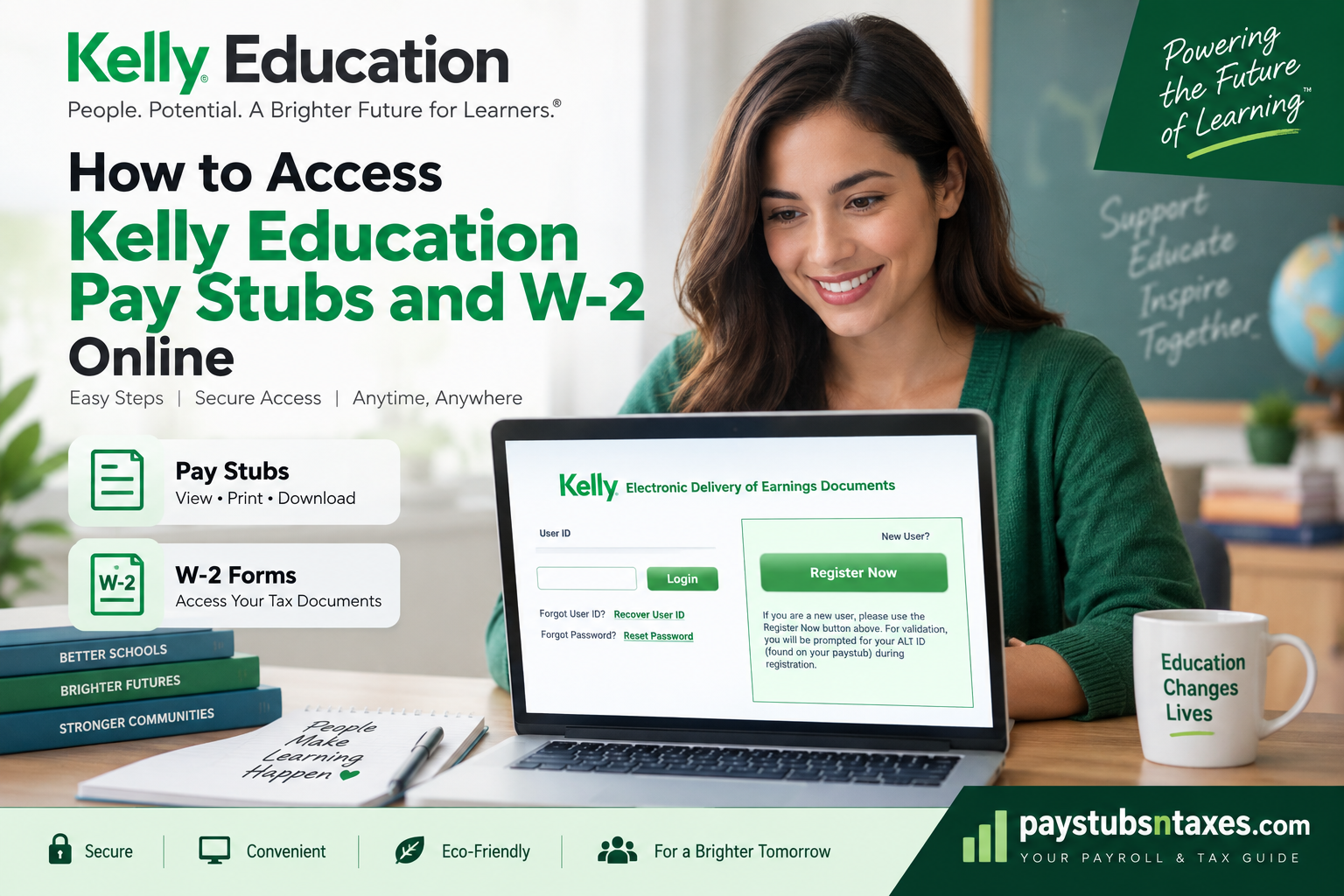
Kelly Education employees can access their pay stubs and W-2 forms through the Kelly Electronic Delivery of Earnings Documents portal, hosted by DocumentDNA. Once registered, employees can sign in to review available earnings statements, download documents, and print copies whenever they need them.
Whether you are checking your take-home pay or gathering paperwork for tax season, knowing how to navigate the portal can save time and keep essential records within easy reach. This guide explains how to register, access your documents, recover forgotten login details, and contact the appropriate support team.
What Is Kelly ePaystub?
Kelly ePaystub gives employees secure electronic access to their personal earnings statements. Through the service, you can review your net pay, deductions, and tax withholding without waiting for a statement to arrive in the mail.
Kelly Education connects people with educational roles across early childhood, preK–12, and higher education. Its electronic earnings services support those employees by making payroll documents more convenient to manage.
The main benefits of online access include:
- Convenience: View, download, and print available statements wherever you have internet access.
- Clear payroll information: Review your earnings, deductions, and tax details in one place.
- Historical records: Access up to 16 months of pay stub history accumulated after enrollment.
- Less paperwork: Reduce reliance on printed statements that can be misplaced or damaged.
The pay stub history begins when you enroll; statements from before enrollment are not available through that pay stub history. W-2 availability follows separate rules, so the same restriction should not be assumed to apply to tax forms.
What You Need Before Registering
Before creating your Kelly ePaystub account, have the following information ready:
- Your ALT ID, which is your employee identification number.
- Your Social Security number for the registration process.
- An email address and telephone number.
- Your mobile carrier information, if requested.
- A username, password, and security question and answer of your choice.
You can find your ALT ID on a wage statement. If you cannot locate it, contact the Kelly Employee Service Center at 1-866-535-5948, also known as 1-866-KELLY-4U.
Your ALT ID and your portal User ID serve different purposes. The ALT ID identifies you as an employee during registration, whereas your User ID is the username you create for subsequent sign-ins.
How to Register for Kelly Education ePaystub
First-time users need to complete registration before accessing their earnings documents.
- Open the employee portal. Visit the Kelly Electronic Delivery of Earnings Documents portal.
- Select “Register Now.” Find this button in the “New User?” section.
- Choose your User ID. Create a username and enter the characters shown in the CAPTCHA.
- Review the terms and conditions. Accept them if you agree, then select Next.
- Verify your identity. Enter your ALT ID and Social Security number when prompted, then continue.
- Provide your contact details. Enter your email address, telephone number, and mobile carrier information as requested.
- Set your communication preferences. Choose how you would like to receive available notifications.
- Create your security credentials. Set a password, choose a security image, and select a security question and answer.
- Save your registration. Complete the process and return to the login page.
- Sign in with your new credentials. Use the User ID and password you have just created.
Keep your contact information current, since it can help you receive document notifications and recover access to your account.
How to Access Kelly Education Pay Stubs Online
After registration, accessing your Kelly Education pay stubs is straightforward.
- Open the Kelly employee earnings portal.
- Enter your User ID and select Login.
- Complete the password and any additional verification prompts.
- Select Paystub in the left-hand navigation menu.
- Open the available statement for the pay period you need.
- Download or print the statement using the available document controls.
Review the earnings, deductions, tax withholding, and net pay shown on your statement. If something appears incorrect, keep a copy of the relevant document so you can identify the pay period when requesting assistance.
Because online pay stub history is limited, downloading statements periodically helps you maintain a personal record beyond the portal’s available history.
How to Access Kelly Education W2 Forms Online
Your Form W-2 contains annual wage and tax information. To find an available electronic copy:
- Sign in to the Kelly earnings portal.
- Select W-2 from the left-hand menu.
- Choose the available tax year you need.
- Open the document and review your personal information and reported amounts.
- Download the PDF or print the required copies.
The electronic W-2 contains the same information as its paper counterpart, including the applicable employee, federal, and state or local copies.
You will need a PDF reader, such as Adobe Acrobat Reader, to open the downloaded form, and a printer if you want a paper copy.
Already Using ePaystub?
If you already have an ePaystub account, sign in and open User Profile to review your electronic W-2 enrollment settings. Having an account and choosing electronic W-2 delivery are related steps, so check your delivery preference rather than assuming it is already configured.
Understanding Electronic W-2 Consent
Electronic W-2 delivery allows you to receive your tax document online instead of relying on postal delivery. Review the consent terms displayed in your account when choosing your delivery preference.
You can request a paper copy without automatically withdrawing your consent to electronic delivery. If you want to change your ongoing preference, update the relevant settings on the eW-2 website or contact support for assistance.
A withdrawal of consent applies to forms that have not yet been issued; it does not reverse the electronic delivery of an existing statement.
If you receive paper W-2s, keep the permanent mailing address in your employment records up to date. An outdated address can make obtaining your document more difficult when tax season arrives.
How to Recover Your Kelly ePaystub Login
Forgotten credentials need not bring the process to a standstill. The login page includes separate options for recovering your User ID and resetting your password.
Forgotten User ID
Select Recover User ID and follow the instructions provided.
Use the username you created during enrollment when signing in. Your ALT ID will work as your User ID only if you deliberately chose it as your username.
Forgotten Password
Select Reset Password and complete the verification steps. Once the reset is complete, return to the login page and sign in with your updated credentials.
If either recovery process fails, call the portal Help Desk at 1-800-733-7842.
Kelly Education Pay Stub and W-2 Support
Choosing the right contact can help you resolve an issue more efficiently.
| What you need help with | Contact |
| Registration, login, User ID recovery, password resets, or portal navigation | Portal Help Desk: 1-800-733-7842 |
| Finding your ALT ID or questions about W-2 information | Kelly Employee Service Center: 1-866-535-5948 |
| Requesting a paper W-2 as a temporary employee | 1-866-KELLY-4U / 1-866-535-5948 |
| Requesting a paper W-2 as a salaried employee | 1-248-244-3898 |
When requesting help, explain whether the problem concerns access to the website, a missing document, or information shown on a statement. For document-specific questions, identify the relevant pay period or tax year.
Conclusion
Accessing Kelly Education pay stubs and W-2 forms online is relatively straightforward once your Electronic Delivery of Earnings Documents account has been established. First-time users should register from a desktop or laptop using their ALT ID and identity-verification information; thereafter, the User ID and password created during enrollment become the keys to the account.
Once inside, Paystub provides access to available earnings statements, while W-2 opens your year-end tax documents. Saving important payroll and tax records as they become available is good housekeeping, particularly because online availability is subject to retention and employment-access rules.
Frequently Asked Questions About Kelly Education Pay Stubs and W-2s
1. Where can I find my Kelly Education pay stubs online?
You can find your Kelly Education pay stubs in the Kelly Electronic Delivery of Earnings Documents portal. After signing in, select Paystub from the left-hand menu and open the statement for the pay period you need.
2. How do I register for Kelly Education ePaystub?
Visit the Kelly earnings portal and select Register Now. Create a User ID, complete the CAPTCHA, review and accept the terms, and verify your identity. Then enter your contact information, set your communication preferences, create your security credentials, and save your registration.
3. What information do I need to create a Kelly ePaystub account?
You need your ALT ID, Social Security number, email address, and telephone number. Registration also involves choosing a User ID, password, security image, and security question and answer. Provide your mobile carrier information if the portal requests it.
4. What is my Kelly ALT ID, and where can I find it?
Your Kelly ALT ID is your employee identification number, which you can find on a wage statement. If you cannot locate it or do not have a statement, contact the Kelly Employee Service Center at 1-866-535-5948.
5. Is my Kelly ALT ID the same as my login User ID?
Your ALT ID is not automatically your login User ID. Your User ID is the username you created during registration. The two match only if you chose your ALT ID as your username when enrolling.
6. How do I download my Kelly Education W-2 online?
Sign in to the Kelly earnings portal, select W-2 from the left-hand menu, and choose an available tax year. Open the form and use the document’s download or save option to keep a PDF copy.
7. How do I enroll in electronic W-2 delivery if I already use ePaystub?
Sign in to your existing Kelly ePaystub account and select User Profile from the left-hand menu. Review your W-2 delivery settings and follow the prompts to enroll in electronic delivery. Check that your notification contact details are current.
8. How far back can I view Kelly Education pay stubs?
Kelly ePaystub provides up to 16 months of earnings history accumulated after enrollment. Pay stubs issued before you enrolled are not included in that history. Download statements periodically if you want to maintain your own longer-term records.
9. Can I access W-2 forms from before I enrolled?
Past W-2 forms may be available, including forms issued before enrollment. Check the tax years listed in your account’s W-2 section. The restriction on pre-enrollment pay stub history does not automatically apply to W-2 records.
10. What should I do if I forget my Kelly ePaystub User ID?
Select Recover User ID on the Kelly portal login page and follow the verification instructions. If you cannot complete the recovery process, contact the portal Help Desk at 1-800-733-7842 for assistance.
11. How do I reset my Kelly ePaystub password?
Select Reset Password on the login page and follow the identity-verification prompts to create a new password. If the reset process does not work, call the portal Help Desk at 1-800-733-7842.
12. Can I print my Kelly Education pay stubs and W-2 forms?
Yes. Sign in, open the available pay stub or W-2, and use the document’s print option. For downloaded W-2 PDFs, use a PDF reader, such as Adobe Acrobat Reader, and a connected printer.
13. Is there a fee for Kelly electronic W-2 enrollment?
No. Kelly does not charge an enrollment fee for its electronic W-2 service. Eligible employees can enroll to access available W-2 documents online.
14. Can I request a paper W-2 or withdraw electronic delivery consent?
Yes. Temporary employees can request a paper W-2 at 1-866-535-5948; salaried employees can call 1-248-244-3898. Requesting a paper copy does not cancel electronic delivery consent. To withdraw consent, update your eW-2 profile settings or contact support for help.
15. Who should I contact about Kelly Education W-2 or login problems?
For registration, login, password resets, or portal navigation, call 1-800-733-7842. For your ALT ID, questions about W-2 contents, or assistance obtaining a W-2, contact the Kelly Employee Service Center at 1-866-KELLY-4U (1-866-535-5948).
