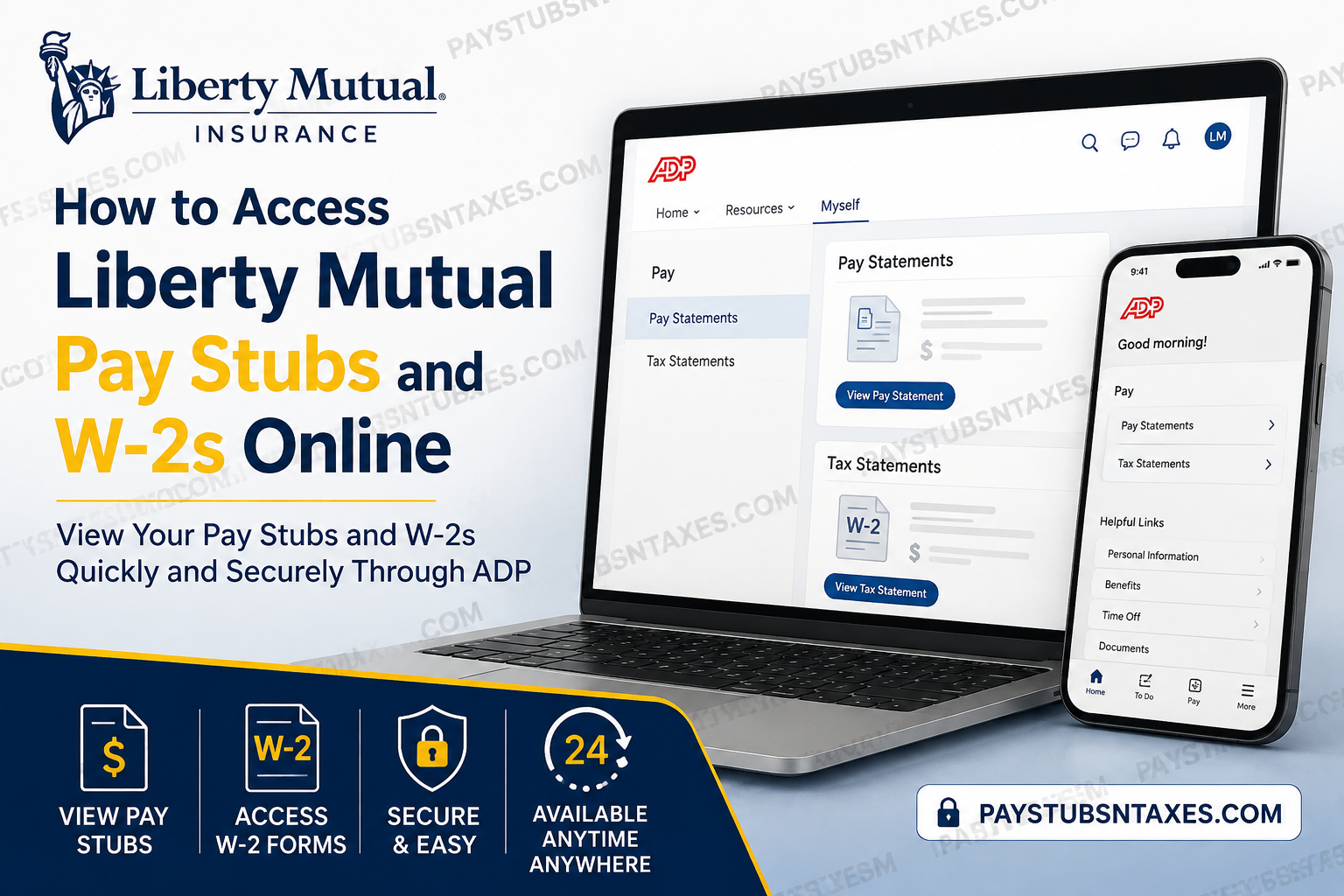
Accessing your payroll documents should be straightforward, whether you are reviewing your latest earnings, checking deductions, or preparing for tax season. Liberty Mutual employees can access pay and tax statements through the MyADP website or the ADP Mobile Solutions app, making it easier to keep essential records at their fingertips. To get started, visit MyADP, sign in, and navigate to Myself > Pay > Pay Statements for pay stubs or Myself > Pay > Tax Statements for W-2 forms. Depending on your ADP account’s layout, tax documents may appear under Annual Statements.
Understanding Liberty Mutual’s Pay and Benefits
Founded in 1912, Liberty Mutual has built its business around helping people and organizations face uncertainty with greater confidence. That commitment also shapes its approach to employee compensation, which emphasizes competitive pay, performance recognition, and opportunities for growth.
Alongside base pay, eligible employees may participate in short-term incentive or commission plans, with eligibility determined by their position and the applicable plan. Liberty Mutual’s broader total rewards offering includes health coverage, retirement and pension programs, mental health resources, caregiving support, and other benefits designed to support employees’ diverse needs.
Keeping track of your pay statements helps you understand how your earnings and applicable deductions come together each pay period.
How to Register for a Liberty Mutual ADP Account
If you have not used ADP before, you will need to register before accessing your available payroll documents.
- Visit MyADP. Open https://my.adp.com in your browser.
- Start registration. Select New User? Get Started, or the equivalent Create Account or Sign Up option.
- Choose an identification method. Enter the personalized registration code provided by your payroll office. Alternatively, use Find Me if that option is available.
- Enter your personal details. Provide the requested information, which may include your first name, last name, Social Security number, and date of birth. Your details should match your employment records.
- Verify your identity. Answer the identity-verification questions presented on screen. You may be asked to answer three questions.
- Confirm your information. Select Confirm, then follow the prompts to complete your personal setup.
- Finish setting up your credentials. Complete any requested password, contact information, and security settings.
If ADP asks you to choose an employer, select Liberty Mutual. For assistance obtaining a personalized registration code, contact your payroll office.
How to View and Download Liberty Mutual Pay Stubs
Once your account is ready, accessing your pay statements takes just a few steps:
- Sign in to MyADP.
- Open Myself.
- Select Pay, followed by Pay Statements.
- Choose the pay period you want to review.
- Open the statement and use the available download or print option to keep a copy.
Your pay stub provides a breakdown of your earnings and deductions for the selected period. Reviewing it regularly can help you identify unexpected changes and raise questions promptly.
Accessing Older Pay Statements
To look for an older Liberty Mutual payslip, log in directly to MyADP and browse your available statement history.
If you need to establish access, you may see a Your Information option that asks you to enter identifying details, select Liberty Mutual as your employer, and create an account. Follow the prompts displayed in your account.
If the statement you need is missing, contact payroll for assistance obtaining the record.
How to Access Liberty Mutual W2s Online
Your W-2 is an annual wage and tax statement. When your electronic copy is available, you can retrieve it through ADP without waiting for a replacement paper copy.
- Sign in to MyADP.
- Navigate to Myself > Pay > Tax Statements.
- Look for Annual Statements if needed. Some ADP layouts place the Tax Statements section within this page.
- Select the appropriate tax year.
- Open or download your W-2.
- Complete any additional identity verification. If prompted, validate your information before opening the document.
- Save or print your copy. If ADP displays Open Document, select it to view the prepared statement.
If you need an earlier W-2, look for More Statements or another statement-history option. The years available will depend on the records accessible through your account.
What If Your W-2 Has Not Arrived?
Liberty Mutual’s stated W-2 delivery timeframe is January 31, with forms mailed to employees’ addresses or, where available, provided electronically through ADP.
If you have lost your paper copy or have not received it, checking ADP is a practical first step. Once the electronic statement has been posted, you can download it directly. If the relevant tax year is not listed, contact payroll to confirm availability and your mailing details.
How to Access Pay Stubs and W2s on Your Phone
The ADP Mobile Solutions app offers another convenient way to review available payroll documents.
- Download ADP Mobile Solutions from your phone’s official app store.
- Open the app and sign in with your ADP credentials.
- Complete any security verification.
- Open the section for pay statements or tax statements.
- Select the pay period or tax year you need.
Although the mobile layout may differ from the website, the purpose remains the same: providing access to your available pay and tax records. If you cannot find a document in the app, try the MyADP website.
Conclusion
Accessing Liberty Mutual pay stubs and W-2 forms online is relatively straightforward once your MyADP account has been established. Visit MyADP.com, sign in, and use Myself > Pay > Pay Statements for earnings statements or Myself > Pay > Tax Statements for available W-2 documents.
For first-time users, registration may require identity verification, an appropriate employer registration code, or ADP’s Find Me option. Once that hurdle is cleared, keeping track of payroll records becomes considerably easier, and the ADP Mobile Solutions app offers an additional avenue for employees who prefer managing their information on the go.
Most importantly, do not leave tax-document access until the eleventh hour. Check that your contact information is current, make sure you can sign in to ADP before tax season gathers steam, and contact the Liberty Benefits Center at 1-800-758-4460 (option 1) if you encounter an issue that cannot be resolved through the online portal.
Frequently Asked Questions About Liberty Mutual Pay Stubs and W2s
1. Where can I access Liberty Mutual pay stubs online?
You can access Liberty Mutual pay stubs through MyADP. After signing in, select Myself > Pay > Pay Statements, then choose the pay period you need. Open the statement to review your earnings and deductions.
2. How do I download my Liberty Mutual W2?
Sign in to MyADP and navigate to Myself > Pay > Tax Statements. Select the appropriate tax year, complete any identity verification, and open your W2. Use the available download or print option to save a copy.
3. How do I register for a Liberty Mutual ADP account?
Visit MyADP and select New User? Get Started, Create Account, or the equivalent registration option. Use your personalized registration code or Find Me, if available. Enter your identifying information, complete verification, and follow the prompts to set up your account.
4. Where do I get a Liberty Mutual ADP registration code?
Contact your payroll office to request a personalized ADP registration code. If the registration page offers Find Me, you may be able to identify your employment record and register without entering a code.
5. What information do I need to register with ADP?
ADP may request your first name, last name, Social Security number, and date of birth. Your information should match your employment records. You may also need to answer identity-verification questions and provide contact information to complete registration.
6. Can I access Liberty Mutual pay stubs on my phone?
Yes. Download ADP Mobile Solutions from your phone’s official app store and sign in with your ADP credentials. Open the pay statements section and select the relevant pay period. Available features and menu labels may differ from the website.
7. Can I view my Liberty Mutual W2 in the ADP app?
You can view your W2 through ADP Mobile Solutions if the document is available to your account. Sign in, locate the tax statements section, and select the tax year. If you cannot find it in the app, check the MyADP website.
8. When should I receive my Liberty Mutual W2?
Liberty Mutual’s stated W2 delivery timeframe is January 31. Your form may be mailed to your address or made available electronically through ADP. If it has not arrived, check your online tax statements and contact payroll to confirm its status.
9. What should I do if I lose my Liberty Mutual W2?
Check Tax Statements in your MyADP account for an electronic copy. If your W2 is available, download or print it again. If the document is missing, contact your payroll office for assistance obtaining a replacement.
10. How can I find older Liberty Mutual pay stubs?
Sign in to MyADP, open Pay Statements, and browse the available pay-period history. If you have not established access, follow the identification and account-setup prompts. Contact payroll if the older statement you need does not appear.
11. Can I access W2s from previous years?
You can access previous W2s when they are available in your ADP statement history. Open Tax Statements and look for More Statements or a tax-year selector. If the required year is unavailable, ask payroll for assistance.
12. How do I reset my ADP password or recover my user ID?
Use the relevant account-recovery option on the ADP sign-in page. Follow the prompts to verify your identity and recover your user ID or reset your password. Once access is restored, sign in again to retrieve your statements.
13. Why is my Liberty Mutual pay stub or W2 missing from ADP?
The document may not yet be available, or you may have selected a different pay period, tax year, or employer record. Check those selections and browse your statement history. If the document remains missing, contact payroll to confirm its availability.
14. Why will my ADP statement not open or download?
Your browser may be blocking the separate tab or window used to display the statement, or ADP may require additional verification. Complete any on-screen prompts and check for a blocked-window notification. Allow the ADP document to open, then try again.
15. Who can help with Liberty Mutual pay stub and W2 access?
Contact your payroll office for registration codes, missing statements, or payroll-record questions. For additional assistance, call the Liberty Benefits Center at 1-800-758-4460, option 1, Monday through Friday, 8:30 a.m. to 8:00 p.m. Eastern Time.
