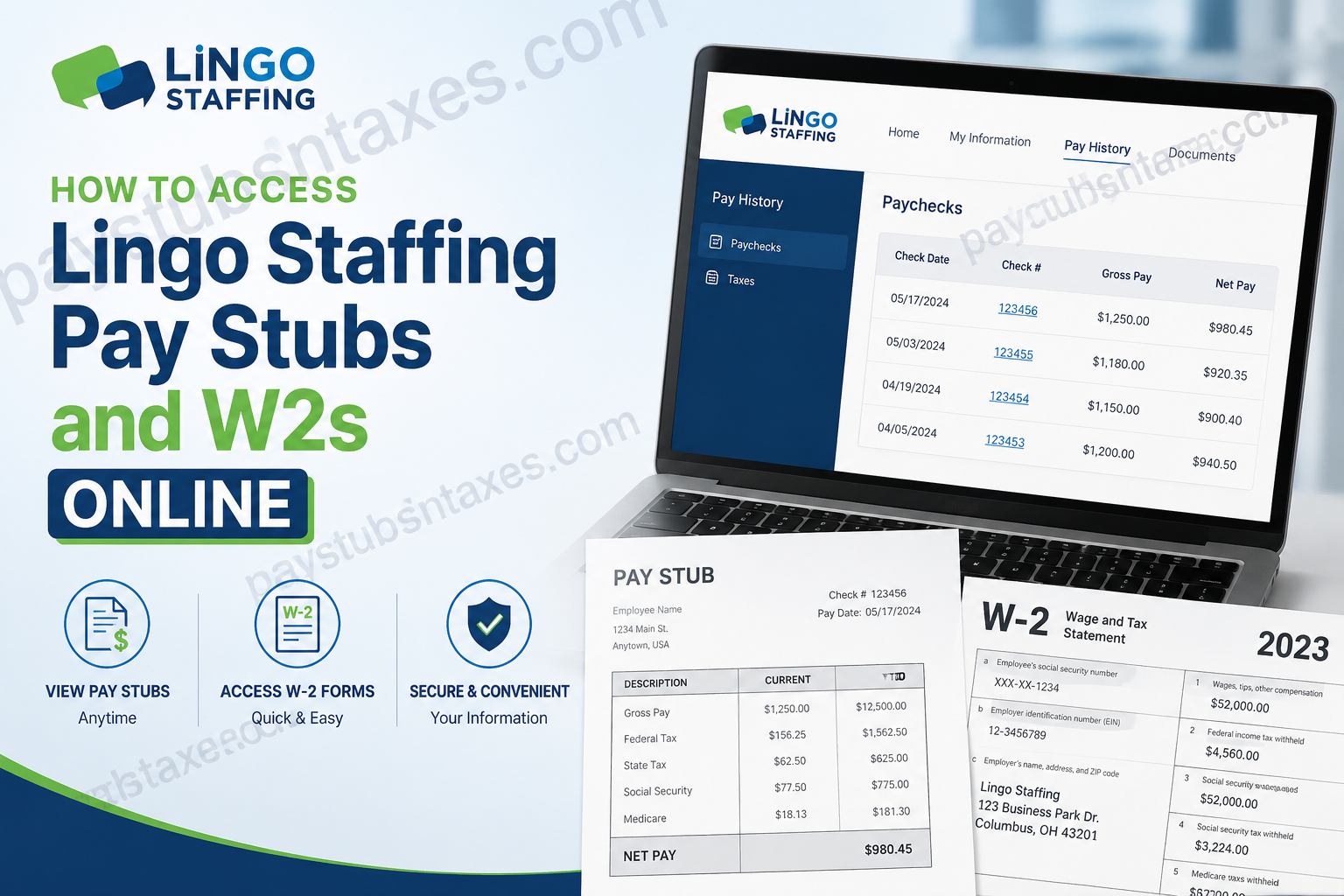
Lingo Staffing connects talented people with rewarding opportunities in production, warehousing, manufacturing, light industrial work, clerical support, and other essential fields. With 12 local branches serving nine states, as well as dedicated professional and direct-hire services, Lingo combines broad recruiting capabilities with the personal attention of local staffing teams. Just as importantly, Lingo employees can manage essential payroll documents without jumping through hoops. Through the Lingo Staffing Satellite Portal, you can review recent and historical pay stubs, examine paycheck details, and download available W-2 tax forms from one convenient online account. This step-by-step guide explains how to access Lingo Staffing pay stubs and W-2s online, reset your password, print payroll records, and obtain assistance when portal access is unavailable.
Lingo Staffing Employee Portal Login
To begin, visit the official Lingo Staffing Satellite Portal:
Log in to the Lingo Staffing Satellite Portal
Enter the username or email address associated with your Lingo Staffing employee account, and then select Continue. Use the same personal email address that you originally provided to Lingo Staffing, unless your local office has instructed you otherwise.
When your portal account was created, you should have received an email containing a temporary password or instructions for establishing your credentials. After signing in with a temporary password, you may be prompted to create a new password before proceeding.
How to Reset Your Lingo Staffing Portal Password
If your password has slipped your mind—or the original setup email is nowhere to be found—there is no need to be at a loose end. Use the portal’s password-recovery option to regain access:
- Open the Lingo Staffing Satellite Portal.
- Enter the email address associated with your employee account.
- Select Forgot Password when prompted.
- Check your inbox for a password-reset email.
- Open the link in that email and create a new password.
- Return to the portal and sign in with your updated credentials.
Check your spam, junk, and promotions folders if the message does not appear promptly. You should also confirm that you entered the same email address held in Lingo Staffing’s records.
If you have never accessed the employee portal, contact your Lingo Staffing consultant or local branch. The team can verify your account information and arrange for the appropriate setup instructions to be emailed to you.
How to Access Lingo Staffing Pay Stubs Online
Once you have successfully logged in, your pay records are only a few clicks away:
- Select Pay History from the portal’s main menu.
- Open the Paychecks section or tab.
- Review the pay stubs displayed on the screen.
- Use the page numbers at the bottom-right corner to view older records.
- Select a check number to open the corresponding paycheck details.
- Download or print the resulting PDF for your records.
The portal ordinarily displays your ten most recent pay stubs first. If the paycheck you need is not immediately visible, navigate through the additional pages until you locate the correct pay period.
Each pay stub may include your gross earnings, deductions, taxes withheld, net pay, hours, and other payroll information. Review these details carefully. If something appears inaccurate, contact your local Lingo Staffing office rather than attempting to alter the document.
How to Download a Lingo Staffing W-2 Online
Your W-2 reports the wages paid to you during a calendar year and the federal, state, and other applicable taxes withheld from those earnings. Employers generally provide W-2 forms by January 31 following the end of the relevant tax year.
To find an available Lingo Staffing W-2:
- Sign in to the Lingo Staffing Satellite Portal.
- Select Pay History from the top menu.
- Open the Taxes tab.
- Locate the applicable tax year.
- Select the employer or preview option if one is displayed.
- Click the corresponding download link or download icon.
- Save the W-2 PDF to a secure location or print a copy.
Choose the year that corresponds to the wages covered by your tax return. For example, a W-2 covering wages earned during 2026 would generally be used when filing your 2026 income tax return in 2027.
Because W-2 forms contain sensitive personal and financial information, avoid downloading them on public computers or unsecured Wi-Fi networks. If you must use a shared device, sign out completely and remove any downloaded copies before leaving.
When Will Your W-2 Be Available?
Lingo Staffing may mail your W-2 to the address held in its records, make it available electronically through the employee portal, or use both delivery methods. Employees generally should receive or be furnished with their W-2 by January 31 following the end of the tax year, subject to the applicable calendar and legal requirements.
The online portal is typically the quickest option if your mailed W-2 has been lost, delayed, or never received. Rather than waiting for another paper copy, sign in and check the Taxes section under Pay History.
Availability may differ according to the payroll system, employer record, and tax year. If the form you need does not appear, contact your local office for guidance.
What to Do If You Cannot Access the Portal
If password recovery does not solve the problem, take the following steps:
- Confirm that you are using the email address registered with Lingo Staffing.
- Check your spam or junk folder for setup and password-reset messages.
- Try opening the portal in an updated browser.
- Clear the browser cache or use a private browsing window.
- Make sure you are using the official Lingo Staffing portal link.
- Contact your Lingo Staffing consultant or local branch for account assistance.
You can find branch contact information on the Lingo Staffing Locations page. You may also email Human Resources at info@lingostaffing.com.
How to Request a Reprinted W-2
When electronic access is not possible, contact your local Lingo Staffing office and ask whether your W-2 can be reprinted or reissued. Before a copy can be mailed, the office may need to verify your identity and confirm that the correct mailing address is on file.
If you have moved, provide your updated address as soon as possible. An outdated address can cause tax documents to be delayed or returned, so keeping your employee record current can save considerable time and frustration.
Access Your Payroll Documents with Confidence
The Lingo Staffing Satellite Portal places important payroll information at your fingertips. Once your account is active, you can review paycheck details, print pay stubs, and download available W-2 forms without waiting for a paper replacement.
For the smoothest experience, keep your personal email address and mailing address current, store downloaded tax documents securely, and contact your local Lingo Staffing team whenever you encounter an access problem. A little preparation goes a long way—particularly when tax deadlines are drawing near.
Frequently Asked Questions About Lingo Staffing Pay Stubs and W-2s
1. How do I access my Lingo Staffing pay stubs online?
Log in to the Lingo Staffing Satellite Portal and select Pay History from the main menu. Open Paychecks, find the required pay period, and click the check number to view, download, or print the pay stub.
2. Where can I find my Lingo Staffing W-2?
Your available W-2 forms should appear under Pay History in the Taxes or W-2 section. Select the applicable tax year and use the corresponding link or download icon to save the form.
3. What is the Lingo Staffing employee portal?
The Lingo Staffing employee portal is the Satellite Portal powered by Avionté. Employees can use it to access paycheck information, historical pay stubs, tax documents, and other employment-related records.
4. What username should I use for the Lingo Staffing portal?
Use the username or personal email address associated with your Lingo Staffing employee record. In most cases, this will be the email address you provided when you applied or completed your onboarding paperwork.
5. What should I do if I forgot my Lingo Staffing portal password?
Select Forgot Password on the login screen and enter your registered email address. You should receive an email containing a link that allows you to create a new password.
6. Why have I not received the password-reset email?
Confirm that you entered the email address held in your employee record, and check your spam, junk, and promotions folders. If the message still does not arrive, contact your Lingo Staffing consultant or local office for assistance.
7. What if I never received a temporary portal password?
If you did not receive the original account-setup email, try the Forgot Password option first. If that does not work, ask your local Lingo Staffing office to verify your email address and resend the necessary access information.
8. How many Lingo Staffing pay stubs can I view online?
The portal may initially display your ten most recent pay stubs. Use the additional page numbers near the bottom-right corner of the Pay History screen to locate older paycheck records.
9. How do I print a Lingo Staffing pay stub?
Open Pay History, select Paychecks, and click the relevant check number. The portal should generate a detailed, printable document or PDF that you can download and print.
10. When will my Lingo Staffing W-2 be available?
A W-2 covering a particular calendar year is generally furnished by January 31 of the following year, subject to applicable deadlines and calendar adjustments. Check the portal’s Taxes section for the latest available form.
11. What should I do if my W-2 is not showing in the portal?
Verify that you selected the correct tax year and check again after the normal release period. If the form remains unavailable, contact your local Lingo Staffing office or Human Resources for help.
12. Can Lingo Staffing reprint a lost W-2?
If you cannot download the form through the portal, your local office may be able to arrange a reprint. Lingo Staffing will generally need to verify your identity and confirm that your mailing address is correct.
13. How do I update the mailing address for my W-2?
Contact your Lingo Staffing consultant or local branch as soon as possible. Updating the address held in your employee record can help prevent tax documents from being delayed, returned, or sent to the wrong location.
14. Is it safe to download my W-2 on a public computer?
Using a private, trusted device is strongly recommended because a W-2 contains sensitive personal and financial information. If you must use a shared computer, sign out completely and permanently delete all downloaded copies before leaving.
15. Who should I contact for Lingo Staffing payroll portal assistance?
Contact your Lingo Staffing consultant or use the Lingo Staffing Locations page to find your nearest branch. You may also email Human Resources at info@lingostaffing.com.
