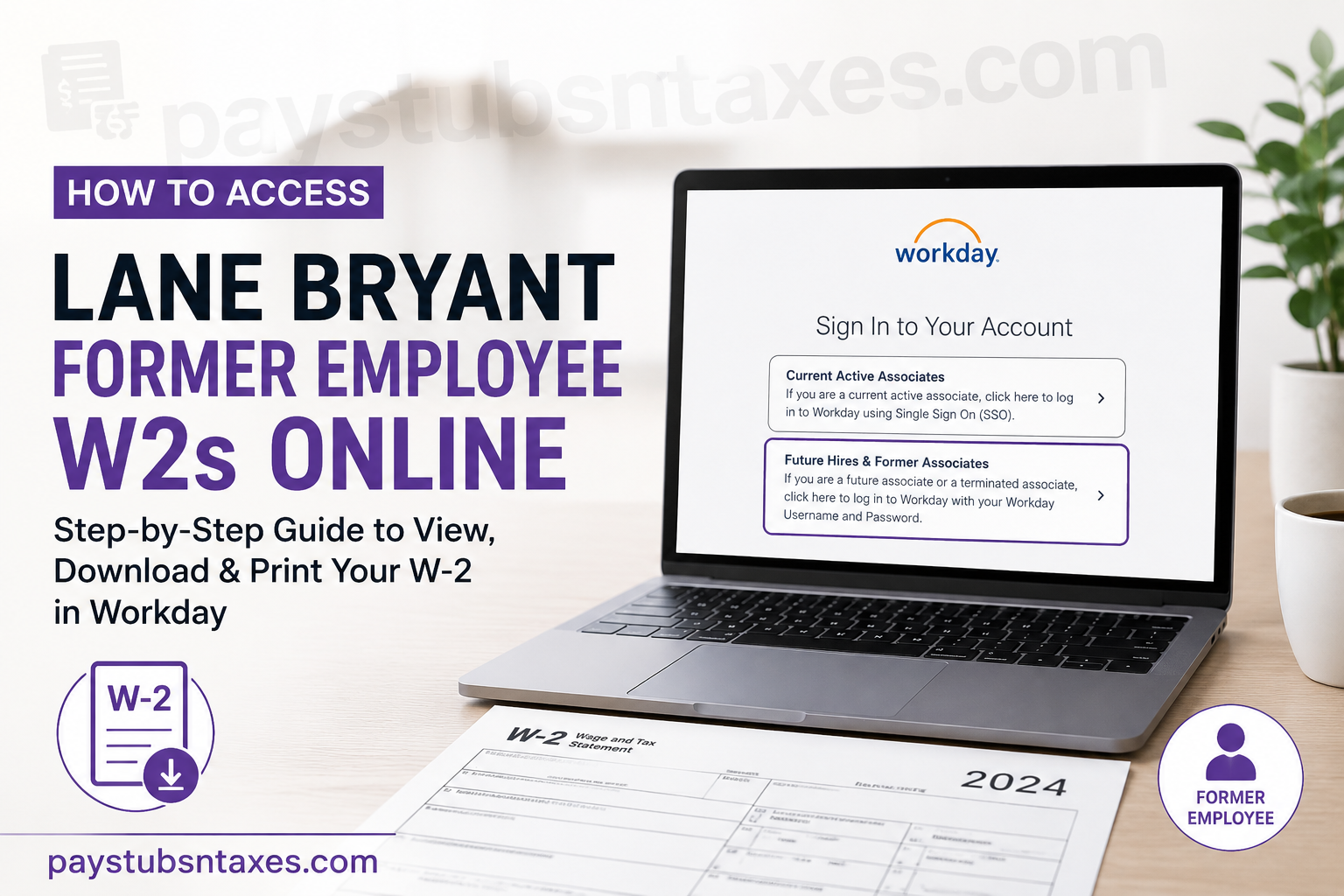
Former Lane Bryant employees can retrieve available W-2 tax forms and payslips through the KnitWell Group Workday portal. Although access becomes more limited after employment ends, eligible former associates may still sign in to Workday, review tax documents, update certain contact details, and download or print payroll records. This guide explains how to access your Lane Bryant former employee W-2 online, recover a forgotten password, locate tax documents in Workday, and request assistance when account access proves difficult.
Lane Bryant Former Employee Workday Login
Lane Bryant, a longstanding American retailer specialising in plus-size apparel and intimates, uses Workday to manage employee payroll and tax information. Former associates should use the dedicated sign-in option intended for terminated employees rather than the Single Sign-On route reserved for active associates.
To begin, visit the official KnitWell Group Workday login page:
Workday portal: https://wd1.myworkday.com/knitwellgroup/login.htmld
Once the page opens, select Future Hires & Former Associates.
Do not select Current Active Associates, as that option relies on company credentials and Single Sign-On access that may no longer function after your employment has ended.
How to Log In as a Former Lane Bryant Employee
Follow these steps to access your former employee Workday account:
- Open the KnitWell Group Workday portal.
- Select Future Hires & Former Associates.
- Enter your former Lane Bryant associate ID as your username.
- Enter your Workday password.
- Select the sign-in button to open your account.
Your username is generally the associate ID you used while working for Lane Bryant. Enter it carefully, preserving any leading zeros if they formed part of the original ID.
Former employees retain only limited self-service access, and that access may not remain available indefinitely. It is therefore prudent to download and securely retain any W-2 forms or payslips you may need rather than leaving the task until the eleventh hour.
How to Find Your Lane Bryant W-2 in Workday
After signing in, use the Pay area to locate your year-end tax documents:
- Open the Menu from the upper-left corner of the Workday home screen.
- Select Pay.
- Choose My Tax Documents.
- Review the table of available tax forms.
- Locate the relevant tax year and select the applicable W-2 form.
- Open the PDF when it becomes available.
- Download the document to your device or print a paper copy for your records.
Workday may need a little time to prepare the document. If a message such as Notify Me Later appears, select that option and allow the system to finish processing the request. When the file is ready, check the bell-shaped Notifications icon in the upper-right corner. Open the completion notice and select the PDF version to view, save, or print your W-2.
How to View Lane Bryant Payslips
Workday refers to pay stubs and earnings statements as payslips. To access them, sign in to your former associate account, open the Pay section, and look for the option that displays your payslips or payment history.
Select the required pay period to review the statement. Depending on the options available in your account, you can then download the payslip as a PDF or print it directly.
If you need records for several pay periods, save each statement with a clear filename that includes the payment date. A consistent naming system will spare you considerable confusion when the documents are required for tax preparation, income verification, or a financial application.
Can You Access a Lane Bryant W-2 Through the Workday Mobile App?
If your former associate credentials remain active and mobile access is permitted, you may be able to use the Workday mobile app to reach the same payroll area. After signing in, open Pay and then look for My Tax Documents or the corresponding tax-document option.
The precise arrangement of menus can vary by app version and device. If the W-2 PDF does not open correctly in the mobile app, use a secure desktop or mobile browser to sign in through the KnitWell Group Workday portal instead.
When saving a W-2 on a shared or public device, exercise particular caution. Tax documents contain sensitive personal and financial information, so avoid public computers whenever possible, sign out fully after use, and delete any downloaded copies from devices you do not own.
What to Do If You Forgot Your Workday Password
If you cannot remember your password, select Forgot Password? on the former associate sign-in page.
You will be asked to enter:
- Your username, which is generally your former associate ID; and
- The work or personal email address to which you want the password-reset link sent.
Workday can send the reset link to a personal email address only if that address was previously recorded in your worker profile. If the system does not recognise the email address, repeatedly submitting the same information is unlikely to break the deadlock; contact support instead.
Before requesting another reset, check your spam, junk, promotions, and filtered-message folders. It is also worth confirming that you entered your associate ID and email address without accidental spaces or typographical errors.
Troubleshooting Lane Bryant Former Employee Workday Access
If you cannot access your W-2, work through the following checks:
- Confirm that you selected Future Hires & Former Associates.
- Use your former associate ID rather than active-employee company credentials.
- Verify that you are using the email address previously stored in Workday.
- Check all email folders for the password-reset message.
- Try a current browser and allow PDF downloads or pop-up windows when prompted.
- Review Workday notifications if the requested W-2 is still being generated.
- Try the web portal if the document will not open in the mobile app.
If the portal is undergoing maintenance, wait until the service window has ended before trying again. Persistent sign-in failures, an unrecognised email address, or a missing tax form will generally require assistance from the support team.
For help, call 855-436-7177.
When speaking with support, have your former associate ID, the Lane Bryant location where you worked, your approximate employment dates, and a safe contact email address at hand. Do not send your full Social Security number, password, or complete W-2 through unsecured email.
Will Lane Bryant Mail W-2 Forms to Former Employees?
Lane Bryant also sends former employees their year-end tax statements by standard postal mail to the home address on record, generally no later than January 31 of the following year.
Because a change of address can send an important tax document down the wrong path, former associates should ensure that their current mailing address is recorded correctly. Limited post-employment Workday access may allow you to update personal contact information; if that option is unavailable, call 855-436-7177 to ask how to submit the correction.
If your mailed W-2 has not arrived, first allow reasonable time for postal delivery. You can meanwhile check My Tax Documents in Workday for an electronic copy. If neither version is available, contact support and request guidance on obtaining a replacement.
Final Takeaway
Accessing a Lane Bryant former employee W-2 online is usually straightforward: open the KnitWell Group Workday portal, select Future Hires & Former Associates, sign in with your former associate ID, and navigate to Pay > My Tax Documents. If Workday needs time to prepare the file, check your notifications for the completed PDF. Download your tax forms and payslips while your limited former-employee access remains available, store them securely, and make sure your mailing address is current. Should the process hit a snag, assistance is available at 855-436-7177.
Frequently Asked Questions About Lane Bryant Former Employee W-2s
1. How do I access my Lane Bryant W-2 online?
Visit the KnitWell Group Workday portal, select Future Hires & Former Associates, and sign in using your former Lane Bryant associate ID. Open Pay, select My Tax Documents, and choose the W-2 for the applicable tax year.
2. What is the Lane Bryant former employee Workday login page?
The former employee login page is: https://wd1.myworkday.com/knitwellgroup/login.htmld
Former associates should select Future Hires & Former Associates, not the active-associate Single Sign-On option.
3. Which Workday login option should a former Lane Bryant employee choose?
Former and terminated Lane Bryant employees should choose Future Hires & Former Associates. The Current Active Associates option is intended for employees who still have active company credentials.
4. What is my Lane Bryant former employee username?
Your username is your former Lane Bryant associate ID. Enter it exactly as it appeared in your employment records, including any leading zeros that formed part of the ID.
5. Where can I find my W-2 in Workday?
After signing in, open the Menu, select Pay, and then choose My Tax Documents. Locate the relevant tax year and select the available W-2 form.
6. How do I download or print my Lane Bryant W-2?
Open the W-2 from My Tax Documents and select its PDF version. Once the document opens, use the available download or print option to save an electronic copy or produce a paper copy.
7. Why is my W-2 not available immediately?
Workday may require additional time to generate the PDF. If Notify Me Later appears, select it and check the bell-shaped Notifications area for a completion message. You can open the W-2 PDF once processing has finished.
8. What should I do if I forgot my Workday password?
Select Forgot Password? on the former associate login page. Enter your former associate ID and the work or personal email address associated with your Workday worker profile.
9. Can Workday send a password-reset link to my personal email?
Yes, provided that the personal email address was added to your worker profile before your employment ended. If Workday does not recognize the address, call 855-436-7177 for assistance.
10. Can former Lane Bryant employees access payslips?
Eligible former associates may retain limited access to payslips and other payroll records. Sign in to Workday, open Pay, and look for the option displaying payslips or payment history.
11. Can I obtain my Lane Bryant W-2 through the Workday mobile app?
You may be able to access the document through the Workday mobile app if your former associate credentials and mobile access remain active. Open Pay and look for My Tax Documents. If the form will not open, use the web portal instead.
12. How long can former Lane Bryant employees access Workday?
Former associates retain limited self-service access for a certain period after employment ends, but the precise duration may vary. Download necessary W-2 forms and payslips promptly rather than relying on indefinite access.
13. Will Lane Bryant mail my W-2?
Lane Bryant sends former employees year-end tax statements by standard postal mail to the home address on record, generally no later than January 31 of the following year.
14. What should I do if my mailed W-2 has not arrived?
Confirm that your mailing address is current, check Workday for an electronic copy, and allow reasonable time for postal delivery. If the form remains unavailable, call 855-436-7177 for assistance.
15. Who should I contact if I cannot access my Lane Bryant W-2?
Call 855-436-7177 if you cannot sign in, reset your password, locate a W-2, or resolve an account-related problem. Have your former associate ID, employment location, approximate employment dates, and contact email ready.
