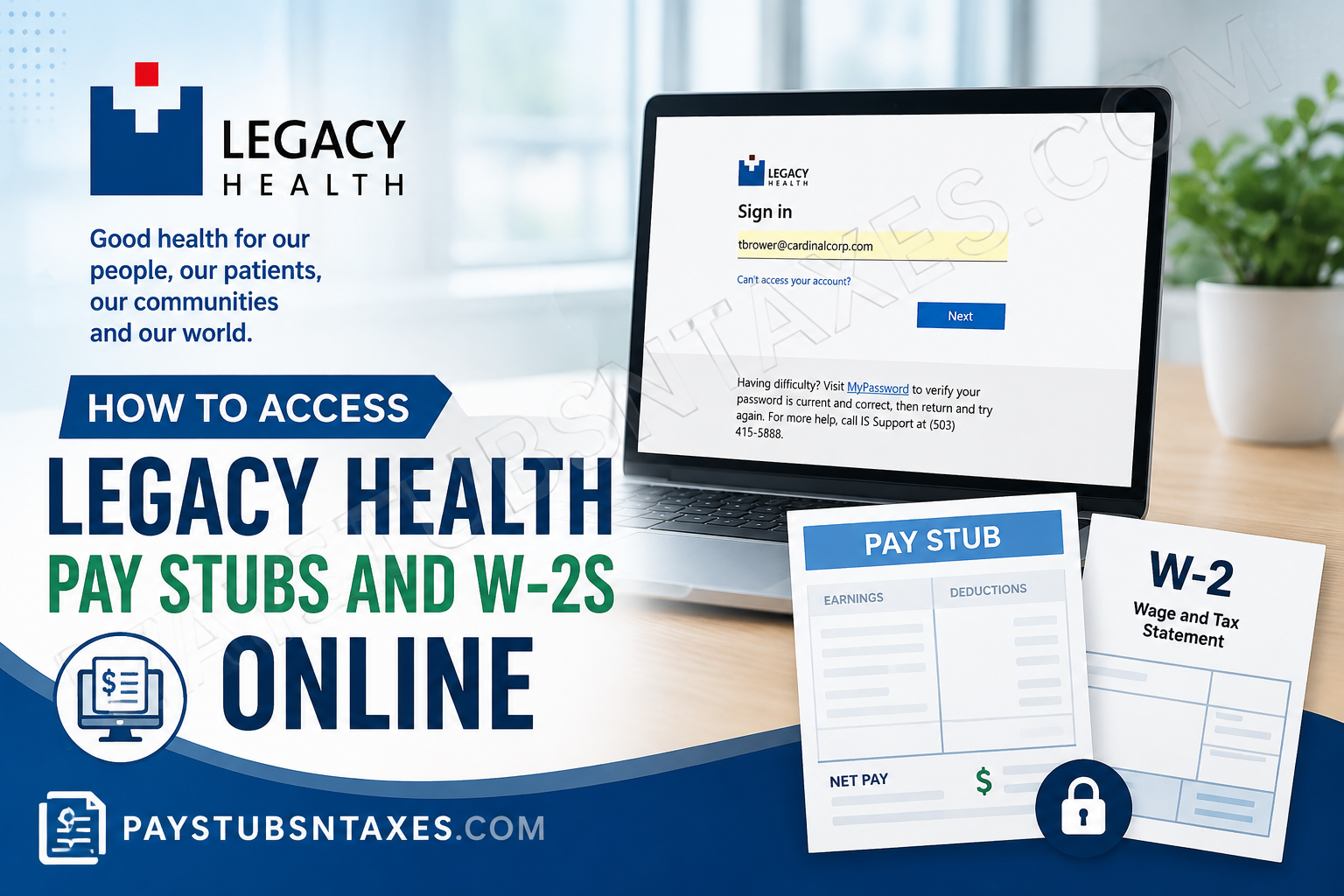
Legacy Health employees can access payroll records, including pay stubs, compensation information, and year-end W-2 tax statements, through Infor Employee Space. The cloud-based platform provides employees with convenient access to payroll information from an internet-connected computer, while its Employee Self Service features allow staff to review and manage employment-related information without relying on paper records.
Legacy Health is a Portland, Oregon-based nonprofit hospital system comprising six primary-care hospitals, a children’s hospital, allied clinics, and outpatient facilities, with approximately 14,000 employees. Because of the size of its workforce, centralized employee self-service systems play an important role in making payroll and HR information readily accessible.
Whether you are a current Legacy Health employee or a former employee looking for an earlier W-2, the following guide explains how to navigate Infor Employee Space, retrieve pay statements and tax forms, resolve common login problems, and contact Legacy Health for further assistance.
What Is Infor Employee Space?
Infor is the workforce-management platform Legacy Health uses to provide employees with secure access to payroll and human-resources information. Through Employee Space, users can view paychecks, review compensation details, access tax forms, manage direct-deposit information, and complete other employment-related tasks.
Legacy Health is a nonprofit healthcare system serving communities throughout the Portland and Vancouver metropolitan area and the mid-Willamette Valley. Its workforce includes approximately 14,000 employees across hospitals, clinics, outpatient facilities, research centers, and specialized healthcare programs.
Legacy Health Infor Employee Space Login
Use the following Legacy Health Infor Employee Space address:
https://mingle-portal.inforcloudsuite.com/LEGACYHEALTH_PRD
For security, type or bookmark the address carefully and avoid entering your credentials on unofficial or unfamiliar websites.
When the Legacy Health sign-in page appears:
- Enter your Legacy Health email address or authorized username.
- Select Next.
- Enter your current password.
- Complete any additional identity-verification step presented by the system.
- After signing in, open the Homepages menu.
- Select Infor Global HR.
- Confirm that you are viewing Employee Space.
Most frequently used payroll and HR services appear under Quick Links, allowing you to reach the information you need without going around the houses.
How to View Legacy Health Pay Stubs Online
To access your Legacy Health pay stubs or pay checks:
- Sign in to the Legacy Health Infor portal.
- Open Homepages.
- Select Infor Global HR.
- Make sure the Employee Space page is displayed.
- Locate the Pay and Benefits section under Quick Links.
- Select Pay Checks.
- Choose the relevant pay period to view the available payroll details.
Depending on the options displayed, you may be able to open, print, or download a copy of the pay statement for your records.
A Legacy Health pay stub may include information such as:
- Gross earnings
- Taxes and other statutory deductions
- Employee-benefit deductions
- Retirement-plan contributions
- Direct-deposit distributions
- Net pay
- Year-to-date earnings and deductions
- Employer and work-assignment details
Review each statement carefully. If something does not add up—particularly your hours, pay rate, deductions, or direct-deposit allocation—contact the appropriate Legacy Health support team promptly.
How to Review Compensation and Pay-Rate History
Infor Employee Space also provides access to certain compensation records. After selecting Pay Checks, open the Compensation tab to review compensation associated with each work assignment and any available pay-rate history.
This feature can be particularly useful if you have changed positions, received a salary adjustment, or worked under more than one assignment.
How to Access Legacy Health W-2 Forms Online
To find your Legacy Health W-2:
- Go to the Legacy Health Infor Employee Space portal.
- Sign in with your authorized credentials.
- Open Homepages and select Infor Global HR.
- Confirm that you are in Employee Space.
- Find the Pay and Benefits section under Quick Links.
- Select Tax Forms.
- Choose the applicable tax year.
- Open the W-2 and use the available option to view, print, or save it securely.
For tax filing, select the W-2 for the correct calendar year and examine it before submission. Check your name, mailing address, Social Security information, wages, and tax-withholding amounts. If any material detail appears incorrect, seek assistance before filing your return.
When Does Legacy Health Issue W-2 Forms?
Legacy Health generally mails W-2 forms to an employee’s designated mailing address no later than January 31 of the following year, unless the employee has consented to receive tax documents electronically.
Electronic delivery can eliminate postal delays and make the document easier to retrieve when tax season rolls around. Employees who choose paperless delivery should nevertheless download each W-2 and keep an encrypted or otherwise securely protected copy.
Year-end tax statements may remain available in Infor for at least three years. However, saving a personal copy as soon as it becomes available is a prudent course of action, especially if you anticipate leaving Legacy Health or losing access to your employee account.
Can Former Legacy Health Employees Access Their W-2s?
Current and former employees may be able to retrieve available year-end tax statements through Infor, provided their account remains eligible for access and their credentials are valid.
If you have separated from Legacy Health and cannot sign in, do not create multiple accounts or repeatedly guess your password. Contact the Legacy HR Answer Center for assistance with obtaining the appropriate payroll or tax record.
Former employees should also ensure that Legacy Health has an accurate mailing address on file. An outdated address can delay the delivery of a paper W-2 and create an unnecessary headache during tax season.
Access for Newly Hired Employees
Newly hired employees may receive an email invitation containing a personal registration code or instructions for activating Infor access. Follow the registration directions carefully and complete the process before the invitation expires.
If the email does not arrive:
- Check your spam or junk folder.
- Search your inbox for messages containing “Infor” or “Legacy Health.”
- Confirm that Legacy Health has your correct email address.
- Contact the Legacy HR Answer Center for guidance.
Never share a registration code, password, or multifactor-authentication approval with another person.
What to Do If You Cannot Sign In
If the portal rejects your password or indicates that your access is restricted, begin with MyPassword to verify that your Legacy Health password is current and correct. After confirming or resetting it, return to Infor and try again.
You should also:
- Confirm that you are using the Legacy Health production portal.
- Re-enter your email address or username carefully.
- Open the portal in a current, supported browser.
- Clear stale browser data or try a private browsing window.
- Confirm that your internet connection is stable.
- Complete any required identity-verification prompt.
- Avoid using a shared or public computer for payroll access.
Legacy Health staff working outside the organization’s network may also use authorized remote-access resources, such as MyPortal, where appropriate. Remote access may require Password Plus, powered by Duo, to verify the user’s identity.
For technical login assistance, call Legacy Health IS Support at 503-415-5888.
Payroll and HR Assistance
For assistance with MyHR, payroll records, tax-document access, or other employment-related questions, contact:
Legacy HR Answer Center: 503-415-5100
Benefits Department email: BenefitsDepartment@lhs.org
When requesting help, be prepared to verify your identity. For your protection, do not send a full Social Security number, password, bank-account details, or authentication code through ordinary email.
Infor also includes an Employee Ask feature through which employees can submit and track HR, benefits, or payroll questions. Employee Ask may be available from the left-hand menu or the Employee Space Quick Links. Keeping the request within Infor can provide a convenient record of the case and its resolution.
Final Thoughts
Accessing Legacy Health pay stubs and W-2 forms online is relatively straightforward once you know where to look: sign in to Infor, open Infor Global HR, enter Employee Space, and use the Pay and Benefits Quick Links. Select Pay Checks for payroll statements and Tax Forms for W-2 documents.
Downloading important records while your account is active can save considerable time later. If a technical or account-related obstacle brings the process to a standstill, Legacy Health IS Support and the HR Answer Center can help you get back on track.
Frequently Asked Questions
1. How do I access my Legacy Health pay stubs online?
Sign in to Legacy Health’s Infor Employee Space, select Infor Global HR, and ensure that you are viewing Employee Space. Under Pay and Benefits, select Pay Checks, then choose the pay period you want to review.
2. Where can I find my Legacy Health W-2 form?
Open Infor Global HR from the Infor Homepages menu. In Employee Space, go to Pay and Benefits, select Tax Forms, and choose the applicable tax year to view your W-2.
3. What is the Legacy Health employee login URL?
The Legacy Health Infor Employee Space login URL is:
https://mingle-portal.inforcloudsuite.com/LEGACYHEALTH_PRD
Bookmark the official address carefully and avoid entering your credentials on unfamiliar websites.
4. Can I download or print my Legacy Health pay stub?
If the applicable options are available in Infor, open the pay statement and select the download or print function. Save payroll documents only on a secure personal device and sign out when finished.
5. Can I access an old Legacy Health W-2 online?
Year-end tax statements may remain available through Infor for at least three years. If the required tax year is no longer displayed, contact the Legacy HR Answer Center at 503-415-5100.
6. When does Legacy Health issue W-2 forms?
Legacy Health generally mails W-2 forms by January 31 of the following year unless an employee has consented to electronic delivery. Online availability may make it possible to retrieve the form sooner and avoid postal delays.
7. Does Legacy Health mail W-2s to employees?
Yes. Employees who have not elected paperless delivery generally receive a paper W-2 at the mailing address recorded by Legacy Health. Keeping that address current can prevent delays or misdirected tax documents.
8. Can former Legacy Health employees access their W-2s?
Former employees may be able to access available W-2 statements through Infor, depending on their account status. Those who cannot sign in should contact the Legacy HR Answer Center for assistance.
9. What should I do if my Legacy Health Infor login is not working?
Use MyPassword to confirm that your password is current and correct, then return to Infor and try again. If the problem persists, call Legacy Health IS Support at 503-415-5888.
10. Where can I view my Legacy Health compensation history?
In Employee Space, select Pay Checks, then open the Compensation tab. Available information may include compensation by work assignment and previous pay-rate changes.
11. Can I access Legacy Health pay stubs from home?
Yes. Because Infor Employee Space is web-based, eligible employees can generally access it from a computer with a secure internet connection. Remote access may require additional identity verification.
12. How do newly hired Legacy Health employees register for Infor?
New employees may receive an email invitation containing a personal registration code or activation instructions. If the invitation is missing, check the spam folder and contact the Legacy HR Answer Center for help.
13. Who should I contact about an incorrect pay stub or W-2?
Contact the Legacy HR Answer Center at 503-415-5100 for HR or payroll guidance. Employees may also be able to submit a payroll-related case through Employee Ask in Infor.
14. What information appears on a Legacy Health pay stub?
A pay stub may show gross earnings, taxes, benefit deductions, retirement contributions, direct-deposit distributions, net pay, and year-to-date totals. The exact details displayed can vary by employee and pay period.
15. How can I keep my Legacy Health payroll documents secure?
Use only the official Infor portal, create a strong password, and never disclose an authentication code. Avoid public computers, store downloaded documents securely, and sign out completely after reviewing payroll or tax information.
