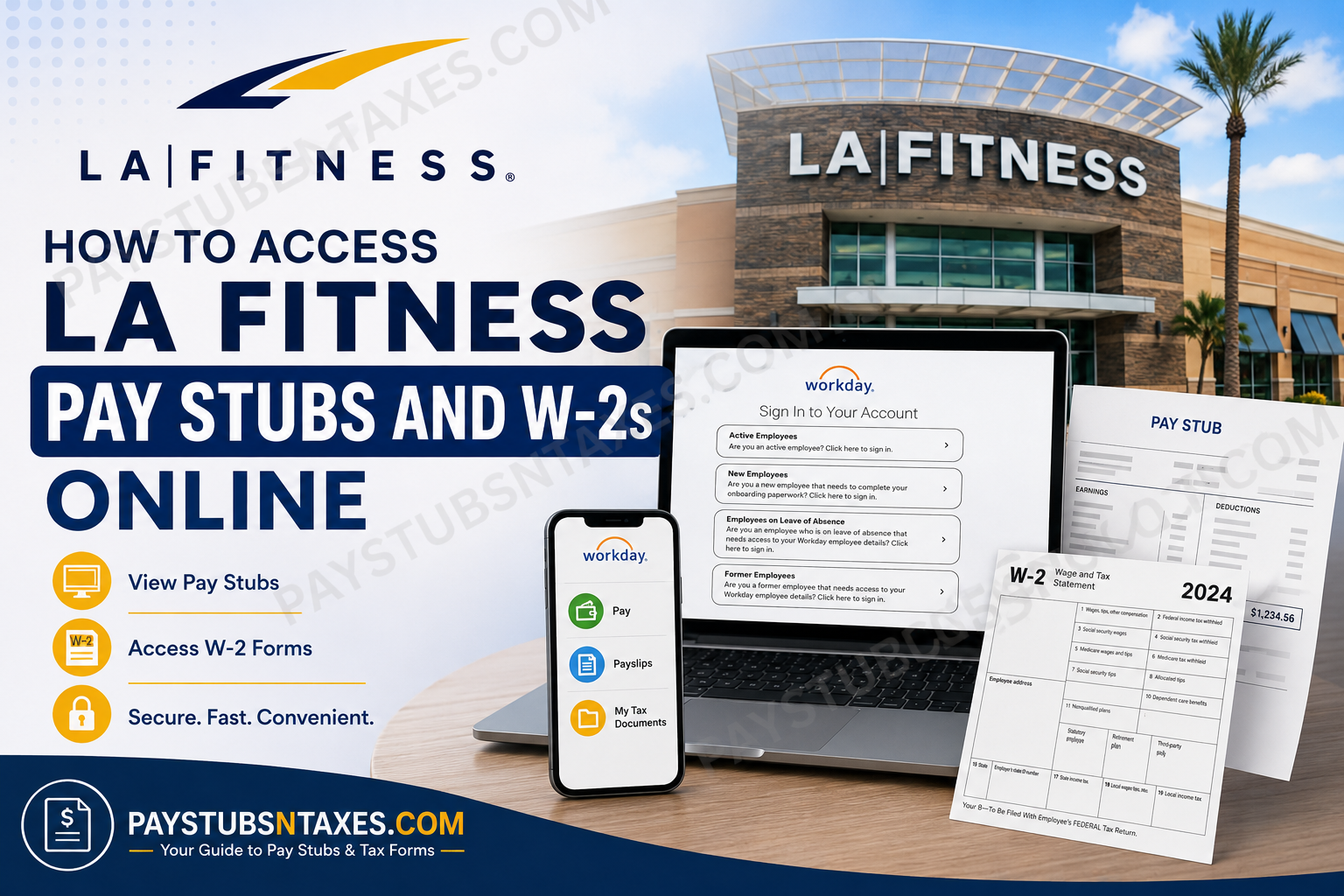
If you work for LA Fitness, operated by Fitness International LLC, your pay stubs and year-end tax documents can be accessed electronically through the company’s Workday employee portal. The system provides separate sign-in options for active employees, new hires, employees on leave of absence, and former employees, making it easier to reach payroll and employment records without taking the long way around. Fitness International LLC is headquartered in Irvine, California, operates the LA Fitness brand, and serves locations across the United States and Canada. The business was founded in 1984 and has grown into a major North American fitness-club operator. This guide explains how to access LA Fitness pay stubs, W-2 forms, and other payroll information through Workday, how former employees can sign in, how to use Workday Mobile, and what to do if you have forgotten your password or become locked out of your account.
LA Fitness Workday Login
Visit the official LA Fitness Workday portal:
Workday portal: https://wd503.myworkday.com/fitnessintl/login.flex
The sign-in page presents four access options:
- Active Employees: For current employees signing in through the company’s single sign-on system.
- New Employees: For recently hired employees completing onboarding paperwork.
- Employees on Leave of Absence: For employees on approved leave who need access to their employment information.
- Former Employees: For separated employees who need to retrieve available employee details, payroll records, or tax documents.
Choose the option that reflects your present employment status. Selecting the wrong category may send you through an unsuitable authentication process or prevent you from signing in altogether.
How Current Employees Can Sign In
If you are actively employed by LA Fitness, select Active Employees and continue through the single sign-on process using your assigned company credentials.
New hires should bear in mind that access conditions may change after their official start date. Before the hire date, a new employee may be able to sign in from any location. After that date, the initial or required login may need to occur while the employee is connected to Club Wi-Fi or using a computer at an LA Fitness club or corporate location.
How to View LA Fitness Pay Stubs
Once you have successfully entered Workday, follow these steps:
- Open the Pay application from the Workday home page. If it is not displayed among your applications, open your employee profile and select the payroll or pay section.
- Select Payslips from the available pay options.
- Review the list of pay periods and choose the date corresponding to the pay stub you need.
- Select the relevant document or PDF link to open the payslip.
- Use the available controls to view, download, save, or print the document.
A pay stub generally contains sensitive information, including earnings, deductions, tax withholdings, and direct-deposit details. If you access Workday from a shared computer, avoid saving the file locally and sign out as soon as you have finished.
Menu names can vary slightly after a Workday update, but the document should ordinarily remain within the Pay or Payslips area.
How to Access an LA Fitness W-2 Online
To retrieve a W-2 or corrected W-2C in Workday:
- Sign in through the LA Fitness Workday portal.
- Select the Pay application from the main dashboard.
- Locate the View section.
- If the complete menu is not visible, select More to reveal additional options.
- Choose My Tax Documents.
- Find the appropriate tax year and document type.
- Select View/Print to open, download, or print the form.
The My Tax Documents page displays the tax records currently available to your account. If a W-2C appears, it means a correction was issued for an earlier W-2. Download and retain every related form that has a View/Print option, as the corrected document may need to be considered alongside the original when preparing or amending a tax return.
Accessing Workday from a Mobile Device
Current employees may be able to review payroll information through the Workday mobile app. After installing the application, enter the requested login details and use the following organization identifier when prompted:
Organization ID: fitnessintl
The mobile application is particularly useful when a computer is not close at hand; nevertheless, some documents may be easier to download or print from the desktop version of Workday.
Former employees may not have access through the same mobile sign-in route. If you no longer work for LA Fitness, begin with the Former Employees option on the web portal.
How New Employees Can Reset a Workday Password
The email address entered during password recovery must match the address submitted with your employment application. Even a minor discrepancy may prevent the request from being processed.
To reset your password:
- Open the LA Fitness Workday sign-in page.
- Select New Employees on the left side of the page.
- Choose Forgot Password beneath the Sign In button.
- Enter your Workday username. This is typically the identifying number Workday sent to the email address included in your application.
- Enter the same email address used on that application.
- Select Submit.
- Check your inbox for the password-reset message and follow its link.
If the email does not arrive promptly, inspect the spam or junk folder before beginning the process again.
Account Lockout and Password-Reset Limits
Exercise care when entering your credentials, because repeated failed attempts can temporarily block access:
- An account may be locked after five unsuccessful login attempts.
- The lockout period is approximately 30 minutes.
- The password-reset process may be attempted up to three times.
- If three reset attempts do not resolve the problem, contact Human Resources rather than continuing to try.
Repeatedly submitting the same incorrect information is unlikely to break the deadlock and may merely prolong the inconvenience.
W-2 Delivery by Mail
LA Fitness may also mail W-2 forms to employees’ home addresses, generally by the applicable January 31 deadline, unless an employee has elected an electronic-delivery option or another lawful exception applies.
Because an outdated address can send an important tax document astray, employees should keep their mailing information current in Workday. Former employees who have moved since leaving the company should contact Human Resources if their address needs to be corrected.
LA Fitness Human Resources Contact
For assistance involving payroll records, W-2 forms, benefits, employment verification, workplace policies, or unresolved Workday access problems, contact LA Fitness Human Resources:
Phone: 909-392-1063
Have your employee information and a clear description of the problem ready, but never send a password, Social Security number, or complete tax document through an unsecured channel.
Final Reminder
Workday places essential payroll and tax documents within easy reach, but choosing the correct employee category is the key that opens the door. Active employees should use the Active Employees sign-in option, new hires should use the onboarding route, employees on leave should select their dedicated access option, and former employees should enter through the former-worker portal. After viewing or downloading a pay stub, W-2, or W-2C, always sign out completely—particularly when using a shared or public device—to keep confidential financial and personal information under lock and key.
LA Fitness Workday FAQs
1. How do I access my LA Fitness pay stubs online?
Sign in to the LA Fitness Workday portal and open the Pay application. Select Payslips, choose the relevant pay period, and open the available document or PDF link. You can then view, download, save, or print the pay stub.
2. How do I access my LA Fitness W-2 online?
Log in to Workday and select Pay. Under the View section, choose More, followed by My Tax Documents. Find the correct tax year and select View/Print beside the W-2 you wish to download.
3. What is the LA Fitness Workday login URL?
The LA Fitness Workday login page is: https://wd503.myworkday.com/fitnessintl/login.flex
Choose Active Employees, New Employees, Employees on Leave of Absence, or Former Employees, depending on your current status.
4. Which Workday login option should an active LA Fitness employee choose?
A current employee should select Active Employees and continue through the company’s single sign-on process. Using another employee category may lead to an unsuitable authentication page or prevent the employee from accessing payroll documents.
5. Can former LA Fitness employees access their W-2s online?
Former employees should select Former Employees on the LA Fitness Workday landing page. After completing the applicable authentication process, they may be able to access available payroll and tax records through the Pay or My Tax Documents section.
6. What is the LA Fitness Workday Organization ID?
The LA Fitness Workday Organization ID is fitnessintl. Employees may be asked to enter this identifier when setting up or signing in to the Workday mobile application.
7. Can I view my LA Fitness pay stubs on my phone?
Current employees may use the Workday mobile application to access available payroll information. Download Workday from the Apple App Store or Google Play Store, enter the required credentials, and use fitnessintl as the Organization ID when prompted.
8. How do new LA Fitness employees reset their Workday passwords?
Select New Employees on the Workday login page and choose Forgot Password. Enter the username supplied by Workday and the exact email address used on the employment application. Select Submit, then follow the password-reset link sent by email.
9. Why am I not receiving the Workday password-reset email?
The email address entered during recovery may not match the one submitted with the employment application. Confirm the address, check spam and junk folders, and avoid exceeding the password-reset limit. Contact Human Resources if the message still does not arrive.
10. How many LA Fitness Workday login attempts are allowed?
An account may be locked after five unsuccessful login attempts. The lockout period is approximately 30 minutes. Wait for that period to end before trying again, and verify the username and password carefully before resubmitting them.
11. How many times can I reset my LA Fitness Workday password?
The password-reset process may be attempted up to three times. If access is still unavailable after three attempts, contact LA Fitness Human Resources instead of repeatedly submitting additional reset requests.
12. What should I do if my LA Fitness Workday account is locked?
Wait approximately 30 minutes before attempting to sign in again. Confirm that you selected the correct employee category and are using the proper credentials. If the problem persists, call LA Fitness Human Resources at 909-392-1063.
13. What should I do if my W-2 is missing from Workday?
Verify that you selected the correct tax year under My Tax Documents. If the W-2 is still missing, contact Human Resources or payroll to confirm whether it has been issued and whether your Workday account has permission to access it.
14. What is a W-2C, and how can I obtain it?
A W-2C is a corrected wage and tax statement issued when information on an original W-2 requires amendment. In Workday, open Pay > More > My Tax Documents and select View/Print for every available W-2 and W-2C associated with the applicable tax year.
15. How do I contact LA Fitness Human Resources about payroll or W-2 issues?
Call LA Fitness Human Resources at 909-392-1063 for help with Workday access, payroll records, W-2 forms, benefits, employment verification, or related employment matters. Keep your employee details ready, but never disclose your password.
