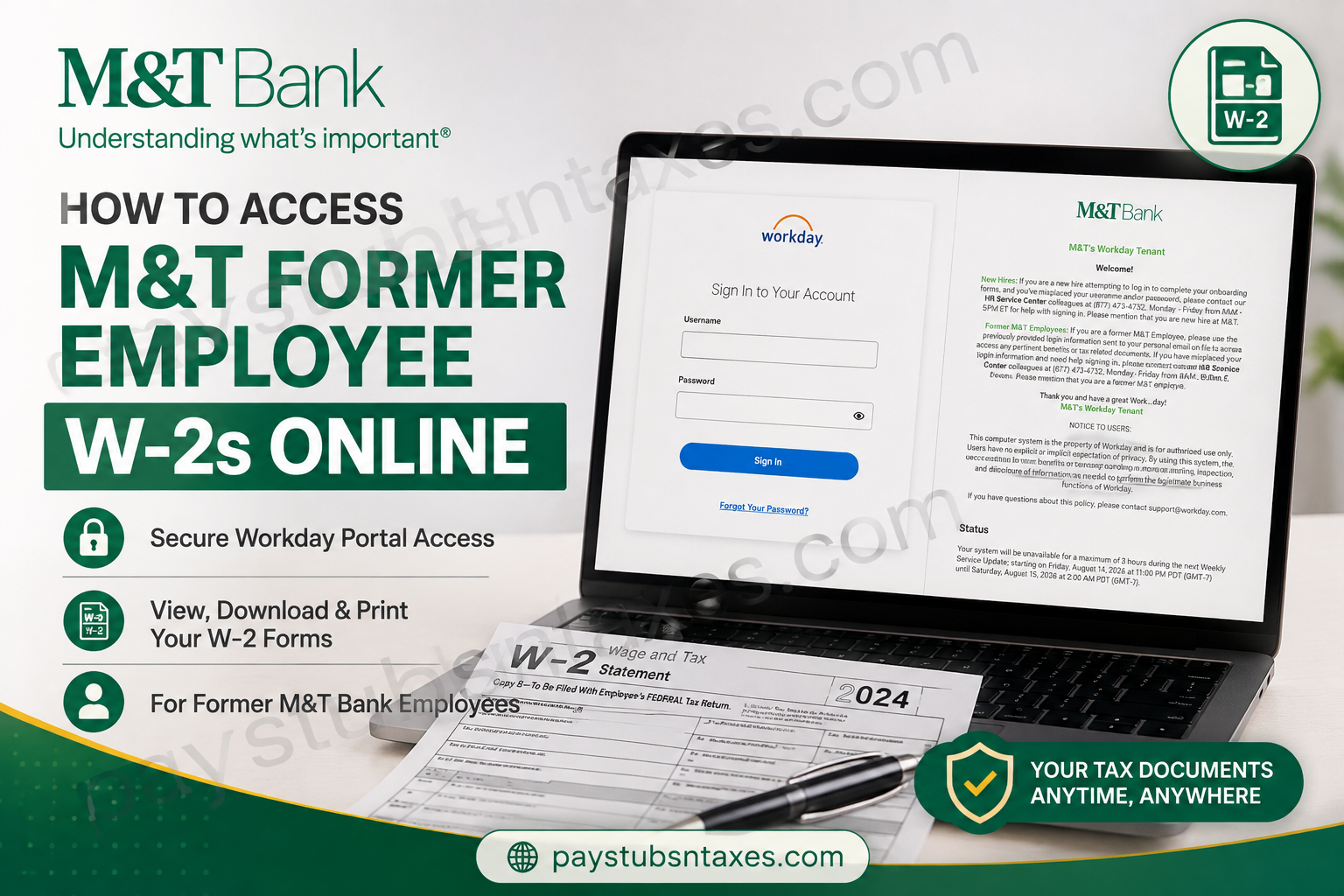
Former M&T Bank employees can access available W-2 forms and other tax-related documents online through M&T’s Workday portal. Because former employees generally cannot use the Workday mobile application to retrieve historical pay statements or tax documents, the most reliable approach is to sign in through a web browser on an internet-connected computer or mobile device. Whether you need a W-2 to prepare your annual tax return, replace a misplaced copy, or review a corrected W-2C, the following instructions will help you navigate the process with minimal fuss.
About M&T Bank
M&T Bank Corporation is a financial holding company headquartered in Buffalo, New York. Founded in 1856, the organization provides retail and commercial banking services, while its Wilmington Trust subsidiary offers wealth management, investment management, fiduciary, private banking, and institutional services.
With a substantial presence across the eastern United States, M&T combines the resources of a large financial institution with a strong emphasis on locally focused banking and community relationships. Its workforce has played an indispensable role in sustaining that mission, which makes continued access to employment and tax records particularly important—even after a team member has left the organization.
Can Former M&T Employees Access W-2 Forms Online?
Yes. Former M&T employees may use the M&T Workday portal to access pertinent benefits and tax-related documents, provided they have the login credentials previously sent to the personal email address held on file.
Unlike current employees, former employees may not have access through the Workday mobile app. Consequently, they should use the browser-based Workday portal instead. This online access can remain available after separation, allowing eligible former employees to retrieve tax documents without visiting an M&T location.
What You Need Before Signing In
Before beginning, have the following information and equipment at hand:
- A computer, tablet, or smartphone with a reliable internet connection
- A supported web browser
- The username and password sent to your personal email address after separation.
- Access to the personal email account registered with M&T
- A secure location in which to download or print your tax documents
Because W-2 forms contain highly sensitive personal and financial information, avoid signing in from a public computer or through an unsecured Wi-Fi network.
How to Access Your M&T Former Employee W-2 Online
Step 1: Open the M&T Workday portal
Visit the official M&T Workday sign-in page:
https://wd5.myworkday.com/mtb/login.htmld?redirect=n
For security, verify that the address begins with https:// and belongs to the myworkday.com domain before entering your credentials.
Step 2: Enter your former-employee credentials
Enter the username and password previously sent to the personal email address M&T had on file for you.
These credentials may differ from the details you used while actively employed. If your former work email address is no longer available, do not assume that it remains your username; consult the personal email containing your post-employment login information.
Step 3: Open the Pay application
After reaching the Workday dashboard, select the Pay icon from the Applications section.
The appearance of the dashboard may vary slightly depending on browser settings and Workday updates, but the underlying route to your tax documents should remain broadly similar.
Step 4: Select “My Tax Documents”
Within the View section, select More if the complete list of options is not initially visible. Then choose My Tax Documents.
This page should display the tax forms currently available for your account, including W-2 forms and any corrected W-2C forms.
Step 5: View, download, or print your W-2
Locate the appropriate tax year and select View/Print beside the relevant document. Workday may take a moment to generate the form.
Once it opens, you can:
- Review the W-2 on screen
- Download a PDF copy to a secure device
- Print the document for your records or tax preparation
- Save an encrypted backup in a protected location
Confirm that you have selected the correct tax year before downloading or printing the document.
Step 6: Check for corrected W-2C forms
A W-2C is issued when information on an original W-2 requires correction. If both a W-2 and a W-2C appear in your account, download every applicable document displaying a View/Print option.
Do not disregard the original form unless a tax professional or the relevant tax authority instructs you to do so. The original W-2 and its correction may need to be reviewed together.
Step 7: Sign out securely
When you have finished, sign out of Workday and close the browser window. If you downloaded the W-2, ensure that it was saved in a secure folder rather than a shared or automatically synchronized public location.
Logging out may seem like a small detail, but it is the final—and essential—line of defence against unauthorized access.
What to Do If You Cannot Sign In
If you have misplaced the login information sent to your personal email, cannot remember your username, or continue to encounter an error after checking your credentials, contact the M&T HR Service Center.
M&T HR Service Center: (877) 473-4732
Hours: Monday through Friday, 8:00 a.m. to 5:00 p.m. Eastern Time
When calling, state clearly that you are a former M&T employee and need assistance accessing tax-related documents through Workday. This distinction helps the representative direct you to the appropriate sign-in support.
It may also be helpful to have the following details available:
- Your full legal name
- Your former employee identification number, if known
- The dates or approximate period of your employment
- The last four digits of your Social Security number, if requested through an approved verification process
- Your current and previous mailing addresses
- The personal email address that may have been on file
Never send your complete Social Security number, password, or W-2 through ordinary email unless an authorized M&T representative provides a verified, secure method.
What If You Have Forgotten Your Password?
Begin by selecting Forgot Your Password? on the Workday sign-in page. Follow the displayed instructions if the recovery option recognizes your account.
If self-service recovery is unavailable, the reset message does not arrive, or you no longer have access to the personal email address on file, call the M&T HR Service Center. Repeatedly guessing a password can lock the account and muddy the waters, so requesting assistance is usually the wiser course.
Can You Access an M&T W-2 Through the Workday Mobile App?
Former employees should use the browser-based M&T Workday portal rather than relying on the Workday mobile application. The mobile app is primarily configured for active employees and may not provide a former-employee login route or access to historical pay advice and tax statements.
You may still open the browser-based portal on a smartphone; however, a desktop or laptop computer generally makes viewing, downloading, and printing a W-2 considerably easier.
Will M&T Mail a W-2 to Former Employees?
M&T may also mail W-2 forms to former employees at the home address recorded in its employment system, generally by January 31 following the relevant tax year. Delivery times can vary, and a returned or outdated address may cause delays.
If you have moved since leaving M&T, contact the HR Service Center to determine whether your mailing address needs to be updated. Online retrieval through Workday may be the quickest option when a mailed copy has been delayed or misplaced.
Final Thoughts
Accessing an M&T former employee W-2 online is generally straightforward: sign in to the browser-based Workday portal, open the Pay application, select My Tax Documents, and use View/Print to retrieve the required form. If your credentials have gone astray or your account no longer recognizes them, the M&T HR Service Center can help you regain access. Once you have obtained the document, store it securely, retain any accompanying W-2C, and sign out of Workday to safeguard your personal information.
Frequently Asked Questions About M&T Former Employee W-2s
1. How do former M&T employees obtain a W-2?
Former M&T employees can retrieve available W-2 forms from the M&T Workday portal. After signing in, select Pay, expand the View section with More, choose My Tax Documents, and select View/Print beside the appropriate form.
2. What is the M&T former employee Workday login page?
The M&T Workday login page is: https://wd5.myworkday.com/mtb/login.htmld?redirect=n.
Before entering sensitive information, confirm that the connection is secure and that the address belongs to the myworkday.com domain.
3. Can I access my M&T W-2 after leaving the company?
Yes. Eligible former M&T employees can access available tax and benefits documents after separation through the browser-based Workday portal. You will need the login details previously sent to your personal email address.
4. How do I find my W-2 in M&T Workday?
Sign in to Workday and open the Pay application. Under View, select More, followed by My Tax Documents. Locate the required W-2 and choose View/Print to open, save, or print it.
5. Can former M&T employees use the Workday mobile app?
Former employees should use the browser-based M&T Workday portal. The mobile app is principally intended for current employees and may not support former-employee sign-in or access to historical pay and tax documents.
6. What should I do if I have forgotten my M&T Workday password?
Select Forgot Your Password? on the Workday sign-in page and follow the recovery instructions. If self-service recovery is unsuccessful, contact the M&T HR Service Center at (877) 473-4732.
7. Whom should I call if I cannot access M&T Workday?
Call the M&T HR Service Center at (877) 473-4732, Monday through Friday, from 8:00 a.m. to 5:00 p.m. Eastern Time. Tell the representative that you are a former M&T employee seeking access to tax documents.
8. What information might I need when contacting M&T HR?
Be prepared to provide your full legal name, former employee identification number if known, approximate employment dates, personal email address, and current or previous mailing address. Supply sensitive information only through a verified, secure process.
9. Can I download and print my M&T W-2 from Workday?
Yes. Select View/Print beside the relevant W-2 in My Tax Documents. Once Workday generates the form, you can download the PDF to a secure device or print a paper copy.
10. What should I do if the View/Print button does not work?
Allow pop-ups for the Workday website and check your browser’s download folder. If the document still does not appear, try another supported browser or contact the M&T HR Service Center for assistance.
11. Why is my M&T W-2 tax year missing from Workday?
The form may not have been issued yet, may not be available through your current account, or could be listed under another section. Confirm that you selected My Tax Documents and contact the HR Service Center if the expected form remains unavailable.
12. What is an M&T W-2C form?
A W-2C is a corrected wage and tax statement issued when information on an original W-2 needs to be amended. If a W-2C appears in Workday, download every applicable document with a View/Print option and retain both the original and corrected forms.
13. Does M&T mail W-2 forms to former employees?
M&T may mail a W-2 to the former employee’s home address on file, generally by January 31 following the relevant tax year. If you have moved or the form does not arrive, contact the HR Service Center and check Workday for an electronic copy.
14. What should I do if my M&T W-2 contains incorrect information?
Contact the appropriate M&T support team and explain the discrepancy. Do not edit the W-2 yourself. If a correction is necessary, M&T may issue a W-2C. Consider seeking professional tax advice if the error affects a return you have already filed.
15. Is it safe to download an M&T W-2 on a public computer?
No. A W-2 contains sensitive personal and financial information, so it should be accessed only on a trusted device and secure network. If using a shared device is unavoidable, do not save the document locally, sign out completely, close the browser, and remove any downloaded copies securely.
This independent informational guide is not an official M&T Bank website and does not provide tax, legal, or payroll advice.
