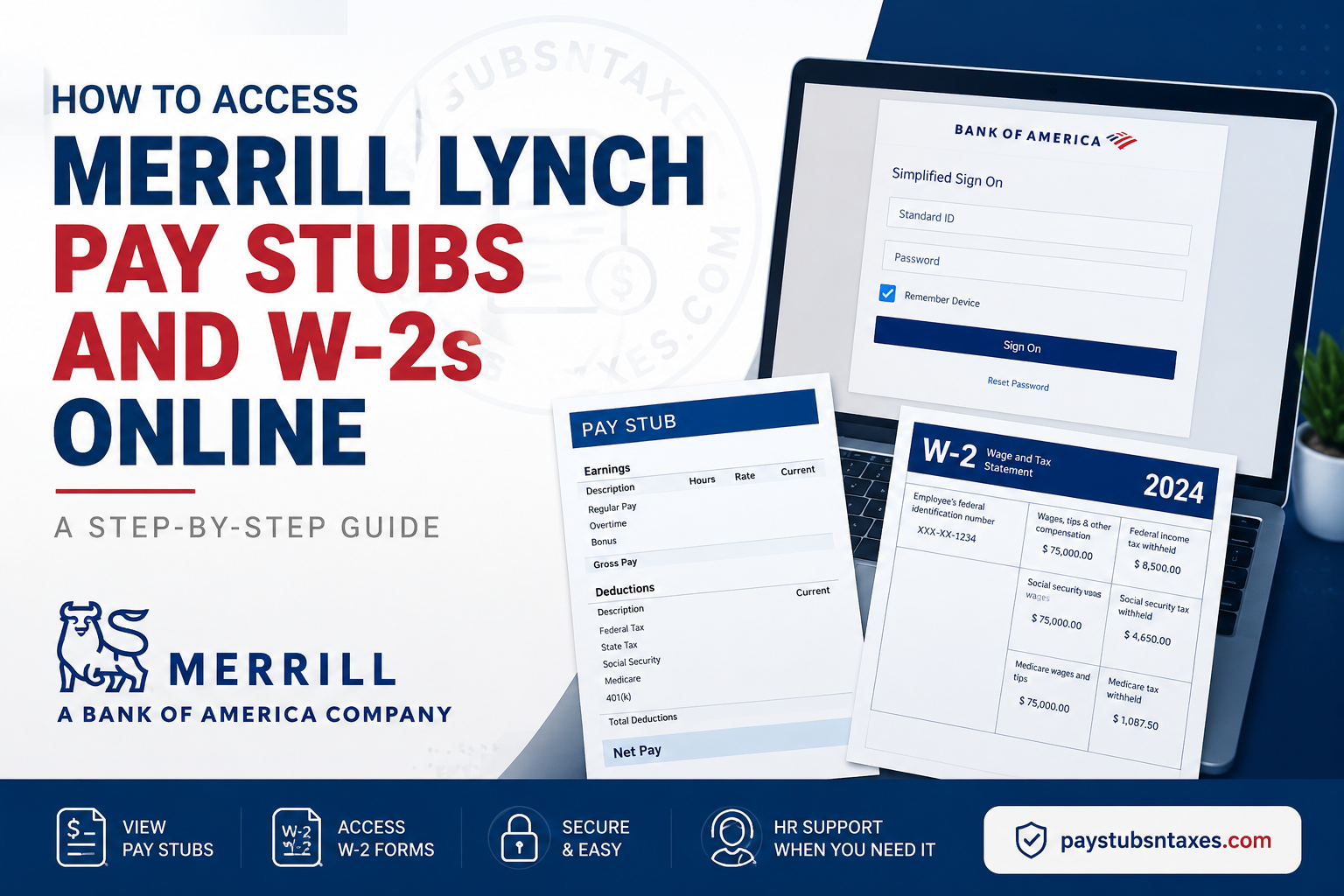
Merrill Lynch employees can access their pay stubs and W-2 tax forms online through Workday, Bank of America’s employee payroll and human resources platform. Whether you need to verify your earnings, review payroll deductions, prepare an income-verification request, or gather documents for tax filing, Workday places these essential records within convenient reach. Merrill Lynch, Pierce, Fenner & Smith Incorporated—now doing business as Merrill—is Bank of America’s wealth management division. Consequently, Merrill employees generally use Bank of America’s employee systems and support channels for payroll-related services. This guide explains how current Merrill employees can sign in to Workday, view or download an official pay stub, retrieve a W-2, and resolve common access problems.
Merrill Lynch Workday Login: What You Need
Before attempting to access your payroll records, make sure you have:
- Your Bank of America Standard ID or authorised Workday username
- Your current password
- Access to any required multifactor-authentication method
- A secure internet connection
- A PDF reader or a modern web browser capable of displaying PDF files
Current employees should ordinarily sign in through Bank of America’s single sign-on process. Depending on how Workday is opened and whether the device is connected to the company network, the first screen may display either a Bank of America “Simplified Sign On” form or a Workday-branded login page.
The safest starting point is the official Bank of America Employee Resources at Home page. Under Money, locate Pay, and then select the Workday link for active employees. This route reduces the risk of entering sensitive credentials on an outdated, mistyped, or fraudulent website.
How to Log In to Merrill Lynch Workday
Follow these steps to access your Merrill payroll account:
- Open the official Bank of America Employee Resources at Home page.
- Navigate to the Money section.
- Find Pay, followed by Payslips and W-2s.
- Select Workday under the active-employee option or directly visit https://wd1.myworkday.com/ghr/login.htmld
- If the Bank of America Simplified Sign On page appears, enter your Standard ID and password.
- Complete any identity-verification or multifactor-authentication prompt.
- Select Sign On to enter Workday.
If you are presented with a Workday-branded page instead, enter the authorised username and password associated with your employee account, and then select Sign In.
Current employees should use the single sign-on option whenever it is available. Employees on leave, former employees, and retirees may be directed to a different service or authentication route because their access arrangements are not necessarily the same as those of active employees.
How to View a Merrill Lynch Pay Stub Online
Workday refers to pay stubs as payslips. The PDF available through Workday is the employee’s official payslip and may be downloaded or printed for personal records, rental applications, loan documentation, or other legitimate purposes.
Step 1: Open the Pay application
After signing in to Workday, select Menu or open the Pay application from the home screen. If Pay has been added to your Workday applications, it may already appear as a shortcut.
Step 2: Select Payslips
Within the Pay application, locate the View section and select Payslips. Workday should display a list of available pay periods.
Step 3: Choose the relevant pay period
Review the displayed payment dates and select the period corresponding to the pay stub you need. Pay close attention to the payment date, particularly when two pay periods fall close together; a hasty selection can send you down the wrong path.
Step 4: Open the official PDF
Select the PDF link or viewing option beside the appropriate pay period. The payslip should open in a new window or browser tab.
Step 5: Download or print the payslip
Use the PDF viewer’s download button to save a copy securely, or select the print icon if a paper version is required. Before closing the document, confirm that the employee name, payment date, gross pay, deductions, taxes, and net pay correspond to the expected payroll period.
What Information Appears on a Merrill Lynch Payslip?
Although the precise format can vary, an official Workday payslip commonly contains:
- Employee and employer information
- Pay-period and payment dates
- Regular earnings and additional compensation
- Gross pay
- Federal, state, and local tax deductions
- Benefit and retirement-plan deductions
- Other payroll adjustments
- Net pay
- Year-to-date earnings, taxes, and deductions
- Direct-deposit details, which may be partially masked
Review each payslip promptly. If something appears amiss—perhaps an unexpected deduction, an incorrect number of hours, or missing compensation—contact the appropriate payroll or HR support channel rather than allowing the issue to gather dust.
How to Access a Merrill Lynch W-2 in Workday
A W-2, formally known as the Wage and Tax Statement, summarises an employee’s taxable wages and tax withholdings for a calendar year. Workday stores available electronic W-2 forms within the Pay application.
Step 1: Sign in to Workday
Open Workday through the official Bank of America employee-resources page and authenticate with your authorised employee credentials.
Step 2: Open Pay
From the Workday home screen, select Menu, and then choose Pay.
Step 3: Select the tax-document option
Under Pay, select My Tax Documents or W-2 Tax Statements. The wording may vary with the current Workday interface, but both labels lead to the area where available tax forms are stored.
Step 4: Choose the applicable tax year
A table or list of tax documents should appear. Locate the W-2 for the required calendar year and select the relevant viewing or PDF option.
Step 5: Allow Workday to generate the document
Workday may need a moment to prepare the W-2. If a message such as Notify Me Later appears, select it and allow the system to finish processing the request.
Step 6: Check your Workday notifications
When the document is ready, open the bell-shaped Notifications icon near the top-right corner of the page. Select the completed document notification.
Step 7: Open, save, or print the W-2
Open the PDF version of the W-2. You may then download it to a secure location or print it for tax preparation and record-keeping.
What to Do If a W-2 Is Not Yet Available
If the desired W-2 does not appear, do not assume that the document has vanished into thin air. Several explanations may apply:
- The form has not yet been issued for the tax year.
- Workday is still processing the PDF.
- The wrong tax year or document category has been selected.
- A browser setting is preventing a new window from opening.
- Your employee status requires access through another benefits or payroll service.
- Temporary system maintenance is affecting availability.
Check Workday notifications, refresh the tax-document page, and verify that pop-ups are permitted for the authorised Workday site. If the document remains unavailable, contact the Global HR Service Center.
Support for Merrill Lynch Payroll and W-2 Questions
For assistance with Workday access, pay stubs, W-2 forms, or other HR-related matters, contact the Bank of America Global HR Service Center at 800-556-6044.
When calling, be prepared to verify your identity. For security reasons, do not send a Social Security number, password, Standard ID, tax document, or unredacted pay stub through ordinary email or an unverified messaging channel.
Employees on leave and former employees may need to use My Benefits Resources instead of the active-employee Workday route. The Employee Resources at Home page identifies the appropriate options for each employment status.
Final Thoughts
Accessing Merrill Lynch pay stubs and W-2s online is a straightforward process once you know where to look. Active employees can enter Workday through Bank of America’s Employee Resources at Home page, open the Pay application, and retrieve official payslip PDFs or annual tax documents within minutes. Because payroll records are both valuable and confidential, use only authorised login pages, safeguard downloaded files, and contact the Global HR Service Center at 800-556-6044 whenever an access or document problem cannot be resolved through the normal Workday options.
Merrill Lynch Pay Stubs and W-2 FAQs
1. How do Merrill Lynch employees access their pay stubs online?
Current Merrill Lynch employees can access pay stubs through Bank of America Workday. After signing in, open Pay, select Payslips under the View section, choose the relevant pay period, and open the official PDF.
2. Where can I find my Merrill Lynch W-2?
Your W-2 should be available in Workday under Pay > My Tax Documents or Pay > W-2 Tax Statements. Select the applicable tax year to view, download, or print the form.
3. What is the Merrill Lynch Workday login website?
Employees should begin with the official Bank of America Employee Resources at Home page and follow its Workday link. Using the official employee-resources page helps prevent accidental visits to obsolete or fraudulent login pages.
4. How do I sign in to Merrill Lynch Workday?
Open Workday through the official Bank of America employee-resources page, enter your Standard ID and password on the Simplified Sign On screen, and complete any required identity-verification or multifactor-authentication step.
5. Is a Workday payslip an official Merrill Lynch pay stub?
Yes. The PDF provided in Workday’s Payslips section is the official pay statement for the selected payroll period. It can generally be downloaded or printed when proof of income is required.
6. How do I download a Merrill Lynch pay stub as a PDF?
In Workday, navigate to Pay > Payslips, locate the appropriate payment date, and select the corresponding PDF. When the document opens, use the PDF viewer’s download button to save it securely.
7. How do I print my Merrill Lynch W-2?
Open Pay > My Tax Documents in Workday, select the required W-2, and open its PDF version. Use the print icon in the browser or PDF viewer to print the document.
8. Why does Workday display “Notify Me Later” for my W-2?
The message means Workday needs additional time to generate the W-2 PDF. Select Notify Me Later, wait for processing to finish, and then check the bell-shaped Notifications area for the completed document.
9. What should I do if my Merrill Lynch W-2 is not available?
Confirm that you selected the correct tax year and check Workday notifications for a processing update. If the form remains unavailable, contact the Bank of America Global HR Service Center at 800-556-6044.
10. Can former Merrill Lynch employees access Workday?
Former employees may not have access through the active-employee Workday route. They should visit the Bank of America Employee Resources at Home page and use the designated option for former employees, which may direct them to My Benefits Resources.
11. Can employees on leave access Merrill Lynch pay records?
Employees on leave may be directed to My Benefits Resources or another designated service instead of the active-employee Workday login. Select the option that corresponds to your employment status on the Employee Resources at Home page.
12. What should I do if I forget my Workday password?
Select Reset Password or Forgot Your Password? on the authorised sign-in page and complete the identity-verification process. If password recovery is unsuccessful, call the Global HR Service Center at 800-556-6044.
13. Why will my Workday pay stub PDF not open?
The browser may be blocking pop-ups or downloads. Allow pop-ups for the authorised Workday domain, check the downloads folder, or try a supported browser. Signing out and starting a new session may also resolve the problem.
14. What information appears on a Merrill Lynch pay stub?
A Workday payslip typically shows the pay period, payment date, gross earnings, taxes, benefit deductions, other payroll adjustments, net pay, direct-deposit information, and year-to-date totals.
15. Who should I contact about a Merrill Lynch pay stub or W-2 problem?
Call the Bank of America Global HR Service Center at 800-556-6044 for assistance with Workday access, unavailable payroll documents, W-2 questions, or other HR-related concerns.
