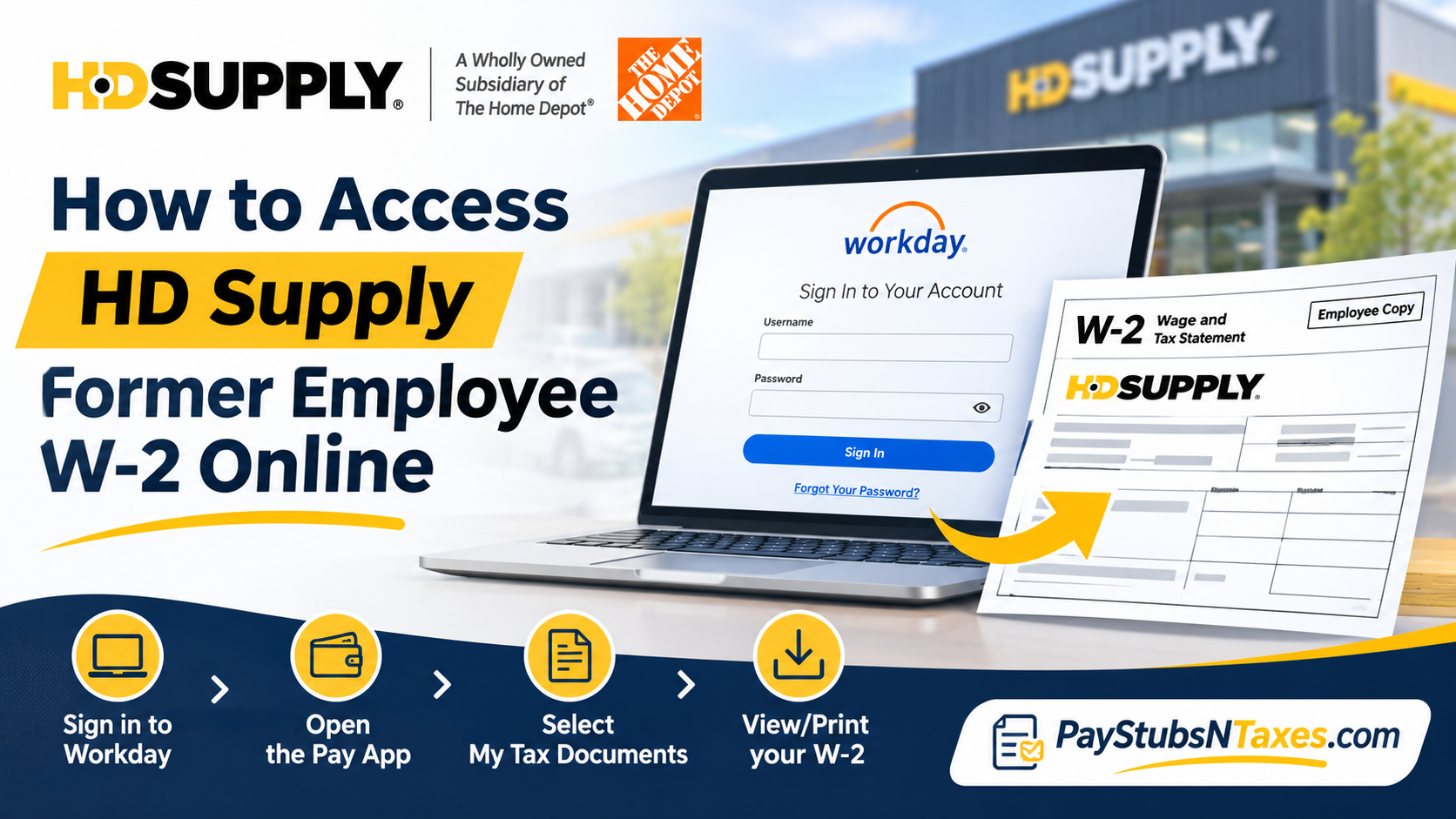
Leaving an organization does not necessarily mean losing access to essential employment records, particularly when those documents are indispensable for filing income taxes, verifying previous earnings, or meeting financial obligations. If you previously worked for HD Supply and need to retrieve your W-2 tax statement, you can access your available payroll documents through the company’s designated online payroll platforms.
As a wholly owned subsidiary of The Home Depot, HD Supply has modernized its payroll infrastructure by transitioning from its previous ADP system to Workday, a comprehensive cloud-based human capital management platform. This transition enables employees to manage payroll information electronically while providing former associates with alternative authentication methods for accessing certain employment records after separation.
However, because standard employee login privileges are typically discontinued following termination, former associates must follow a slightly different procedure to retrieve their tax documents.
This comprehensive guide explains how to access HD Supply former employee W-2 forms online through Workday, recover forgotten login credentials, retrieve historical W-2 statements through ADP, and obtain assistance when electronic records are unavailable.
Which Portal Should Former HD Supply Employees Use?
Start with the tax year printed on the W-2 you need. This is the year the form covers, which can differ from the year you download it. For example, if you’re filing a 2025 return in 2026, select the 2025 W-2. Taking a moment to confirm the year can spare you the trouble of resetting a password for an account that holds a different set of records.
| What you need | Where to look | What to select |
| A prior-year HD Supply W-2 | MyADP | Annual Statements → Download Statement |
| A W-2 made available in Workday | HD Supply Workday web portal | Pay → My Tax Documents → View/Print |
| A final pay stub or earlier payslip | HD Supply Workday web portal | Pay → Payslips → View |
| A W-2 missing from both portals | Your former HD Supply HR partner | Ask where the form was issued and how to obtain a copy |
| Payroll help for a former HD Pro associate | The Home Depot HR Service Center | Call 1-866-698-4347 |
HD Supply’s former-associate page lists Workday for pay stubs and directs former associates to ADP for prior W-2s. If you’re unsure which service holds a particular year’s form, your former HR partner can help you identify where to look.
How to Sign In to HD Supply Workday After Leaving
Once your employee single sign-on access ends, open the HD Supply Workday non-SSO login in a web browser. The sign-in page accepts a Workday username and password. Use this browser-based portal to retrieve your payroll records after separation.
- Check your personal email three days after your employment ends. Look for the message containing your Workday login information. If nothing appears in your inbox, check your spam and junk folders. If you have more than one personal email account, check the address you gave HD Supply.
- Enter your Workday User ID. Use the username previously referred to as your LDAP ID. Keep your HD Supply employee number handy as well, since a payroll provider may request it separately for identity verification.
- Use the temporary password from your email. If you copy and paste it, check that you’ve selected the entire password without picking up extra spaces. Follow any prompts that appear after you sign in.
- Select “Forgot Your Password?” if you need to reset it. If you never received a temporary password, or the reset message fails to arrive, ask your former manager or HR partner to verify the personal email address in your Workday profile. Once the address has been added or corrected, request a reset again.
If a payroll provider asks for an employee number and you can’t recall it, check the paperwork you received when you left. Your former HR partner is the next point of contact if you no longer have those documents.
How to Download Your HD Supply W-2 in Workday
Once you’re signed in, look for the tax statement under My Tax Documents. This route applies when HD Supply has made the form for the relevant year available in your Workday account.
- From the Workday home page, open the Pay app.
- Under View, select My Tax Documents.
- Find the row for the tax year you need. In the Employee Copy column, select View/Print.
- If Workday displays “Your request is being processed,” wait for the form to open or choose Notify Me Later. If you choose the latter, open Notifications once the request is complete and follow the link to the generated document.
- Download the PDF and confirm that it shows the correct tax year and employer name. Give the file a clear name, such as HD-Supply-W2-2025.pdf, so you can find it again when preparing your return.
If you can open My Tax Documents but the year you need is missing, check MyADP for the prior-year form. If you’ve just requested the PDF and are waiting for it to generate, check Notifications before submitting the same request again.
How to Get a Prior-Year HD Supply W-2 From ADP
If you already have an ADP account, sign in at MyADP, open W2 Services, and select Download Statement for the year you need. If you’ve used ADP for more than one employer, check the employer name on the downloaded form before saving it with your tax records.
If you’ve never registered for HD Supply’s ADP service, follow these steps:
- On the MyADP sign-in page, select Create Account.
- Choose I Have a Registration Code and enter the code provided in HD Supply’s registration instructions.
- Follow the identity verification prompts. Depending on the options presented, you may be able to verify your identity with a text message or by answering security questions.
- Enter your personal email address and phone number, then complete the account setup.
- Sign in with your ADP user ID and password, open W2 Services, and select Download Statement.
If you can sign in successfully but the tax year you need is missing, tell your former HR partner which years you can see in ADP. That detail can help them distinguish a missing statement from an account access problem and point you to the right place to request a copy.
How to Download Your Final HD Supply Pay Stub
While you still have Workday access, you can also save your final pay stub or any earlier earnings statements you need. Workday calls these records payslips.
From the Workday home page, go to Pay → Payslips. Find the relevant pay period, select View, and choose Print Payslip Image to generate a PDF. If you’re looking for a specific payment, check the pay period and payment date before downloading. The final payslip can help you review your year-to-date earnings and withholding if you have a question about your W-2.
What to Do if Your HD Supply W-2 Is Missing or Incorrect
If you’ve checked the appropriate portals and still can’t find the form, contact your former HD Supply HR partner. Give them the tax year, your employee number if you have it, and your approximate dates of employment. Explain whether you’re unable to sign in, can sign in but can’t see the form, or can see the form but can’t download it. Each problem calls for a different response.
If you’ve moved since leaving HD Supply, confirm the mailing address on file and ask whether a paper copy has already been sent. If you can open your W-2 but believe the wage or withholding figures are incorrect, identify the entry in question and ask the employer to review it and issue a corrected form if needed.
Former HD Pro associates can call The Home Depot HR Service Center at 1-866-698-4347 for payroll questions. HD Supply lists this number specifically for former HD Pro associates.
If your latest W-2 hasn’t arrived by the end of January, contact your former employer to confirm when it will be available. If you’ve already contacted the employer and still haven’t received the form by the end of February, you can call the IRS at 1-800-829-1040 for assistance. Have your employment dates and your former employer’s contact information ready so the IRS can follow up.
Conclusion
Retrieving your HD Supply former employee W-2 online does not have to become a complicated undertaking simply because your employment has ended. By understanding the distinction between Workday’s current payroll functionality and ADP’s historical tax document access, you can identify the most appropriate platform for obtaining your records.
For available Workday tax statements, begin with the dedicated Non-SSO login portal, authenticate using your former User ID and password, and navigate to Pay > My Tax Documents to locate and download your W-2. If you require older tax records, the ADP service linked through HD Supply’s Former Associate Help Center provides an alternative route.
Should login difficulties arise, your former HR Partner, manager, or the designated HR Service Center can assist with account recovery and payroll-related inquiries.
Above all, retrieve and securely preserve your W-2 statements as soon as they become available. Taking this simple precaution can save considerable time, minimize unnecessary complications, and ensure that your employment-related financial records remain accessible whenever you need them.
FAQs About HD Supply Former Employee W-2 Access
1. Can I access my HD Supply W-2 after leaving the company?
Yes. Former associates can use MyADP for prior-year W-2s. If the form was made available in Workday, check My Tax Documents through the former-associate web login.
2. Should I use Workday or ADP for my HD Supply W-2?
Start with MyADP for a prior-year W-2. Use Workday for any tax statement made available in your account. If you’re unsure which portal holds the form for a particular year, ask your former HD Supply HR partner.
3. Where is the HD Supply Workday login for former associates?
Open the HD Supply Workday non-SSO sign-in page in a web browser and enter your Workday username and password.
4. What username do former HD Supply employees use for Workday?
Use your Workday User ID, previously called your LDAP ID. If a payroll provider separately asks for your HD Supply employee number, check your separation paperwork or contact your former HR partner.
5. When should I expect my former-associate Workday login email?
Check your personal inbox and junk folder three days after your employment ends. If the email hasn’t arrived, ask your former manager or HR partner to confirm that your personal email address is on file in Workday.
6. How do I reset my HD Supply Workday password?
Select Forgot Your Password? on the non-SSO sign-in page and follow the prompts. If the reset email doesn’t arrive, ask your former manager or HR partner to verify or update the personal email address in your Workday profile.
7. Where can I find my HD Supply W-2 in Workday?
If your W-2 is available in Workday, open Pay → My Tax Documents, locate the correct tax year, and select View/Print under Employee Copy.
8. What if Workday says my W-2 request is still processing?
Wait for the PDF to open or select Notify Me Later. If you choose the notification option, open Workday Notifications when the request is complete and follow the link to download the form.
9. How do I download an older HD Supply W-2 from ADP?
Sign in to MyADP, open W2 Services, and select Download Statement for the tax year you need. Check the year and employer name on the PDF before saving it.
10. How do I register for ADP as a former HD Supply employee?
On MyADP, select Create Account → I Have a Registration Code. Enter the code listed in HD Supply’s registration instructions, verify your identity, and complete your account setup.
11. Can I download my final HD Supply pay stub after leaving?
If you still have Workday access, open Pay → Payslips, select View beside the relevant pay period, and choose Print Payslip Image to generate a PDF.
12. Will HD Supply mail my W-2 after I leave?
If you’re expecting a paper W-2, ask your former HD Supply HR partner to confirm whether it was mailed and which address was used. If you’ve moved, verify your current mailing address and ask how to request a duplicate.
13. What should I do if my HD Supply W-2 is missing or incorrect?
Contact your former HD Supply HR partner with the tax year and explain what’s missing or which entry appears incorrect. If you’ve already contacted your employer and still haven’t received a missing or corrected W-2 by the end of February, call the IRS at 1-800-829-1040.
14. Who should former HD Pro employees contact for W-2 or payroll help?
Former HD Pro associates can call The Home Depot HR Service Center at 1-866-698-4347 for payroll questions.
15. What if I can sign in but the tax year I need is missing?
Check MyADP if you’re looking for a prior-year W-2. If the year is missing from both portals, tell your former HR partner which years you can see and ask where to request the specific statement.
