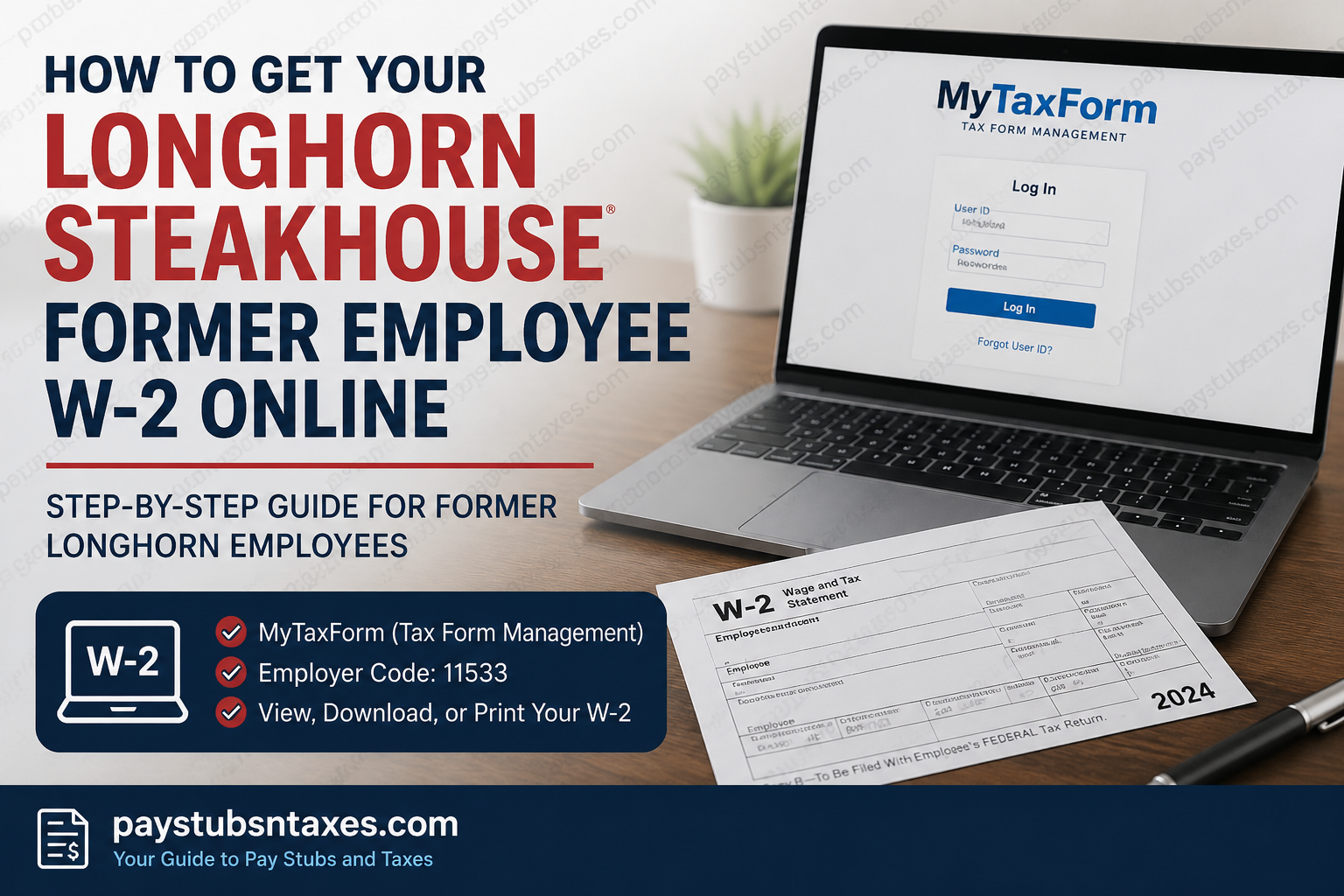
Former LongHorn Steakhouse employees who need a copy of their W-2 for tax filing, income verification, or personal records can generally retrieve the document online through Tax Form Management (MyTaxForm). The system provides electronic access to eligible tax documents and allows users to view, download, save, or print their available forms.
LongHorn Steakhouse operates under RARE Hospitality Management, LLC, and is part of Darden Restaurants. The restaurant chain is headquartered in Orlando, Florida, and had 596 locations as of May 2025. Darden has owned LongHorn Steakhouse since 2007.
For former or inactive LongHorn Steakhouse associates, the key to retrieving a W-2 online is knowing where to go, which employer code to use, and how to recover access if your old credentials have slipped your mind. This guide walks you through the process from start to finish.
LongHorn Steakhouse Employer Code
You may need the following employer code when accessing the Tax Form Management system:
LongHorn Steakhouse employer code: 11533
Enter this code exactly as shown whenever MyTaxForm asks you to identify your employer.
How Former LongHorn Steakhouse Employees Can Access Their W-2s
Follow these steps to locate your W-2 online:
- Visit https://mytaxform.com/.
- Enter the LongHorn Steakhouse employer code: 11533.
- Select Continue and follow the instructions displayed on the screen.
- If you know your Personal User ID, enter it and proceed with the login process.
- Complete any identity-verification or security steps requested by the website.
- After signing in, locate the available tax forms on your account homepage.
- Select the W-2 for the appropriate tax year.
- Choose View or Download to open and save the document.
- Use the print option if you need a paper copy for your records or tax return.
The exact wording of buttons and verification questions may change as the platform is updated. Follow the current on-screen instructions and confirm that you are using the official MyTaxForm website before entering personal information.
What If You Do Not Remember Your Personal User ID?
A forgotten user ID need not bring the process to a grinding halt. On the MyTaxForm login page, select Forgot User ID and follow the prompts to recover your account.
You may be asked to provide personal information so that the system can verify your identity. Depending on the contact details associated with your account, MyTaxForm may send a one-time passcode by email or telephone. Enter the code when requested and continue with the account-recovery process.
If you have never registered or do not have a Personal User ID, choose the registration or user-ID recovery option shown on the website. The system will guide you through identity verification and help you establish personalized login credentials.
Keep your username and password in a secure password manager once registration is complete. Tax documents contain highly sensitive information, so account credentials should never be shared by email, text message, or telephone.
What Happens After Three Failed Login Attempts?
MyTaxForm may temporarily lock your account after three unsuccessful login attempts. The lockout normally lasts 30 minutes and is designed to prevent unauthorized access.
Instead of repeatedly trying different passwords, wait until the lockout period has expired. You can then attempt to sign in again or use the password- or user-ID-recovery option.
If you need assistance with your MyTaxForm ID, contact Equifax at 1-888-341-6212. Be prepared to complete identity-verification steps, but never disclose a password or one-time security code to an unsolicited caller.
How to Download or Print a LongHorn Steakhouse W-2
Once you have successfully signed in, your most recent available tax forms should appear on the account homepage.
To obtain a copy:
- Find the W-2 for the tax year you require.
- Mark the checkbox beside the form, if prompted.
- Select View to open the document electronically.
- Choose Download to save a copy to your computer or mobile device.
- Use the document viewer’s print function if you require a physical copy.
Save the file in a secure location rather than on a shared or public computer. Before closing the website, open the downloaded document and confirm that the employee name, tax year, employer details, and wage information are visible.
Can a W-2 Be Sent by Mail or Fax?
Yes. If electronic retrieval is not suitable, MyTaxForm may provide a Postal Mail option for eligible tax forms.
Within the tax-form selection area, choose the relevant form and select Postal Mail when that delivery method is offered. MyTaxForm documentation identifies postal mail as one of the available methods for requesting a tax document.
Make sure your mailing address is correct before submitting the request. An old address can substantially delay delivery.
How to Receive Tax Forms Electronically
Electronic delivery allows eligible users to obtain tax documents as soon as they are released. However, you must normally provide consent before a W-2 or 1095-C can be delivered exclusively online.
After logging in:
- Locate the Online Delivery Consent section.
- Select the tax forms you wish to receive electronically.
- Choose Receive Forms Online or the equivalent option.
- Read the electronic-delivery disclosure carefully.
- Confirm that you understand and accept the terms.
- Verify your email address and other contact information.
- Submit the consent form and retain the confirmation for your records.
Once the document becomes available, you should receive an email notification. For security reasons, it is often safer to open MyTaxForm independently by typing its address into your browser instead of following an unexpected email link.
Providing electronic consent may affect whether an original paper copy is mailed automatically. Read the disclosure in full before completing the process.
Access for Active Darden Employees
Current LongHorn Steakhouse employees generally have a faster internal route and should not rely primarily on the former-employee procedure.
Active Darden employees can access their W-2 through:
KrowD > My Total Rewards > Pay > View My W-2
If your employment status recently changed and the internal route is no longer available, use MyTaxForm as an inactive employee or contact Darden for assistance.
What If Your W-2 Is Missing?
If the expected W-2 does not appear, first confirm that you entered the correct employer code and are viewing the appropriate tax year. A form may also be unavailable if it has not yet been issued or if your employment record is associated with different credentials.
Former team members can request a wage statement through the Darden Contact Us page. For benefits-related assistance, call the Darden Total Rewards Service Center at 888-374-3343.
When requesting help, have the following information readily available:
- Your full legal name
- The tax year required
- Your former LongHorn Steakhouse work location
- Your approximate employment dates
- Your current mailing address
- A safe telephone number or email address for follow-up
Do not send your full Social Security number through ordinary email. If identity verification is required, use the secure method specified by Darden or Equifax.
MyTaxForm Login Assistance
If you specifically need help with your MyTaxForm identification or account access, you may contact Equifax at:
Equifax/MyTaxForm Assistance:
1-888-341-6212
This may be particularly useful if you are dealing with a forgotten Personal User ID, an account-verification problem, or difficulty navigating the Tax Form Management system.
Final Takeaway
Former LongHorn Steakhouse employees can usually obtain their W-2s by visiting MyTaxForm, entering employer code 11533, and signing in with their personalized credentials. If those credentials have slipped your mind, the Forgot User ID option provides a route back into the account, while Equifax and the Darden Total Rewards Service Center can assist when self-service options are insufficient.
Once access has been restored, the available W-2 can be viewed, downloaded, printed, or—in some cases—requested by mail or fax. Completing electronic-delivery consent ahead of time may also ensure that future tax forms reach you promptly, allowing you to deal with tax season without unnecessary delay.
Frequently Asked Questions About LongHorn Steakhouse W-2s
1. How do former LongHorn Steakhouse employees get their W-2s?
Former LongHorn Steakhouse employees can retrieve available W-2 forms through MyTaxForm.com. Enter employer code 11533, sign in with your Personal User ID, and select the W-2 for the required tax year. The document can then be viewed, downloaded, or printed.
2. What is the LongHorn Steakhouse employer code for MyTaxForm?
The LongHorn Steakhouse employer code is 11533. Enter this number when MyTaxForm asks you to identify your employer. Check the number carefully before proceeding, as using an incorrect employer code may direct you to the wrong organization’s login process.
3. Where can I find my LongHorn Steakhouse W-2 online?
You can find your available LongHorn Steakhouse W-2 forms at MyTaxForm.com. After entering employer code 11533 and completing the login process, look for your tax documents on the account homepage and select the relevant tax year.
4. Can active LongHorn Steakhouse employees access their W-2s through KrowD?
Yes. Active Darden employees generally have a faster internal route. Go to KrowD > My Total Rewards > Pay > View My W-2. Former or inactive employees should use MyTaxForm or request assistance through Darden’s former-team-member support options.
5. What should I do if I forgot my MyTaxForm User ID?
Select Forgot User ID on the MyTaxForm login page and follow the identity-verification prompts. You may receive a one-time passcode by email or telephone. If you still cannot recover your account, contact Equifax at 1-888-341-6212.
6. How do I register for MyTaxForm as a former LongHorn employee?
Visit MyTaxForm.com, enter employer code 11533, and choose the registration option displayed on the screen. Provide the requested identity information, complete any security checks, and create personalized login credentials. The exact registration prompts may vary as the website is updated.
7. Why is my LongHorn Steakhouse MyTaxForm account locked?
MyTaxForm may lock your account for approximately 30 minutes after three unsuccessful login attempts. This temporary restriction is a security measure. Wait until the lockout expires, then sign in again or use the account-recovery option instead of repeatedly guessing your credentials.
8. How do I download my LongHorn Steakhouse W-2?
Sign in to MyTaxForm, locate the W-2 for the appropriate year, and select Download. Save the file in a private, secure location. Open the downloaded document before signing out to ensure that the tax year, employee information, and wage details are visible.
9. How do I print my LongHorn Steakhouse W-2?
Open the relevant W-2 through MyTaxForm and select the print option in the document viewer. Use a trusted personal printer whenever possible. If you print from a shared device, collect every page immediately and remove any locally saved copies afterward.
10. Can LongHorn Steakhouse send my W-2 by mail?
A postal-delivery option may be available within MyTaxForm. Select the required W-2 and choose Postal Mail if the option appears. Verify your mailing address before submitting the request. Delivery times may be longer during the peak tax-filing season.
11. Can I receive my LongHorn Steakhouse W-2 by fax?
MyTaxForm may offer a Fax option for certain documents or accounts. Select the relevant W-2 and follow the on-screen instructions. Because W-2s contain sensitive personal information, confirm that the receiving fax machine is secure and accessible only to authorized individuals.
12. How do I sign up for electronic W-2 delivery?
Sign in to MyTaxForm and locate the Online Delivery Consent section. Select the appropriate tax form, read the disclosure, verify your contact information, and submit your consent. You should receive a notification when the electronic document becomes available.
13. What should I do if my LongHorn Steakhouse W-2 is missing?
Confirm that you used employer code 11533, selected the correct tax year, and signed in to the right account. If the W-2 remains unavailable, request assistance through the Darden Contact Us page or call the Total Rewards Service Center at 888-374-3343.
14. How can I get an older LongHorn Steakhouse W-2?
Sign in to MyTaxForm and check whether previous tax years are available in your account. If the required form is no longer listed, contact Darden to request the older wage statement. Be ready to provide your employment location, approximate work dates, and the tax year needed.
15. Who should former LongHorn Steakhouse employees contact for W-2 help?
For help with a MyTaxForm User ID, contact Equifax at 1-888-341-6212. For a missing wage statement or benefits-related assistance, use Darden’s Contact Us page or call the Total Rewards Service Center at 888-374-3343. Never send your complete Social Security number through unsecured email.
