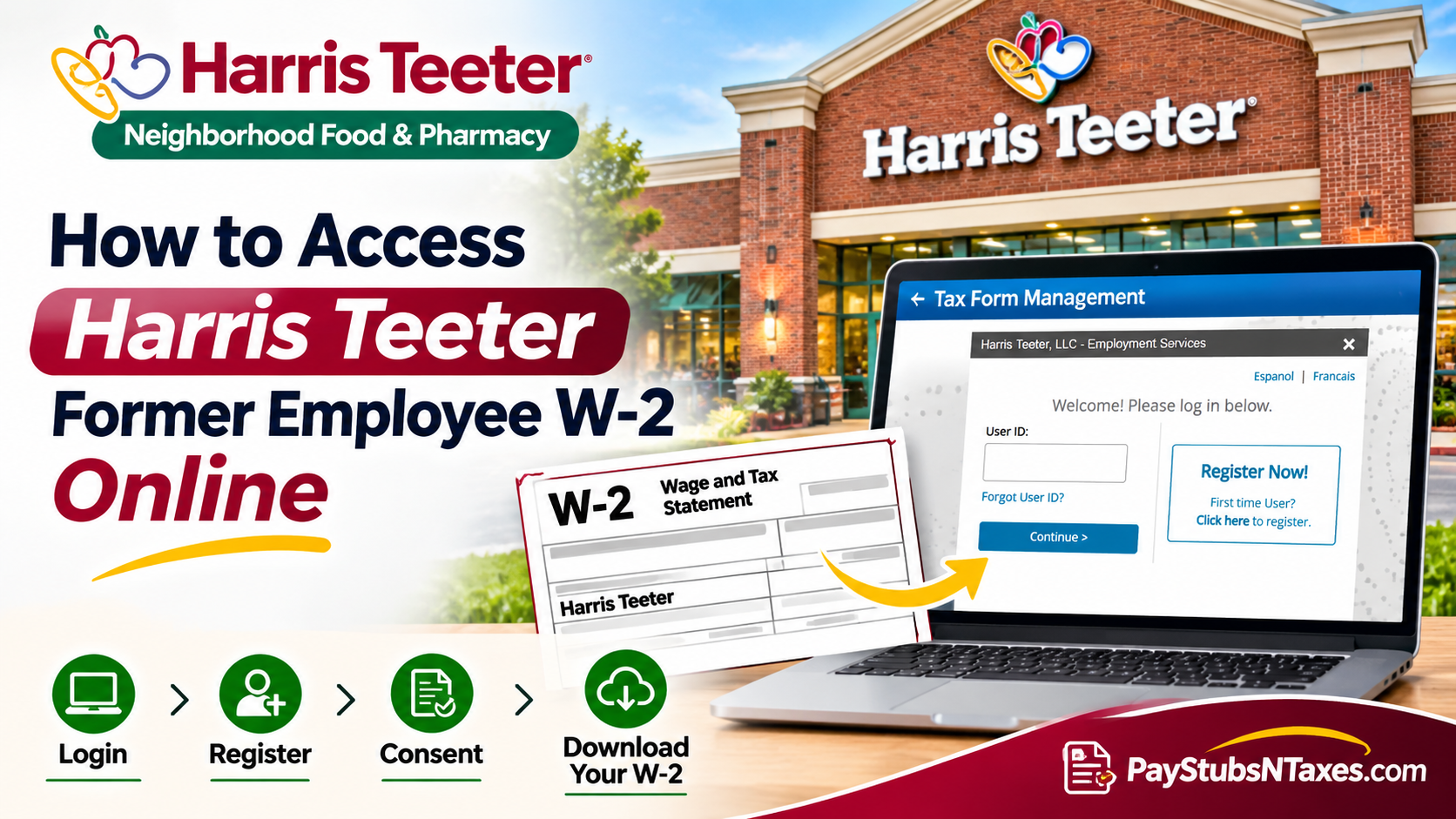
Former Harris Teeter employees can retrieve their W-2 online through MyTaxForm, the Tax Form Management portal. Enter employer code 12823 or search for Harris Teeter, then sign in or select Register Now! to create an account. Once you’re in, select the W-2 for the tax year you need and choose View or Download. Whether you left Harris Teeter recently or need a copy from a previous year, start by checking the portal. If you’ve moved since leaving the company or can no longer access the email address tied to your account, the steps below explain how to recover your login, review your delivery settings, or request a replacement through payroll.
This comprehensive guide explains how to access your Harris Teeter W-2 online, register for a MyTaxForm account, recover forgotten login credentials, consent to electronic tax document delivery, and request assistance when your tax statements are unavailable.
How to sign in to MyTaxForm as a returning user
- Open MyTaxForm and enter 12823 or Harris Teeter in the employer search field.
- Select the Harris Teeter listing. The sign-in window may display Harris Teeter, LLC – Employment Services.
- Enter your User ID and select Continue.
- Follow the credential prompt on the next screen. Enter your password or existing PIN if requested. If the portal explicitly asks for your date of birth as a passcode, use the MMDDYYYY format.
- Complete any additional identity verification and continue to the home page.
If your User ID escapes you, select Forgot User ID? on the first sign-in screen. If you remember your User ID but cannot get past the password screen, select Forgot your Password? and follow the recovery prompts. Should the portal send verification messages to an email address you can no longer access, use the portal’s support options or ask Harris Teeter HR or payroll how to obtain a copy.
How to register for MyTaxForm for the first time
If you’ve never used Tax Form Management, you can begin registration from the Harris Teeter sign-in screen.
- Select Register Now! and follow the on-screen prompts.
- Enter the information required to verify your identity, which may include your name, Social Security number, and date of birth.
- Complete the CAPTCHA, or I’m not a robot verification when prompted.
- Create a User ID with at least eight characters and select Check Status. A green check mark indicates that the ID is available. A red X means you’ll need to choose another.
- Create a password. If the portal displays the 8–16 character rule, include at least one uppercase letter, one lowercase letter, and one number. Follow the requirements shown on your screen.
- Select Save, then Continue. If the portal offers to remember your device, use that option only on a private device you control.
Enter your Social Security number only through the official portal or a secure verification process confirmed by Harris Teeter. Keep passwords and PINs private.
How to consent to electronic W-2 delivery
Electronic consent lets Harris Teeter deliver your W-2 through MyTaxForm. If your account is eligible for early electronic delivery, consent is required, and the portal can notify you by email once the form becomes available. The email directs you to the portal, where you can retrieve the document.
- Find Online Delivery Consent on the MyTaxForm home page and select the checkbox for Form W-2.
- Choose Receive Forms Online.
- Read the disclosure, acknowledge the terms, and select Accept & Continue.
- Confirm that your email and mailing addresses are correct, then select Confirm and Submit.
- Look for the confirmation receipt and keep it for your records.
If you’ve already enrolled, open My Account to review your delivery preferences. If a paper W-2 has already been issued for the year you need, check whether a copy is available in the portal or request one from payroll.
How to download, print, or request a copy of your W-2
MyTaxForm displays the most recent available tax documents on the home page. Select Form W-2 and confirm the tax year before opening it. The portal may also show Form 1095-C, which reports employer-provided health coverage information.
| What you need | What to select |
| Open your W-2 on screen | View |
| Save a PDF copy | Download, if available, or save the document after opening it |
| Print a copy | Open the form with View, then use the print option |
| Request delivery by mail | Postal Mail, if offered for the selected form |
| Request delivery by fax | Fax, if offered for the selected form |
Before you file, confirm the tax year and check your name and identifying details. If the W-2 contains an error, contact payroll and ask whether Harris Teeter needs to issue a corrected Form W-2c.
When will Harris Teeter mail a former employee’s W-2?
If you haven’t consented to electronic delivery, expect a paper W-2 sent to the mailing address on file with Harris Teeter. The federal deadline for furnishing a W-2 is generally January 31 of the following year, with the deadline moving to the next business day when it falls on a weekend or legal holiday. For 2026 W-2s, the deadline is February 1, 2027. A mailed copy can arrive after the furnishing deadline.
If you’ve moved since leaving Harris Teeter, ask payroll to confirm the address it has on file and update it if necessary. If your form has already been mailed, ask for a replacement and confirm the address it should be sent to.
What to do if you still can’t find your Harris Teeter W-2
First, double-check the employer code and tax year. If the form is missing, your account is locked, or the portal cannot verify your identity, contact Harris Teeter HR or payroll. Have your full name, approximate dates of employment, former store or work location, and employee ID or EUID ready, if available.
If you no longer have a direct HR contact, call Harris Teeter’s general number at 1-800-432-6111 and ask to be directed to the team that handles former employee W-2 requests. If you’ve contacted your employer and still don’t have the form by the end of February, you can call the IRS at 1-800-829-1040 for help obtaining it.
Conclusion
Obtaining your Harris Teeter former employee W-2 online does not have to be an unnecessarily complicated undertaking. By using the MyTaxForm platform, entering employer code 12823, and completing the appropriate login or registration process, eligible former associates can retrieve their available year-end tax statements without relying exclusively on traditional mail delivery. Whether you need to download your most recent W-2, recover forgotten credentials, register for electronic delivery, or request a replacement document, the key is to ensure that your personal information remains accurate and that you use the correct employer identification details.
If your tax documents are not accessible through MyTaxForm, contacting Harris Teeter’s Human Resources or payroll department is the recommended next step. Ultimately, taking a proactive approach to retrieving and securely preserving your wage statements can make tax preparation considerably more manageable, allowing you to meet your filing obligations with greater confidence and fewer last-minute complications.
Harris Teeter Former Employee W-2 FAQs
1. What is the Harris Teeter employer code for MyTaxForm?
The Harris Teeter employer code is 12823. You can also search for Harris Teeter by name in the employer field.
2. Can I access my Harris Teeter W-2 after leaving the company?
Yes. Former associates can use the Tax Form Management portal to retrieve available W-2s. The sign-in window may display Harris Teeter, LLC – Employment Services.
3. How do I register for MyTaxForm for the first time?
Select Register Now! on the Harris Teeter sign-in screen. Follow the identity verification prompts, then create a User ID and password.
4. What information do I need to register?
MyTaxForm may ask for your name, Social Security number, and date of birth to verify your identity. Enter these details through the official portal.
5. What if I forgot my MyTaxForm User ID?
Select Forgot User ID? on the Harris Teeter sign-in screen and follow the account recovery prompts.
6. How do I reset my MyTaxForm password?
Enter your User ID, select Continue, and look for Forgot your Password? on the next screen. Follow the prompts to verify your identity and reset your password.
7. How do I download or print my Harris Teeter W-2?
Find the W-2 for the correct tax year and select Download, if available. You can also select View and use the document controls to save or print a copy.
8. How do I sign up for electronic W-2 delivery?
On the MyTaxForm home page, find Online Delivery Consent, select Form W-2, and click Receive Forms Online. Accept the disclosure, confirm your contact details, and submit your consent. If you’ve already enrolled, review your settings under My Account.
9. Will MyTaxForm email my W-2 to me?
If you’ve enrolled in electronic delivery, MyTaxForm can email you when your W-2 is available. Sign in to the portal to retrieve the document.
10. Will Harris Teeter mail my W-2 if I didn’t opt in to electronic delivery?
If you haven’t consented to electronic delivery, expect a paper W-2 at the mailing address Harris Teeter has on file. For 2026 W-2s, the federal furnishing deadline is February 1, 2027. A mailed copy may arrive after that date.
11. What should I do if I moved after leaving Harris Teeter?
Contact Harris Teeter HR or payroll to confirm or update your mailing address. If your W-2 has already been sent to your previous address, ask payroll how to request a replacement.
12. Can I get a Harris Teeter W-2 from a previous year?
Check MyTaxForm for the tax year you need. If the form doesn’t appear in your account, contact Harris Teeter payroll and specify the year when requesting a copy.
13. Can I request a copy of my W-2 by mail or fax?
If MyTaxForm displays Postal Mail or Fax for your selected W-2, follow the prompts to request delivery. If those options are unavailable, ask payroll how to obtain a copy.
14. What if my Harris Teeter W-2 contains incorrect information?
Contact Harris Teeter payroll and explain which information is incorrect. Payroll can review the issue and determine whether to issue a corrected Form W-2c.
15. Who should I contact if I can’t access my Harris Teeter W-2?
Contact Harris Teeter HR or payroll. If you don’t have a direct contact, call Harris Teeter’s general number at 1-800-432-6111 and ask to be directed to the team that handles former employee W-2 requests. Have your former work location and employee ID or EUID handy, if available.
