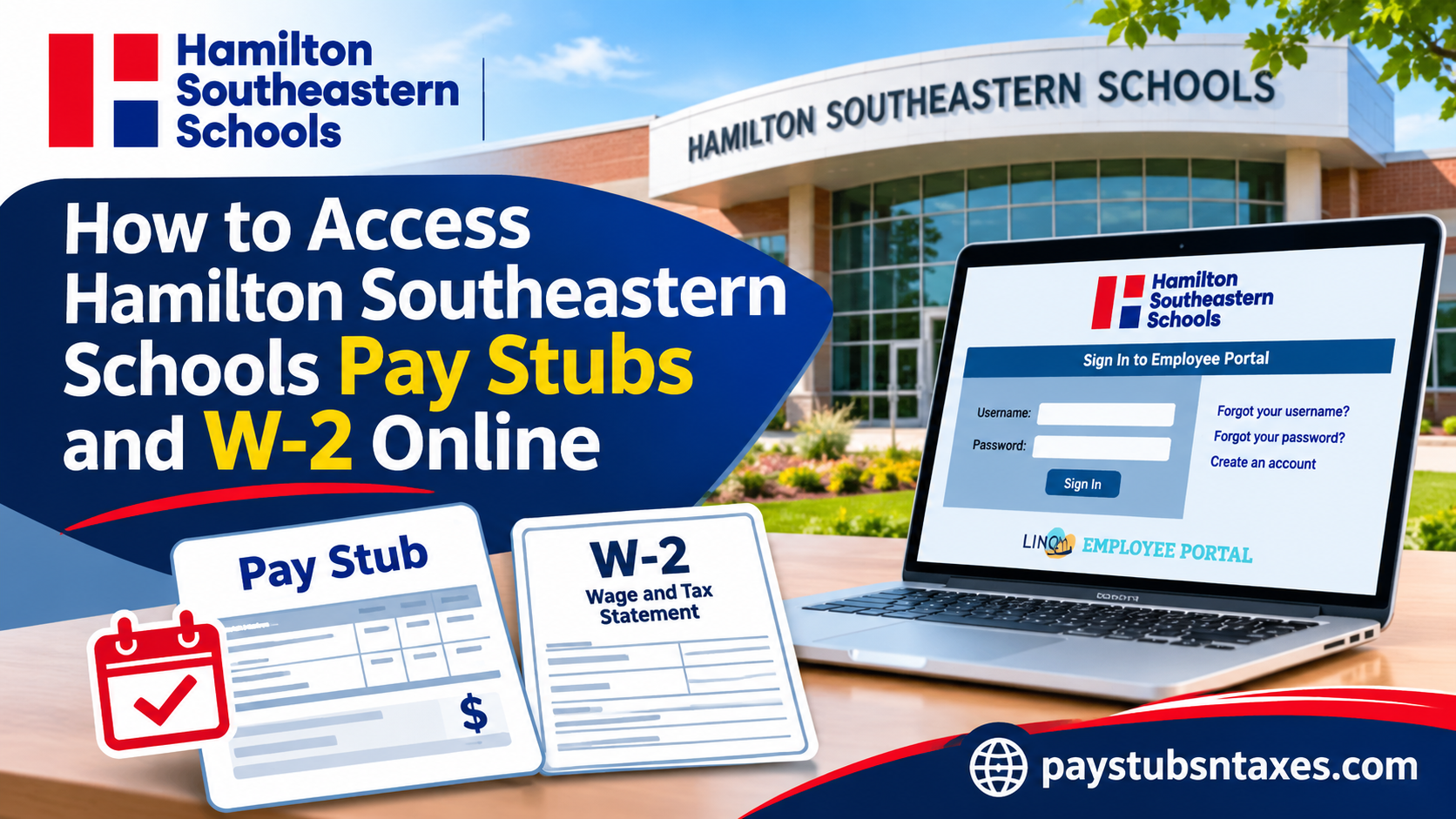
Hamilton Southeastern Schools employees can view and print their pay stubs through the district’s LINQ Employee Service Portal. Sign in, open the Payroll tab, and select the green box beside the pay date to generate a PDF. For your Form W-2, look in the Payroll tab for the relevant tax year. If the form is missing or you can no longer sign in, contact HSE Payroll at 317-594-4100. Whether you are a newly appointed teacher, an experienced administrative professional, or a support staff member, understanding how to navigate the online payroll system can save valuable time while ensuring that your employment and financial records remain readily accessible. This comprehensive guide explains how to access Hamilton Southeastern Schools pay stubs and W-2 forms online, register for the employee portal, retrieve payroll statements, resolve login difficulties, and contact the appropriate department for assistance.
How to Sign In to the HSE Employee Service Portal
Go to the Hamilton Southeastern Schools website, select Staff, and choose Employee Self Serve. You can also open the portal directly. Enter your username and password, then select Sign In.
If this is your first time using the portal, have your employee ID and access to your personal email account before you begin. Your five- or six-digit employee ID is printed on your school ID badge.
How to Create Your HSE Employee Portal Account
- Select “Create an account.” The link appears beside the sign-in fields on the LINQ portal.
- Enter your employee ID. If your ID has five digits, add a zero at the beginning. For example, enter 012345 if your badge shows 12345. If your ID already has six digits, enter it exactly as printed.
- Complete the registration fields. Enter your first and last names as they appear in district records. If the portal cannot validate your details, try entering both names in uppercase and check the leading zero on your employee ID.
- Create a username and password. Follow the on-screen requirements for password length and include uppercase and lowercase letters, a number, and a special character.
- Enter your personal email address and activate your account. Once the portal validates your information, it sends an activation email. Open the message and select the activation link, then return to the login page and sign in with the credentials you created.
If the activation email does not arrive, check your spam or junk folder and confirm that you entered the correct email address.
How to View, Download, and Print HSE Pay Stubs
- Sign in to the HSE LINQ Employee Service Portal.
- Open the Payroll tab.
- Find the pay date for the statement you need.
- Select the green box beside that date to generate a PDF.
- Use your browser’s PDF controls to download or print the statement.
If you need a pay stub for income verification, check the pay date before saving it. If the PDF does not appear, check your browser’s download list and look for a blocked pop-up or a newly opened tab.
How to Access Your Hamilton Southeastern Schools W-2 Online
Sign in to LINQ, open Payroll, and look for the W-2 option. If the form is available in your account, select the tax year you need, open the document, and save or print a copy. Choose the year in which you earned the wages you are reporting. For example, if you are filing a return in 2027 for wages earned in 2026, look for your 2026 Form W-2.
If the W-2 option or your tax year is missing, ask HSE Payroll whether the form is available online and how to request a copy. If you recently moved, confirm which mailing address Payroll has on file, especially if you are waiting for a paper copy.
What to Do If You’ve Left Hamilton Southeastern Schools
If your existing LINQ credentials still work, sign in and check Payroll for the pay stub or W-2 you need. If your account is inaccessible, contact HSE Payroll and specify the tax year for a W-2 or the pay date for a pay stub. Include your name in your initial request and ask how to verify your identity securely. Keep your full Social Security number and date of birth out of ordinary email.
How to Recover Your HSE Portal Username or Password
The LINQ sign-in page offers Forgot your username? and Forgot your password? Select the option that applies and follow the prompts. If you have lost access to the personal email address you used to register, or the recovery process cannot verify your account, use the portal’s Need Help? option. For missing payroll records or W-2 copies, contact the district’s Payroll Department.
What Else Can You Do in Employee Self Serve?
The portal also allows employees to request changes to their mailing address, personal information, direct deposit, and tax withholding. To check your remaining sick or personal days, open the Leaves tab. After submitting an address change, confirm that the updated address appears in your record if you are expecting a tax document by mail.
Hamilton Southeastern Schools Payroll Contact Information
For a missing W-2, a prior pay stub, or help confirming your mailing address, call HSE Payroll at 317-594-4100 or email payroll@hse.k12.in.us. Stating the document type and the tax year or pay date in your first message gives Payroll the information it needs to direct your request.
Conclusion
Accessing Hamilton Southeastern Schools pay stubs online is a straightforward process once employees have registered for the LINQ Employee Self Service Portal and activated their accounts. By visiting https://hamiltonse.erplinq.com/ESP/, signing in with their established credentials, and navigating to the Payroll tab, employees can generate PDF copies of available pay statements with minimal administrative effort.
The portal also provides valuable functionality for monitoring leave balances and requesting updates to personal information, direct deposit details, and tax withholding records. Although online pay stub retrieval is clearly supported, employees seeking Hamilton Southeastern Schools W-2 forms should verify the applicable distribution procedure with the Payroll Department, particularly if their annual tax statement is not visible within their account.
Whether you are an active staff member or a former employee preparing your annual tax return, maintaining accurate contact information, safeguarding your login credentials, and knowing where to obtain payroll assistance will help ensure that your employment records remain accessible when you need them most.
Frequently Asked Questions
1. Where do Hamilton Southeastern Schools employees log in to view pay stubs?
Go to the HSE Staff page and select Employee Self Serve, or open the HSE LINQ Employee Service Portal directly.
2. How do I create an HSE Employee Service Portal account?
Select Create an account on the LINQ sign-in page. Enter your employee ID and registration details, create a username and password, and provide a personal email address. Select the activation link sent to your inbox before signing in.
3. Where can I find my HSE employee ID?
Your employee ID is printed on your school ID badge. It contains either five or six digits.
4. How do I enter a five-digit employee ID during registration?
Add a zero at the beginning. For example, enter 012345 if your employee ID is 12345. If your ID already has six digits, enter it as printed on your badge.
5. Why can’t LINQ validate my registration details?
Check that your employee ID includes a leading zero if required and that your name matches district records. If the error persists, try entering your first and last names in uppercase.
6. Which email address should I use to register for HSE Employee Self Serve?
Use a personal email address you can access. LINQ sends the account activation link to that address.
7. What should I do if my LINQ activation email doesn’t arrive?
Check your spam or junk folder and confirm that you entered your personal email address correctly. If you still cannot find the message, use the Need Help? link on the portal sign-in page.
8. How do I download or print an HSE pay stub?
Sign in to LINQ, open Payroll, and select the green box beside the pay date you need. The portal generates a PDF that you can save or print using your browser’s PDF controls.
9. Can I view an older Hamilton Southeastern Schools pay stub?
Yes, if the pay date still appears under Payroll. Select the green box beside that date to open the statement. If the date is missing, contact HSE Payroll and provide the pay date you need.
10. How do I find my Hamilton Southeastern Schools W-2 online?
Sign in to LINQ, open Payroll, and look for W-2. If the form is available in your account, select the relevant tax year and save or print a copy.
11. What should I do if my HSE W-2 is missing from LINQ?
Call 317-594-4100 or email payroll@hse.k12.in.us. Specify the tax year and ask how to obtain a copy. Ask Payroll how to verify your identity securely before sharing sensitive personal information.
12. How can former HSE employees get a W-2 or pay stub?
If your LINQ credentials still work, check Payroll for the document. If you lose access or the record is missing, contact HSE Payroll with the tax year for a W-2 or the pay date for a pay stub.
13. How do I reset my HSE LINQ username or password?
Select Forgot your username? or Forgot your password? on the LINQ sign-in page and follow the prompts. If the recovery process fails, use the Need Help? link.
14. How do I update my mailing address for my HSE W-2?
Submit an address change request through Employee Self Serve. If you are already waiting for a paper W-2 or can no longer sign in, contact HSE Payroll to confirm the mailing address on file.
15. Can I update my direct deposit or tax withholding in LINQ?
Yes. HSE employees can submit direct deposit and tax withholding change requests through the LINQ Employee Service Portal. Review the details before submitting your request.
