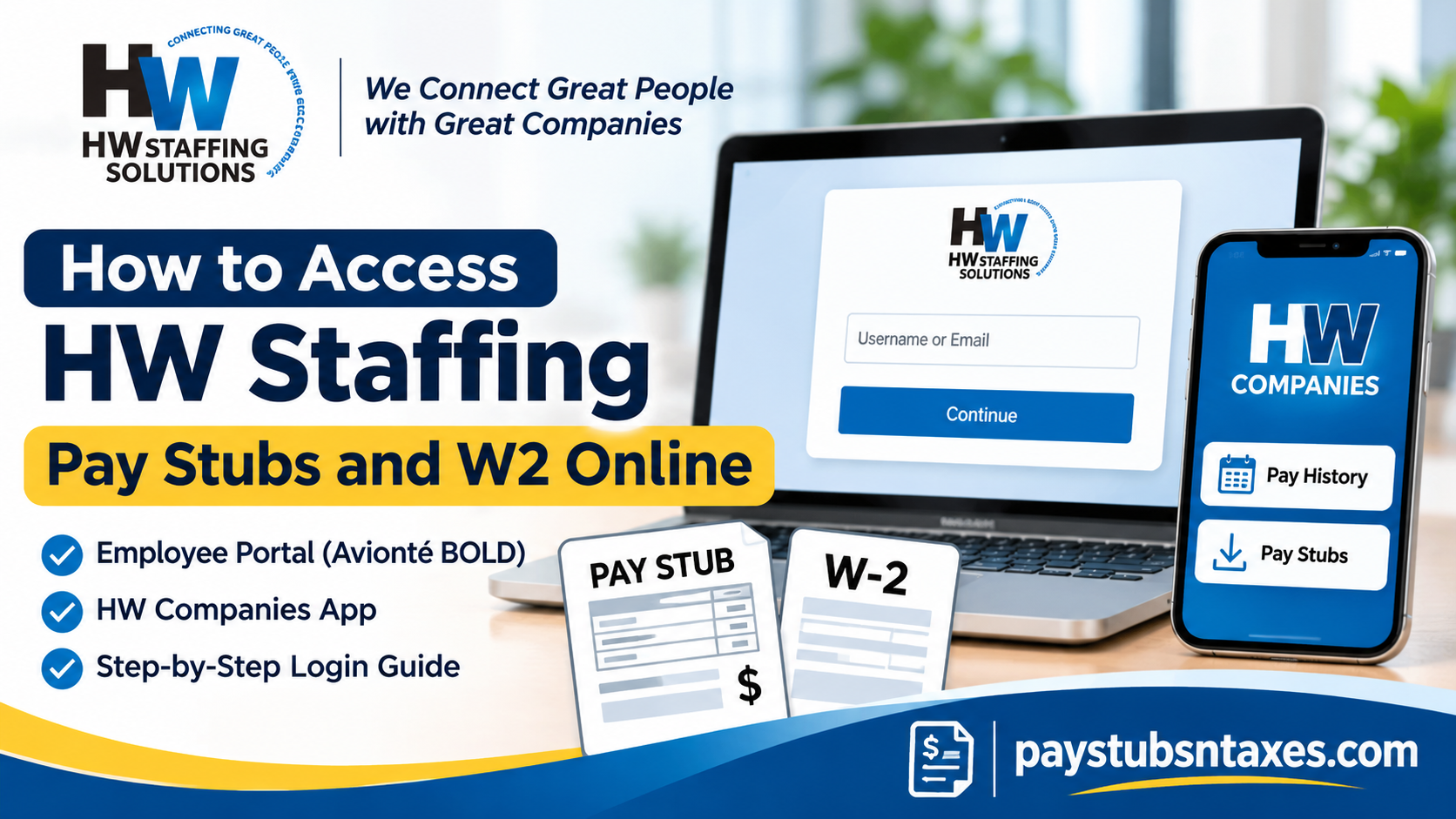
HW Staffing Solutions employees can view and download their pay stubs through the HW Companies app or the Avionté BOLD Employee Portal. In the web portal, select Pay History → Paychecks to find your weekly pay stubs. To access an electronic W-2, go to Pay History → Taxes, find the correct tax year, and select the download icon.
Founded in 1980 by Helen Walsh, HW Staffing Solutions provides temporary and permanent staffing services. Employees on assignment are paid weekly, and the company offers direct deposit, pay cards, and paper checks. Whether you need your latest pay stub to verify your hours or a previous year’s W-2 for your tax records, here’s how to find it.
If you are wondering how to access HW Staffing pay stubs and W2 forms online, this comprehensive guide explains the login process, password recovery procedures, payroll document retrieval, and available assistance for current and former employees.
How to View HW Staffing Pay Stubs in the HW Companies App
The HW Companies app gives you access to your current and previous pay stubs from your phone.
- Download and open the HW Companies app.
- Sign in to your employee account.
- Open Pay History.
- Select the pay stub for the week you need.
- View the statement or download a copy for your records.
If you are checking a payment against your timesheet, use the pay-period dates on the statement to make sure you are comparing the same workweek.
How to Log In to the HW Staffing Employee Portal
The HW Staffing Solutions Employee Portal runs on Avionté BOLD. Your username is the email address HW Staffing has on file for you, typically the one you used when applying or completing onboarding.
- Open the HW Staffing Solutions Employee Portal.
- Enter your email address in the Username or Email field.
- Click Continue.
- Enter your password when prompted. If this is your first sign-in, check your inbox for the temporary password sent when your account was created.
If you have used several email addresses, start with the one where you received your HW Staffing onboarding messages. If you still cannot identify the email on file, contact your local branch or email info@hwstaffing.com with your full name and the name of the branch you work with.
Sign in to the HW Staffing Solutions Employee Portal
How to Reset Your Avionté BOLD Password
If you cannot find your temporary password or have forgotten your current one, use the portal’s password reset option.
- Select Forgot your password? on the sign-in screen.
- Enter the email address associated with your account.
- Open the password reset email and follow the link.
- Enter your new password twice.
- Select Save and Login.
If the email does not arrive, check your spam or junk folder. Your local branch can help if you no longer have access to the email address associated with your account.
How to Download or Print HW Staffing Pay Stubs Online
Once you are signed in to the Employee Portal, follow these steps to open a printable copy of your pay stub.
- Select Pay History.
- Open Paychecks.
- Find the payment you need. The portal displays your 10 most recent pay stubs first.
- Use the page numbers in the lower-right corner to find older statements.
- Click the check number to open the details as a printable PDF.
- Download the PDF or use your browser’s print option.
The check number is the link to the full statement. If you need several weeks of earnings records, check the pay period on each PDF as you save it.
How to Access Your HW Staffing W-2 Online
If HW Staffing has made your W-2 available electronically, you can find it in the Taxes section of Avionté BOLD.
- Sign in to the HW Staffing Solutions Employee Portal.
- Go to Pay History → Taxes.
- Locate the W-2 for the tax year you need.
- Click HW Staffing to preview the form, or select the download icon beside the tax year to save a copy.
The Paychecks tab contains individual pay statements. The Taxes tab contains year-end forms. If you need a previous year’s W-2, confirm the tax year before downloading so you save the correct form.
What to Do if Your W-2 Is Missing
HW Staffing may mail your W-2 to the address it has on file. If the form is missing from the portal, you recently moved, or you no longer have access to your account, email info@hwstaffing.com to request a copy. The company may use your full legal name, mailing address, the last four digits of your Social Security number, and a callback number to identify your record. Ask how to provide the verification details securely, and keep your full Social Security number out of the email.
If you are a former employee, mention your former branch and the tax year you need so payroll can locate the correct record.
When Does HW Staffing Pay, and Who Handles Paycheck Problems?
HW Staffing employees are paid weekly while on assignment. The company prefers electronic payment by direct deposit or pay card, although paper checks are available and mailed from its corporate office in South Easton, Massachusetts.
If a paper paycheck is delayed or lost in the mail, HW Staffing requires a 10-business-day waiting period before it can stop payment on the original check and issue a replacement. You can report the issue as soon as you notice it. For a missing payment, incorrect hours, or another paycheck discrepancy, contact your recruiter or branch manager immediately, or call Corporate HR at 508-694-3711. Keep the pay period and check number handy if you can see them in the portal.
Conclusion
Obtaining HW Staffing Solutions pay stubs and W-2 forms online is a relatively straightforward process when employees know which platform to use and where their payroll documents are located. For routine payroll inquiries, the HW Companies App provides convenient mobile access to available pay statements, while the Avionté BOLD Employee Portal offers a comprehensive method of reviewing payment history, downloading printable pay stubs, and retrieving available year-end tax forms.
Employees seeking pay statements should navigate to Pay History → Paychecks, whereas those retrieving W-2 documents should select Pay History → Taxes. If electronic access is unavailable, HW Staffing Solutions can provide additional assistance through its local branches and designated support email. By keeping their login credentials secure, maintaining accurate contact information, and regularly reviewing payroll records, current and former HW Staffing employees can manage their employment documentation with greater confidence, efficiency, and peace of mind.
Frequently Asked Questions
1. How do I view my HW Staffing pay stubs on my phone?
Open the HW Companies app, sign in, and tap Pay History. Select the pay stub you need to view or download it.
2. Where do I find my HW Staffing pay stubs on a computer?
Sign in to the Avionté BOLD Employee Portal, open Pay History, and select Paychecks. Click a check number to view the details for that payment.
3. How do I find older HW Staffing pay stubs?
The portal initially displays your 10 most recent pay stubs. Use the page numbers at the bottom right of the Paychecks screen to browse earlier statements.
4. Can I download or print an HW Staffing pay stub?
Yes. Under Pay History → Paychecks, click the relevant check number to open a printable PDF. Use your browser’s download or print controls to save a copy.
5. What is my HW Staffing employee portal username?
Your username is the email address HW Staffing has on file. Enter it in the Username or Email field and click Continue.
6. What if I never received my temporary portal password?
Select Forgot your password? and enter the email address associated with your account. Open the reset link, enter your new password twice, and select Save and Login.
7. What if I forgot which email address I used for the portal?
Contact your local branch or email info@hwstaffing.com with your full name and the branch office you work with so the support team can locate your account.
8. Where can I find my HW Staffing W-2 online?
Sign in to Avionté BOLD and go to Pay History → Taxes. If your W-2 is available electronically, it will appear under the applicable tax year.
9. How do I preview or download my HW Staffing W-2?
In the Taxes section, click HW Staffing to preview the form. To save it, select the download icon beside the tax year.
10. Will HW Staffing mail my W-2?
HW Staffing may mail your W-2 to the address it has on file or make it available electronically through the employee portal. If you have moved, contact your branch to confirm your mailing address.
11. What should I do if my HW Staffing W-2 is missing?
Check Pay History → Taxes for the correct year. If the form is unavailable online and you have not received it by mail, email info@hwstaffing.com to request a copy.
12. What information do I need to request a copy of my HW Staffing W-2?
Include the tax year, your full legal name, current mailing address, the last four digits of your Social Security number, and a phone number where HW Staffing can reach you.
13. How often does HW Staffing pay employees on assignment?
HW Staffing pays employees weekly while they are on assignment. The company prefers direct deposit or pay cards and also offers paper checks mailed from its corporate office in South Easton, Massachusetts.
14. What happens if my HW Staffing paper paycheck is lost or delayed?
Report the issue to your recruiter or branch manager. HW Staffing requires a 10-business-day waiting period before it can stop payment on the original check and issue a replacement.
15. Who should I contact if my HW Staffing paycheck is incorrect?
Contact your recruiter or branch manager as soon as you notice the discrepancy, or call Corporate HR at 508-694-3711. Have the pay period and check number handy if you can access them.
