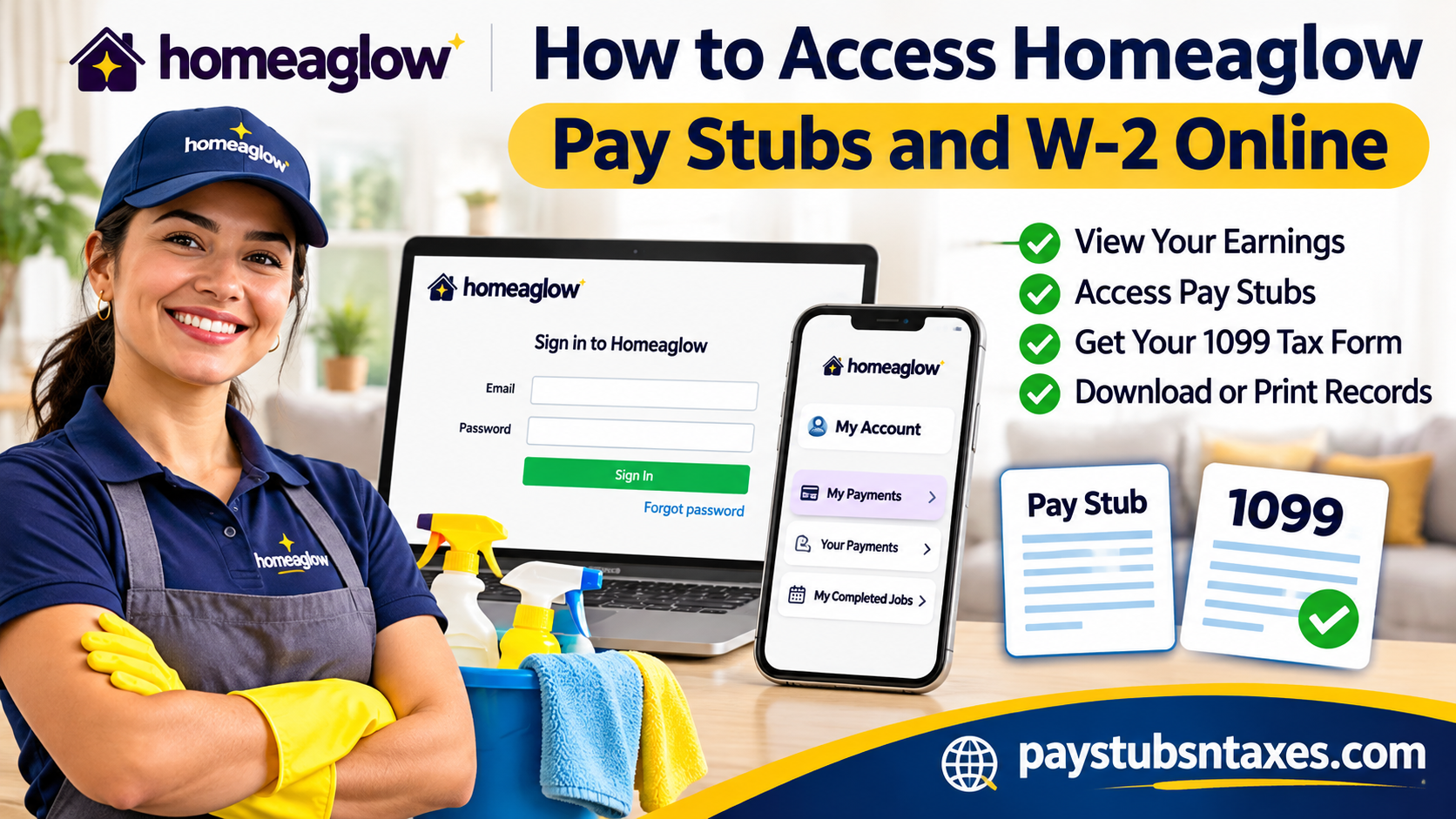
Whether you are an active Homeaglow cleaner, a former independent contractor, or simply trying to retrieve your earnings history for tax purposes, having convenient access to your payment records is essential. Fortunately, Homeaglow provides a straightforward digital platform through which cleaners can review their earnings, monitor completed jobs, and obtain payment documentation without navigating unnecessarily complicated administrative procedures. However, unlike traditional employers, Homeaglow engages cleaners as independent contractors rather than conventional W-2 employees. Consequently, the process of obtaining Homeaglow pay stubs, earnings statements, and year-end tax documents differs considerably from the payroll procedures associated with standard employment.
This comprehensive guide explains how to access Homeaglow pay stubs online, download payment records, retrieve Form 1099, understand independent contractor tax obligations, and resolve common account-access issues.
What Is Homeaglow?
Homeaglow is a prominent online home services marketplace that connects customers with independent cleaning professionals throughout the United States. Designed to simplify the process of finding dependable household cleaning services, the platform enables customers to schedule appointments, select cleaning professionals, and manage their bookings through its digital infrastructure.
Operating across numerous American cities, Homeaglow has served more than 200,000 customers while maintaining an average cleaner rating of approximately 4.8 stars.
For cleaning professionals, the platform provides opportunities to establish flexible schedules, manage cleaning appointments, track completed assignments, and monitor earnings through a dedicated online dashboard and mobile application.
Unlike conventional employment arrangements, however, Homeaglow cleaners generally operate as independent contractors. This distinction directly influences how they receive payment records, report taxable income, and obtain annual tax documentation.
How to View Homeaglow Pay Stubs in the Cleaners App
- Open Homeaglow for Cleaners and sign in to your cleaner account.
- Tap My Account.
- Select My payments, then tap Your payments.
- Review the payment history for your completed cleaning jobs.
If you’re trying to match a specific payout to a bank deposit, check whether Instant Pay or Weekly Pay appears on the payment page. This gives you a starting point for reconciling your Homeaglow earnings with your deposit records.
How to Print or Save Homeaglow Pay Stubs on a Computer
- Open the Homeaglow sign-in page.
- Enter the email address and password associated with your cleaner account, then select Sign In.
- Open My Completed Jobs from your dashboard.
- Find the week you need and review the earnings breakdown.
- Print the statement or choose Save as PDF in your browser’s print dialog to keep a digital copy.
If you need a full year’s earnings or a document to verify your work, use the annual earnings link on Homeaglow’s tax help page. From there, you can check your annual earnings and print a Pay Stub & Work Verification letter.
Does Homeaglow Issue a W-2 or a 1099?
Homeaglow does not issue a W-2 for cleaning work performed through its platform as an independent contractor. Depending on the type and amount of payments you received, you may receive Form 1099-K for gross cleaning payments processed through the platform or Form 1099-NEC for qualifying platform incentives, such as bonuses or certain cancellation payments.
Under current federal rules, a third-party settlement organization generally must issue Form 1099-K when gross reportable payments exceed $20,000 and the number of reportable transactions exceeds 200. Both conditions apply to that federal threshold. States can impose lower thresholds, and a form may be issued below the federal threshold. Form 1099-NEC has separate reporting requirements.
When you file your tax return, report taxable cleaning income even if you receive no 1099. Keep your Homeaglow payment history and bank deposit records alongside any tax forms you receive. Because Form 1099-K reports gross payments, the amount shown may differ from the net deposits in your bank account.
How to Get a Copy of Your Homeaglow 1099
Homeaglow sends eligible cleaners’ tax documents to the email address on file. Search your inbox and spam folder for Homeaglow messages about the tax year you need. If the form is missing or the figures appear incorrect, submit a support request. Include the tax year and specify whether you need a PDF copy, an eligibility check, or help correcting a form.
If you can’t sign in, select forgot password on the sign-in page. If you no longer have access to the email address tied to your cleaner account, contact Homeaglow Support and explain that you need to recover access to your earnings or tax records.
Conclusion
Accessing Homeaglow pay stubs and tax documents online is relatively straightforward once you understand how the platform organizes cleaner earnings and distinguishes independent contractor payments from conventional employee payroll.
Active cleaners can review their payment information through the Homeaglow for Cleaners app by navigating to My Account > My Payments > Your Payments, while browser users can examine their earnings through the My Completed Jobs section of the Homeaglow dashboard.
Because Homeaglow cleaners generally operate as independent contractors, they typically receive applicable Form 1099 documents rather than traditional W-2 forms. Whether a particular 1099 is issued depends on the relevant tax year, payment category, reporting thresholds, and jurisdiction.
Ultimately, maintaining accurate payment records, understanding the distinction between gross and net earnings, and proactively managing tax obligations will help ensure that your financial documentation remains organized, accessible, and ready whenever you need it.
Homeaglow Pay Stubs and Tax Forms FAQs
1. Where do I log in to view my Homeaglow pay stubs?
Open the Homeaglow sign-in page and enter the email address and password associated with your cleaner account. Then select My Completed Jobs from your dashboard.
2. How do I check my Homeaglow payment history on my phone?
Open the Homeaglow for Cleaners app and tap My Account → My payments → Your payments. This page lists payments for your completed cleaning jobs.
3. Where can I see my weekly Homeaglow earnings?
Sign in through a web browser and open My Completed Jobs. The page shows a weekly breakdown of your earnings from completed jobs.
4. Can I save my Homeaglow pay stub as a PDF?
Yes. Open your earnings breakdown in My Completed Jobs, then choose Save as PDF in your browser’s print dialog. You can also print a paper copy.
5. How can I tell whether I selected Instant Pay or Weekly Pay?
Check Your payments in the Cleaners app or My Completed Jobs in your browser. Homeaglow displays your selected payout method on these pages.
6. How do I check my annual Homeaglow earnings?
Follow the annual earnings link on the Homeaglow tax help page and sign in if prompted.
7. Can I get proof of income from Homeaglow?
Yes. Homeaglow lets cleaners print a Pay Stub & Work Verification letter through the annual earnings link on its tax help page.
8. Does Homeaglow issue a W-2 to cleaners?
Homeaglow does not issue W-2s for cleaning jobs performed through its platform as an independent contractor. Eligible cleaners may receive one or more Form 1099 documents.
9. What is the difference between a Homeaglow 1099-K and a 1099-NEC?
Form 1099-K reports gross cleaning payments processed through the platform. Form 1099-NEC can cover qualifying platform incentives, such as bonuses or certain cancellation payments.
10. Will I get a Homeaglow 1099 if I earned less than $20,000?
You may still receive one. The federal reporting threshold for third-party settlement organizations generally requires more than $20,000 in gross reportable payments and more than 200 reportable transactions for Form 1099-K. State thresholds can be lower, and Form 1099-NEC follows separate rules.
11. How does Homeaglow send my 1099?
Homeaglow sends eligible cleaners’ tax documents to the email address on file. Check your inbox and spam folder for messages covering the tax year you need.
12. How do I request a copy of a missing Homeaglow 1099?
Submit a request through Homeaglow Support. Specify the tax year and ask for a PDF copy or confirmation of whether a form was issued.
13. Why is my Homeaglow 1099-K total different from my bank deposits?
Form 1099-K reports gross payments. Your bank deposits reflect what you actually received after applicable adjustments, so the two totals can differ. Review your earnings breakdown to reconcile the amounts.
14. Do I have to report Homeaglow earnings if I receive no 1099?
Yes. When filing your tax return, report taxable cleaning income even if you receive no 1099. Your Homeaglow earnings history and bank records can help you document what you earned.
15. What should I do if I can’t sign in to my Homeaglow cleaner account?
Select Forgot Password on the sign-in page and follow the reset instructions. If you no longer have access to the email address linked to your account, contact Homeaglow Support for help recovering access.
