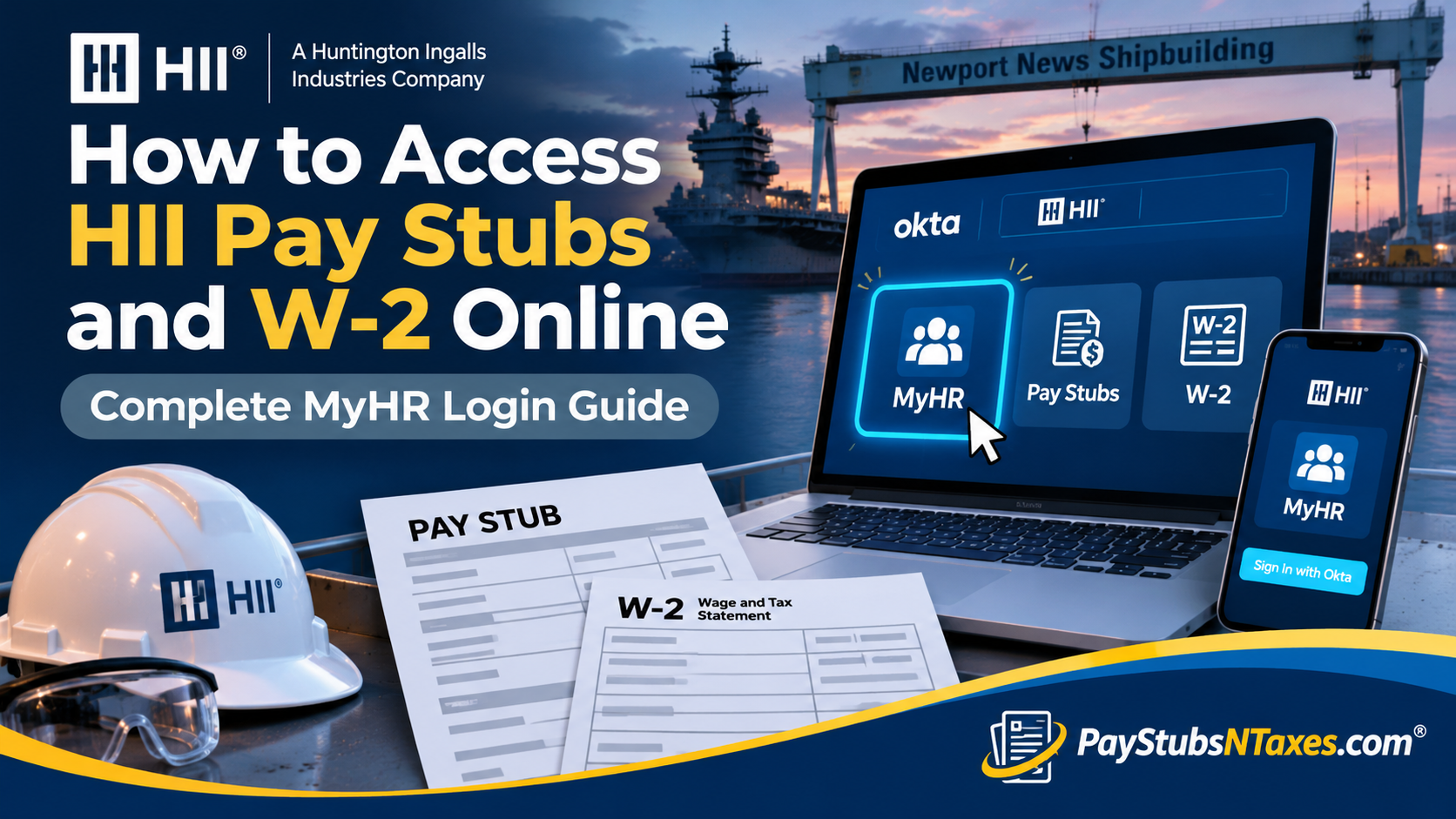
Accessing your HII pay stubs should be straightforward, whether you need to check your latest earnings, review deductions, or keep a record of your income. HII’s Okta portal provides a secure gateway to MyHR and digital payroll applications, bringing essential employee services together under one login. For Newport News Shipbuilding employees, completing Okta registration is the starting point. Once your account is ready, you can open the payroll application available on your dashboard and retrieve your pay statements. W-2 access requires an additional consideration: electronic availability may vary, and employees should contact Payroll if their tax documents are unavailable.
How Do I Access My HII Pay Stubs Online?
To access HII pay stubs online, visit hii.okta.com, sign in with your company credentials, and complete the required authentication. Open the pay statement application on your dashboard, select the appropriate pay period, and view your statement. Employees must complete Okta registration before accessing digital payroll services.
Understanding HII’s MyHR and Okta Portals
HII’s payroll modernization brought employee payroll services into a consolidated system. Within this environment, Okta serves as the secure sign-in gateway, while MyHR provides access to employee information and HR services.
Although these services are connected, employees should pay attention to the applications displayed on their own dashboard. Digital pay statements may appear as a separate application alongside MyHR, so opening MyHR is not necessarily the only route to a pay stub.
For Newport News shipbuilders, Okta became the required access route to MyHR following the September 2024 transition. Employees should therefore use their current Okta instructions when signing in.
What You Need Before Signing In
Before accessing HII payroll documents, have the following ready:
- Your company-issued login credentials.
- A completed Okta registration.
- Your required authentication method.
- A computer or mobile device permitted by your company’s access instructions.
- The pay period or tax year you want to review.
If you have not registered, consult the Okta setup instructions on MyNNS. Newport News Shipbuilding’s registration guidance includes enrolling a YubiKey; employees who encounter registration problems should contact the Service Desk.
Step-by-Step Guide to Viewing HII Pay Stubs
1. Open the HII Okta Login Page
Enter https://hii.okta.com into your browser. Bookmark the address once you have confirmed that you are on the correct company sign-in page.
2. Sign In With Your Company Credentials
Enter the username and password assigned to your account, then complete the authentication prompts. If you are signing in for the first time, finish the registration process before attempting to open payroll applications.
3. Find the Pay Statement Application
Review the applications on your Okta dashboard and select the pay statement application available to your account. HII’s payroll transition introduced a dedicated pay statement icon in Okta for digital statement access.
If your assigned workflow takes you through MyHR, open MyHR and look for payroll-related options, including any relevant applications under Corporate Apps. Follow the labels displayed in your account, since navigation can differ by division and account configuration.
4. Select the Correct Pay Period
Choose the statement corresponding to the payday you want to review. Check the date carefully, particularly if you are gathering several statements for an application or comparing earnings across multiple pay periods.
5. Review and Save Your Statement
Open the statement and review your earnings, deductions, and take-home pay. If the application provides download or print options, save a copy to a private location or print it for your records.
Make a habit of reviewing each statement promptly. Addressing a discrepancy early helps prevent a small payroll query from becoming a recurring problem.
How to Access HII W-2 Forms Online
After signing in to Okta, check the payroll applications available to your account for a W-2 or tax-document option. If electronic forms are available, select the appropriate tax year and use the provided viewing or download controls.
However, online W-2 access should not be assumed to be available for every employee or tax year. A January 28, 2026, Newport News Shipbuilding notice reported that a functionality issue prevented employees from accessing electronic 2025 W-2s through Okta. The notice stated that those forms would be mailed to employees. That announcement does not establish whether electronic access has subsequently been restored.
If your W-2 does not appear, contact HII Payroll to confirm the current retrieval or replacement process. A missing electronic form does not necessarily mean that the document has not been issued.
HII MyHR Login Through the Microsoft Applications Portal
Some Newport News Shipbuilding employees may recognize the Microsoft applications address:
https://myapps.microsoft.com/cloud.hii-nns.com
The NNS sign-in format associated with this route is MyID@cloud.hii-nns.com. Your MyID can be found on your pay stub or in the NNS Outlook address book.
Nevertheless, employees should follow the current Okta route for MyHR access rather than rely on older onboarding instructions. Use a temporary password only when it has been supplied or confirmed through your current company onboarding process; an older password formula may no longer apply.
Can You View HII Pay Stubs on a Mobile Device?
When your company’s access configuration permits it, you can use a mobile browser to open the HII Okta portal, complete authentication, and select the relevant payroll application.
Follow the mobile setup instructions provided by your division. If authentication does not work on your device, contact the Service Desk for assistance with the approved access method.
For easier reading, open the full statement or use an available download option. Always sign out after viewing payroll information on a shared device.
How Former HII Employees Can Request Payroll Documents
Former employees should contact Payroll or their former HR department to establish how to obtain previous pay stubs and W-2 forms. Continued access to an active employee account should not be assumed.
When requesting assistance, identify the document and the relevant pay period or tax year. Follow the company’s identity-verification instructions, and confirm your mailing address if a paper copy is required.
HII Payroll Contact Information
Newport News shipbuilders who need payroll assistance can use HII’s consolidated contact details:
| Contact method | Details |
| hiipayroll@hii.com | |
| Telephone | 833-641-8011 |
These contact details cover payroll requests; account registration and authentication problems should be directed to the Service Desk. Hourly shipbuilders reporting incorrect pay should involve their foreman as required by the payroll guidance.
Conclusion
HII’s transition toward a centralized payroll environment represents an important advancement in employee self-service accessibility, bringing essential HR applications and payroll resources together through a more integrated digital infrastructure.
For most authorized employees, the process of accessing HII pay stubs and W-2 forms online begins with signing in to the official HII Okta portal, opening MyHR, and navigating to the appropriate payroll or tax document application.
Nevertheless, employees should remain mindful that electronic document availability can vary, particularly when technical difficulties affect specific tax years. The issue involving Newport News Shipbuilding’s 2025 W-2 forms illustrates why maintaining accurate contact information and understanding alternative document retrieval procedures are equally important.
Whether you are an active shipbuilder reviewing your latest paycheck, a salaried professional verifying payroll deductions, or a former employee requesting historical tax records, familiarizing yourself with HII’s authentication procedures and designated support channels will help you navigate the process with greater confidence and efficiency.
For unresolved payroll concerns, missing statements, or W-2 replacement requests, contact HII Payroll at hiipayroll@hii.com or 833-641-8011.
Frequently Asked Questions About HII Pay Stubs and W-2 Forms
1. How do I access my HII pay stubs online?
Sign in to the HII Okta portal, complete the required authentication, and select the pay statement application on your dashboard. Choose the relevant pay period to open your statement.
2. What is the HII employee login website?
The HII Okta login address is https://hii.okta.com. Registered employees can use this gateway to access their assigned applications, including MyHR and digital payroll services.
3. Do I need to register with Okta before viewing HII pay statements?
Yes. Employees must complete Okta registration before accessing digital pay statements through the portal. Newport News Shipbuilding employees can find registration instructions on MyNNS.
4. How do I set up my HII Okta account?
Follow the company-issued activation instructions and the Okta setup documentation available on MyNNS. Complete the required authentication setup, including YubiKey registration where instructed. Contact the Service Desk if registration fails.
5. How do I open MyHR from the HII Okta dashboard?
After signing in to Okta, select the MyHR application tile. If the tile is missing or will not open, contact the Service Desk to check your account access.
6. Where can I find my HII MyID?
Newport News Shipbuilding employees can find their MyID on a pay stub or in the Outlook address book. The associated NNS login format is MyID@cloud.hii-nns.com; follow your division’s instructions when entering your username.
7. Can I use the Microsoft applications portal to access HII MyHR?
The Microsoft applications address appears in older NNS login instructions, but employees should follow the current Okta access process. Use another route only if your company’s current instructions direct you to it.
8. How do I download or print an HII pay stub?
Open the relevant statement in your payroll application, then use the download or print option if available. Save electronic copies in a private location and sign out when using a shared device.
9. How do I get my HII W-2 online?
Sign in to Okta and check your assigned payroll applications for a W-2 or tax-document option. If available, select the tax year and open the form. Contact Payroll if the document is missing or electronic access is unavailable.
10. Why is my HII W-2 not showing in Okta?
Electronic availability can depend on the tax year and system functionality. A January 2026 notice identified an issue affecting online access to Newport News Shipbuilding’s 2025 W-2s. Contact Payroll to confirm current availability and request assistance.
11. Can I access HII pay stubs on my phone?
Mobile access depends on your company’s device and authentication requirements. Follow your division’s mobile setup instructions, open the Okta portal in an approved browser, and complete authentication to access available payroll applications.
12. What should I do if I cannot log in to HII Okta?
Use the account-recovery option displayed on the sign-in page, if available. For registration problems, authentication failures, or a missing application, contact the Service Desk.
13. What should I do if my HII pay stub is incorrect?
Check the pay period and identify the earnings, hours, or deductions that appear incorrect. Hourly Newport News shipbuilders should ask their foreman to contact Payroll on their behalf about pay discrepancies.
14. How can former HII employees obtain pay stubs and W-2 forms?
Contact HII Payroll or your former HR department to confirm the retrieval process. Employee portal access may change after separation, so ask how to request the specific pay periods or tax years you need.
15. How do I contact HII Payroll?
Newport News shipbuilders can email hiipayroll@hii.com or call 833-641-8011 for payroll assistance. Direct login and authentication problems to the Service Desk.
