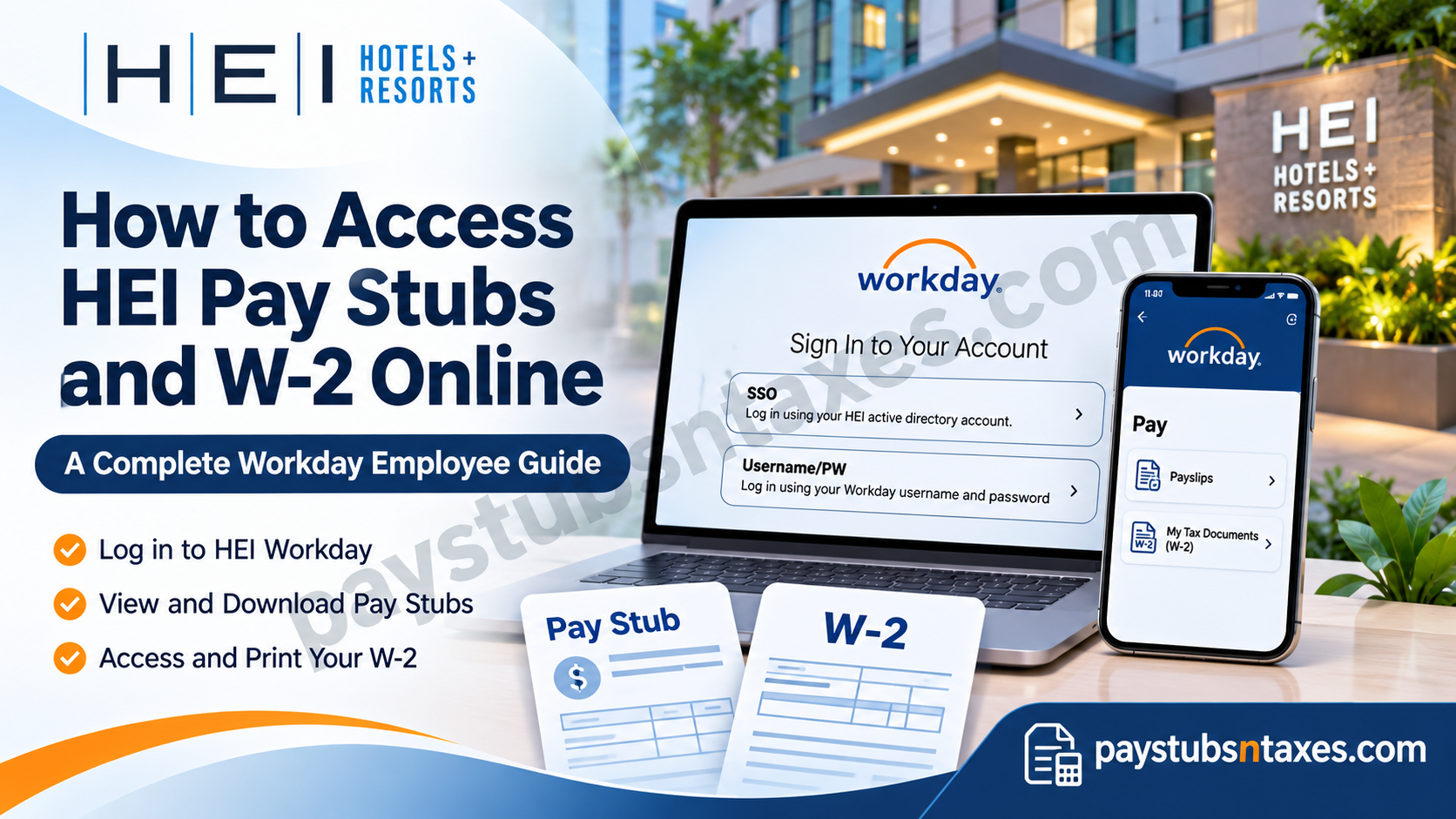
HEI Hotels & Resorts employees can access their pay stubs and W-2 forms through Workday, the company’s online platform for payroll and employment information. Whether you need to check your latest earnings, download a previous payslip, or print your annual tax statement, Workday brings these essential documents together in one convenient place.
To access HEI pay stubs online, sign in to the HEI Workday portal, select Pay, and open Payslips. To retrieve your W-2, select Pay, choose My Tax Documents, and click View/Print beside the relevant form. Mobile users can access the same information through the Workday app using the organization ID heihotels.
This comprehensive guide explains how to access HEI pay stubs and W-2 forms online, including Workday login instructions, mobile application setup, document downloads, W-2 availability, and troubleshooting procedures.
About HEI Hotels & Resorts
Founded in 1985, HEI Hotels & Resorts is a prominent American hospitality investment and management company specializing in upscale, upper-upscale, and luxury hotel properties throughout the United States.
Established by Gary and Steve Mendell and Stephen Rushmore, the company has evolved from a relatively modest hotel investment enterprise into a distinguished hospitality management organization with an extensive portfolio of more than 100 properties.
HEI manages hotels associated with internationally recognized hospitality brands, including Marriott, Hilton, Embassy Suites, Westin, Le Méridien, and Sheraton.
Beyond its operational expertise, the company places considerable emphasis on employee development, workplace inclusivity, professional advancement, and competitive compensation.
Its distinctive HEI Loves initiative reflects an organizational philosophy centered on recognizing employee contributions, cultivating professional growth, and fostering a supportive working environment.
To complement these employment initiatives, HEI utilizes Workday as a digital human resources and payroll management platform, providing associates with convenient access to important employment documents.
HEI Workday Login: How to Sign In
Before viewing your payroll documents, you must sign in using the authentication method assigned to your account.
Visit the HEI Hotels & Resorts Workday portal, where you will find two sign-in options:
| Login option | Credentials required |
| SSO | Your HEI Active Directory account |
| Username/PW | Your Workday username and password |
Select the appropriate option, enter your credentials, and complete any authentication prompts. Once you reach the Workday home page, you can navigate to your payroll information.
Although both options appear on the login screen, the correct choice depends on how your account has been configured. If you are unsure which method to use, your Human Resources representative can point you in the right direction.
How to View and Download HEI Pay Stubs Online
The desktop version of Workday allows you to review individual payslips and download PDF copies for your records.
- Sign in to your HEI Workday account.
- From the home page, select the Pay application.
- Under the View heading, click Payslips.
- On the My Payslips page, locate the payment you want to review.
- Click View beside the relevant payslip.
- Select the option to print the payslip image, which downloads the document in PDF format.
- Open the downloaded PDF to save or print a copy.
Keeping your payslips organised can save time when you need proof of income, want to reconcile a payment, or wish to review deductions across several pay periods.
What Can You Review in Your Payroll Information?
Workday provides access to earnings and payment details, helping you understand how your gross earnings translate into take-home pay. Within the mobile Pay application, you can review:
- Take-home pay and gross pay.
- Your next payday.
- Year-to-date take-home pay.
- Pre-tax and post-tax deductions.
- Employee taxes.
- Direct deposit information.
If a figure appears incorrect, contact your HR representative so the issue can be reviewed.
How to Set Up the HEI Workday Mobile App
For employees who prefer managing payroll information on the go, the Workday mobile app offers a convenient alternative to the desktop portal.
- Open your device’s app store and search for Workday.
- Download and install the Workday app.
- Open the app and tap the blue Log In button.
- When prompted for the organization ID, enter heihotels.
- Tap the blue arrow to continue to the HEI Workday login screen.
- Choose SSO or Username/PW, as appropriate for your account.
- Enter your credentials and complete authentication.
After signing in successfully, you should arrive at the Workday mobile home screen.
How to Access HEI Pay Stubs in the Workday App
Once the mobile app is configured, viewing your payslip takes only a few steps.
- Sign in to the Workday app.
- Select the Pay application. If it is not immediately visible, tap View All to display additional applications.
- Review the pay information shown on the main screen.
- Select View Pay Details to examine taxes and deductions.
- Select Payment Information if you want to review your direct deposit details.
- Tap Get PDF to generate a PDF version of your payslip.
- Select Open PDF to view the document.
- Save or print the PDF using the options available on your device.
The main Pay screen also displays key figures, including gross pay, take-home pay, and year-to-date take-home pay, allowing you to check essential information at a glance.
How to Access Your HEI W-2 Online
Your W-2 contains annual wage and tax information needed when preparing your tax return. HEI makes W-2 forms available electronically through Workday on or before January 31 each year.
To view or download your W-2 through a web browser:
- Sign in to your HEI Workday account.
- From the landing page, select the Pay worklet.
- Under the View heading, choose My Tax Documents.
- Locate the W-2 for the tax year you need.
- In the Employee Copy column, click View/Print.
- Wait for Workday to generate the document, then open, download, or print it.
If Workday displays “Your request is being processed,” you can wait for the document or select Notify Me Later. Choosing the latter sends a link to your Workday notifications once the document is ready.
Open the notification and follow the link to download your W-2.
How to View Your HEI W-2 in the Workday Mobile App
You can also retrieve your W-2 from your mobile device:
- Sign in to the Workday app.
- Open Pay Hub.
- Select My Tax Documents.
- Tap View/Print beside the required document.
- After the request-submitted message appears, return to the home page.
- Tap the Notifications bell icon.
- Open the notification to access the W-2 PDF.
Once the PDF opens, you can save it securely or print a copy using your device’s available options.
When Are HEI W-2 Forms Available?
HEI electronically delivers W-2 forms through Workday on or before January 31 each year. Once available, the forms can be viewed, saved, and printed at any time through your authorised Workday access.
For example, when preparing a return for a particular tax year, make sure you select the form covering that year’s earnings rather than simply opening the first document listed.
Downloading a copy when your W-2 becomes available helps you keep your tax records close at hand.
How Do Former HEI Employees Receive Their W-2?
HEI mails W-2 forms to individuals who are no longer employed by the company. Current employees receive their forms electronically through Workday.
If you have left HEI, make sure Human Resources has your correct mailing address, particularly if you moved after your employment ended. An outdated address can delay delivery and create unnecessary complications during tax season.
Former employees who cannot access Workday, have not received their W-2, or need assistance obtaining a copy should contact their former property’s HR representative. Do not assume that your former SSO credentials will continue to work after departure.
Contact HEI for Payroll Assistance
If you need help accessing HEI pay stubs, retrieving a W-2, or resolving an account issue, contact your Human Resources representative. You can also call 203-849-8844 for assistance or direction to the appropriate team.
Because payroll documents contain sensitive personal and financial information, download them to a secure device and sign out when you finish, especially when using a shared computer.
Conclusion
Managing payroll documentation is an essential aspect of financial organization, and HEI Hotels & Resorts makes the process considerably more accessible through its Workday employee self-service platform.
Whether you need to retrieve a recent earnings statement, review direct deposit information, examine payroll deductions, or download an annual W-2 form, the platform provides a centralized environment for accessing these important employment records.
Current associates can conveniently obtain their documents through the HEI Workday website or mobile application, while former employees should follow the company’s mailed W-2 distribution process and contact HR whenever additional assistance is necessary.
By familiarizing yourself with the login procedures, document retrieval options, and available troubleshooting resources, you can manage your HEI pay stubs and W-2 statements with greater confidence, efficiency, and peace of mind.
Frequently Asked Questions
1. How do I access my HEI pay stubs online?
Sign in to HEI Workday, select Pay, and click Payslips under the View heading. Find the required pay period and select View to open your payslip.
2. What is the HEI Workday login website?
The HEI Workday login page is https://wd12.myworkday.com/heihotels/d/login.htmld. Employees can sign in using either SSO or Username/PW, depending on their account setup.
3. Which HEI Workday login option should I choose?
Choose SSO if you use an HEI Active Directory account. Select Username/PW if you have a separate Workday username and password. Contact your HR representative if you are unsure which option applies.
4. How do I download or print an HEI pay stub?
Open Pay → Payslips, locate the required payslip, and click View. Select the option to print the payslip image, which downloads a PDF that you can save or print.
5. Can I access HEI payroll information on my phone?
Yes. Install the Workday app, tap Log In, and enter heihotels as the organization ID. Complete the HEI sign-in process to access your payroll information.
6. What is the HEI organization ID for the Workday app?
The HEI Workday organization ID is heihotels. Enter it during the mobile app login setup to reach the HEI Workday sign-in screen.
7. How do I view my HEI payslip in the Workday app?
Sign in and open the Pay application. If it is not visible, tap View All. Review your pay details, then select Get PDF → Open PDF to view a PDF copy of your payslip.
8. Where can I review my HEI taxes, deductions, and direct deposit information?
In the Workday mobile Pay application, select View Pay Details to review employee taxes and pre-tax or post-tax deductions. Select Payment Information to view your direct deposit details.
9. How do I access my HEI W-2 online?
Sign in to Workday and select Pay → My Tax Documents. Locate the appropriate tax year, then click View/Print under the Employee Copy column to generate your W-2.
10. When does HEI make W-2 forms available?
HEI makes W-2 forms available electronically in Workday on or before January 31 each year. Once released, employees with authorised access can view, save, and print their forms.
11. How do I access my HEI W-2 through the mobile app?
Open Pay Hub → My Tax Documents and tap View/Print beside the required W-2. After submitting the request, return to the home screen and open the Notifications bell to access the PDF.
12. What does “Your request is being processed” mean in Workday?
This message means Workday is generating your document. You can wait or select Notify Me Later, which sends a document link to your Workday notifications when the file is ready.
13. Does HEI mail W-2 forms to current employees?
HEI provides current employees with electronic W-2 forms through Workday. Mailed W-2 forms are reserved for individuals who are no longer employed by HEI.
14. How do former HEI employees receive their W-2?
Former HEI employees receive their W-2 by mail. Keep your mailing address updated with HR, and contact your former property’s HR representative if you need a replacement or assistance with document access.
15. Who should I contact for HEI Workday or payroll assistance?
Contact your Human Resources representative for help with login problems, missing payslips, or W-2 access. You can also call 203-849-8844 for assistance or direction to the appropriate team.
