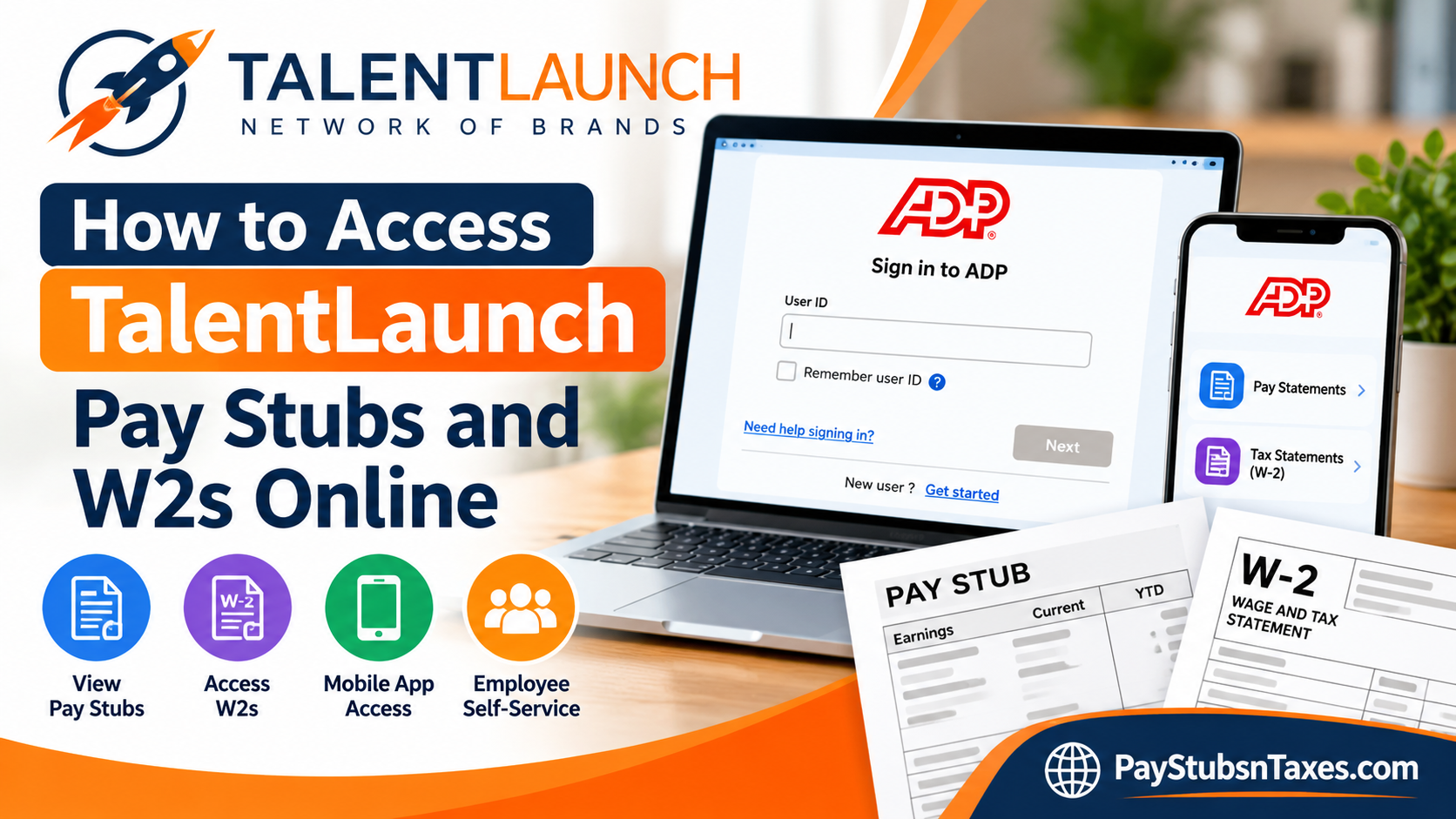
TalentLaunch employees can securely access their pay stubs, W-2 forms, tax withholding information, direct-deposit details, and other employment records through ADP. Whether you need to confirm your latest earnings, review deductions, or download a year-end tax statement, your ADP Employee Self-Service portal keeps the information at your fingertips. This guide explains how to register for ADP, sign in to your account, find TalentLaunch pay statements, and retrieve your W-2 forms online.
Understanding the TalentLaunch Payroll Schedule
Thursday is TalentLaunch’s weekly payday. Each Thursday payment compensates employees for all eligible hours worked through the previous Sunday.
Weekly earnings are deposited directly into the employee’s designated bank account. Pay stubs and W-2 forms are generally provided electronically through ADP rather than mailed, except where physical delivery is required by state law. Employees should therefore check their ADP accounts regularly and keep their login credentials in a safe place.
What Is the TalentLaunch ADP Employee Portal?
ADP is TalentLaunch’s online provider for payroll, benefits, and human resources services. Through the Employee Self-Service portal, current employees can view or manage information such as:
- Weekly pay statements
- Earnings and payroll deductions
- Federal and state tax withholding
- W-2 forms and other tax statements
- Direct-deposit instructions
- Name, address, telephone number, and email address
- Emergency and beneficiary contacts
- Benefits information
- Other personal employment records
Regularly reviewing this information is a wise precaution. It helps ensure that your pay, deductions, benefits, tax elections, banking details, and contact information remain accurate and up to date.
How to Register for ADP as a First-Time User
ADP registration information is normally emailed to employees after the beginning of a TalentLaunch assignment. If you received that invitation, follow the instructions in the email to complete your registration.
If the invitation has gone astray, there is no need to worry; you can use ADP’s Find Me option to locate your employment record and begin self-registration.
First-time registration steps
- Visit https://my.adp.com.
- Select New user? Get started.
- Choose the Find Me option.
- Follow the prompts to locate your account.
- Verify your identity.
- Enter your contact information.
- Provide the requested security information.
- Review your system-generated user ID.
- Create a secure password and complete the registration process.
Your password must contain between 8 and 20 characters, including at least one letter and one number. Once registration is complete, save your user ID and password securely; doing so will spare you an avoidable headache the next time you need an important payroll document.
How to Sign In to Your TalentLaunch ADP Account
Employees who have already completed registration can sign in with their existing credentials:
- Go to https://my.adp.com.
- Enter your ADP user ID.
- Select Next and enter your password when prompted.
- Complete any security verification requested by ADP.
- Select Sign In to open your Employee Self-Service portal.
You may also use the ADP mobile app, which offers convenient access to payroll information from a compatible phone or tablet.
If you cannot remember your credentials, select Need help signing in? on the ADP login page and follow the account-recovery instructions.
How to View and Download TalentLaunch Pay Stubs
Once you have signed in through a desktop or laptop browser, follow these steps:
- Open the Myself menu.
- Locate the Pay section.
- Select Pay & Tax Statements.
- Choose Pay Statements or open the available pay activity.
- Select the pay date you wish to review.
- Choose View Statement to open the corresponding pay stub.
- Use the available controls to download or print the statement.
Depending on the version of the ADP interface displayed, you may need to select Show or View Details before you can see a complete breakdown of your earnings and deductions. Older pay periods are generally available from the same pay area.
For privacy and security, print payroll documents only from a trusted device and secure network. A private home computer is preferable when you need a physical copy.
How to Find TalentLaunch Pay Stubs in the ADP Mobile App
The precise layout may vary slightly by device or app version, but the process generally works as follows:
- Download and open the official ADP mobile app.
- Sign in with your ADP user ID and password.
- Select Pay from the available menu options.
- Choose the applicable pay period.
- Select View Details to review earnings and deductions.
- Tap View Statement to open the complete pay statement.
- Use your device’s available options to save, share, or print the document securely.
Download and printing options differ among mobile devices. If the required control is not available in the app, sign in through a private desktop or laptop computer instead.
How to Access a TalentLaunch W-2 Online
TalentLaunch W-2 forms are available through the tax-statement section of ADP.
Using the ADP website
- Sign in at https://my.adp.com.
- Open the Myself menu.
- Select Pay.
- Choose Pay & Tax Statements.
- Open Tax Statements.
- Select the required tax year from the available list.
- Choose the appropriate W-2 and select View Statement.
- Complete the identity-verification or security-checkpoint process if prompted.
- Open, download, or print the W-2 using the controls displayed on the page.
ADP may send a security code through your selected delivery method before releasing a tax document. Enter that code when prompted and submit it to complete the verification process.
Using the ADP mobile app
- Sign in to the ADP mobile app.
- Locate and select Tax or Tax Statements.
- Choose the applicable tax year.
- Tap View beside the W-2 you need.
- Complete any required security verification.
- Review, download, or print the form using the options supported by your device.
The newest tax year usually appears first. Previous W-2 forms remain available online for at least three years, giving employees a useful safety net when older documents are needed for tax preparation, income verification, or personal records.
When Will a TalentLaunch W-2 Be Available?
A W-2 for the preceding tax year will be available through ADP by January 31 of the following year. Employees should receive an email notification when the form is ready.
Employees must provide electronic consent within ADP to receive their 2026 W-2 electronically. Because TalentLaunch generally does not print W-2 forms in its offices, downloading the document through ADP is the fastest and most reliable course of action.
How to Contact TalentLaunch for Payroll Assistance
For questions about weekly payroll or direct-deposit payments, contact the TalentLaunch payroll department at:
Email: payroll@mytalentlaunch.com
For assistance concerning pay stubs, W-2 forms, employee records, or related human resources matters, contact:
Email: hr@mytalentlaunch.com
When requesting assistance, include your full name, TalentLaunch brand or assignment, a safe telephone number or email address, and a concise description of the problem. Do not include highly sensitive information unless TalentLaunch directs you to submit it through a secure channel.
About TalentLaunch
TalentLaunch is a nationwide network of staffing and recruitment companies that combines specialized industry knowledge, sophisticated technology, and proven hiring practices to deliver stronger staffing outcomes. Its network includes:
- Alliance Industrial Solutions
- ASG Pharmacy
- Artemis
- Stivers
- Bonney Staffing Center
- Selectemp Employment Services
- Helpmates
- SmartSet
- Capstone Search Advisors
Although these brands serve different markets and communities, they share a common purpose: making hiring easier, smarter, and more effective for businesses and job seekers alike.
TalentLaunch is an equal opportunity employer. Applicants are considered for employment without regard to race, color, religion, sex, sexual orientation, gender identity, national origin, veteran status, or disability status.
Final Takeaway
Accessing TalentLaunch pay stubs and W-2 forms online is straightforward once your ADP account is active. Register or sign in at my.adp.com, navigate to the pay or tax-statement area, select the document you need, and download it for your records. By checking the portal regularly and keeping your personal details current, you can stay one step ahead of payroll or tax-season complications.
Frequently Asked Questions
1. Where can I access my TalentLaunch pay stubs?
Sign in to my.adp.com, open Myself, select Pay, and choose Pay & Tax Statements. Open Pay Statements, select the relevant pay date, and click View Statement to view, download, or print your pay stub.
2. How do I access my TalentLaunch W-2 online?
Log in to ADP, navigate to Myself > Pay > Pay & Tax Statements, and select Tax Statements. Choose the required tax year and click View Statement. ADP may ask you to verify your identity before displaying the document.
3. What is the TalentLaunch ADP login website?
The TalentLaunch ADP login website is https://my.adp.com. Employees can use this portal to access pay statements, W-2 forms, tax withholding information, direct-deposit details, benefits information, and other employment records.
4. What day does TalentLaunch pay employees?
Thursday is TalentLaunch’s weekly payday. Each Thursday payment covers eligible hours worked through the previous Sunday. Weekly earnings are normally deposited directly into the employee’s designated bank account.
5. How do I register for a TalentLaunch ADP account?
Visit my.adp.com, select New user? Get started, and choose Find Me. Follow the prompts to verify your identity, enter your contact and security information, obtain your system-generated user ID, and create a password.
6. What should I do if I did not receive my ADP registration email?
If the registration email is missing, visit my.adp.com, select New user? Get started, and use the Find Me option. This feature can help locate the employment record associated with your TalentLaunch assignment.
7. What are the password requirements for TalentLaunch ADP?
Your ADP password must contain between 8 and 20 characters, including at least one letter and one number. Choose a unique password, store it securely, and never disclose it through email or an unsecured communication channel.
8. Can I view TalentLaunch pay stubs on my phone?
Yes. Download the official ADP mobile app, sign in, and select Pay. Choose the appropriate pay period, open View Details, and select View Statement. Saving and printing options may vary according to your mobile device.
9. Can I access my TalentLaunch W-2 through the ADP mobile app?
Yes. Sign in to the ADP mobile app, select Tax or Tax Statements, choose the applicable year, and tap View beside the required W-2. Complete any security verification before viewing or downloading the form.
10. When will my TalentLaunch W-2 be available?
A W-2 for the preceding tax year should be available through ADP by January 31 of the following year. Employees should receive an email notification when the document is ready.
11. Do I need to provide electronic consent for my W-2?
Employees must provide electronic consent within ADP to receive their 2026 W-2 electronically. Because TalentLaunch generally does not print W-2 forms at its offices, employees are strongly encouraged to download their tax statements online.
12. Can I access previous TalentLaunch W-2 forms?
Yes. Previous W-2 forms remain available through ADP for at least three years. Open Tax Statements, select the required year, and choose View Statement to retrieve the document.
13. Does TalentLaunch mail pay stubs and W-2 forms?
TalentLaunch generally does not mail weekly pay stubs or W-2 forms, except where mailing is required by state law. Employees are responsible for accessing these documents electronically through their ADP accounts.
14. What should I do if I cannot sign in to ADP?
Select Need help signing in? on the ADP login page and follow the account-recovery instructions. Confirm that you are using the user ID associated with your TalentLaunch assignment and complete any identity-verification steps requested by ADP.
15. Who should I contact about a missing pay stub or W-2?
For payroll or direct-deposit questions, email payroll@mytalentlaunch.com. For assistance with pay stubs, W-2 forms, or employee records, email hr@mytalentlaunch.com. Never include passwords, security codes, banking credentials, or a complete Social Security number in an email.
