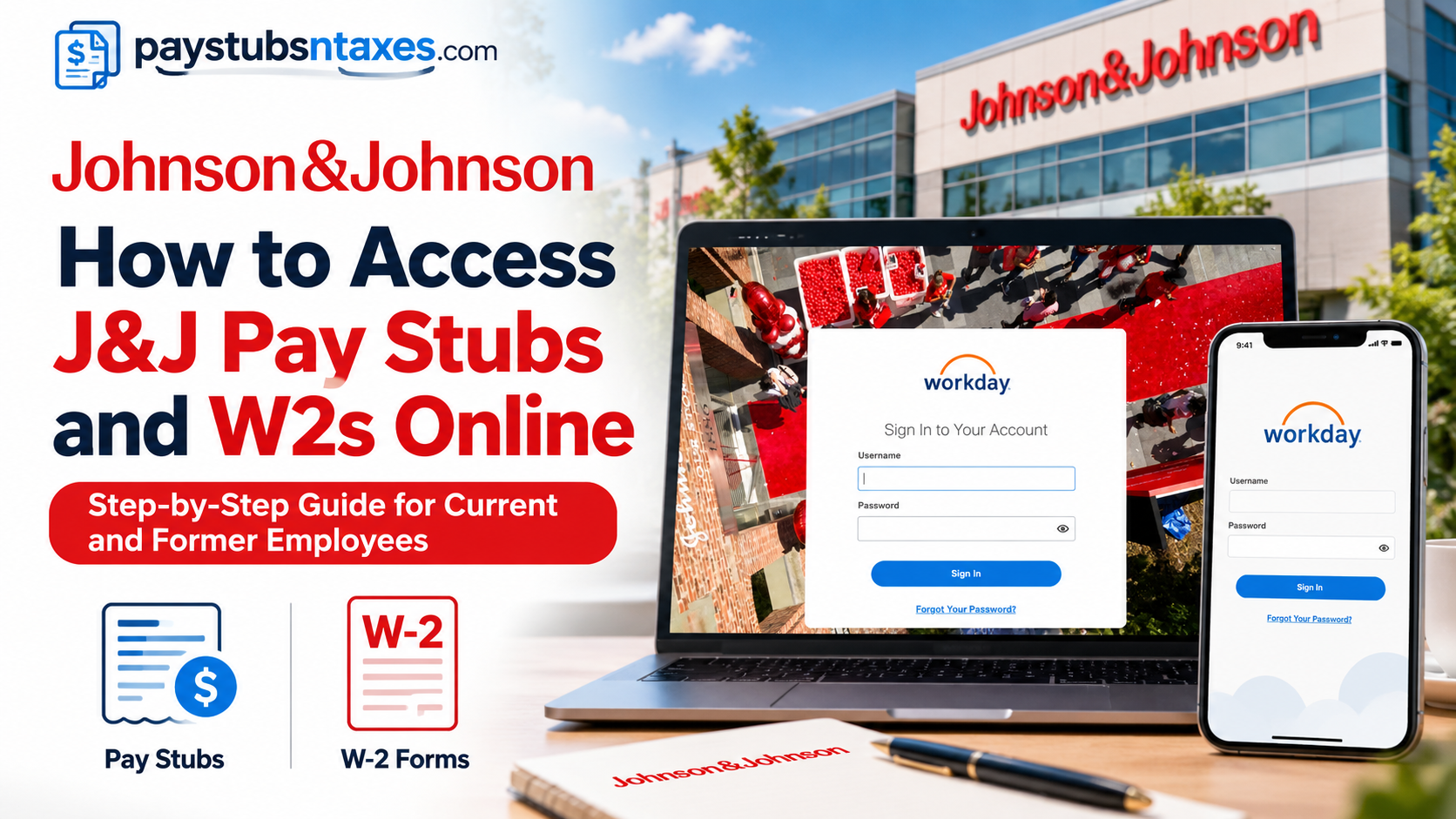
Johnson & Johnson employees can review their pay stubs, download tax documents (w-2), and manage essential payroll information through the company’s designated employee systems. The correct platform depends primarily on whether you are a current employee or have already separated from the company. Current employees generally access payroll records through Workday, whereas eligible former employees retain access to certain information through ADP GlobalView. Following the appropriate route from the outset will save time and help prevent unnecessary login difficulties.
Understanding Johnson & Johnson’s Employee Payroll Systems
Johnson & Johnson uses enterprise payroll and human capital management technologies to facilitate payroll processing, employee self-service, tax reporting, and other employment-related administrative functions.
Two important platforms associated with its employee payroll services are Workday and ADP GlobalView.
1. Workday: Payroll Access for Current Employees
Workday is a cloud-based enterprise management platform that integrates human resources, payroll-related functions, employee information, and financial management capabilities.
For active Johnson & Johnson employees, Workday provides a centralized environment through which authorized users can access payroll information and perform various employment-related tasks.
Depending on their assigned permissions and organizational configuration, employees can use Workday to review earnings statements, access available tax documents, examine payroll deductions, and update certain personal details.
Johnson & Johnson Workday Login Portal:
https://wd5.myworkday.com/jj/login.htmld
Employees can access the portal through an approved web browser or the Workday mobile application.
2. ADP GlobalView: Payroll Access for Former Employees
ADP GlobalView is an enterprise payroll solution designed to support payroll administration and employee self-service across large organizations.
At Johnson & Johnson, ADP GlobalView also serves as an important payroll resource for eligible former employees who need to retrieve earnings statements, review payroll records, or access tax-related documentation after their employment ends.
Unlike Workday access, which ordinarily terminates when an employee separates from Johnson & Johnson, ADP GlobalView access may continue after the termination date, provided the former employee retains the necessary login credentials and maintains the required personal contact information.
Johnson & Johnson ADP GlobalView Portal:
This distinction is particularly important because attempting to access Workday after leaving the company may prove unsuccessful, even when former employees still need their final pay statements or annual tax forms.
How to View and Download a Johnson & Johnson Pay Stub
Workday stores current employees’ payroll information in the Pay section. To view or print a Johnson & Johnson pay stub:
- Sign in to Workday.
- Open your employee profile.
- Select Pay and then Payslips.
- Review the list of available pay periods.
- Select the relevant pay date.
- Click the PDF link associated with that pay period.
- View, download, or print the payslip.
If the Pay application has been added to your Workday home page, you may take a shorter route:
- Select Pay from the home screen.
- Find the View section.
- Select Payslips.
- Choose the required pay period and open the corresponding PDF.
The downloaded payslip should contain the principal details of the payment, including gross earnings, deductions, taxes, benefit contributions, and net pay. Review the document carefully and report any discrepancy promptly rather than allowing a small error to become a larger problem.
How to Access a Johnson & Johnson W-2 in Workday
Eligible employees can retrieve available W-2 forms from the My Tax Documents area of Workday:
- Log in to Workday.
- Open the main menu.
- Select Pay.
- Under the View section, select More if the complete list of options is not visible.
- Click My Tax Documents.
- Locate the applicable tax year and W-2 form.
- Select View/Print to generate the document.
- Download or print the PDF after it becomes available.
Workday may need a few moments to prepare the file. If a Notify Me Later message appears, select it and continue with other tasks. When processing is complete, open the notification bell in the upper-right corner, locate the completion notice, and open the PDF version of the W-2.
W-2 forms are ordinarily made available by January 31 for wages paid during the preceding calendar year. Employees who have not consented to electronic-only delivery should also expect a paper copy to be mailed to the home address held on record.
What to Do Before Leaving Johnson & Johnson
Workday access ends on an employee’s termination date. Anyone preparing to leave Johnson & Johnson should therefore put their house in order before the final day of employment.
Before access expires:
- Verify that your personal email address is recorded correctly.
- Confirm that your mailing address and telephone number are current.
- Review your banking and direct-deposit information.
- Save any pay statements or tax records you may need.
- Preserve the login information required for post-employment access.
- Make sure your personal email address is available for continued ADP GlobalView access.
If your personal email address cannot be updated in Workday before your last day, submit an AskGS request for a manual update to ADP GlobalView.
How Former J&J Employees Access Pay and Tax Information
Former employees should not attempt to rely on Workday after their termination date. Post-separation access to applicable pay statements, tax documents, and personal payroll information continues through ADP GlobalView.
Visit: http://adp.jnj.com
Use the credentials retained or established for your post-employment account. A personal email address is required to maintain access beyond the termination date.
Through ADP GlobalView, former employees may be able to:
- Review available pay statements and payslips.
- Access tax statements.
- View their personal pay profile.
- Check payroll-related information.
- Retrieve documents needed for personal records or tax preparation.
Payments owed after separation generally continue through the payment method previously elected, such as direct deposit or a paper check.
Because post-separation delivery practices may vary by document and circumstance, former employees should keep their home address current and use ADP GlobalView as the primary source for available electronic records. A W-2 is also expected to be mailed in January to the home address on record.
Assistance With Login, Payroll, or W-2 Problems
If you cannot sign in, need a password reset, or discover inaccurate payroll information, contact Johnson & Johnson Global Services through AskGS:
AskGS telephone: 855-345-9582
Payroll option: Option 2
You may also submit a payroll request online at:
Choose the category that most closely matches your question. Examples include:
- Missing or incorrect pay
- Workday or ADP access problems
- Password-reset assistance
- W-2 or tax-document questions
- Payroll deductions
- Address or contact-information changes
- Banking-information updates
- Post-separation payments
Provide only the information necessary to identify and resolve the issue. Never include your password, full Social Security number, or banking credentials in an ordinary email or unsecured message.
Final Takeaway
For current Johnson & Johnson employees, Workday is the principal gateway to pay stubs and W-2 forms. Pay statements are available under Pay and Payslips, while tax forms are stored under My Tax Documents. Former employees should use ADP GlobalView, as Workday access ends upon termination.
The wisest course is to verify personal contact information, preserve essential payroll records, and establish post-separation access before leaving the company. A few minutes of preparation can spare a great deal of inconvenience when tax season arrives.
Frequently Asked Questions
1. How do I access my Johnson & Johnson pay stubs online?
Sign in to J&J Workday, open Pay, select Payslips, and choose the relevant pay period. Click the corresponding PDF link to view, download, or print your pay stub.
2. What is the Johnson & Johnson Workday login URL?
Current employees can access the J&J Workday portal at https://wd5.myworkday.com/jj/login.htmld and sign in through the company’s single sign-on system.
3. How do I find my W-2 in J&J Workday?
Open Pay in Workday, select My Tax Documents, locate the appropriate tax year, and click View/Print beside the W-2 you want to retrieve.
4. When will my Johnson & Johnson W-2 be available?
W-2 forms for the preceding tax year are generally expected to be available by January 31. Employees who have not selected electronic-only delivery should also expect a mailed copy.
5. Can I download or print my J&J payslip?
Yes. Open the relevant pay period under Pay and Payslips, select the PDF link, and use your device’s download or print option.
6. Can I access my J&J pay information through the Workday mobile app?
Yes. Download the official Workday app, enter jj as the organization code, select single sign-on, and authenticate with your Johnson & Johnson credentials.
7. What should I do if the Pay application is missing?
Open the Workday menu and search for Pay, Payslips, or My Tax Documents. You may also be able to add the Pay application to your Workday home page through the application configuration settings.
8. Why is my W-2 not opening immediately in Workday?
Workday may still be generating the PDF. Select Notify Me Later, wait for the completion notification, and then open the document through the notification bell.
9. Can former Johnson & Johnson employees still access Workday?
No. Workday access ends on an employee’s termination date. Former employees should use ADP GlobalView or contact AskGS for assistance.
10. How do former J&J employees access pay stubs?
Former employees can sign in to ADP GlobalView at http://adp.jnj.com to access available pay statements, payslips, tax documents, and personal payroll information.
11. How do former J&J employees obtain a W-2?
Former employees can check ADP GlobalView for available electronic tax statements. A W-2 is also expected to be mailed in January to the home address on record.
12. What should I update before leaving Johnson & Johnson?
Before your final day, confirm your personal email address, mailing address, telephone number, and banking details. You should also save essential payroll records and retain the credentials needed for ADP GlobalView.
13. What if ADP GlobalView does not recognize my account?
Confirm that J&J has your personal email address. If your account is unavailable or you have forgotten your login details, contact AskGS and select the payroll option.
14. Who should I contact about a missing pay stub or W-2?
Call AskGS at 855-345-9582 and select Option 2 for Payroll. Assistance is available for payroll questions, tax documents, password resets, and system-access problems.
15. Can I submit a J&J payroll request online?
Yes. Visit https://jnjgs.force.com/ and select the category that most closely matches your payroll, W-2, account-access, or personal-information inquiry.
