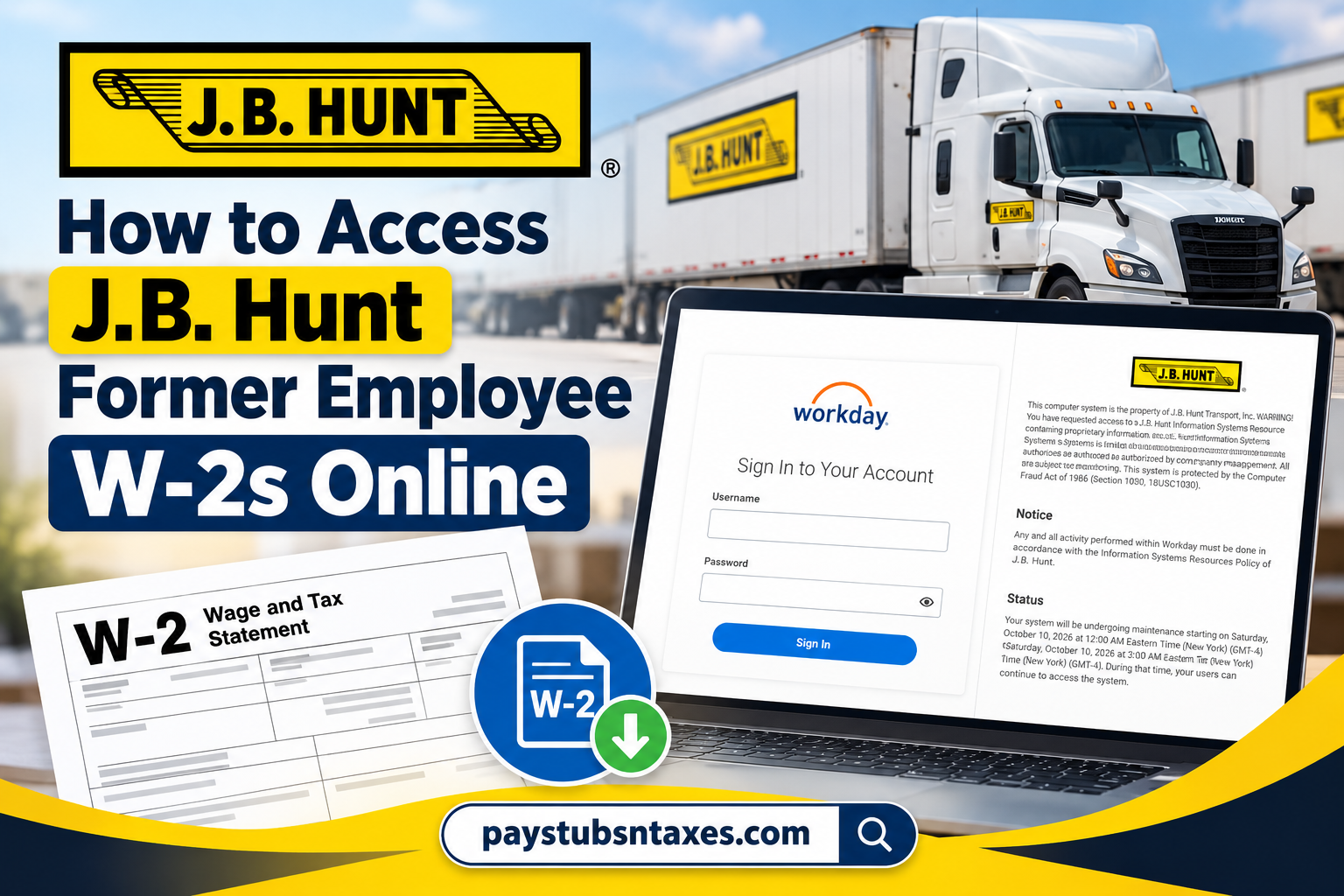
Former J.B. Hunt employees may be able to view, download, and print their year-end tax statements through the Workday self-service portal. Because post-employment access is generally available for a limited period, retrieving your W-2 promptly can save you considerable time and trouble later. This guide explains how to access a J.B. Hunt former employee W-2 online, which login page to use, when to expect the form, and where to seek assistance if your account is no longer active.
About J.B. Hunt
J.B. Hunt Transport Services is one of the most prominent names in the North American transportation and logistics industry. What began with five trucks and seven trailers in 1961 has evolved into a major logistics enterprise whose vision is to create the most efficient transportation network in North America.
The company’s strength rests heavily on its investment in people, technology, and operational capacity, all of which underpin its ability to deliver transportation and supply-chain solutions at scale.
For employees, however, leaving the company does not immediately close the book on every employment-related obligation. One particularly important loose end is obtaining your Form W-2, which you will need when preparing your federal and, where applicable, state income tax returns.
Can Former J.B. Hunt Employees Access Workday?
Yes, former employees can generally access J.B. Hunt Workday after termination while their accounts remain active. However, this post-employment access does not last indefinitely.
During the termination process, you should receive an email containing your login credentials and other pertinent information. Keep that message in a secure place; it may be the key to accessing your tax records without having to contact support.
Former employees cannot ordinarily sign in through J.B. Hunt’s Single Sign-On system. Instead, they must use the non-SSO Workday portal and enter their designated username and password.
J.B. Hunt Former Employee Workday Login
To begin, visit the J.B. Hunt non-SSO Workday login page:
Access the J.B. Hunt non-SSO Workday portal
Enter the username and password supplied during the termination process, and then select Sign In.
For the smoothest experience, use a desktop or laptop web browser. The Workday mobile app generally presents only the SSO login option, which former employees cannot use after termination. Attempting to sign in through the app may therefore lead you down a blind alley, even when your post-employment account is still active.
How to Find Your J.B. Hunt W-2 in Workday
Once you have successfully signed in, follow these steps:
- Open the Menu or locate the Applications section on the Workday home page.
- Select Pay.
- Locate the View section.
- If My Tax Documents is not immediately visible, select More to expand the available options.
- Choose My Tax Documents.
- Find the applicable tax year and W-2 form.
- Select View/Print to generate the document.
- Open the PDF to review, download, save, or print your W-2.
Workday’s appearance may vary slightly following system updates, but the essential route remains:
Workday → Pay → My Tax Documents → View/Print
What Does “Notify Me Later” Mean?
Your W-2 may not appear instantaneously after you select View/Print. If Workday displays a Notify Me Later option, select it and allow the system time to prepare the document.
When processing is complete, look for the bell-shaped notification icon near the upper-right corner of the page. Open the notification and select the completed PDF to view or print your W-2.
There is no need to submit the request repeatedly. Doing so is unlikely to accelerate the process and may merely muddy the waters.
When Will a J.B. Hunt W-2 Be Available?
J.B. Hunt employees can generally expect a W-2 for the preceding tax year to become available in Workday by January 31. For example, a W-2 covering wages earned during 2026 should ordinarily be provided by January 31, 2027.
If you did not consent to electronic-only delivery, a paper copy should also be mailed by the applicable distribution deadline. Delivery itself may take additional time, so make certain that J.B. Hunt has your current mailing address before leaving the company.
If January 31 has passed and your W-2 is neither available online nor received by mail, contact the J.B. Hunt People Support Center.
What If Your Workday Account Is No Longer Active?
Post-termination Workday access is temporary. If your login credentials no longer work, your access period may have expired. You may also experience difficulty if:
- You are attempting to use the SSO login page instead of the non-SSO portal.
- You are trying to sign in through the Workday mobile app.
- Your username or password is incorrect.
- Your account has been locked following unsuccessful login attempts.
- The system is undergoing scheduled maintenance.
- Your browser is using outdated cookies or cached login information.
Before contacting support, confirm that you are using the correct non-SSO portal. You may also try a private browser window, clear the site’s saved data, or use another modern desktop browser.
If the problem persists, do not attempt to create a new Workday account. A newly created profile may not be connected to your former employment or payroll records.
How to Contact J.B. Hunt for W-2 Assistance
For questions about a former employee W-2, an inactive Workday account, missing credentials, or another payroll-related issue, contact the J.B. Hunt People Support Center:
- Telephone: 1-800-777-4968
- Email: people.support@jbhunt.com
These details are also listed on the official J.B. Hunt contact page.
When requesting assistance, be prepared to provide enough information for the support representative to locate and verify your employment record. This may include your full name, employee identification number, dates of employment, former work location, and current contact information.
For your protection, never send your complete Social Security number, Workday password, or other highly sensitive information through an unsecured email. A support representative can explain the appropriate identity-verification procedure.
Final Takeaway
Accessing a J.B. Hunt former employee W-2 online is usually straightforward: sign in through the non-SSO Workday portal, open Pay, navigate to My Tax Documents, and select View/Print. The crucial point is not to drag your feet—post-employment access is temporary, whereas tax records may be needed years down the road.
Download the W-2, store the PDF securely, and retain a backup in an encrypted or otherwise protected location. If your account is inactive or the document is missing, the J.B. Hunt People Support Center can help you determine the next course of action.
Frequently Asked Questions
1. Can former J.B. Hunt employees access their W-2s online?
Yes. Former employees may view, download, and print W-2 forms through Workday while their post-employment accounts remain active.
2. What is the J.B. Hunt former employee Workday login?
Former employees should use the J.B. Hunt non-SSO Workday login page, rather than the company’s SSO portal.
3. How do I find my J.B. Hunt W-2 in Workday?
Sign in to Workday, select Pay, open My Tax Documents, choose the applicable tax year, and click View/Print.
4. Can I access J.B. Hunt Workday after termination?
You can generally access Workday for a limited period after termination. Because access is temporary, download your tax documents as soon as they become available.
5. Can I use SSO after leaving J.B. Hunt?
Former employees generally cannot use J.B. Hunt’s Single Sign-On system. Use the designated non-SSO Workday portal with the credentials supplied during your termination process.
6. Can I access my W-2 through the Workday mobile app?
The mobile app may provide only the SSO login option, which former employees typically cannot use. A desktop or laptop web browser is therefore recommended.
7. When will my J.B. Hunt W-2 be available?
W-2 forms for the preceding tax year are generally available in Workday by January 31.
8. Will J.B. Hunt mail my W-2?
If you did not consent to electronic-only delivery, a paper W-2 should also be mailed by the applicable distribution deadline. Postal delivery may take additional time.
9. What does “Notify Me Later” mean in Workday?
It means Workday needs additional time to generate your W-2 PDF. Select Notify Me Later, wait for processing to finish, and then check the bell-shaped notification icon.
10. Where can I find a completed W-2 request?
Open the notification bell near the upper-right corner of Workday. Select the completion notice and open the attached PDF.
11. Why can’t I log in to J.B. Hunt Workday?
You may be using the SSO page, entering incorrect credentials, encountering a locked account, or attempting to access an expired former-employee account. Confirm that you are using the non-SSO portal.
12. What should I do if I forgot my Workday credentials?
Review the email and separation materials provided during your termination. If you cannot locate the credentials, contact the J.B. Hunt People Support Center.
13. What if my former-employee Workday access has expired?
Contact the J.B. Hunt People Support Center for assistance obtaining your W-2 or determining another delivery method.
14. How do I contact J.B. Hunt about a missing W-2?
Call the J.B. Hunt People Support Center at 1-800-777-4968 or email people.support@jbhunt.com.
15. Should I create a new Workday account if my old login fails?
No. A new account may not be connected to your previous employment or payroll records. Contact the People Support Center for help restoring access or obtaining the tax document.
