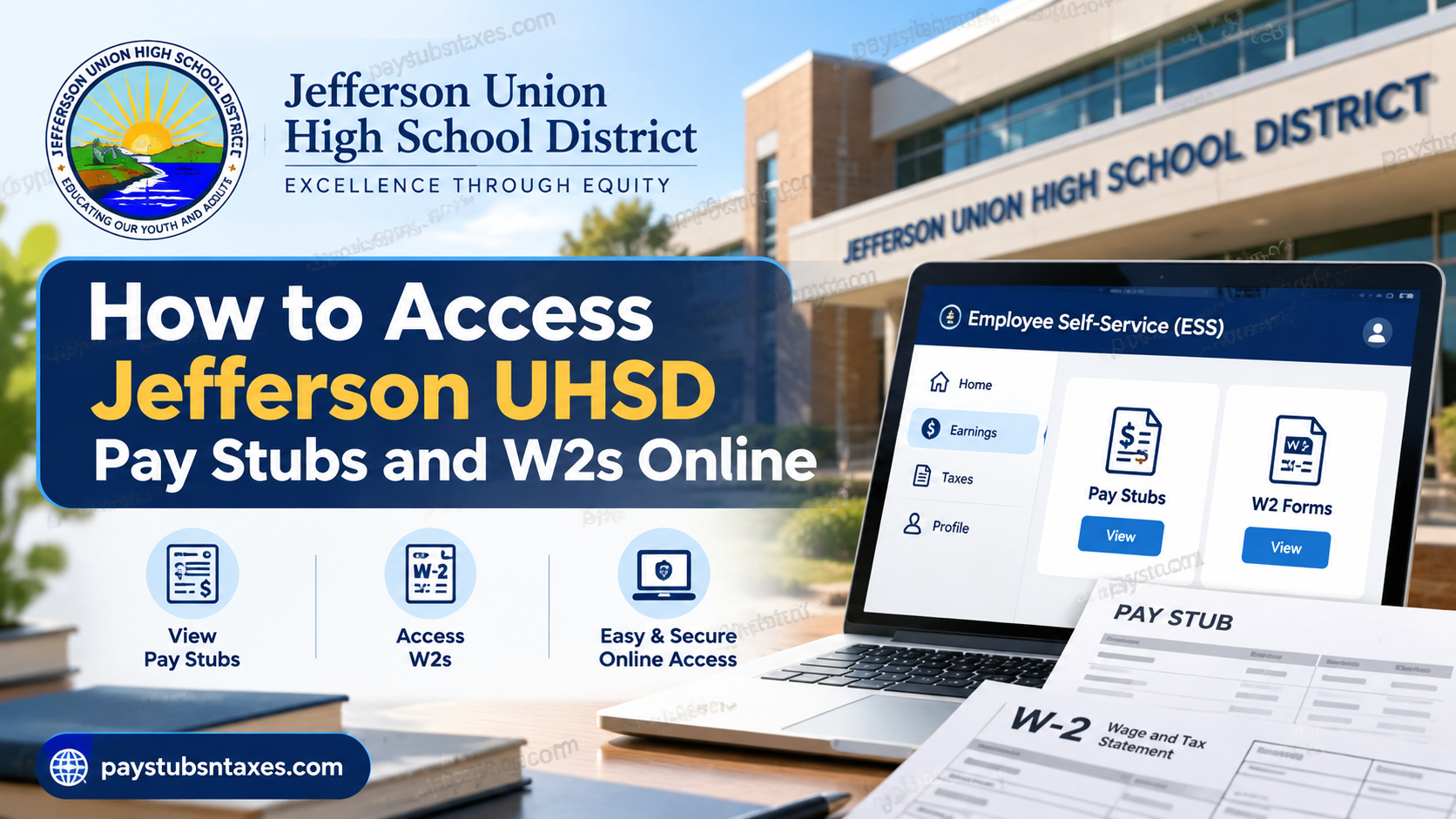
Employees of the Jefferson Union High School District (JUHSD) can access payroll information electronically through the Employee Self-Service (ESS) portal. The online system provides a convenient way to review current and previous pay stubs, retrieve tax documents such as W-2 forms, and manage certain payroll-related information without having to visit the district office.
Jefferson Union High School District serves communities in northern San Mateo County, including Daly City, Brisbane, Pacifica, Colma, Broadmoor, and part of San Bruno. The district office is located at 123 Edgemont Drive, Building A, Daly City, California 94015.
Whether you need a recent earnings statement for income verification, a previous pay stub for your personal records, or your annual W-2 for tax preparation, the ESS portal places these documents within easy reach. This guide explains how to access Jefferson UHSD pay stubs and W2s online, how to register for ESS, and what to do if you encounter login or payroll-related problems.
Jefferson UHSD Pay Stub and W-2 Access at a Glance
| Payroll Task | Where to Go |
| ESS Login | https://ess.smcoe.org/login.aspx |
| View latest pay information | ESS Home page |
| View previous pay stubs | Earnings |
| Access W-2 | Taxes |
| Download W-2 | Open applicable year → Download PDF |
| Print W-2 | Open applicable year → Print PDF |
| W-2 availability | Generally by January 31 |
| Mobile W-2 access | W-2 should be accessed from a computer |
| Payroll assistance | Czarina Morgia, (650) 550-7967 |
| Payroll email | cmorgia@jeffersonunion.net |
What Is Jefferson UHSD Employee Self-Service?
Employee Self-Service, commonly abbreviated as ESS, is a secure website through which Jefferson Union High School District employees can access personal payroll information.
Depending on the records available to you, the portal may provide access to:
- Current and previous pay stubs
- W-2 wage and tax statements
- Form 1095-C health coverage statements
- Leave balances or leave activity
- Account preferences and security settings
Because ESS is accessible through a web browser, employees can review their information at work or from home. A printer is required only if a physical copy is needed; documents may otherwise be downloaded and retained electronically.
Jefferson UHSD ESS Login Website
Visit the San Mateo County Office of Education Employee Self-Service portal at:
https://ess.smcoe.org/login.aspx
Use a trusted computer and a secure internet connection whenever you access payroll or tax information. Avoid signing in on public computers, and never share your password, Social Security number, security-question answers, or direct-deposit information with anyone.
How to Register for a Jefferson UHSD ESS Account
First-time users must complete the registration process before signing in. It is worth gathering the required information beforehand, as doing so will make the process considerably smoother.
You may need:
- Your legal first and last name as they appear on your payroll records
- Your Social Security number
- The net amount of a recent direct deposit, generally from the previous month
- A valid email address that you can access
- Answers for the required security questions
Your net pay is the amount deposited into your bank account after taxes and other deductions. Check your bank statement and enter the deposit amount exactly as shown. Even a slight discrepancy may prevent the system from verifying your identity.
To register:
- Open the ESS login website.
- Select Jefferson Union High School District from the District menu.
- Click Register.
- Enter the requested personal and payroll information.
- Complete each identity-verification step.
- Review the Terms of Use and provide your email address as directed.
- Create your login name and password.
- Select and answer the required security questions.
- Finish the registration process.
After submitting the registration form, check your email for an account-activation message. Open the message and follow the activation link. Registration is not fully complete until the account has been activated.
If the email does not arrive promptly, check your spam or junk folder before contacting Payroll.
How to Log In to Jefferson UHSD Employee Self-Service
Once your account has been registered and activated:
- Go to https://ess.smcoe.org/login.aspx.
- Select Jefferson Union High School District.
- Enter your login name.
- Enter your password.
- Click Login.
The home screen generally displays information from your most recent pay stub, together with a menu for accessing other payroll and tax records.
How to Access Jefferson UHSD Pay Stubs Online
To find your pay stubs:
- Sign in to the ESS portal from a web browser.
- Select Earnings from the main menu.
- Review the available pay stubs, which are arranged by issue date.
- Click the required record to open the complete statement.
- Use the available controls to save or print the document.
A pay stub may include gross earnings, taxes, retirement contributions, benefit deductions, other withholdings, and net pay. Review each statement carefully. If an amount appears incorrect, contact Payroll rather than allowing the matter to fall through the cracks.
For sound record-keeping, download pay stubs periodically and store them in a secure, password-protected location. They may be useful when applying for housing, verifying income, reviewing deductions, or preparing financial records.
How to Access a Jefferson UHSD W-2 Online
W-2 statements are generally made available through ESS by January 31 of the following year. Employees should receive an email notification when the forms are ready.
To retrieve a W-2:
- Log in to the ESS portal from a computer.
- Select Taxes from the main menu.
- Locate the required W-2 by tax year.
- Click the relevant record to open it.
- Move the pointer over the PDF and select the download or print option.
The Taxes section may also contain Form 1095-C when applicable.
W-2 forms are not available through the phone app; employees must use a computer to view and download them. Given that online retention periods can change and older records may eventually disappear, it is prudent to download each annual statement and keep a secure backup.
Will Jefferson UHSD Mail My W-2?
W-2 statements are ordinarily issued no later than January 31 of the following year. Depending on the employee’s delivery preferences and the district’s applicable procedures, a paper statement may also be mailed to the address on record.
Employees are nevertheless strongly encouraged to obtain their W-2s through ESS. Online statements may be accessible before mailed copies arrive, and the Payroll Office generally does not print replacement copies on demand.
To avoid delays, make sure Jefferson Union High School District has your current mailing address well before year-end.
How to Reset an ESS Password
If you forget your password, select Forgot your password on the login page. The system may ask you to verify your account and answer the security questions established during registration. Once verification is complete, you should be able to create a new password and, if desired, a password hint.
Password recovery depends on properly configured security questions. Employees should therefore set up memorable but difficult-to-guess answers when registering.
Common ESS Login and Registration Problems
If you cannot register or log in, consider the following possibilities:
- Your district is not selected correctly. Confirm that Jefferson Union High School District is chosen.
- Your net-pay amount does not match. Enter the exact deposit amount shown on the relevant bank statement.
- Your personal information differs from payroll records. Use your name and other identifying details exactly as recorded by the district.
- Your account has not been activated. Find the confirmation email and open its activation link.
- The activation message is missing. Check your spam and junk folders.
- Your password is incorrect. Use the password-recovery link instead of repeatedly attempting to sign in.
- Your security questions were never configured. Contact Payroll if the self-service reset option cannot verify your identity.
- Your W-2 does not appear in the phone app. Sign in through a computer, as W-2 statements are not available in the mobile app.
Jefferson UHSD Payroll Assistance
For assistance with ESS registration, payroll questions, employee income verification, or tax withholding matters, contact:
Czarina Morgia
Payroll Specialist
Telephone: 650-550-7967
Email: cmorgia@jeffersonunion.net
When requesting help, describe the problem clearly, but do not send sensitive information—such as your complete Social Security number, password, or security answers—by ordinary email.
Final Reminder
Jefferson Union High School District’s Employee Self-Service portal offers a straightforward way to manage payroll and tax records without unnecessary paperwork. Register before an urgent need arises, safeguard your login credentials, and download each important document when it becomes available. A few minutes of preparation today can save a great deal of inconvenience when tax season or an income-verification request is knocking at the door.
Frequently Asked Questions
1. Where can I access my Jefferson UHSD pay stubs?
Log in to the Employee Self-Service portal at https://ess.smcoe.org/login.aspx and select Earnings. Pay stubs are organized by issue date.
2. How do I download my Jefferson UHSD W-2?
Sign in to ESS from a computer, select Taxes, choose the appropriate tax year, and open the W-2. Use the PDF controls to download or print it.
3. When will my W-2 be available online?
Jefferson UHSD W-2 statements are generally available through ESS by January 31 of the following year. Employees should receive an email notification when their forms are ready.
4. Can I access my W-2 through the ESS mobile app?
No. W-2 statements are not available through the phone app. You must log in to Employee Self-Service from a computer.
5. Can I view my pay stub on the ESS home screen?
Yes. After logging in, the home screen generally displays information from your most recent pay stub. Select Earnings to view all available statements.
6. How are pay stubs organized in ESS?
Pay stubs are listed by issue date. Select the relevant date to open, review, download, or print a statement.
7. How are W-2 forms organized in ESS?
W-2 statements are listed by tax year under Taxes. Select the required year to open the corresponding form.
8. What information do I need to register for ESS?
You may need your legal name, Social Security number, email address, and the net amount of a recent direct deposit—generally the previous month’s deposit—to verify your identity.
9. What does “net pay” mean during ESS registration?
Net pay is the amount deposited into your bank account after taxes and other deductions. Enter the amount exactly as it appears on your bank statement.
10. How do first-time users register for Jefferson UHSD ESS?
Open the ESS website, select Jefferson Union High School District, and click Register. Complete the identity-verification steps, create your login credentials, set up security questions, and activate your account through the confirmation email.
11. Why have I not received my ESS activation email?
Check your spam or junk folder first. If the message is not there, confirm that you entered the correct email address and contact Payroll for assistance.
12. How do I reset my ESS password?
Select Forgot your password on the ESS login page. Follow the verification prompts and answer the security questions established during registration to create a new password.
13. Can I access Form 1095-C through ESS?
Form 1095-C may be available under Taxes when applicable. Log in from a computer and review the tax documents associated with your account.
14. Should I save copies of my pay stubs and W-2s?
Yes. Download important payroll and tax records while they are available, and keep them in a secure, password-protected location for tax preparation, income verification, and personal record-keeping.
15. Who should I contact for Jefferson UHSD payroll assistance?
Contact Czarina Morgia, Payroll Specialist, at 650-550-7967 or cmorgia@jeffersonunion.net for help with ESS registration, payroll questions, income verification, or tax withholdings.
