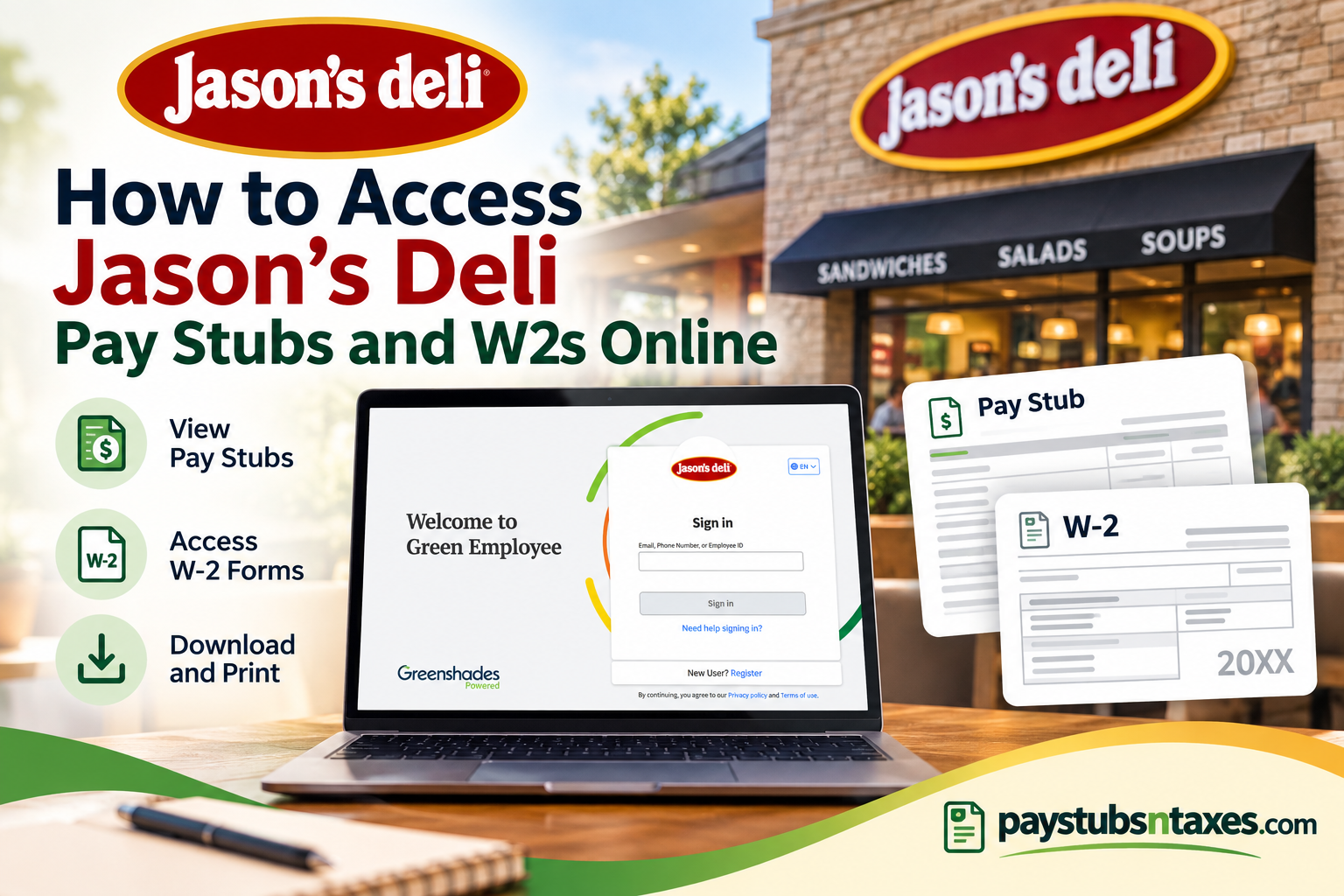
Jason’s Deli employees can use the Green Employee portal to review payroll information, download pay stubs, and retrieve eligible year-end tax documents online. The platform provides convenient access to current and previous payroll records from an internet-connected computer, while the mobile app offers additional flexibility for reviewing pay information on the go. This guide explains how to register for Green Employee, sign in to the Jason’s Deli employee portal, find pay stubs, download W-2 forms, and resolve common access problems.
About Jason’s Deli
Founded in Beaumont, Texas, in 1976, Jason’s Deli is a family-owned American fast-casual restaurant company. Its menu encompasses sandwiches, wraps, soups, salads, pasta, baked potatoes, desserts, and catering selections such as boxed lunches.
The company’s purpose—improving the lives of others through nourishment of the body, mind, heart, and spirit—extends beyond serving customers. Jason’s Deli also strives to provide employees with recognition, advancement opportunities, and a better quality of life.
Jason’s Deli Green Employee Portal
Jason’s Deli employees can access the Green Employee login page at:
https://www.greenshadesonline.com/SSO/EmployeeAppBeta/#/login/jasons
Through the portal, eligible employees may be able to:
- View recent and previous pay stubs
- Download or print payroll documents
- Review detailed wage information
- Generate pay-history reports
- Access current W-2 and 1095-C tax forms
- Select electronic delivery for year-end tax documents
- Review or update certain profile and notification settings
The exact features displayed may depend on the employee’s status and the options enabled by Jason’s Deli.
How to Register for a Green Employee Account
Employees who have not used Green Employee before must register an account.
- Open the Jason’s Deli Green Employee portal.
- Select Register beside the New User? prompt.
- Enter the personal and employment information requested on the screen.
- Confirm that the employer shown is Jason’s Deli before proceeding.
- Choose an available identity-verification method, such as receiving a code by text message or telephone call.
- Enter the verification code when prompted.
- Provide a valid email address and create a secure password that satisfies the displayed requirements.
- Complete the remaining prompts and select Continue.
- After the account has been created successfully, the system should redirect you to the Green Employee dashboard.
Your personal details must match the information held in the payroll system. Even a small discrepancy in your name, contact details, or employee information can throw a spanner in the works and prevent registration.
If the system cannot verify your identity or locate your employment record, contact your manager, Human Resources, or payroll department rather than repeatedly attempting to register.
How to Log In to the Jason’s Deli Employee Portal
Employees who already have an account can follow these steps:
- Visit the Jason’s Deli Green Employee login page.
- Enter your email address, phone number, or employee ID, depending on the identifiers connected to your account.
- Select Sign in.
- Complete any identity-verification step that appears.
- Enter your password if requested.
- Once authenticated, you will arrive at the Green Employee home screen.
If you cannot remember your credentials, select Need help signing in? and follow the recovery instructions. Do not create a duplicate account merely because you have forgotten your password.
Where to Find Jason’s Deli Pay Stubs
After signing in, the home screen may display a recent pay stub tile containing information from your latest payment. To review your complete pay history:
- Open Pay History.
- Select Paystubs.
- Use the view or date menu to choose the pay stub you need.
- Open the selected statement.
- Use the PDF controls to download or print it.
Depending on the version of the portal displayed, you may also see a View Paystub button on the dashboard. Selecting it will open the relevant statement, after which you can choose Download to save a copy.
A downloaded pay stub is useful when applying for housing, verifying income, reviewing deductions, or checking that hours and earnings have been recorded correctly.
How to Create a Detailed Pay-History Report
When a single pay stub does not provide enough information, Green Employee may allow you to produce a wage summary covering a broader period.
- Sign in to Green Employee.
- Open Pay History.
- Select Pay Details Report.
- Choose the applicable date range or reporting period.
- Generate the report in PDF or Excel format, where available.
- Download the file and store it securely.
This option is particularly helpful when you need a consolidated record of earnings rather than a stack of individual statements.
How to Access a Jason’s Deli W-2 Online
To retrieve an available W-2:
- Log in to the Jason’s Deli Green Employee portal from a computer.
- Open Pay History.
- Select Tax Forms.
- Locate the appropriate W-2 by tax year.
- Open the W-2 PDF.
- Use the document controls to download or print it.
Using a desktop or laptop browser is strongly recommended for W-2 access. The supplied employee instructions state that W-2 forms are not available through the phone app, even though employees may use the app to view pay stubs.
You will need PDF-viewing software to open the form and a printer if you require a paper copy.
When Are Jason’s Deli W-2 Forms Available?
W-2 statements are generally made available through Green Employee by January 31 of the following year. Employees should receive an email notification when their forms are ready.
Tax documents may become available online before mailed copies arrive. In some circumstances, employees who have consented to electronic delivery may receive the online form instead of a mailed copy.
Because the availability of historical documents may be limited, it is prudent to download each W-2 promptly and retain it in a secure location. Doing so ensures that you are not left scrambling for an older form when a tax deadline or verification request is looming.
How to Choose Paperless W-2 and 1095-C Delivery
The IRS permits electronic delivery of W-2 and 1095-C statements when an employee provides consent. If the option is available in your account:
- Sign in to Green Employee.
- Open the section containing profile, document, or tax-form preferences.
- Find W-2/1095-C Delivery Preferences.
- Choose electronic delivery.
- Review the consent information carefully.
- Confirm or save your selection.
Once you opt for electronic delivery, make certain that your email address remains current so that you receive notifications when new documents are published.
Using the Green Employee Mobile App
The Green Employee mobile app can provide convenient access to pay-stub information on supported devices. However, employees should use the full website on a computer when retrieving W-2 forms.
In practical terms:
- Use the mobile app for convenient pay-stub access.
- Use the desktop website to view, download, or print W-2 forms.
- Use a secure, private device whenever handling payroll or tax information.
Protecting Your Payroll and Tax Information
Pay stubs and W-2 forms contain sensitive personal and financial information. To keep those records out of the wrong hands:
- Use a strong, unique password.
- Never share verification codes with another person.
- Avoid signing in through public Wi-Fi or shared computers.
- Confirm that you are using the Jason’s Deli-specific portal address.
- Sign out when you have finished.
- Store downloaded files in a secure, password-protected location.
- Collect printed documents immediately and dispose of unwanted copies securely.
Jason’s Deli, Greenshades, or legitimate support personnel should never need your password or one-time verification code.
Getting Help
For account-registration errors, missing payroll records, incorrect wages, or unavailable tax forms, contact your Jason’s Deli manager, Human Resources department, or payroll representative first.
Additional customer-service contact information:
- Telephone: 409-838-1976
- Email: customer.service@jasonsdeli.com
When requesting assistance, explain the problem clearly and mention any error message displayed. Do not send your Social Security number, password, full W-2, or verification code through unsecured email.
Final Thoughts
Green Employee places essential Jason’s Deli payroll records within easy reach, sparing employees the inconvenience of chasing paper copies whenever they need proof of income or tax documentation. Once your account has been registered and verified, you can review pay stubs, generate wage reports, manage eligible delivery preferences, and download available W-2 forms from one central portal. For the smoothest experience, keep your email address, telephone number, and mailing address up to date; download important documents as soon as they become available; and contact HR or payroll promptly if anything appears incorrect.
Frequently Asked Questions
1. What is the Jason’s Deli employee portal?
Jason’s Deli uses the Green Employee portal to provide eligible employees with online access to pay stubs, wage information, W-2 forms, 1095-C forms, and certain profile settings.
2. What is the Jason’s Deli Green Employee login URL?
The direct login page is:
https://www.greenshadesonline.com/SSO/EmployeeAppBeta/#/login/jasons
Employees should bookmark this address to avoid visiting an incorrect or unofficial website.
3. How do I log in to my Jason’s Deli employee account?
Open the Green Employee portal, enter the email address, phone number, or employee ID associated with your account, and select Sign in. Complete any password or identity-verification steps that appear.
4. How do I register as a new Green Employee user?
Select Register beside New User? on the login page. Enter the requested personal information, verify your identity by text message or telephone call, and then create an account using a valid email address and secure password.
5. Why can’t Green Employee verify my identity?
Your information may not match the details in Jason’s Deli’s payroll records. Check your name, contact information, and employee details carefully. If the problem persists, contact your manager, HR, or payroll department.
6. Where can I find my Jason’s Deli pay stubs?
After signing in, select Pay History → Paystubs. Choose the required statement by date, open the PDF, and use the available controls to download or print it.
7. Can I view my most recent pay stub from the home screen?
Yes. The Green Employee dashboard may display a recent-pay-stub tile. Select View Paystub to open the statement and review, download, or print it.
8. Can I download older Jason’s Deli pay stubs?
Yes, provided the statements remain available in your account. Go to Pay History → Paystubs, choose the appropriate pay date, and download the corresponding PDF.
9. How can I obtain a detailed wage report?
Select Pay History → Pay Details Report, choose the relevant reporting period, and generate the report. Depending on the available options, you may be able to download it as a PDF or Excel file.
10. How do I access my Jason’s Deli W-2 online?
Log in from a computer and select Pay History → Tax Forms. Choose the applicable tax year, open the W-2 PDF, and then download or print the document.
11. When will my Jason’s Deli W-2 be available?
W-2 forms are generally available through Green Employee by January 31 of the following year. Employees should receive an email notification when their tax documents are ready.
12. Can I download my W-2 through the Green Employee mobile app?
No. Employees should use the Green Employee website on a desktop or laptop computer to access and download W-2 forms. The mobile app is primarily intended for convenient pay-stub access.
13. Will Jason’s Deli mail my W-2?
Jason’s Deli may mail a W-2 to the address in its payroll records unless the employee has consented to electronic delivery or another arrangement applies. Employees should keep their mailing address current with HR or payroll.
14. How do I reset my Green Employee password?
Select Need help signing in? on the login page and follow the account-recovery instructions. Do not register a second account simply because you have forgotten your password.
15. Who should I contact if I cannot access my payroll documents?
Contact your Jason’s Deli manager, HR representative, or payroll department first. You may also contact Jason’s Deli customer service at 409-838-1976 or customer.service@jasonsdeli.com. Never email your password, Social Security number, or verification code.
