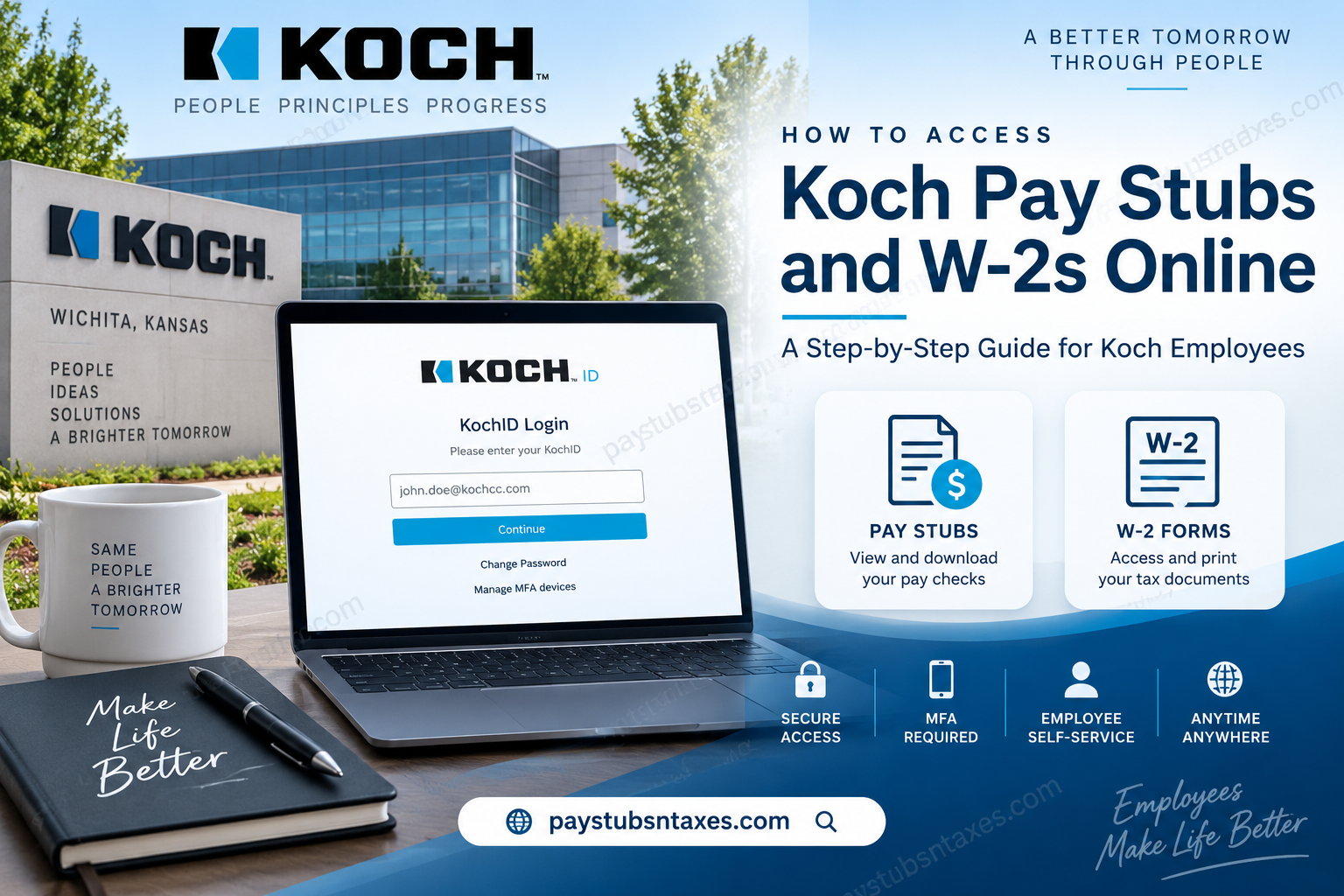
Koch employees can access payroll information, pay stubs, compensation details, and tax forms through the Infor OS / Infor Global HR employee self-service system, often referred to as the MyHR portal. Whether you need a recent paycheck statement for income verification or a previous W-2 for tax preparation, the portal provides a convenient way to retrieve essential employment records without having to rely exclusively on paper documents.
Remote access requires multi-factor authentication (MFA), which adds an additional layer of security to employees’ personal and payroll information. Once signed in, employees can navigate to Infor Global HR, open their Employee Space, and use the Quick Links to locate paychecks and tax documents. This guide explains how to sign in securely and find your Koch pay stubs and W-2 forms online.
About Koch
Headquartered in Wichita, Kansas, Koch has evolved from a small business in America’s heartland into one of the world’s largest privately held companies. Its businesses operate across a broad spectrum of industries, including manufacturing, technology, transportation, consumer products, energy, healthcare and agriculture.
Although Koch’s reach is global, its approach remains firmly rooted in principles, personal initiative and mutual benefit. Employees are encouraged to challenge assumptions, pursue knowledge and find better ways of working—an outlook that has helped the company continue moving from strength to strength.
What Is the Koch Infor OS/MyHR Portal?
Infor OS is Koch’s online employee self-service platform. Employees can use it to manage or review information such as:
- Paychecks and payroll records
- W-2 tax forms
- Compensation and pay-rate history
- Direct-deposit information
- Mailing addresses
- Telephone numbers and email addresses
- Other personal employment details
Because the portal contains confidential payroll and identity information, remote access requires multifactor authentication, or MFA. This additional security measure helps prevent unauthorized access even if a password falls into the wrong hands.
How to Log In to the Koch Employee Portal
Follow these steps to access the Koch Infor OS portal:
- Open a supported web browser on your computer or mobile device.
- Visit the official Koch Infor OS portal at https://mingle-portal.inforcloudsuite.com/KOCHIND_PRD.
- Enter your KochID or assigned username on the KochID Login page.
- Select Continue and enter your password when prompted.
- Complete the required MFA verification.
- After signing in, wait for the Infor home page to load.
- Select the Homepages icon.
- From the Homepages menu, choose Infor Global HR.
- Confirm that you are viewing the Employee Space.
Most payroll and employee self-service tools should be available under Quick Links in the Employee Space.
For your security, never share your KochID, password or MFA verification code. Always sign out after using the portal on a shared or public device.
How to View Koch Pay Stubs Online
Once you are in the Employee Space, use the following steps to find your payroll information:
- Locate the Quick Links section.
- Select Pay Checks.
- If the system asks for a date, use the calendar picker to choose the relevant through date.
- Select Continue.
- Choose the paycheck or payroll record you want to review.
- Open the available viewing or printing option if you need a copy for your records.
Depending on the version of the portal displayed to you, the Pay Checks area may also contain a Compensation tab. This section can show information such as your compensation by work assignment, pay rates, annual salary, and pay-rate history.
Portal labels and screen layouts may occasionally change after a system update. If a particular option is not immediately visible, check the available tabs within Pay Checks or return to the Employee Space and review the Quick Links again.
How to Access Koch W-2 Forms Online
Employees can generally retrieve available W-2 forms through the Tax Forms section of Infor Global HR:
- Sign in to the Koch Infor OS portal.
- Open Infor Global HR and confirm that you are in the Employee Space.
- Find Tax Forms under Quick Links.
- Open the Select a year drop-down menu.
- Choose the tax year you need.
- Select Continue.
- Open the available W-2 form.
- Use the portal’s download or print option to retain a copy.
Save downloaded tax documents only to a secure, password-protected device. If you print a W-2, store it somewhere safe because it contains sensitive personal and financial information.
Does Koch Mail Paper W-2 Forms?
Koch also sends W-2 forms by postal mail to the designated address on an employee’s record, generally no later than January 31 of the following year.
To keep this process from going off the rails, employees should confirm that their mailing address is accurate before year-end. Address, telephone, and email information can be reviewed or updated through the employee self-service features in MyHR.
If you have recently moved, updating your address promptly can help prevent a mailed W-2 from being delayed or delivered to the wrong location.
Using the Infor Mobile App
Employees may also be able to reach Infor services through the mobile app. The precise appearance of menus can differ from the desktop website, but the basic route should remain similar:
- Open the authorized Infor app.
- Sign in with your Koch credentials.
- Complete MFA verification.
- Open the appropriate homepage or workspace.
- Select Infor Global HR.
- Enter the Employee Space.
- Use Quick Links to locate Pay Checks or Tax Forms.
Only download the app through an approved app store or a link supplied through an official Koch resource. Avoid third-party websites that claim to provide employee-portal applications.
What to Do If You Cannot Access Your Account
If the portal will not let you sign in, begin with a few straightforward checks:
- Confirm that you are using the Koch portal URL ending in KOCHIND_PRD.
- Make sure your KochID or username has been entered correctly.
- Check whether Caps Lock is affecting your password.
- Verify that your MFA device is available and connected.
- Try an approved, up-to-date browser.
- Use the Change Password or Manage MFA devices option on the KochID Login page when appropriate.
- Clear the browser cache or open a private browsing window if the page is not loading correctly.
- Avoid repeated login attempts if your account appears to be locked.
For further assistance, contact the HR service team at 1-800-700-3365, available from 7:00 a.m. to 5:00 p.m. Central Time.
Final Thoughts
The Koch Infor OS/MyHR portal offers employees a convenient and secure way to manage payroll records, compensation information, and annual tax documents. Once you have completed the login and MFA process, finding a paycheck or W-2 is usually a matter of opening Infor Global HR, entering the Employee Space, and selecting the appropriate Quick Link.
Checking your personal details periodically—particularly your mailing address and contact information—can save considerable trouble later. When tax season arrives, a few minutes of preparation can make the difference between having every document ready to hand and chasing paperwork at the eleventh hour.
Frequently Asked Questions
1. How do I access my Koch pay stubs online?
Sign in to the Koch Infor OS/MyHR portal, complete MFA verification, and open Infor Global HR. From the Employee Space, select Pay Checks under Quick Links to view the available payroll records.
2. What is the website for the Koch employee portal?
The Koch employee portal is available at https://mingle-portal.inforcloudsuite.com/KOCHIND_PRD.
3. How do I log in to Koch MyHR?
Enter your KochID or assigned username on the KochID Login page, select Continue, provide your password and complete the required MFA verification.
4. Where can I find my Koch W-2 online?
Open Infor Global HR, enter the Employee Space, and select Tax Forms from Quick Links. Choose the required tax year and select Continue to access the available W-2.
5. How do I download or print my Koch W-2?
After opening the appropriate W-2 in the Tax Forms section, use the available download or print option. Store the document securely because it contains sensitive personal and financial information.
6. Does Koch mail paper W-2 forms?
Yes. Koch also sends W-2 forms by postal mail to the designated employee address, generally no later than January 31 of the following year.
7. What should I do if my mailed W-2 does not arrive?
Confirm that your mailing address in MyHR is correct. If the expected form still does not arrive, contact the HR service team at 1-800-700-3365 for assistance.
8. Can I access the Koch employee portal from home?
Yes. Employees can access the portal remotely, although MFA is required to protect payroll, tax and personal employment information.
9. Why is MFA required for the Koch portal?
MFA adds another layer of security to the login process. It helps protect confidential employee information even if someone else obtains your password.
10. Where is the Employee Space in Infor?
After signing in, select the Homepages icon and choose Infor Global HR. The Employee Space should then appear, providing access to payroll and employee self-service Quick Links.
11. What information is available under Pay Checks?
The Pay Checks area may provide access to payroll records and compensation information. Depending on the portal layout, a Compensation tab may also show work-assignment compensation, pay rates, annual salary or pay-rate history.
12. Can I access Koch pay information on a mobile device?
Employees may be able to use an authorized Infor mobile app or a supported mobile browser. Sign in with your Koch credentials, complete MFA and navigate to Infor Global HR and the Employee Space.
13. What should I do if I cannot log in?
Verify the portal address, username, password, and MFA method. You can also use the Change Password or Manage MFA devices option on the KochID Login page when appropriate.
14. Who should I contact for Koch payroll or W-2 assistance?
Contact the HR service team at 1-800-700-3365. Assistance is available from 7:00 a.m. to 5:00 p.m. Central Time.
15. How can I update my address before W-2 forms are mailed?
Sign in to MyHR and review the employee self-service options for personal information. Update your mailing address promptly so that payroll and tax documents are sent to the correct location.
