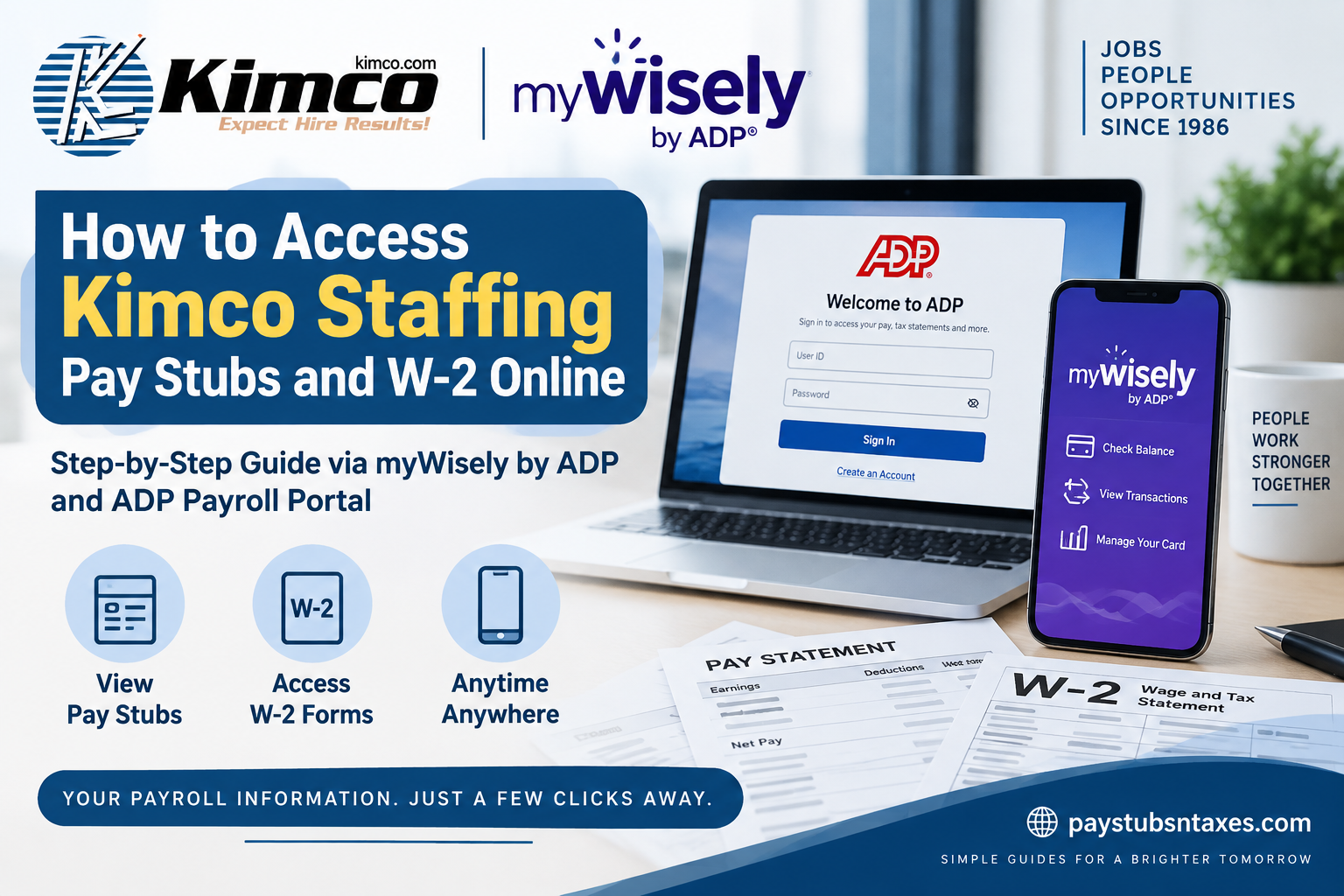
Kimco Staffing employees and contractors can access pay statements and year-end tax documents electronically through ADP’s payroll services. As Global Cash Card services have transitioned to Wisely by ADP, former Global Cash Card users may now need to use myWisely to manage their card accounts and retrieve payroll information. Whether you need to check the details of a recent paycheck, download a W-2 for tax preparation, or review documents from a previous year, the following instructions will help you find the information you need without going around in circles.
Kimco Staffing Services has been connecting qualified job seekers with employers since 1986, helping more than 212,000 people secure employment across a broad spectrum of industries. Its specialized staffing practices include office professionals, contact center and customer care, accounting operations, technical support, industrial staffing, premier partnerships, and direct-hire recruitment.
Where Can Kimco Staffing Employees Access Pay Stubs and W-2s?
Kimco Staffing employees generally have two online access points:
- myWisely: Visit https://www.mywisely.com/app/main/login to access your Wisely card account and available payroll information.
- ADP: Visit https://www.my.adp.com to view available pay statements and tax documents online.
Your account access may depend on how your payroll profile was originally established. If one platform does not display the document you need, try the other or contact Kimco Staffing for assistance.
How to Access Kimco Staffing Pay Stubs Through ADP
Follow these steps to view a Kimco Staffing pay statement from a desktop or laptop computer:
- Go to https://www.my.adp.com.
- Sign in with your ADP user ID and password.
- From the home screen, select Myself.
- Click Pay.
- Select Pay & Tax Statements.
- Find the relevant pay date on the left-hand side of the page.
- Select the checkbox beside that pay date.
- Click View Statement.
Your pay stub should then open on the screen. Depending on your browser and account settings, you may also be able to download or print the statement for your personal records.
A pay stub typically contains important information such as gross earnings, taxes, deductions, benefit contributions, hours worked, net pay, and year-to-date totals. Reviewing each statement regularly is a prudent habit, as it allows you to identify discrepancies before they become more difficult to resolve.
How to Access a Kimco Staffing W-2 Through ADP
To retrieve your Kimco Staffing W-2 online:
- Sign in at https://www.my.adp.com.
- Open the Myself menu.
- Select Pay.
- Click Pay & Tax Statements.
- Locate the Tax Statements section.
- Use the year selector to choose the tax year you need.
- Click View Statement to open the W-2.
- To see documents from other available years, select View All Statements.
The most recent tax year will ordinarily appear first. When the W-2 opens, you may be asked to verify your personal information before viewing, downloading, or printing the document. This additional step helps protect confidential payroll and tax data from unauthorized access.
How to View a Kimco Staffing W-2 on a Mobile Device
Employees who use the ADP Mobile Solutions app can retrieve available tax documents directly from a smartphone or tablet.
- Open the ADP Mobile Solutions app.
- Sign in using your ADP credentials.
- On the main dashboard, tap Pay. Alternatively, open the menu, select Myself, and then choose Pay.
- Scroll down to the Tax Statements section.
- Select the required tax year from the drop-down menu.
- Find the appropriate document and tap View Statement.
- Complete any identity-verification prompt that appears.
- Once the document opens, use the available options to download or print it.
If the app is not yet installed, download the official ADP Mobile Solutions application from the Apple App Store or Google Play. Avoid entering payroll credentials into unofficial applications or unfamiliar websites.
Using myWisely for Kimco Staffing Payroll Information
The myWisely platform is designed for Wisely by ADP cardholders. In addition to accessing available pay information, users can manage their Wisely card accounts, monitor transactions, pay bills, review spending patterns, create savings goals, and use account-security tools.
To access your account:
- Visit https://www.mywisely.com/app/main/login or open the myWisely mobile app.
- Enter your registered login information.
- Follow the on-screen prompts to reach your account dashboard.
- Review the available account, transaction, and payroll-document sections.
The platform provides on-demand account access while incorporating safeguards intended to protect personal information and transaction data.
Former Global Cash Card users should bear in mind that access has transitioned to myWisely by ADP. If your Global Cash Card number begins with 419626 or 441113, online access to certain legacy information may no longer be available. Call Wisely support or contact your program administrator for guidance.
When Are Kimco Staffing W-2 Forms Available?
Kimco Staffing mails W-2 forms by the end of January each calendar year to the home address recorded in its payroll system. Employees may also be able to retrieve their W-2s electronically through ADP once the documents have been released.
To avoid unnecessary delays, make sure Kimco Staffing has your current mailing address before year-end. If you have moved and failed to update your details, the form may be sent to your former address, turning a straightforward process into an avoidable headache.
Online availability and postal delivery do not necessarily occur on precisely the same day. If the document is not yet visible in ADP, check again after processing has been completed or contact the appropriate support team.
What to Do If You Cannot Sign In
If you cannot access your Kimco Staffing payroll account, first confirm that you are using the correct portal and login credentials. Then try the following:
- Use the Forgot User ID or Forgot Password option on the relevant login page.
- Check that your browser allows pop-ups, as statements may open in a separate window.
- Try an updated browser or the official mobile application.
- Confirm that the selected tax year is correct.
- Look under View All Statements if the document is not displayed immediately.
- Ensure that your name, Social Security number, and other identifying information match your payroll records.
- Avoid repeatedly guessing your password, as doing so may lock the account.
For myWisely or former Global Cash Card support, call 1-866-313-6901 and press * for additional assistance.
If you remain unable to sign in or cannot find the required document, visit your local Kimco Staffing office or contact the main office at 800-649-5627.
About Kimco Staffing Services
Founded in 1986, Kimco Staffing Services has built its reputation on integrity, innovation, attentive service, and a genuine concern for people. The company connects job seekers with employers across several specialized staffing practices, including:
- Office Professionals
- Contact Center and Customer Care
- Accounting Operations
- Technical Support
- Industrial Staffing
- Premier Partnership
- Kimco Direct
Kimco provides temporary, contract, project-based, direct-hire, managed-staffing, and payroll-service solutions. Having helped more than 212,000 people find employment, the company continues to serve as both a business partner and an employee resource throughout the hiring and employment journey.
Final Thoughts
Accessing a Kimco Staffing pay stub or W-2 online should be a relatively seamless undertaking once you know which doorway to use. ADP provides direct access to available pay and tax statements, while myWisely supports employees and contractors whose accounts were transitioned from Global Cash Card services. Keep your contact information current, safeguard your login credentials, and download important records while they are readily available. Should a technical or account-related problem stop you in your tracks, myWisely support and Kimco Staffing’s local and main offices can help you get back on course.
Frequently Asked Questions About Kimco Staffing Pay Stubs and W-2s
1. How do I access my Kimco Staffing pay stub online?
Sign in at https://www.my.adp.com, select Myself, choose Pay, and open Pay & Tax Statements. Select the checkbox beside the relevant pay date and click View Statement.
2. Where can I find my Kimco Staffing W-2?
Your available W-2 forms can be found in the Tax Statements section of ADP. Select the appropriate tax year and click View Statement to open the document.
3. Can I view my Kimco Staffing W-2 on my phone?
Yes. Open the ADP Mobile Solutions app, sign in, select Pay, scroll to Tax Statements, choose the required year, and tap View Statement.
4. Does Kimco Staffing mail W-2 forms?
Yes. Kimco Staffing mails W-2 forms by the end of January to the employee’s home address on file.
5. Can I download or print my Kimco Staffing W-2?
Yes. After opening the W-2 through ADP, use the available download or print option. You may first be required to verify your identity.
6. How do I view previous Kimco Staffing W-2 forms?
Open Pay & Tax Statements in ADP and select View All Statements. Choose the applicable tax year from the available records.
7. Why is my Kimco Staffing W-2 not showing in ADP?
The W-2 may not have been released yet, the wrong tax year may be selected, or your account may not be correctly linked to the relevant payroll record. Check View All Statements before contacting Kimco Staffing.
8. What should I do if I forgot my ADP password?
Use the Forgot User ID or Forgot Password option on the ADP sign-in page. Follow the identity-verification prompts to recover your account.
9. Can former Kimco Staffing employees access their W-2s online?
Former employees may still be able to access available tax statements through their existing ADP accounts. If access is unavailable, contact a local Kimco Staffing office or call 800-649-5627.
10. What is myWisely, and why does Kimco Staffing use it?
myWisely is a digital account-management service for Wisely by ADP cardholders. It enables eligible users to monitor transactions, manage their Wisely cards, review available pay information, pay bills, and use financial-planning tools.
11. How do I log in to myWisely?
Go to https://www.mywisely.com/app/main/login or open the myWisely app. Enter your registered credentials and follow the prompts to reach your account dashboard.
12. What happened to Global Cash Card access?
Global Cash Card services, including access to pay statements and W-2 information, transitioned to myWisely by ADP. Former Global Cash Card users may therefore need to use myWisely for account access and support.
13. Who should I contact for myWisely or Global Cash Card support?
Call 1-866-313-6901 and press * for additional support. Users with certain legacy cards may also need help from their program administrator.
14. What if my Global Cash Card begins with 419626 or 441113?
Online access to some legacy information may no longer be available for cards beginning with 419626 or 441113. Call Wisely support or contact your program administrator for assistance.
15. Who should I contact if I still cannot access my pay stub or W-2?
Visit your local Kimco Staffing office in person or call Kimco Staffing’s main office at 800-649-5627. Do not send Social Security numbers, W-2 forms, passwords, or other sensitive information through unsecured email.
