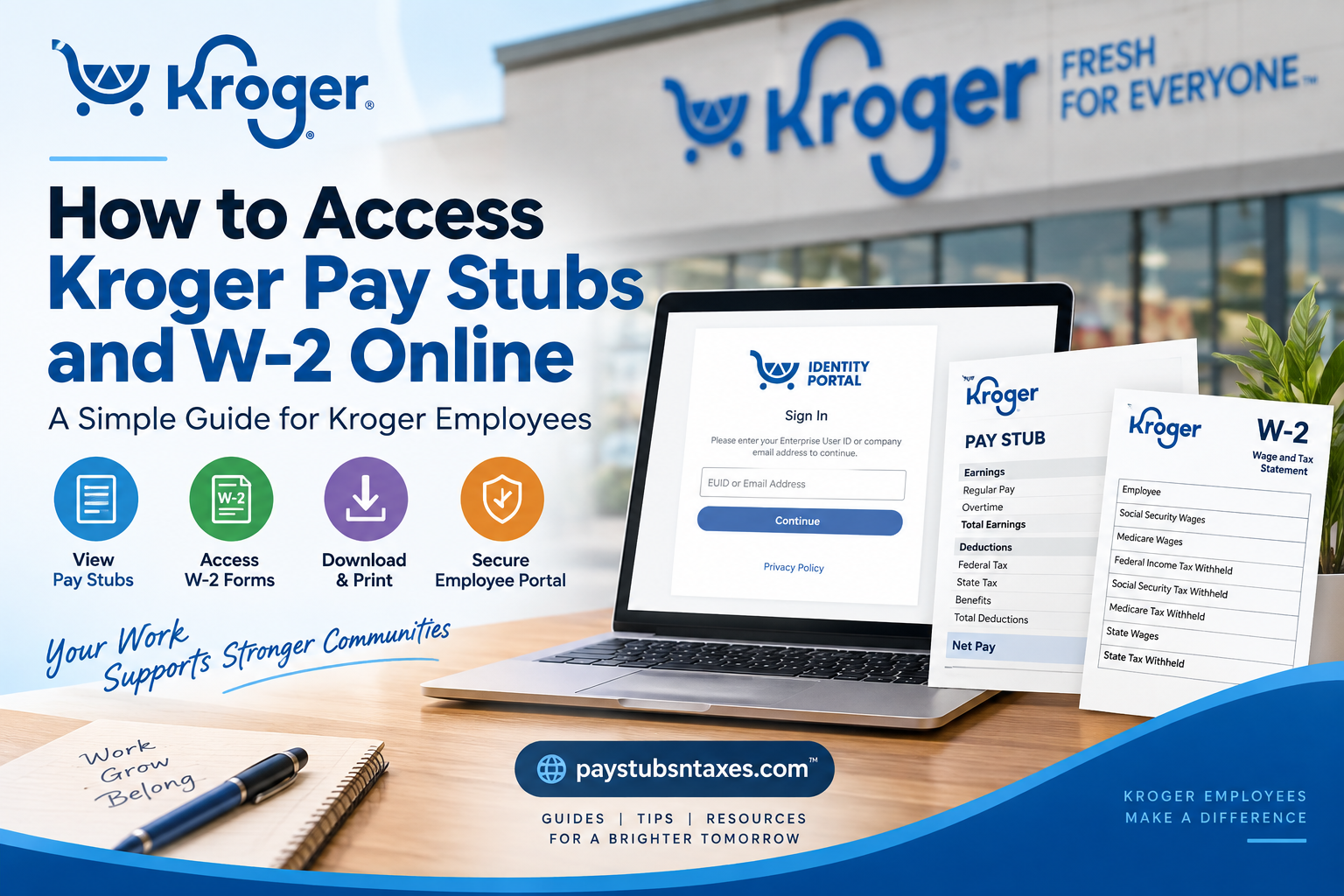
Kroger employees can access their pay stubs and year-end W-2 tax forms online through MyInfo, the company’s central gateway for payroll and employment-related services. Although both documents are available through MyInfo, they are housed in different sections: pay stubs are accessed through Oracle’s self-service payroll system, whereas W-2 forms are provided through the Tax Form Management portal. This guide explains how to log in, view and download Kroger pay stubs, retrieve W-2 forms, and obtain assistance if the process does not go according to plan.
About The Kroger Co.
The Kroger Co. is an American retail corporation headquartered in Cincinnati, Ohio. Founded by Bernard Kroger in 1883, the company operates supermarkets and multi-department stores across the United States, both directly and through its subsidiaries.
Its operations encompass several retail formats, including supermarket combination stores, marketplace stores, multi-department stores, and warehouse-style locations. Kroger also runs manufacturing facilities, fuel centers, pharmacies, and in-store medical clinics.
As one of the country’s largest private-sector employers and supermarket operators, Kroger maintains centralized digital systems through which eligible associates can manage important employment records, including pay statements and tax documents.
Kroger MyInfo Login
MyInfo serves as the starting point for accessing both Kroger pay stubs and W-2 forms.
- Visit the Kroger MyInfo portal.
- The link should direct you to Kroger’s Identity Portal.
- Enter your Enterprise User ID, also known as your EUID, or your company email address.
- Select Continue.
- Complete the PingOne single sign-on authentication process.
Once you are signed in, you can navigate to the appropriate area for either your payslips or tax forms.
For security reasons, access MyInfo only from a trusted device and network. Never share your EUID, password, verification code, pay information, or tax documents with another person.
How to Access Kroger Pay Stubs Online
Kroger pay stubs, which may also be labelled “payslips” within the Oracle system, are available through the Pay section of MyInfo.
Follow these steps:
- Sign in to Kroger MyInfo using PingOne SSO.
- Select Me from the navigation menu.
- Choose Pay.
- Select My Payslips.
- Locate the pay period you wish to review.
- Select the relevant payslip to open its details.
The payslip summary provides a clear overview of the selected payment. Depending on the available options, you can review:
- Earnings, such as regular wages, overtime, and other forms of compensation;
- Deductions, including taxes, benefit contributions, and other payroll deductions;
- Net Pay Distribution, which shows how the final payment was allocated, particularly when more than one direct-deposit account is used; and
- Payslip Preview, which displays the complete pay statement in a document-style format.
When you select the Earnings or Deductions view, the accompanying bar chart may display the chosen payslip alongside the two preceding payslips. This comparison makes it easier to spot changes in gross pay, taxes, benefit deductions, or take-home earnings without having to examine each statement line by line.
How to Download Kroger Pay Stubs
There are two convenient ways to save a Kroger pay stub.
Download one payslip
- Open Me > Pay > My Payslips.
- Select the payslip you want to review.
- Open the Payslip Preview tab.
- Use the available download or export option to save the document.
Export one or more payslips
- Go to the My Payslips page.
- Mark the checkbox beside each payslip you need.
- Select Export.
- Save the downloaded file in a secure location.
Before closing the page, open the downloaded document and confirm that it shows the correct employee name, pay period, earnings, deductions, and net-pay information. Taking this small precaution can save considerable time if the statement is required for a loan application, apartment rental, income verification, or personal recordkeeping.
How to Access a Kroger W-2 Online
Kroger W-2 forms are accessed through the Tax Form Management service rather than the standard Oracle payslip page.
To retrieve a W-2:
- Sign in to the Kroger MyInfo portal.
- Select Me.
- Choose My Tax Form.
- Allow the Tax Form Management website to open.
- Locate your most recent W-2 on the home page.
- Mark the checkbox beside the tax form you want to access.
- Select the appropriate viewing or delivery option.
If your form does not appear immediately, check that you have selected the correct tax year. Availability can also depend on whether the form has been issued and whether any required electronic-delivery preferences have been completed.
Ways to View, Download, Print, or Receive a Kroger W-2
The Tax Form Management portal provides several ways to obtain an available tax document.
- View: Opens the W-2 electronically. From the document viewer, you can save or print the form.
- Download: Saves a copy of the selected tax form directly to your device.
- Postal Mail: Requests delivery of the document to your mailing address.
- Fax: Sends the form to the fax number you provide.
For the quickest access, viewing or downloading the electronic version is generally the most straightforward route. If you request postal delivery, make sure that the mailing address recorded in MyInfo is complete and current; otherwise, your W-2 could be delayed or sent to the wrong address.
Electronic Delivery of Kroger Tax Forms
If the portal asks you to consent to electronic delivery, read the disclosure carefully before accepting it. You may also be asked to confirm your email and mailing addresses.
After submitting your consent, retain the confirmation for your records. Electronic delivery can provide earlier and more convenient access to a W-2, but you should download the form only to a private device and store it securely because it contains highly sensitive personal and financial information.
What to Do If You Cannot Access MyInfo
If the Kroger MyInfo login is not working, the following checks may help you get back on track:
- Confirm that you entered the correct EUID or company email address.
- Make sure you are using the official MyInfo link.
- Complete every PingOne authentication prompt.
- Check your internet connection and refresh the sign-in page.
- Try a supported, up-to-date browser.
- Clear the browser’s cache and cookies if the page repeatedly reloads or fails to open.
- Disable any pop-up blocker that may prevent the Tax Form Management page from launching.
- If permitted, try another trusted device or network.
- Contact Associate Connect if your credentials are locked, your records are missing, or the problem persists.
Do not repeatedly guess your password, as multiple unsuccessful attempts may lock your account and turn a minor inconvenience into a larger hurdle.
What to Do If a Pay Stub or W-2 Is Missing
A missing document does not invariably mean that it has been lost. It may not yet have been issued, the wrong year or pay period may be selected, or the portal may require an updated delivery preference.
Before requesting support:
- Verify the pay period or tax year.
- Review all available documents on the relevant page.
- Confirm that you are in My Payslips for pay statements or My Tax Form for W-2 forms.
- Check whether electronic-delivery consent is required.
- Make sure your mailing address and contact details in MyInfo are accurate.
- Sign out, close the browser, and sign in again.
If the information is still unavailable or appears incorrect, contact Associate Connect rather than attempting to alter payroll or tax details yourself.
Kroger Payroll and W-2 Support
For assistance accessing Kroger pay stubs or year-end tax documents, contact Associate Connect at 1-877-373-3397.
Before calling, have your EUID and a description of the problem at hand. However, never disclose your password or a one-time authentication code. It may also help to note the relevant pay period or tax year and record any error message displayed by the portal.
Final Thoughts
Accessing Kroger pay stubs and W-2 forms online is relatively simple once the distinction between the two services is clear. MyInfo is the gateway: Oracle provides access to payslips through Me > Pay > My Payslips, while the Tax Form Management portal handles W-2 forms through Me > My Tax Form.
Download important records promptly, verify that the information is correct, and keep every saved document in a secure location. Should the system place a stumbling block in your path, Associate Connect can help resolve access issues and point you in the right direction.
Frequently Asked Questions About Kroger Pay Stubs and W-2 Forms
1. How do I access my Kroger pay stubs online?
Sign in to Kroger MyInfo using your Enterprise User ID or company email address and complete PingOne authentication. Once logged in, select Me, choose Pay, and open My Payslips. You can then select a pay period to view or download the corresponding statement.
2. What is the Kroger MyInfo website?
Kroger employees can visit the Kroger MyInfo portal to begin accessing payroll and tax records. The link directs users to Kroger’s Identity Portal, where they can enter an EUID or company email address and continue through PingOne single sign-on.
3. What login credentials do I need for Kroger MyInfo?
You generally need your Kroger Enterprise User ID, commonly called an EUID, or your company email address. You must also complete the required PingOne authentication process. Never share your password or one-time verification code with anyone claiming to provide account support.
4. Where can I find My Payslips in Kroger MyInfo?
After signing in to MyInfo, navigate to Me > Pay > My Payslips. This section displays the available payroll statements and lets you examine earnings, deductions, net-pay distribution, and a preview of the complete payslip.
5. How do I download a Kroger pay stub?
Open Me > Pay > My Payslips, select the checkbox beside the statement you need, and choose Export. To review an individual statement first, open the relevant payslip and select Payslip Preview, from which you can use the available download option.
6. Can I download several Kroger pay stubs at once?
Yes. On the My Payslips page, mark the checkboxes beside the pay statements you want and select Export. Once the files have downloaded, confirm that every required pay period is included and store the documents somewhere secure.
7. What information appears on a Kroger payslip?
A Kroger payslip may include earnings, payroll deductions, and net-pay distribution. The Payslip Preview tab presents the complete statement, while the graphical views can help employees understand how gross earnings were reduced by taxes, benefits, and other deductions to arrive at net pay.
8. Can I compare my current Kroger payslip with earlier payslips?
Yes. When you select the Earnings or Deductions view, the bar chart may show the chosen payslip alongside the two preceding statements. This feature makes it easier to identify changes in pay or deductions across several pay periods.
9. How do I access my Kroger W-2 online?
Log in to Kroger MyInfo, select Me, and then choose My Tax Form. The Tax Form Management portal should open and display your most recent available forms. Select the checkbox beside the required W-2 and choose the appropriate viewing or delivery option.
10. Are Kroger pay stubs and W-2 forms available in the same portal?
MyInfo provides the gateway to both types of records, but they appear in different sections. Pay stubs are found under Me > Pay > My Payslips, whereas W-2 forms are accessed through Me > My Tax Form in the Tax Form Management service.
11. How do I download or print my Kroger W-2?
In Tax Form Management, select the checkbox beside the required W-2 and choose Download to save it directly. Alternatively, select View to open the electronic document, after which you can use the available controls to save or print a copy.
12. Can Kroger send my W-2 by postal mail or fax?
If these delivery methods are available in your account, select the required tax form and choose Postal Mail or Fax. Check the mailing address or fax number carefully before submitting the request to prevent delays or accidental disclosure of sensitive information.
13. Why is my Kroger W-2 not showing online?
The form may not yet have been issued, you may be viewing the wrong tax year, or an electronic-delivery preference may require attention. Verify the selected year and review your account settings. If the W-2 remains unavailable, contact Kroger Associate Connect for assistance.
14. What should I do if Kroger MyInfo is not working?
Verify your EUID or company email address, complete every PingOne prompt, and try refreshing the page in an up-to-date browser. You may also clear the browser cache or permit the Tax Form Management pop-up. Avoid repeated password guesses, as they could lock your account.
15. Who do I contact for help with Kroger pay stubs or W-2 forms?
For assistance accessing Kroger pay stubs or year-end tax documents, call Kroger Associate Connect at 1-877-373-3397. Have your EUID, relevant pay period or tax year, and any displayed error message ready, but never reveal your password or one-time authentication code.
