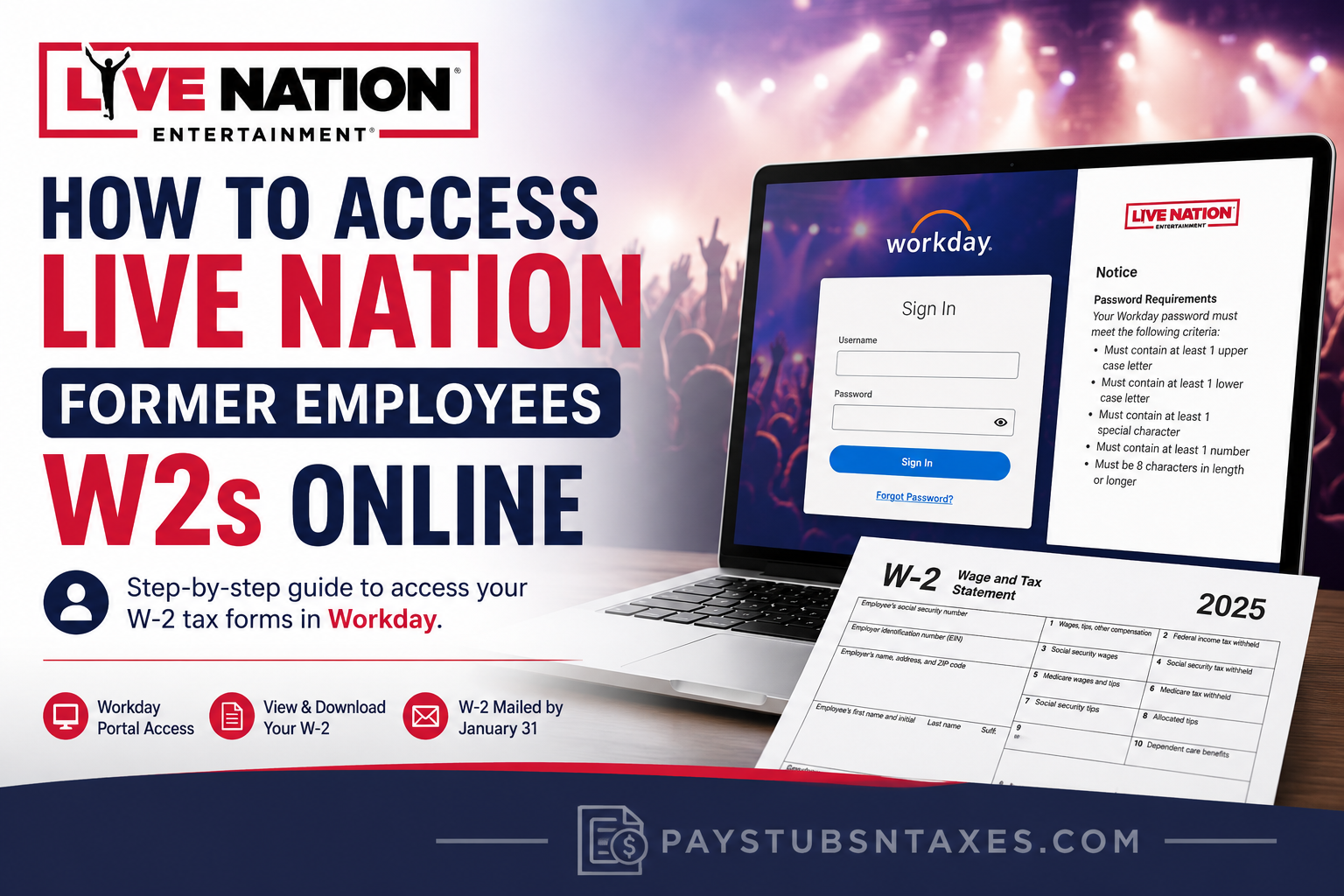
Leaving Live Nation Entertainment does not mean leaving your payroll records behind. When tax season arrives, former employees need a reliable way to retrieve their W-2 forms, check their earnings, and obtain the documents required to prepare their returns.
Live Nation Entertainment brings together major businesses including Ticketmaster, Live Nation Concerts, and Live Nation Media & Sponsorship. For former U.S. employees whose payroll documents remain available through Workday, the portal provides a convenient starting point for locating W-2s and previous pay statements.
To access your Live Nation W-2 online, sign in to the company’s Workday portal using your former-employee credentials, then look for Pay and My Tax Documents. Available options may differ depending on your account permissions and the portal’s current layout.
Before You Sign In
Having the following information ready can help you avoid unnecessary delays:
- Your Workday username and password.
- Access to the personal email address recorded in your employee profile.
- Any Workday access instructions or temporary credentials supplied during offboarding.
- The tax year for the W-2 you need.
A personal email address may support account recovery, but it is not necessarily your Workday username. Use the sign-in details provided for your account.
How to Download Your Live Nation W-2 Through Workday
1. Open the Live Nation Workday Portal
Visit the Live Nation Workday sign-in page.
The login screen includes fields for your username and password, together with a Forgot Your Password? link.
2. Sign In With Your Former-Employee Credentials
Enter your Workday username and password, then select Sign In.
After your employment ends, access through the company’s Okta single sign-on system may be discontinued. If your usual employee login no longer works, check your offboarding correspondence for instructions on accessing Workday directly.
If you received temporary credentials, follow the accompanying instructions to complete account setup or change your password. Contact your former HR or payroll team if those credentials are missing or no longer work.
3. Find Your Tax Documents
Once you have signed in, look for the following navigation path:
Menu → Pay → My Tax Documents
Workday menus can vary by employer configuration and account access. If these labels do not appear, check the available payroll options or ask HR where former employees can find their tax forms.
4. Select the Correct W-2
Within the tax-document section, locate the relevant year and select the available W-2 viewing or printing option.
Check the year carefully: a W-2 reports wages paid during a particular calendar year, which is usually the year before you prepare the associated tax return.
5. Wait for the Document to Generate
If Workday displays a processing message and offers Notify Me Later, select that option.
When the document is ready, check the bell-shaped notification icon, usually near the upper-right corner of the screen. Open the completion notification and select the PDF attachment.
6. Save or Print Your W-2
Download the PDF to a secure location, or print a copy for your records.
Before using it, review your name, identifying information, employer details, wages, and withholding amounts. If something appears incorrect, request a review from payroll rather than altering the document yourself.
How to Reset Your Live Nation Workday Password
If you cannot remember your password:
- Return to the Live Nation Workday login page.
- Select Forgot Your Password?
- Enter the information requested on the recovery screen.
- Follow the reset instructions sent through the recovery method associated with your account.
If recovery uses your registered personal email address, check your inbox and spam folder. An outdated address—or one that was never added to your profile—may prevent you from completing the process.
When self-service recovery fails, contact your former HR representative, payroll team, or local office to confirm your username and restore access.
When Should Former Employees Receive Their W-2s?
Live Nation’s former-employee process includes mailing year-end tax statements to the home address on file. Keeping that address current is therefore essential, particularly if you have moved since leaving the company.
Employers generally must furnish W-2s by January 31, with the deadline moving to the next business day when applicable. This is a furnishing deadline, so a mailed copy may arrive afterward. For example, W-2s covering 2026 wages must generally be furnished by February 1, 2027. IRS W-2 instructions
If your paper copy has been lost or has not arrived, checking Workday may be the quickest way to obtain a replacement.
What to Do If You Cannot Find Your W-2
If you can sign in but the required form is missing, contact payroll and ask whether it has been issued and whether it is available through your former-employee account.
Provide your name, former work location, approximate employment dates, and the tax year requested. Ask the team to confirm your mailing address and explain how to obtain a replacement.
For payroll assistance, use your former HR or local-office contacts. The number 1-800-653-8000 is listed for ticketing customer support and should not be treated as a dedicated employee W-2 helpline.
If you have contacted your employer and still have not received your W-2 by the end of February, the IRS provides further assistance at 800-829-1040. IRS guidance on missing W-2s
Conclusion
Accessing a Live Nation former employee W-2 online need not become a tax-season headache. Start with the Live Nation Workday portal, sign in using your available former-employee credentials, and navigate to Pay → My Tax Documents. Select the required tax year, generate the document if necessary, and open the completed W-2 PDF from your Workday notifications.
If your old Okta account no longer works, use the personal email address associated with your Workday profile or follow the password-reset procedure. Former employees should also keep their mailing addresses current, as Live Nation may send year-end W-2 statements by postal mail by January 31.
The bottom line is simple: Workday should be your first port of call when you need a lost, delayed, or replacement Live Nation W-2, while your former local office remains the fallback when online access cannot be restored.
Frequently Asked Questions About Live Nation Former Employees’ W-2s
1. Can former Live Nation employees access their W-2 online?
Former employees whose Workday access remains active can retrieve available W-2s online. Sign in using your former-employee credentials and look for the tax-document section within Pay. If access has expired or the form is missing, contact your former HR or payroll team.
2. What is the Live Nation Workday login link for former employees?
Use the Live Nation Workday login page. Enter the username and password associated with your employee account, following any direct-access instructions supplied during offboarding.
3. Where can I find my W-2 in Live Nation Workday?
Look for Menu → Pay → My Tax Documents, then select the relevant tax year. The exact navigation may differ depending on your Workday layout and permissions. If the tax-document option is unavailable, ask payroll how to obtain your form.
4. Can I access Workday after my Live Nation Okta login stops working?
You may still have direct Workday access after your company Okta access ends. Check your offboarding correspondence for separate login instructions or temporary credentials. If you cannot find them, ask your former HR team to confirm your access arrangements.
5. Can I use my personal email address as my Workday username?
Use your personal email address as your username only if it was assigned that role. An email address stored in your Workday profile may be used for password recovery without being your login name. Check your offboarding instructions or confirm your username with HR.
6. How do I reset my Live Nation Workday password?
Select Forgot Your Password? on the Workday sign-in page, enter the requested information, and follow the account-recovery instructions. If a reset message is sent by email, check both your inbox and spam folder.
7. What should I do if I do not receive a Workday password-reset email?
Check your spam folder and confirm that you are checking the personal email account associated with your employee profile. If no message arrives, contact HR or payroll to verify your recovery details and request help restoring access.
8. What if I never received temporary Workday credentials?
Contact your former HR representative or local office and ask whether separate former-employee credentials are required. Explain that you need your W-2 and cannot sign in. The team can confirm the appropriate access or document-request process.
9. How do I download or print my Live Nation W-2?
Open the available W-2 for the correct tax year, then use the PDF viewer’s download or print option. Save your copy securely and check that the document is complete and legible before using it to prepare your tax return.
10. What does “Notify Me Later” mean in Workday?
Notify Me Later means Workday is still processing your document request. Select the option, then check the bell-shaped notification icon for a completion message. Once the PDF is available, open it to view, download, or print your W-2.
11. Can former employees download previous years’ W-2s?
You can download earlier W-2s if those years remain available in your Workday account. Check the tax-document list and select the year you need. If an older form is missing, request a copy from your former payroll team.
12. Can I retrieve my Live Nation pay stubs through Workday?
If your former-employee account retains payroll access, look in the Pay area for a payslip or pay-statement option. Select the relevant pay period to view the available record. Contact payroll if the statements you need are unavailable.
13. What should I do if my Live Nation W-2 is missing from Workday?
Confirm that you are checking the correct tax year, then contact payroll to ask whether the form has been issued and where it can be accessed. Request a replacement if necessary, and verify your mailing address if you also expect a paper copy.
14. What if my W-2 was mailed to an old address?
Ask your former HR or payroll team to update your mailing address and explain how to request a replacement W-2. Meanwhile, check Workday: an available electronic copy may let you retrieve the document without waiting for another mailing.
15. Who should former Live Nation employees contact for W-2 assistance?
Contact your former HR representative, payroll team, or local office for help with missing W-2s, account access, or incorrect document details. Have your former work location, approximate employment dates, and requested tax year ready so the team can locate your records.
