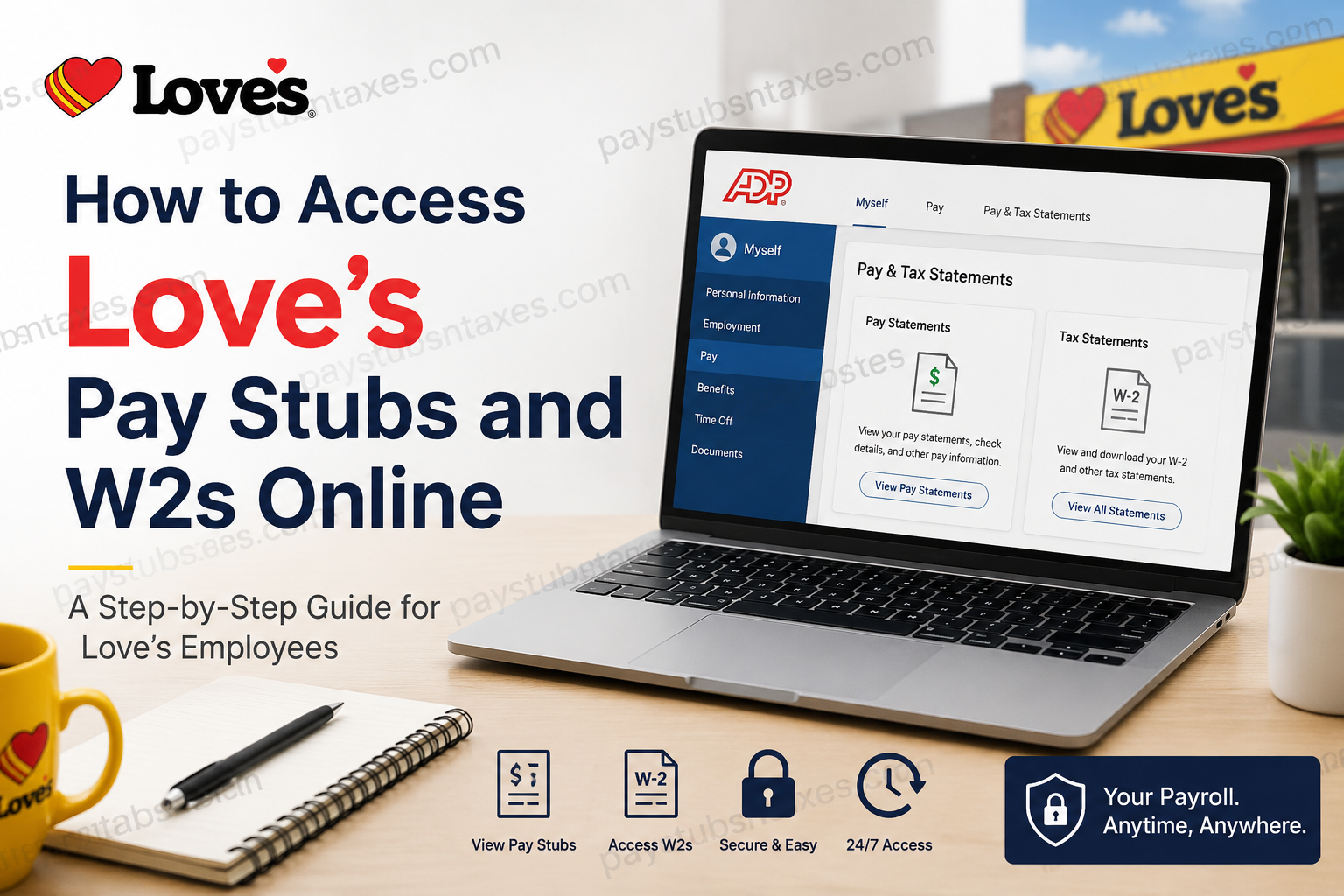
Love’s Travel Stops employees and former employees can access eligible pay statements and W-2 tax forms online through ADP. The portal provides a convenient, secure way to retrieve essential payroll documents without waiting for paper copies to arrive. Whether you need a recent pay stub for income verification or a previous W-2 for tax purposes, the following instructions will help you register your account, find the appropriate document, and save or print a copy.
About Love’s
Love’s Travel Stops has grown from a family-owned business founded in 1964 into one of the most recognizable travel-stop networks in the United States. Headquartered in Oklahoma City, Oklahoma, Love’s operates approximately 670 locations across 42 states and employs more than 40,000 people. In addition to its travel stops, the Love’s family of companies encompasses an extensive truck-service network, including Love’s Truck Care and Speedco locations.
What You Need Before Getting Started
Before attempting to access your Love’s payroll documents, have the following information at hand:
- Your personal identification information
- Access to an email address or telephone number that may be used for identity verification
- Love’s ADP registration code: LOV1-Talent
- A supported web browser with pop-ups enabled for ADP
- A PDF reader, if your documents open in PDF format
If you have previously registered for an ADP account, you may not need to create another one. ADP may identify your existing account during the verification process and provide your user ID.
How to Register for Love’s ADP
If you have never used ADP to access your Love’s pay and tax information, you must register before signing in.
- Visit my.adp.com.
- Select Get Started.
- Choose I Have a Registration Code.
- Enter the Love’s registration code LOV1-Talent.
- Complete all required personal-information fields.
- Select Continue and follow the prompts to verify your identity.
- Create your login credentials when instructed.
Your ADP user ID will not be issued until the registration process has been completed. First-time users should therefore finish every verification step rather than leaving the process midway.
If ADP recognizes that you already have an account, it may provide your existing user ID instead of asking you to establish a new one.
How to Access Love’s Pay Stubs Online
After registering, sign in to your ADP account and follow these steps:
- Open the Myself menu.
- Select Pay.
- Choose Pay & Tax Statements, followed by Pay Statements.
Depending on the ADP interface available to you, the option may appear simply as:
Myself > Pay > Pay Statements
Once the Pay Statements page opens, all available statements should be displayed. To review additional personal or payroll details, select the blue arrow next to your name.
View a Pay Stub as a Check Image
If ADP presents your pay statements as check images:
- Locate the statement you wish to review.
- Select View Check.
- Click the check image to view its net-pay details and associated amounts.
View Pay Stubs in a Table
If you prefer a more streamlined overview:
- Select View as Table.
- Find the relevant payment.
- Click its Pay Date to open the full statement.
If more than one statement or adjustment shares the same pay date, use the navigation arrows near the top-left corner of the statement window to move between the available documents.
How Far Back Can You View Love’s Pay Statements?
ADP generally allows employees to access pay statements for up to three years. However, the portal can display only the statements issued after the employer began providing them through ADP.
Consequently, an older statement may not appear even if it falls within the three-year period. Availability ultimately depends on when Love’s began processing and publishing that employee’s statements through the system.
How to Print a Love’s Pay Stub
Open the required statement by selecting View Check or clicking its Pay Date, then choose Print.
If the pay stub opens as a PDF, the print control may appear in the PDF viewer’s toolbar. If it opens in another format, the Print button will ordinarily be located in the upper-right corner of the window.
Should no print option appear, right-click the statement and select Print from the browser menu. You can also choose Save as PDF in the print window if you would rather keep a digital copy.
How to Access and Download a Love’s W-2
To retrieve a W-2 from ADP Workforce Now:
- Sign in at my.adp.com.
- Select Myself.
- Choose Pay.
- Open Pay & Tax Statements.
- Find the Tax Statements section on the right-hand side of the page.
- Select View All Statements.
- Choose the tax year you need.
- Select Open Document.
- When the W-2 opens in a new ADP window, choose Download or Print from the upper-right corner.
If you download the document, save it in a secure location with a clear filename, such as Loves_W2_2025.pdf. Since a W-2 contains highly sensitive personal and financial information, avoid storing it on a shared computer or sending it through an unsecured channel.
Contact Love’s for Payroll Assistance
If you cannot register, verify your identity, locate a document, or resolve an account-access problem, contact the Love’s Talent Stop:
- Telephone: (405) 847-4357, Option 2
- Email: talentstop@loves.com
When requesting assistance, describe the issue clearly, but never send your password, Social Security number, or complete W-2 through an unsecured email.
Final Thoughts
Accessing your Love’s pay stubs and W-2s online does not need to be an uphill battle. Love’s employees can use ADP to retrieve eligible payroll and tax documents, while first-time users can register with the company code LOV1-Talent.
For pay stubs, navigate to Myself → Pay → Pay Statements, choose the relevant pay date, and view or print the statement. For W-2s, go to Myself → Pay → Pay & Tax Statements → View All Statements, select the tax year, open the document, and then print or download it.
If registration, login recovery, or document access throws a spanner in the works, Love’s Talent Stop is available at (405) 847-4357, Option 2, or talentstop@loves.com.
By registering for ADP before an urgent need arises and saving important payroll documents securely, employees can keep their financial records within easy reach when tax season, employment verification, or another paperwork-heavy occasion comes knocking.
Frequently Asked Questions About Love’s Pay Stubs and W-2s
1. How do I access my Love’s pay stubs online?
Sign in to ADP and navigate to Myself > Pay > Pay & Tax Statements > Pay Statements. Choose View Check or click the relevant Pay Date to open your pay stub. In some versions of ADP, the menu may appear as Myself > Pay > Pay Statements.
2. How do I get my W-2 from Love’s?
Sign in to ADP Workforce Now and go to Myself > Pay > Pay & Tax Statements. Under Tax Statements, select View All Statements, choose the tax year, and click Open Document. You can then download or print the W-2.
3. What is the Love’s ADP registration code?
The Love’s ADP registration code is LOV1-Talent. Enter the code exactly as written when selecting I Have a Registration Code during account registration.
4. How do I register for a Love’s ADP account?
Visit myadp.com, select Get Started, and choose I Have a Registration Code. Enter LOV1-Talent, complete the required fields, and follow the prompts to verify your identity and create your login credentials.
5. Can former Love’s employees access ADP?
Yes. Former Love’s employees can use ADP to retrieve available pay statements and W-2 forms. They may need to register with LOV1-Talent and verify their identity using information connected to their employment record.
6. Where can I find the Tax Statements section in ADP?
After signing in, go to Myself > Pay > Pay & Tax Statements. The Tax Statements section should appear on the right-hand side of the page. Select View All Statements to see the available tax documents.
7. How do I download a Love’s W-2 as a PDF?
Open the required W-2 by selecting its tax year and clicking Open Document. When the document appears in a new ADP window, select Download in the upper-right corner and save the PDF in a secure location.
8. How do I print a Love’s pay stub?
Open the statement using View Check or by clicking its Pay Date, then select Print. If the statement opens as a PDF, use the print icon in the PDF toolbar. You may also right-click the document and choose Print.
9. How far back can I view Love’s pay stubs?
ADP generally provides access to eligible pay statements for up to three years. However, only statements issued after Love’s began making them available through ADP will appear in the account.
10. Why can’t I see my Love’s pay stubs in ADP?
Your pay stubs may be unavailable because they have not yet been processed, they fall outside the retention period, or they were issued before online statements became available. Browser or PDF-display settings can also prevent a statement from opening correctly.
11. What should I do if I forgot my ADP user ID?
Use the Forgot User ID or account-recovery option on the ADP sign-in page. If you never completed registration, return to myadp.com and register with the code LOV1-Talent.
12. Why haven’t I received an ADP user ID?
ADP will not issue a new user ID until you complete registration and identity verification. If ADP discovers an existing account connected to your information, it may provide your previously created user ID instead.
13. Can I access my Love’s W-2 from my phone?
Yes. You can sign in through a supported mobile browser or the ADP Mobile Solutions app, provided your account has been registered successfully. Menu names and screen positions may differ slightly from those in the desktop version.
14. Is it safe to download my W-2 from ADP?
ADP provides a secure portal for retrieving payroll and tax documents. Nevertheless, download your W-2 only on a trusted device and network, store it in a protected location, and avoid emailing it through an unsecured account.
15. Who should I contact about a Love’s ADP problem?
Contact the Love’s Talent Stop at (405) 847-4357, Option 2, or email talentstop@loves.com. The support team can assist with registration, account access, missing documents, and other payroll-related concerns.
