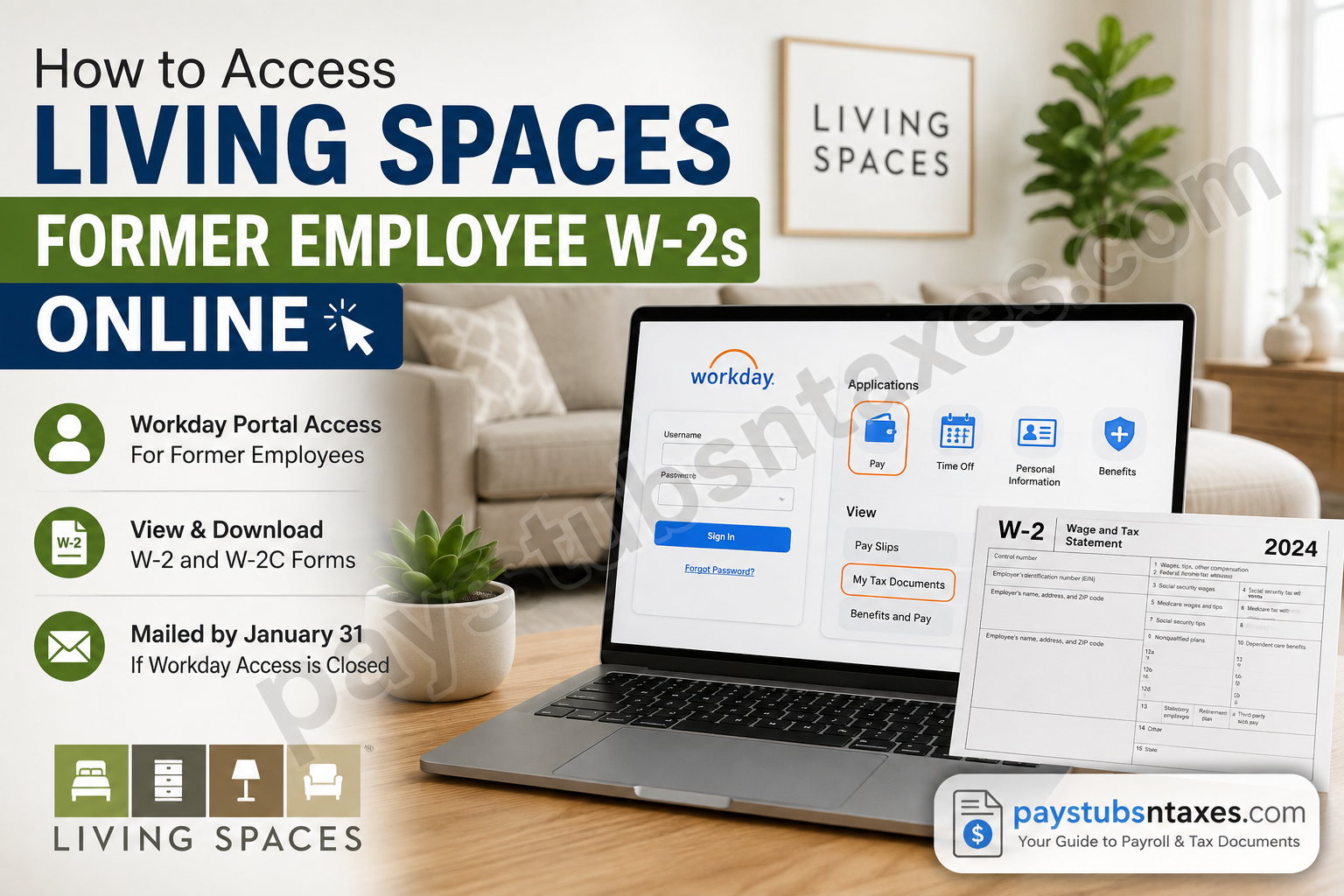
Former Living Spaces employees may still be able to access their W-2 tax statements online through Workday, provided their post-termination account remains active. If Workday access has already been closed, the W-2 is generally mailed to the employee’s address on file.
Living Spaces is an American furniture retailer headquartered in La Mirada, California. The company was founded in 2003 and operates stores across the United States, with a particularly strong presence in the western part of the country. Living Spaces also emphasizes convenient shopping and same-day delivery in qualifying areas.
For workforce management, Living Spaces uses Workday as its Human Capital Management platform. The system supports a broad range of Team Member functions, including recruiting, onboarding, time and absence management, payroll, performance management, and talent administration. Consequently, current employees can ordinarily use Workday to access pay information and year-end tax documents.
The situation is slightly different after employment ends. Former employees should understand how Living Spaces post-termination Workday access works so that they can retrieve their W-2 before their account is eventually closed.
Living Spaces Workday Login for Former Employees
Post-termination access generally begins the day after an employee leaves Living Spaces. However, continued access may depend on the status of the former employee’s Workday account and whether a valid personal email address was recorded before termination.
To begin, visit the official Living Spaces Workday portal:
For security, access the portal from a trusted personal computer, smartphone, or tablet. Avoid signing in on public or shared devices, particularly when viewing documents containing Social Security numbers, wages, and other sensitive information.
How to Reset Your Living Spaces Workday Password
If you cannot remember your password, follow these steps:
- Open the Living Spaces Workday login page.
- Select Forgot Your Password?
- Enter your employee ID number as your username. Do not enter your former Living Spaces email address unless the system specifically directs you to do so.
- Enter the personal email address associated with your Workday employee record.
- Select Submit.
- Check your personal email inbox for password-reset instructions from Workday.
The password-reset link is valid for approximately one hour. Complete the process promptly; otherwise, the link may expire, and you will need to request another one.
If the email does not arrive within a few minutes, inspect your spam, junk, and promotions folders. You should also confirm that you entered the same personal email address that was recorded in Workday before your employment ended.
How to Find Your W-2 in Living Spaces Workday
Once you have signed in successfully, use the following navigation path:
Workday → Menu → Pay → My Tax Documents
Then:
- Open My Tax Documents.
- Locate the required tax year.
- Find the applicable W-2 entry.
- Select View/Print.
- Open the generated document and save it securely or print a copy.
Depending on the Workday interface displayed on your device, you may first need to select More within the Pay section to reveal the My Tax Documents option.
Your tax statement will appear only after Living Spaces has processed it and made it available for the relevant year. If you do not see the form immediately, that does not necessarily mean anything is amiss; it may simply not have been released yet.
How to Access a Corrected W-2C
A W-2C is issued when information on an original W-2 requires correction. If Workday displays both a W-2 and one or more W-2C forms, open and retain every document for which a View/Print button is available.
The corrected form does not always stand alone; consequently, you may need both the original W-2 and the corresponding W-2C to understand the complete tax record or prepare an amended return.
Living Spaces Workday Mobile App Organization Code
When signing in through the Workday mobile app, you may be asked to provide the Living Spaces organization code.
The organization code is: livingspaces
Former employees may find the browser-based portal more straightforward for downloading or printing tax statements, as mobile devices occasionally handle generated PDF files less smoothly.
What If the Password-Reset Email Does Not Arrive?
A reset email may fail to arrive when:
- The personal email address entered does not match the address on the employee’s Workday record.
- No personal email address was added before termination.
- The message was filtered into a spam or junk folder.
- The password-reset link expired before it was opened.
- The former employee’s Workday access has been disabled or closed.
Try the reset procedure once more, carefully checking your employee ID and personal email address. Avoid submitting repeated requests in rapid succession, since multiple emails can make it difficult to determine which reset link remains valid.
What If Your Former Employee Workday Account Is Closed?
Once a former employee’s post-termination Workday access has been closed, online retrieval may no longer be possible. In that situation, the W-2 should ordinarily be sent to the mailing address held on file.
Employers generally distribute annual W-2 statements by January 31 of the following year. Delivery may take additional time, so allow a reasonable postal window before assuming the document has been lost.
If you have moved since leaving Living Spaces, an outdated mailing address could delay or prevent delivery. Contact Living Spaces through its official support or Community channel to ask how to update your details or request further assistance.
What to Do If Your Living Spaces W-2 Is Still Unavailable
If you have completed the password-reset process but still cannot access your W-2, check the following:
- Confirm that you are using the correct Living Spaces Workday portal.
- Use your employee ID—not your former company email address—as the username during password recovery.
- Verify that the personal email address matches the one stored in Workday before your termination.
- Check whether the W-2 for the required year has been released.
- Look under Pay, More, and My Tax Documents.
- Allow sufficient time for a mailed copy if online access has been closed.
- Submit a support request through the official Living Spaces Community or Workday support channel if the document remains inaccessible.
When requesting help, provide only the information necessary to identify your employment record. Never send your full Social Security number, password, or complete tax document through an unsecured email or public message.
Final Takeaway
Retrieving a Living Spaces former employee W-2 is usually a matter of signing in to Workday—or resetting the password with an employee ID and the personal email address already held on file—and navigating to Pay → My Tax Documents.
If that door has closed because post-termination access has ended, keep an eye on your mailbox and contact the official Living Spaces support channel when necessary. Acting early, verifying your contact information, and handling every tax document securely can prevent a last-minute scramble when filing season arrives.
Living Spaces Former Employee W-2 FAQs
1. How do former Living Spaces employees access their W-2s online?
Former employees can sign in through the Living Spaces Workday portal and navigate to Menu → Pay → My Tax Documents. Select the required tax year and click View/Print beside the relevant W-2.
2. What is the Living Spaces Workday login URL?
The Living Spaces Workday portal is: https://wd5.myworkday.com/livingspaces/login.htmld?redirect=n
Use a trusted personal device and a private internet connection whenever you access payroll or tax information.
3. Can former Living Spaces employees still log in to Workday?
Eligible former employees may receive post-termination access beginning the day after their employment ends. Access depends on the status of the individual Workday account and the personal contact information stored before termination.
4. What username should a former Living Spaces employee use?
Use your employee ID number as the username when completing the password-recovery process. Do not use your former Living Spaces email address unless Workday specifically instructs you to do so.
5. How do I reset my Living Spaces Workday password?
Select Forgot Your Password? on the Workday login page. Enter your employee ID and the personal email address associated with your employee record, then follow the instructions delivered to that email address.
6. How long is the Workday password-reset link valid?
The password-reset link is valid for approximately one hour. If it expires, return to the Workday portal and request a new link.
7. Why did I not receive my Workday password-reset email?
The email may have entered your spam or junk folder, or the address submitted may not match the personal email stored in Workday. Your account may also have been closed following termination.
8. Where are W-2 forms located in Living Spaces Workday?
After signing in, follow this path:
Menu → Pay → My Tax Documents → Select Tax Year → W-2 → View/Print
If My Tax Documents is not visible, select More within the Pay section to expand the available options.
9. Can I download and print my W-2 from Workday?
Yes. Select View/Print beside the relevant W-2 to open the document. You can then save a secure digital copy or print it for your records.
10. What is the Living Spaces organization code for the Workday app?
The Living Spaces organization code is livingspaces. Enter it when the Workday mobile app asks you to identify your organization.
11. Why is my Living Spaces W-2 not showing in Workday?
Your W-2 may not have been released yet, you may be viewing the wrong tax year, or your former employee access may have ended. Check My Tax Documents again after confirming the selected year.
12. What should I do if my former employee Workday account is closed?
If your post-termination Workday account has been closed, you may need to wait for the paper W-2 sent to your mailing address. If it does not arrive, contact Living Spaces through its official support or Community channel.
13. When will Living Spaces mail former employees their W-2s?
Annual W-2 statements are generally distributed by January 31 of the following year. Allow additional time for postal delivery, particularly if you have recently changed addresses.
14. What is a W-2C, and where can I find it?
A W-2C is a corrected wage and tax statement issued when information on an original W-2 must be amended. It appears in My Tax Documents when available. Download every associated form displaying a View/Print option, including the original W-2 and any W-2C.
15. How can I get help if my Living Spaces W-2 remains inaccessible?
Confirm that you used the correct portal, employee ID, personal email address, and tax year. If the document remains unavailable, submit a support request through the official Living Spaces Community or designated Workday support channel.
