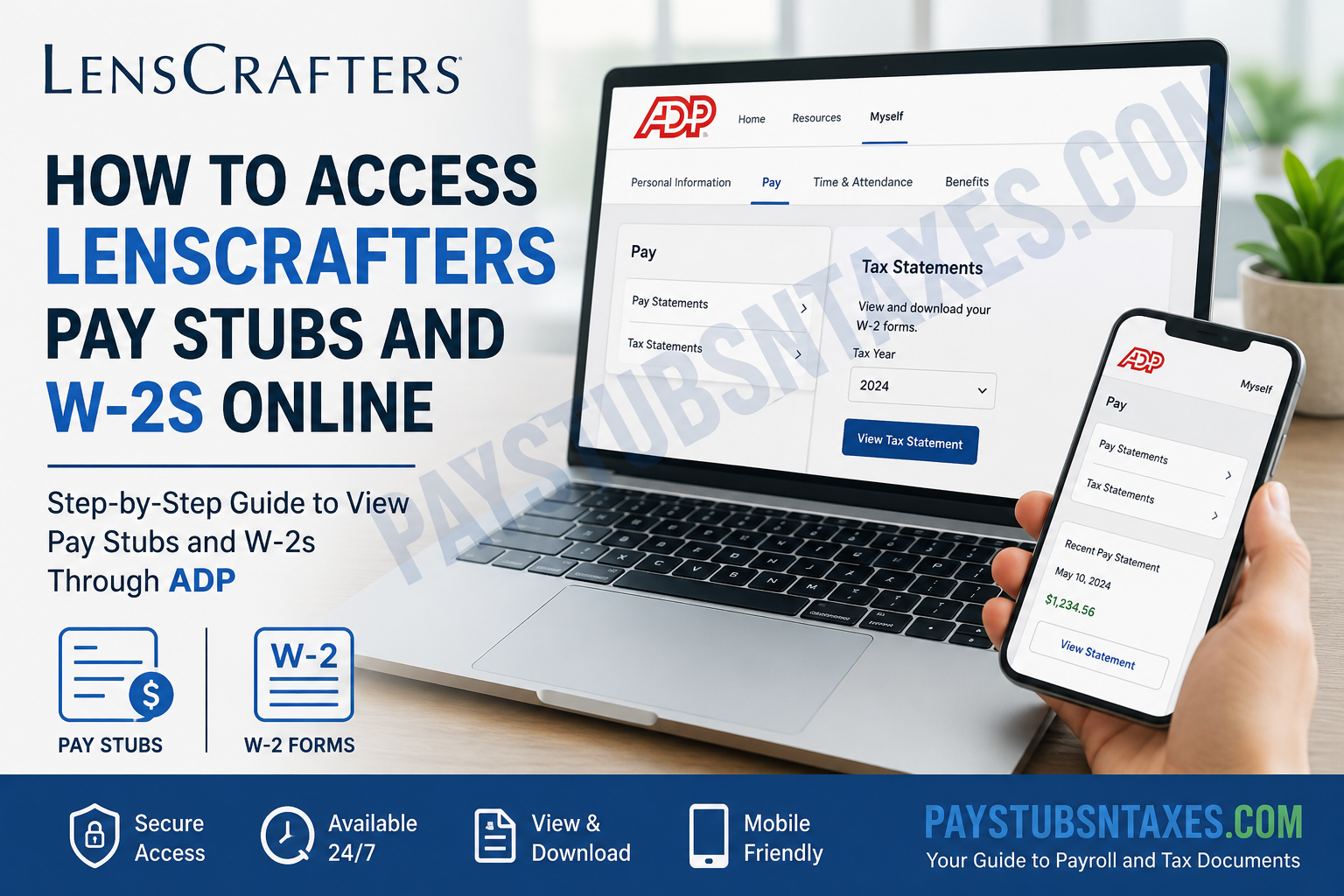
LensCrafters employees can access their pay stubs, W-2 forms, and other payroll documents online through the ADP portal at https://my.adp.com. Whether you are a current employee or have already left LensCrafters, your ADP account can provide a convenient way to retrieve historical payroll and tax records without waiting for a paper copy to arrive in the mail.
For most employees, the process is straightforward: sign in to ADP, open the Myself menu, navigate to Pay, and choose either Pay Statements or Tax Statements. ADP Employee Access supports online viewing of historical pay statements and W-2s, with documentation indicating that up to three years of these records may be available online.
If you have never registered for ADP, have forgotten your password, or are a former LensCrafters employee whose company credentials no longer work, the following instructions walk you through the process from start to finish.
About LensCrafters
LensCrafters is an international eyewear retailer specializing in prescription glasses, prescription sunglasses, lenses, and related vision-care products. The company is headquartered in Mason, Ohio, and many LensCrafters locations have independent optometrists either on-site or nearby. LensCrafters became part of Luxottica in 1995 and is now within the EssilorLuxottica group.
Beyond retail eyewear, LensCrafters emphasizes personalized vision care, modern eye-examination technology, premium lenses, and eyewear designed around customers’ individual lifestyles and visual needs.
For payroll and year-end tax-document administration, LensCrafters employees use ADP, which enables eligible employees to access payroll information electronically.
LensCrafters ADP Portal
ADP Portal: https://my.adp.com
Through ADP, LensCrafters employees may be able to access:
- Current and previous pay statements
- W-2 tax statements
- Gross earnings
- Taxes and payroll deductions
- Net or take-home pay
- Historical payroll records
- Year-end tax documents
- Other payroll features made available by the employer
ADP’s Employee Access system allows employees to review pay-statement details, including gross pay, taxes, deductions, and take-home pay, and historical statements can be selected by pay date.
How to Access LensCrafters Pay Stubs Online
If you already have an ADP account, retrieving a LensCrafters pay stub should take only a few minutes.
Step 1: Visit the ADP Portal
Open a secure web browser and go to:
Avoid accessing your payroll information through links received from unfamiliar email addresses or unsolicited text messages. Because pay statements contain sensitive personal and financial information, it is prudent to navigate directly to the ADP website whenever possible.
Step 2: Sign In to Your ADP Account
Enter your existing User ID and password.
If ADP asks you to verify your identity, follow the security prompts. Depending on your account configuration, a security or verification code may be sent to the email address or mobile number associated with your profile.
Step 3: Open the Pay Section
Once you are logged in:
Myself → Pay → Pay Statements
Depending on the version of the ADP interface displayed on your device, you may also see Pay Statements directly on the home screen.
Step 4: Select the Pay Date
Choose the paycheck or pay period you want to review.
The most recent statement generally displays important payroll information such as:
- Gross earnings
- Federal, state, or applicable local taxes
- Benefit deductions
- Other payroll deductions
- Net or take-home pay
ADP also allows users to select previous pay dates to retrieve earlier statements.
Step 5: Download or Print Your Pay Stub
Choose the appropriate Download Pay Statement, View, or Print option.
A downloaded statement can ordinarily be opened as a PDF, making it easier to save a personal copy or print the document when it is required for income verification, a mortgage or rental application, loan documentation, or personal recordkeeping.
How to Access a LensCrafters W-2 Online
LensCrafters employees can also use ADP to retrieve available year-end W-2 statements.
Step 1: Log In to ADP
Go to: https://my.adp.com
Sign in using your ADP User ID and password.
Step 2: Navigate to Tax Statements
From the ADP dashboard, select: Myself → Pay → Tax Statements
You may also see a Tax Statements section directly on the home screen.
Step 3: Select the Correct Tax Year
ADP may display your current W-2 as well as available historical tax statements. Select the tax year you need, taking particular care to choose the correct year if several documents are displayed.
ADP’s Employee Access documentation describes a Tax Statements area from which employees can choose a tax year and download the corresponding tax statement for viewing or printing.
Step 4: View or Download the W-2
Select Download Tax Statement, View, or the comparable option shown on your screen.
Save the W-2 securely if you need it for filing your federal or state income-tax return. Payroll and tax documents contain sensitive information, so they should not be stored on a public or shared computer.
How Long Are LensCrafters Pay Stubs and W-2s Available in ADP?
ADP Employee Access documentation states that users can have access to up to three years of pay statements and W-2s online.
The W-2 section likewise indicates that three years of W-2 statements may be available electronically.
For that reason, it is wise not to put off downloading an older document indefinitely. If you need a pay statement or W-2 for long-term financial records, saving a secure personal copy can spare you considerable inconvenience later.
How New LensCrafters Employees Can Register for ADP
Newly hired employees may receive an ADP invitation or personal registration information by email. If you receive an invitation, follow the link and instructions supplied to establish your ADP account.
If you missed the invitation or cannot locate it, you may still be able to find your profile through ADP.
Register Using the “Find Me” Option
- Go to https://my.adp.com.
- Select New User? Get Started or the comparable account-registration option.
- Choose Find Me.
- Enter the requested information.
- If you search using an email address or mobile number, use the same contact information that was previously associated with your employment/payroll record.
- Follow ADP’s identity-verification prompts.
- Enter any security code sent to your registered email address or mobile number.
- Create your login credentials and complete the account setup.
ADP registration procedures can locate an employee profile using an email address, mobile number, or personal information, after which identity verification and contact-information confirmation are completed before the account is created.
Make sure the information you enter corresponds exactly with the details LensCrafters or Luxottica has on file. Even a small discrepancy in your name, date of birth, contact information, or other identifying details can throw a spanner in the works and prevent ADP from locating your employee record.
What If ADP Finds Your Account but You Do Not Know the Password?
If ADP locates your account and displays or identifies your User ID, but you cannot remember the password, use the password-recovery option rather than creating another account.
Select I don’t know my password, Forgot Password, or the equivalent recovery link displayed on the login page.
You will generally be asked to verify your identity through information associated with your ADP profile. After verification, ADP allows the user to create a new password and sign back in.
Depending on the security options attached to the account, a verification code may be delivered by email or text message.
What If You Forgot Your ADP User ID?
If the stumbling block is your User ID rather than your password, use ADP’s Forgot User ID recovery option.
The recovery process may ask for your:
- First name
- Last name
- Email address
- Additional information to verify your identity
Once verification has been completed successfully, ADP can display or recover the User ID associated with the account.
For former LensCrafters employees in particular, it is advisable to try the personal email address or mobile number that was on file while they were employed.
Can Former LensCrafters Employees Access ADP?
Yes. Separation from LensCrafters does not necessarily mean that your ADP payroll records disappear overnight. Former employees may continue using their personal ADP credentials to access available historical payroll and tax documents.
If your old LensCrafters workplace credentials no longer work, go directly to https://my.adp.com and attempt to recover the existing ADP account using Find Me, Forgot User ID, or Forgot Password.
This distinction matters: your ADP account is the gateway to your available payroll records, so trying to create several duplicate accounts can muddy the waters rather than solve the problem.
If ADP cannot locate your employment record, contact the HR Service Center for assistance.
LensCrafters W-2 Mailing
LensCrafters generally sends employees’ W-2 forms to the mailing address on record no later than January 31 of the following year, unless the employee has elected an applicable paperless delivery option.
Consequently, employees should ensure that their mailing address is accurate, particularly after moving or leaving the company.
Even where electronic access is available, keeping both your mailing address and personal contact details current is a sensible precaution. If the online and paper versions appear different, check whether an updated tax statement has been issued; ADP documentation notes that an electronic statement may reflect an update before a revised hard copy reaches the employee.
Can You Access LensCrafters Pay Stubs and W-2s from the ADP Mobile App?
Yes. Once your account has been established, the ADP mobile app can provide convenient access to payroll information from a supported smartphone.
ADP documentation indicates that registered users can use the mobile application on Apple and Android devices to view pay statements and W-2s.
You can generally:
- Download the ADP app from the Apple App Store or Google Play Store.
- Open the application.
- Sign in with your ADP User ID and password.
- Navigate to the Pay section.
- Choose the applicable pay statement or tax statement.
The app can be particularly useful when you need to check a pay statement on the go; however, completing first-time account registration and troubleshooting complicated account-access issues may be easier through a full web browser.
How to Go Paperless for Pay Statements
Where the option is enabled for your account, ADP provides a Go Paperless setting for pay statements.
The typical path is: Dashboard → My Settings → Statements → Go Paperless
Review the electronic-delivery terms, choose the applicable statement option, and accept the agreement. ADP indicates that a confirmation email is sent after a paperless election is completed.
Paperless delivery has an obvious advantage: instead of hunting through drawers for an old payroll document, you can retrieve an electronic statement when you need it.
LensCrafters Payroll and W-2 Support
If you cannot access your ADP account, your W-2 is missing, or your payroll information appears incorrect, contact the LensCrafters/Luxottica HR Service Center.
HR Service Center: 1-866-431-8484
Payroll Email: hrpayroll@luxotticaretail.com
ADP Portal: https://my.adp.com
When requesting assistance, be prepared to provide enough information for the support representative to locate your employment record. For security reasons, never send passwords, complete Social Security numbers, or other unnecessary sensitive information through ordinary email.
Final Thoughts
Accessing LensCrafters pay stubs and W-2 forms online is generally straightforward once your ADP account is established. Go to https://my.adp.com, sign in, and use the Pay Statements section for payroll records or Tax Statements for W-2 documents. Current employees can use the same system for routine payroll access, while former employees should retain their ADP credentials because historical pay statements and W-2s may remain available after separation. With ADP offering access to several years of payroll records, downloading important documents before they age out of the system is a small step that can save a great deal of legwork later.
If you encounter a roadblock—whether ADP cannot find your profile, your password has slipped your mind, or a W-2 has gone missing—use ADP’s account-recovery tools first. If the issue cannot be resolved online, contact the LensCrafters/Luxottica HR Service Center at 1-866-431-8484 or hrpayroll@luxotticaretail.com for payroll assistance.
Frequently Asked Questions About LensCrafters Pay Stubs and W-2s
1. How do I get my LensCrafters pay stubs online?
Go to https://my.adp.com and sign in to your ADP account. Select Myself → Pay → Pay Statements, choose the required pay date, and then view, download, or print your LensCrafters pay stub.
2. How do I access my LensCrafters W-2 online?
Sign in to ADP at https://my.adp.com and navigate to Myself → Pay → Tax Statements. Select the appropriate tax year and open or download your W-2 form.
3. What is the LensCrafters employee payroll portal?
LensCrafters uses ADP for employee payroll and year-end tax-document access. The employee portal is available at https://my.adp.com.
4. Can former LensCrafters employees access their W-2s online?
Yes. Former LensCrafters employees may continue to access available historical W-2 forms and payroll records through their existing ADP accounts after leaving the company.
5. Can former LensCrafters employees access old pay stubs?
Yes. If your historical pay statements are still retained in ADP, sign in and open Pay Statements to locate previous payroll records. ADP may retain several years of historical statements.
6. How long are LensCrafters W-2s available through ADP?
ADP Employee Access can provide access to up to three years of W-2s and pay statements, although the exact records displayed may depend on your employment history and account configuration.
7. How do new LensCrafters employees register for ADP?
Visit https://my.adp.com, click New User? Get Started, and select Find Me. Enter the requested personal information and complete ADP’s identity-verification process. Newly hired employees may also receive an ADP invitation or personal registration code by email.
8. What should I do if ADP cannot find my LensCrafters account?
Use the same email address or mobile number that was associated with your LensCrafters employment record. Double-check your name and other identifying information. If ADP still cannot locate your profile, contact LensCrafters/Luxottica payroll support.
9. What if I forgot my LensCrafters ADP password?
Go to https://my.adp.com and use the Forgot Password or I Don’t Know My Password option. Follow the identity-verification prompts and enter the security code sent to your registered contact method to create a new password.
10. What if I forgot my ADP User ID?
Use the Forgot User ID option on the ADP login page. You may be asked for your first name, last name, email address, and additional identifying information before your User ID can be recovered.
11. Can I access LensCrafters pay stubs through the ADP mobile app?
Yes. After establishing your ADP account, you can use the ADP Mobile Solutions app on a supported Apple or Android device to access available pay statements and W-2 forms.
12. When does LensCrafters send W-2 forms?
LensCrafters generally mails W-2 forms to the employee’s mailing address on record no later than January 31 of the following year, unless the employee has elected an applicable paperless delivery option.
13. Why is my LensCrafters W-2 not showing in ADP?
First, confirm that you are signed in to the correct ADP account and have selected the correct tax year under Tax Statements. If the W-2 is still missing, contact LensCrafters/Luxottica payroll support for assistance.
14. Can I download and print my LensCrafters pay stub or W-2?
Yes. ADP allows employees to open available pay statements and tax statements electronically. Select the required document and use the available Download, View, or Print option to save or print a copy.
15. Who should I contact for LensCrafters W-2 or payroll assistance?
For problems involving missing W-2s, ADP access, payroll records, or account information, contact the LensCrafters/Luxottica HR Service Center at 1-866-431-8484 or email hrpayroll@luxotticaretail.com.
