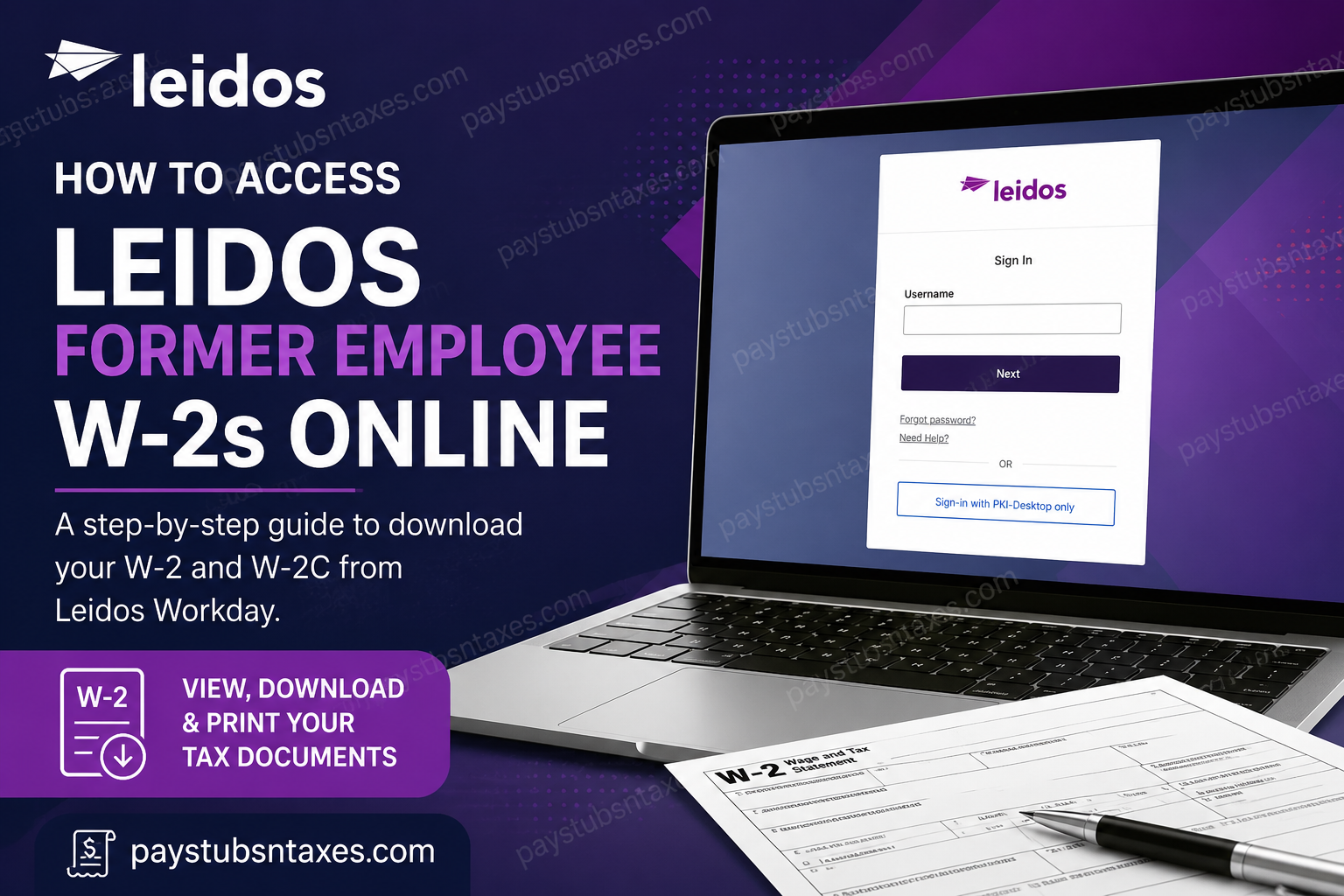
If you are a former Leidos employee looking for a W-2, the most important point is to act promptly after leaving the company. Leidos uses Workday for payroll and tax-document access, but Workday access may be disabled shortly after employment ends. If your credentials still work, you may be able to sign in, open My Tax Documents, and download your W-2 electronically. Once access has been revoked, former employees should generally rely on the W-2 mailed to their address on file or contact Leidos HR Services for assistance.
Leidos provides Workday among its employee-resource quick links, and secure access to company systems requires a valid username and password. This guide explains how to retrieve a Leidos W-2 through Workday, what to do if your account no longer works, and how to update your mailing address so that important tax documents reach the right destination.
About Leidos
Leidos is an industry and technology company serving government and commercial customers through digital, engineering, mission, cyber, health, and related technology solutions. The company has approximately 50,000 employees, who work across critical markets and support complex customer missions.
Headquartered in Reston, Virginia, Leidos reported approximately $17.2 billion in annual revenue for the fiscal year ended January 2, 2026. Beyond its technological footprint, the company places considerable emphasis on career development, flexibility, employee well-being, inclusion, innovation, and meaningful mission-oriented work.
For employees and former employees, however, one practical matter can easily slip through the cracks during a job transition: retrieving payroll records and year-end tax documents before system access disappears.
Can Former Leidos Employees Access Workday?
Former employees may retain Workday access for a limited period after leaving Leidos; however, access can be revoked shortly after termination. The precise window may vary, so departing employees should not assume that their credentials will remain active indefinitely.
Before your final working day—or as soon as possible afterward—download and securely save:
- Current and previous pay statements
- Available W-2 and W-2C forms
- Year-to-date payroll records
- Benefits documents
- Any other employment or tax records you may need later
If your account has already been disabled, the standard employee sign-in route may no longer be available. In that situation, contact Leidos for assistance instead of repeatedly attempting to use expired credentials.
How to Access a Leidos W-2 Online Through Workday
If your Workday account remains active, follow these steps:
1. Open the Leidos Workday portal
Visit the official Leidos Workday sign-in page: https://wd5.myworkday.com/leidos/d/home.htmld.
Enter your username, select Next, and complete the required password or identity-verification steps. Use the ordinary username option unless Leidos has specifically instructed you to sign in through a company-managed PKI desktop.
2. Open the Pay application
From the Workday home page or Applications section, select Pay. Depending on the version of Workday displayed on your device, the wording or position of the menu may differ slightly.
3. Find My Tax Documents
Locate the View section. If the full list is not visible, select More, and then choose My Tax Documents.
4. Select the required tax year
The My Tax Documents page should display the tax forms available for your account, including W-2 forms and any corrected W-2C forms.
Find the appropriate tax year and select View/Print. Workday may take a few moments to prepare the document.
5. Download and save the W-2
Open the generated document, download the PDF, and save it in a secure location. Use a clear filename, such as Leidos_W2_2025.pdf, so that the form is easy to identify later.
Avoid storing tax documents on a shared computer, an unencrypted USB drive, or an unsecured cloud account because W-2 forms contain sensitive personal and financial information.
6. Check for corrected forms
If a W-2C is listed, download every available document associated with that tax year. A W-2C corrects information on the original W-2; it does not necessarily replace every part of the original form. Retaining both documents will help you or your tax professional interpret the correction accurately.
7. Sign out securely
When you have finished, sign out of Workday completely—particularly if you are using a public, shared, or borrowed device. Simply closing the browser may leave the session active.
How to Use the Workday Mobile App
Leidos employees with active credentials may also access Workday through the mobile application, which is available from the Apple App Store and Google Play Store.
During the initial setup, enter:
- Your Leidos Workday username
- Your password
- The organization ID
leidos
Once signed in, open the Pay area and look for My Tax Documents. Although the mobile app is convenient, downloading a W-2 directly to a personal phone should be done with care. Protect the device with a strong passcode, keep its software updated, and store the document in a secure folder.
What to Do If Your Leidos Workday Access Has Been Revoked
If Workday no longer accepts your credentials, first determine whether you are facing a password problem or whether your former-employee access has ended.
For account-access assistance, call the U.S. Leidos IT Service Desk at 855-9-LEIDOS (855-953-4367). Explain that you are a former employee seeking access to payroll or tax records.
Keep the following information close at hand:
- Full legal name used during employment
- Former Leidos employee number, if available
- Last four digits of your Social Security number, if requested through an authorized process
- Approximate employment dates
- Tax year of the W-2 you need
- Current mailing address
- Personal email address and telephone number
Never send a complete Social Security number, password, or unnecessary identity document through ordinary email. Follow only the secure verification instructions provided by an authorized Leidos representative.
If online access cannot be restored, contact HRRecords@leidos.com and request guidance on obtaining the required W-2 or updating your former-employee records.
Will Leidos Mail a W-2 to a Former Employee?
Former employees should generally expect their W-2 to be mailed to the home address recorded by Leidos unless they previously elected paperless delivery or another arrangement applies. Employers ordinarily issue W-2 forms by January 31 following the relevant tax year, subject to the applicable calendar and legal rules.
Mail delivery takes additional time, so a form issued by the deadline may not arrive on the same day. If it does not appear after a reasonable delivery period, verify that Leidos has your correct address before requesting a replacement.
How to Change Your Address After Leaving Leidos
Former employees who have moved should submit the Former Employee Personal Information Change Form. The form can be used to update an address, telephone number, or personal email address.
Information required on the form
Provide:
- Employee number or the last four digits of your Social Security number
- Last name, first name, and middle initial
- Former street address, city, state, and ZIP code
- New street address, city, state, and ZIP code
- New telephone number and phone type, if applicable
- New personal email address, if applicable
- Signature and date
Identity-document requirement
Attach a copy of an acceptable photo ID, such as:
- State-issued driver’s licence
- Passport
- State-issued photo identification card
Leidos states that it cannot process a personal-information change without proper identification. Sign the completed form before submitting it.
Where to send the completed form
You may return the signed form and identification using one of the following methods:
Email: HRRecords@leidos.com
Fax: (865) 425-5665, Attn: HR Services
Mail:
Leidos
Attn: HR Services
301 Laboratory Road
Oak Ridge, TN 37830
Because the submission contains sensitive personal information, use a secure method and verify the recipient before sending it.
Important: The number (865) 425-5665 is listed as the fax number for submitting the former-employee information-change form; it should not be described as a telephone line for speaking with a representative.
Final Takeaway
The most reliable approach is to download your Leidos pay statements and tax documents while your Workday account is still active. Navigate to Pay, open My Tax Documents, select View/Print, and preserve both the original W-2 and any W-2C issued for the same year. If the door to Workday has already closed, all is not lost: contact the Leidos IT Service Desk for access support and HR Records for document or personal-information assistance. Above all, keep your mailing address current, protect sensitive data at every stage, and deal with discrepancies early—before tax deadlines are breathing down your neck.
Leidos Former Employee W-2 FAQ
1. How can a former Leidos employee access a W-2 online?
Sign in to the Leidos Workday portal, open Pay, select More, and choose My Tax Documents. Find the correct tax year and click View/Print to view, download, or print the W-2.
2. What is the Leidos Workday login link?
The Leidos Workday portal is: https://wd5.myworkday.com/leidos/d/home.htmld.
Use the official portal rather than links received through unsolicited emails or text messages.
3. What is the Workday organization ID for Leidos?
The Workday organization ID is leidos. You may need to enter it when setting up the Workday mobile application or connecting your device to the Leidos Workday account.
4. Can former Leidos employees still log in to Workday?
Some former employees may retain access for a limited period, but Workday access can be revoked shortly after employment ends. Employees should therefore download their pay statements, W-2s, W-2Cs, and other payroll records before leaving Leidos whenever possible.
5. What should I do if my Leidos Workday account no longer works?
Call the Leidos IT Service Desk at 855-9-LEIDOS (855-953-4367) for account-access assistance. If access cannot be restored, email HRRecords@leidos.com for guidance on obtaining former-employee records.
6. Where are W-2 forms located in Leidos Workday?
After signing in, open the Pay application. In the View section, select More, followed by My Tax Documents. This page displays the tax documents available for your account.
7. Can I download my Leidos W-2 through the Workday mobile app?
Yes, provided your Workday account remains active. Install the official Workday app, enter the organization ID leidos, sign in, and navigate to the Pay or tax-document section. Menu labels may differ slightly from the desktop version.
8. When does Leidos mail W-2 forms to former employees?
W-2 forms are ordinarily issued by January 31 following the relevant tax year, subject to the applicable deadline. Former employees who have not elected paperless delivery should allow additional time for postal delivery.
9. What should I do if my Leidos W-2 was mailed to an old address?
Complete the Former Employee Personal Information Change Form and provide your former address, new address, identifying information, signature, and a copy of an acceptable photo ID. Updating your records may not redirect a W-2 that has already been mailed, so contact HR Records if you also need a replacement.
10. How do I update my address after leaving Leidos?
Submit a signed Former Employee Personal Information Change Form with a copy of a government-issued photo ID. Send it to HRRecords@leidos.com, fax it to (865) 425-5665, or mail it to:
Leidos
Attn: HR Services
301 Laboratory Road
Oak Ridge, TN 37830
11. What identification is required for a former-employee address change?
Attach a copy of an acceptable photo ID, such as a state-issued driver’s licence, passport, or state-issued identification card. Leidos cannot process the personal-information change without proper identification.
12. Is (865) 425-5665 the Leidos HR telephone number?
No. (865) 425-5665 is listed as the fax number for submitting the Former Employee Personal Information Change Form to HR Services. For Workday access assistance, call 855-953-4367.
13. What is a W-2C, and should I download it?
A W-2C is a corrected wage and tax statement issued when information on an original W-2 requires amendment. If Workday displays a W-2C, download every available form for that tax year and retain the original W-2 as well.
14. What information should I provide when requesting a missing Leidos W-2?
Be prepared to provide your full legal name, former employee number if available, approximate employment dates, the required tax year, current mailing address, personal email address, and telephone number. Share sensitive information only through an authorized and secure process.
15. How should I protect a downloaded Leidos W-2?
Save the W-2 on a password-protected personal device or in secure encrypted storage. Do not leave it on a public computer, shared device, unprotected USB drive, or unsecured cloud account. Sign out of Workday completely after downloading it.
