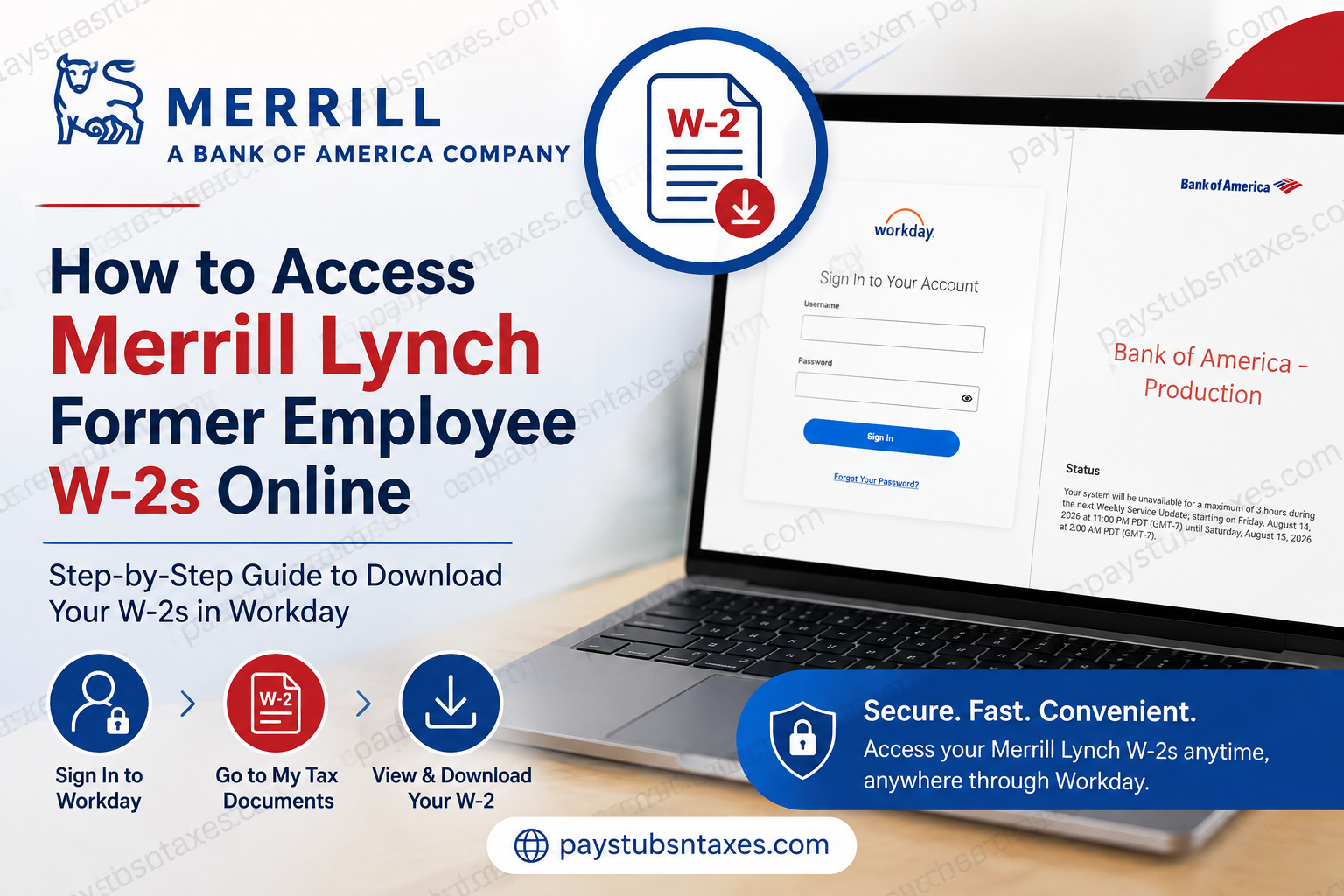
Former Merrill Lynch employees can generally retrieve previous W-2 tax forms online through the Bank of America Workday portal. Although active employees may enter Workday through the company’s single sign-on system, former employees ordinarily need separate Workday credentials because corporate SSO access may be withdrawn after employment ends. The process is reasonably straightforward once your direct account has been activated. Sign in to Workday, open the Pay section, select My Tax Documents, and choose the W-2 for the applicable tax year. If you encounter difficulties at any stage, the Global HR Service Center can provide assistance.
Merrill Lynch and Bank of America Workday Access
Merrill Lynch, Pierce, Fenner & Smith Incorporated—now doing business as Merrill—is the wealth management division of Bank of America. Consequently, former Merrill Lynch employees may encounter Bank of America branding when signing in to Workday or requesting payroll support.
This is normal. The Workday sign-in page may display Bank of America – Production, even when the payroll document relates to employment with Merrill Lynch.
What You Need Before Signing In
Before attempting to access your former employee W-2, make sure you have:
- Your former-employee Workday username
- The password created for your direct Workday account
- Access to the email address associated with your employment or offboarding records
- A secure device and reliable internet connection
- The tax year for the W-2 you need
Former employees should not assume that their previous company-network username or SSO credentials will continue to work. Following termination or retirement, access through the internal authentication system may be revoked. Direct Workday access instructions are typically provided separately, often by email.
Check your inbox and spam or junk folders for messages concerning Workday, payroll records, offboarding, or former-employee access.
How to Access a Merrill Lynch Former Employee W-2 Online
Step 1: Open the Workday Portal
Visit the Bank of America Global HR Workday sign-in page:
Bank of America Workday Portal
For security, avoid signing in through links received from unfamiliar senders. Verify the address carefully before entering your username or password.
Step 2: Sign In With Your Direct Workday Credentials
Enter the username and password assigned to your former-employee Workday account, and then select Sign In.
These credentials may differ from those you used as an active employee. If your old company SSO information no longer works, refer to the direct-access instructions sent during or after your departure.
If you have forgotten your password, select Forgot Your Password? on the sign-in page and follow the recovery instructions. Should the automated process fail, contact the Global HR Service Center rather than repeatedly attempting to sign in, as too many unsuccessful attempts may complicate account access.
Step 3: Open the Pay Section
After reaching the Workday home screen:
- Select Menu in the upper-left corner.
- Open Pay.
The Pay application contains payroll-related information, including payslips, payment details, withholding elections, and tax documents. The precise appearance of the menu may vary as Workday is updated, but the underlying route should remain substantially the same.
Step 4: Select My Tax Documents
Inside the Pay application, choose My Tax Documents.
Workday will display a table containing the tax forms available for your account. Locate the appropriate tax year, confirm that the form type is W-2, and select the corresponding employee copy or View/Print option.
Take a moment to verify the tax year before downloading the document. When several years of records are listed together, it is all too easy to open the wrong form and discover the mistake only after printing it.
Step 5: Allow Workday to Process the Request
Workday may need a short period to generate the document. If a message appears stating that the request is being processed, select Notify Me Later.
There is no need to keep refreshing the page. Workday will place a completion notice in your notifications when the document is ready.
Step 6: Check the Notification Bell
Select the bell-shaped Notifications icon, usually located in the upper-right area of the screen.
Open the document-available notification and select the PDF attachment or link. If necessary, double-click the PDF version to open it.
Step 7: Download or Print the W-2
Once the W-2 opens, review it carefully and then use the PDF viewer’s controls to download or print the document.
Save the file in a secure location rather than a shared folder or publicly accessible cloud directory. A W-2 contains sensitive personal and financial information—including income, tax withholding, employer details, and identifying data—and should therefore be handled with the same care as any other confidential tax record.
Quick Access Summary
The usual navigation path is:
Workday sign-in → Menu → Pay → My Tax Documents → Select tax year → View/Print → Notifications → Open PDF
If Workday needs time to prepare the file, select Notify Me Later and retrieve the completed document from the notification bell.
What to Do If You Cannot Sign In
Former employees may experience access problems when attempting to use credentials that were valid during active employment. Common causes include:
- Corporate SSO access has been discontinued.
- The direct Workday account has not yet been activated.
- The username or password is incorrect.
- A password-reset message has been routed to a spam folder.
- Workday is undergoing scheduled maintenance.
- The browser is displaying an outdated or cached session.
- The account has been locked after repeated unsuccessful attempts.
Begin by selecting Forgot Your Password? on the login page. If that does not resolve the issue, close the browser, reopen the portal in a private or incognito window, and try again with your direct former-employee credentials.
If the difficulty persists, contact the Global HR Service Center at 800-556-6044. Explain that you are a former Merrill Lynch or Bank of America employee seeking access to a W-2 in Workday. If available, have your employee identification information and employment dates within reach; however, never send highly sensitive information through unsecured email unless an authorized representative has provided an approved method.
What If the W-2 Is Not Listed?
If you can sign in but cannot find the required W-2, first confirm that you are viewing the correct section and tax year. The document should normally appear under Pay → My Tax Documents.
A missing form may indicate that:
- The W-2 has not yet been issued.
- Workday is still processing the document.
- You selected the wrong tax year.
- Your payroll records are connected to another profile.
- An administrative issue is preventing the form from appearing.
Contact the Global HR Service Center at 800-556-6044 if the expected document remains unavailable. Be prepared to identify the tax year you need and describe precisely what appears under My Tax Documents.
Final Takeaway
Obtaining a Merrill Lynch former-employee W-2 online is largely a matter of using the correct access route. Once your direct Workday credentials are in hand, navigate to Menu → Pay → My Tax Documents, select the appropriate W-2, and retrieve the completed PDF from your notifications if processing is required. If your account is inaccessible or the form is missing, do not go around in circles trying obsolete SSO credentials. Use the password-recovery option or call the Global HR Service Center at 800-556-6044 for assistance.
Frequently Asked Questions About Merrill Lynch Former Employee W-2s
1. Can former Merrill Lynch employees access their W-2s online?
Yes. Former Merrill Lynch employees can generally retrieve available W-2 forms through the Bank of America Workday portal. Because corporate single sign-on access may end after employment, former employees usually need the direct Workday credentials supplied during or after the offboarding process.
2. What is the Merrill Lynch former-employee Workday portal?
Former employees can use the Bank of America Global HR Workday portal:
https://wd1.myworkday.com/ghr/login.htmld?redirect=n
The page may display Bank of America – Production because Merrill operates as Bank of America’s wealth management division.
3. How do I find my W-2 in Workday?
After signing in, select Menu in the upper-left corner, open Pay, and choose My Tax Documents. Find the applicable tax year and W-2 form, then select the employee copy or View/Print option to generate the document.
4. Can I use my old Merrill Lynch SSO credentials?
Former employees may be unable to use their previous company single sign-on credentials because SSO access can be revoked when employment ends. Use the separate Workday username and password provided for direct former-employee access instead.
5. Where can I find my former-employee Workday credentials?
Review the personal email account associated with your employment records, including its spam and junk folders. Search for messages mentioning Workday, payroll, offboarding, tax documents, or former-employee access. If you cannot locate the instructions, contact the Global HR Service Center.
6. What should I do if I forget my Workday password?
Select Forgot Your Password? on the Workday sign-in page and follow the account-recovery instructions. If the reset process does not work or you no longer have access to the registered email address, call the Global HR Service Center at 800-556-6044.
7. Why does the Workday portal show Bank of America branding?
Merrill Lynch, now branded as Merrill, is part of Bank of America. Former Merrill employees may therefore access payroll documents through a Bank of America-branded Workday environment. Seeing Bank of America – Production on the legitimate sign-in page is expected.
8. What does “Notify Me Later” mean in Workday?
“Notify Me Later” means Workday is still generating the requested W-2 PDF. Select the option and allow the system to finish processing. When the document is ready, Workday will place a completion notice under the bell-shaped Notifications icon.
9. Where do I find a processed W-2 in Workday?
Select the notification bell in the upper-right corner of Workday and open the document-available notice. Choose the PDF attachment or document link to view the completed W-2, then use the PDF viewer to download or print it.
10. Why is my W-2 not appearing under My Tax Documents?
The form may not have been issued yet, you may be viewing the wrong tax year, or your payroll records may be connected to another account. Confirm the year and location first. If the W-2 remains missing, call 800-556-6044 for assistance.
11. Can I download and print my Merrill Lynch W-2?
Yes. Once Workday finishes preparing the document, open the W-2 PDF and use the available download or print controls. Save the file only on a secure personal device because it contains sensitive employment, income, tax, and identifying information.
12. What should I do if the W-2 PDF will not open?
Confirm that Workday has completed the request, check the notification bell, and allow downloads or pop-ups for the legitimate Workday domain. If necessary, try an updated browser, clear the browser cache, use a private window, or sign in from another secure device.
13. Can I access previous years’ Merrill Lynch W-2 forms?
Previous W-2 forms may be available under Pay → My Tax Documents, depending on the records retained in your Workday account. Review the tax-year column carefully. If the required year is unavailable, contact the Global HR Service Center to ask about alternative retrieval options.
14. Who do I contact for Merrill Lynch former-employee W-2 help?
Call the Global HR Service Center at 800-556-6044 if you cannot sign in, have not received direct-access credentials, cannot find a W-2, or encounter another payroll-document problem. Explain that you are a former Merrill Lynch or Bank of America employee requesting W-2 assistance.
15. Is it safe to download a W-2 from Workday?
It is safe when you use the legitimate Bank of America Workday portal and a secure personal device. Verify the web address, avoid public Wi-Fi and shared computers, never disclose your password, and store the downloaded W-2 in a protected location.
