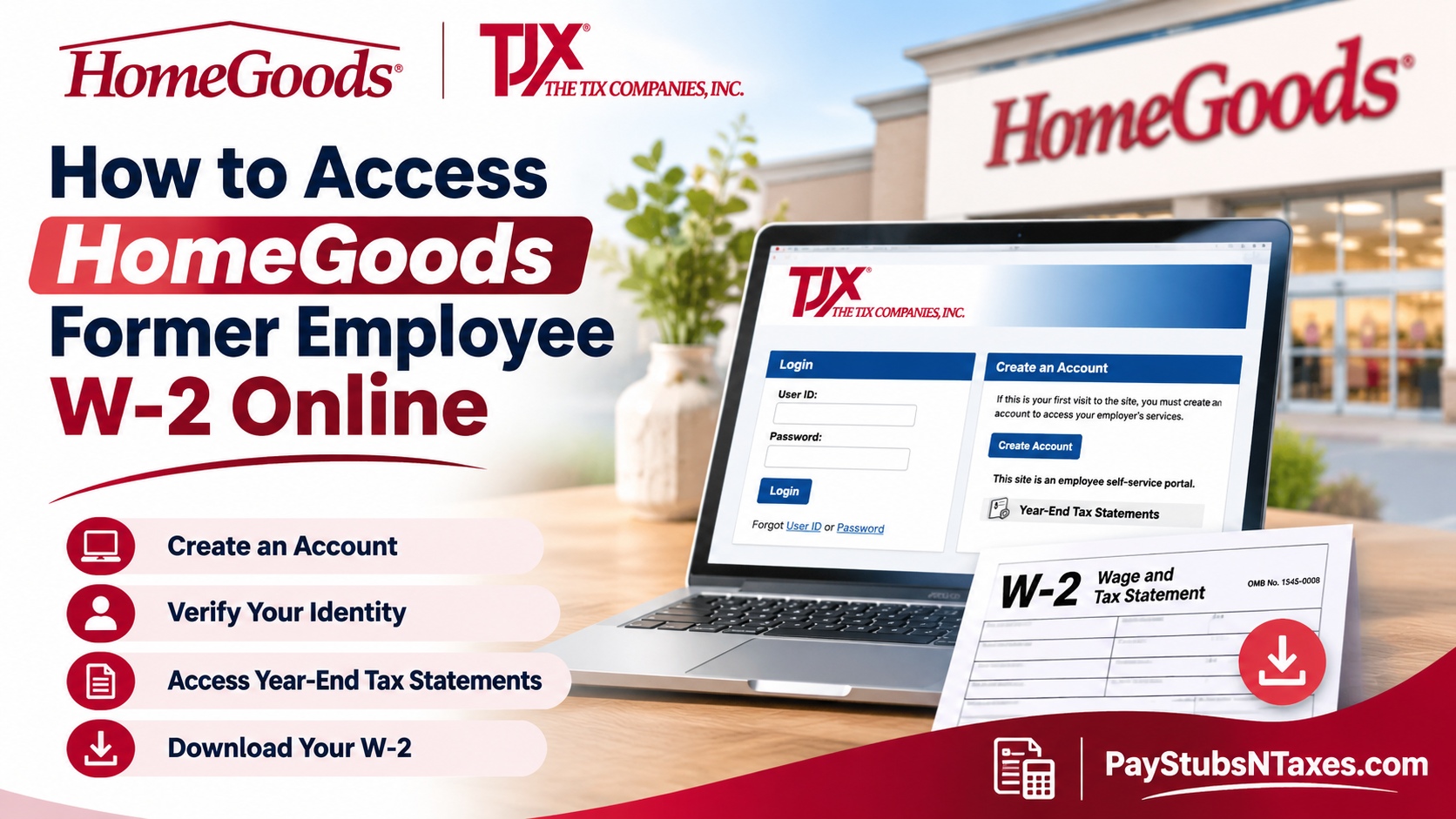
Former HomeGoods employees can access their W-2 online through the TJX Paperless Employee portal. Sign in with your Paperless Employee User ID and password, open Year-End Tax Statements, and select Download PDF next to the form you need. If you’re using the portal for the first time, choose Create Account to verify your identity and set up your login. This guide explains how to access HomeGoods former employee W-2 forms online, create a Paperless Employee account, download tax statements, recover forgotten login credentials, and resolve common access difficulties.
Where to Find Your HomeGoods W-2 After Leaving
HomeGoods is part of The TJX Companies, which is why the tax portal displays the TJX name. While current HomeGoods associates can view pay stubs and W-2 forms through Workday on the web or in the mobile app, Workday access may end after you leave. Once that happens, use TJX Paperless Employee to retrieve your year-end tax statements.
If you already have a Paperless Employee account, sign in with the credentials you created for that portal. If you’ve forgotten either credential, select User ID or Password under Forgot on the login page. First-time users can follow the registration steps below.
How to Create a TJX Paperless Employee Account
1. Verify your identity
Open the TJX Paperless Employee login page in your browser and select Create Account. Enter your Social Security number and date of birth, complete the I’m not a robot check, and select Authenticate & Create Account.
2. Set up your User ID and password
Enter your first and last names. You can also enter your middle name if you wish. Create a User ID and password that meet the requirements shown on the screen, then re-enter your password in the Confirm New Password field.
Under Receive a Verification Code, choose how you’d like to receive your one-time code.
- Email — Select Verify.
- Text message — Select Text Me.
- Phone call — Select Call Me.
Enter the code in the Verification Code field, select Submit, and then choose Save and Continue to activate your account.
3. Set your security questions and verify your contact details
Choose and answer all three security questions, then select Save Security Questions. When prompted for additional contact information, enter your email address and select Verify Email. If you add a phone number, you can verify it by text or phone call. Enter each code in the field provided and select Submit.
4. Choose how to receive your tax forms
Under Electronic Statement Notification Options, select Yes to receive your W-2 and any applicable Form 1095 electronically, or No if you prefer mailed delivery. You can also choose whether to receive email or text notifications when a form is ready and whether to receive alerts if your account is locked. Select Save Notification Option Settings to confirm your choices.
December 31 is the cutoff for electing electronic delivery for that year’s tax forms. If you’re creating an account after the cutoff and the form you need is missing, check the reissue option or contact HR XPRESS to confirm how it was delivered.
How to Download and Print Your HomeGoods W-2
Once your statement is available, sign in to Paperless Employee and follow these steps.
- Select Year-End Tax Statements from the left-hand menu. You can also select Access Current Year-End Statements from the home page.
- Find the W-2 for the tax year you need and select Download PDF.
- When the form opens in a new browser tab, confirm the tax year and use the PDF controls to save or print a copy.
Most browsers can open the PDF directly. If yours cannot, open the downloaded file with a PDF reader. If you’re using a shared computer, sign out when you’re finished and remove any copies you downloaded.
How to Request an Older or Missing HomeGoods W-2
Original statements remain available for repeat downloads until the portal’s October 15 cutoff. After that date, use the Requesting a Reissued Copy of Tax Statement(s) option to request the form you need.
If you sign in successfully but can’t find your W-2, check whether you’re viewing the correct tax year. For an older form, look for the reissue option. If you selected mailed delivery, ask HR XPRESS to confirm the mailing address on file and explain how to obtain a replacement if the form never arrived.
For help with identity verification, a locked account, or a W-2 you can’t retrieve, call HR XPRESS at 1-888-627-6299. Have the tax year ready so the representative can help you locate the correct statement.
Conclusion
Accessing a W-2 after leaving HomeGoods does not have to become a complicated administrative ordeal. Although former associates may eventually lose access to Workday, the TJX Paperless Employee portal at https://www.paperlessemployee.com/tjx offers a practical alternative for retrieving available year-end tax statements.
By creating an account, completing the required identity verification, and selecting the appropriate tax document, eligible former employees can access, download, and print their W-2 forms without needing to visit their previous workplace.
For individuals experiencing account verification problems, missing documents, or expired access credentials, TJX HR XPRESS at 1-888-627-6299 remains an important point of contact.
Ultimately, maintaining accurate contact information, registering for electronic delivery when appropriate, and securely preserving downloaded tax records can make the transition from active employment to former employee status considerably smoother—particularly when tax season comes around.
Frequently Asked Questions
1. What is the HomeGoods former employee W-2 login?
Use the TJX Paperless Employee login page. The portal displays the TJX name because HomeGoods is part of The TJX Companies.
2. Can I get my W-2 after losing access to Workday?
Yes. Once your HomeGoods Workday access ends, use TJX Paperless Employee to look up your year-end tax statements.
3. Can I use my Workday credentials to sign in to Paperless Employee?
Sign in with the User ID and password you set up for Paperless Employee. If you’ve never registered for the portal, select Create Account.
4. How do I create a TJX Paperless Employee account?
Select Create Account, enter your Social Security number and date of birth, and complete the identity check. Then create your login, verify your contact details, and set up your security questions.
5. How do I receive my account verification code?
During registration, choose email, text message, or phone call from the options displayed. Enter the one-time code in the Verification Code field and select Submit.
6. What if I forgot my Paperless Employee User ID or password?
On the login page, select User ID or Password under Forgot and follow the recovery prompts.
7. Where is my W-2 after I sign in?
Open Year-End Tax Statements from the left-hand menu. For the latest available forms, you can also select Access Current Year-End Statements from the home page.
8. How do I save or print my HomeGoods W-2?
Choose Download PDF next to the W-2 for the correct tax year. When the form opens, use your browser’s PDF controls to save or print it.
9. How do I sign up for electronic W-2 delivery?
In Electronic Statement Notification Options, select Yes for electronic delivery, choose how you’d like to be notified, and select Save Notification Option Settings.
10. What is the deadline to choose electronic delivery?
Select and save your electronic delivery preference by December 31 to receive that year’s tax forms electronically.
11. Can I receive my HomeGoods W-2 by mail?
Yes. Select No for electronic delivery if you prefer to receive your tax forms by mail. If you moved after leaving HomeGoods, contact HR XPRESS to confirm the mailing address on file.
12. How long can I download my original W-2?
You can download the original statement as often as needed while it remains available in the portal. After the October 15 cutoff, use the option to request a reissued copy.
13. How do I get a copy of an older HomeGoods W-2?
Sign in to Paperless Employee and look for Requesting a Reissued Copy of Tax Statement(s). If the year you need is unavailable, contact HR XPRESS.
14. What should I do if my W-2 is missing from the portal?
Confirm that you’re looking at the correct tax year, then check whether the form was mailed or is available as a reissued copy. If you still can’t locate it, ask HR XPRESS to confirm how it was issued.
15. What number should former HomeGoods employees call for W-2 help?
Call HR XPRESS at 1-888-627-6299 for help with account access, missing tax forms, or replacement copies. Have the tax year ready when you call.
