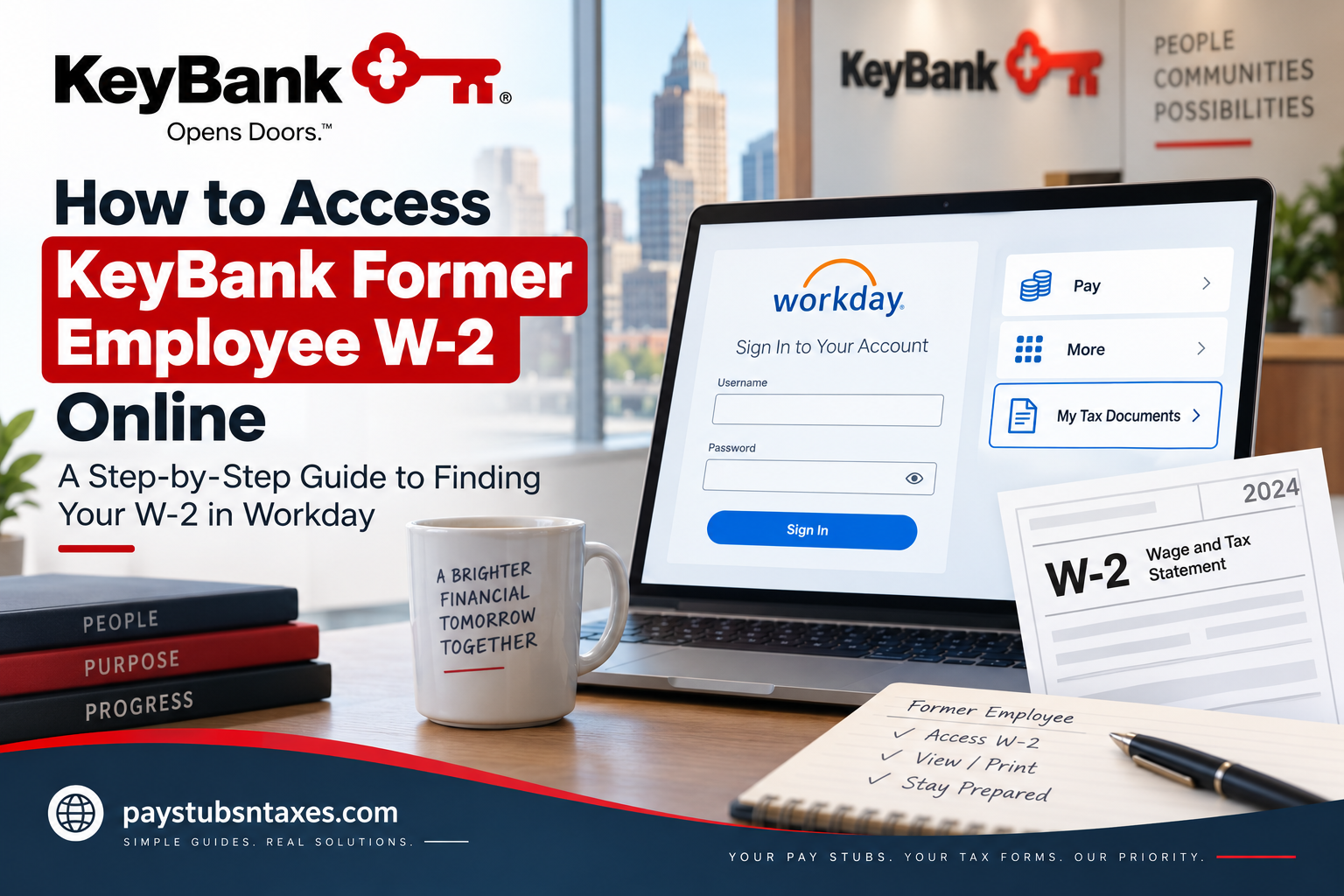
Former KeyBank employees may be able to retrieve their W-2 statements electronically through Workday after leaving the company. Although separation generally brings regular employee access through KeyBank’s Single Sign-On system to an end, eligible former employees may receive separate credentials for limited, post-employment access to Workday. If your former-employee account remains available, the process is usually straightforward. This guide explains how to sign in, locate your tax documents, download or print a W-2, and seek help if you encounter difficulties.
About KeyBank
KeyBank is a major American bank-based financial services company headquartered in Cleveland, Ohio. Its roots stretch back two centuries, and KeyCorp celebrated its bicentennial in 2025. As of June 30, 2026, Key reported approximately $191 billion in assets, with roughly 950 full-service branches, 1,100 ATMs, and 18,000 full-time-equivalent employees across its operations.
Its consumer banking business operates across a 15-state footprint, while its commercial banking activities extend across the United States. Key’s headquarters are at 127 Public Square, Cleveland, Ohio 44114.
Beyond its considerable banking footprint, KeyBank emphasizes a workplace culture built around shared goals, professional development, collaboration, and inclusion. Employees are offered opportunities to work alongside supportive colleagues, accessible leaders, and teams tackling challenging projects while developing their careers.
Can Former KeyBank Employees Access Workday?
Active KeyBank employees generally enter Workday through the company’s internal Single Sign-On environment. Once an employee’s separation has been processed, that SSO access is normally revoked.
However, former employees may receive a separate Workday username and password that provide temporary or limited access to certain employment records, including tax documents. These credentials may be sent to the personal email address recorded in the employee’s profile.
Because access arrangements and retention periods can vary, do not assume that your former-employee Workday account will remain available indefinitely. It is prudent to download and securely retain any W-2 or W-2C forms as soon as they become accessible.
KeyBank Former Employee Workday Login
To begin, visit the KeyBank non-SSO Workday sign-in page:
Enter the former-employee username and password supplied to you. Do not attempt to use your old KeyBank network or SSO credentials unless KeyBank has specifically instructed you to do so.
Before entering personal information, confirm that:
- The address begins with
https://wd5.myworkday.com/keybank/. - The page displays the Workday sign-in interface and KeyBank branding.
- You reached the page through a trusted link or an official communication.
- You are not using a link received through an unexpected text message or suspicious email.
How to Access Your KeyBank W-2 in Workday
Once you have successfully signed in to the KeyBank non-SSO Workday account, finding your tax statement is relatively straightforward. The Workday tax-document process uses the Pay application and the My Tax Documents section; from there, available tax forms can be opened through the View/Print option.
- Sign in to KeyBank Workday. Open the non-SSO KeyBank Workday login page and enter your former-employee username and password. Do not attempt to use the regular employee SSO route if your active network access has already been terminated.
- Open the Pay application. From the Workday home page or dashboard, locate the Applications area and select the Pay icon. This is the starting point for accessing payroll and tax information.
- Expand the View section. Within the Pay application, find View. If My Tax Documents is not immediately displayed, select More to reveal additional options.
- Select My Tax Documents. Click My Tax Documents to display the tax statements currently available to your Workday account.
- Locate the required W-2. Review the available documents and identify the W-2 for the appropriate tax year. Workday may also display a W-2C if a correction was subsequently made to an original W-2.
- Click View/Print. Select View/Print beside the required tax form. Once generated, the document can be viewed, downloaded, saved for your records, or printed for tax preparation.
- Save a secure copy and log out. Store the document somewhere secure and sign out of Workday when you have finished, particularly if you are using a shared or public computer. Logging out after handling sensitive payroll and tax information is an important privacy safeguard.
What Happens to Workday Access After Leaving KeyBank?
When your separation from KeyBank is processed, access through the standard employee Single Sign-On (SSO) environment may cease. This is an important distinction because trying the old employee login repeatedly can send you around in circles even though your tax information may still be accessible elsewhere.
Former employees who are granted post-employment access should therefore use the non-SSO Workday link and the credentials associated with that account. Such access is typically more limited than an active employee’s account and is designed primarily to preserve access to essential records such as payslips, personal information, and tax documents.
Because access arrangements can change and may not remain available indefinitely, downloading your W-2 promptly is the safest course of action.
KeyBank Support for Former Employees
For questions concerning former-employee personal information or employment records, contact the KeyBank Employee Service Center at 1-888-539-7247.
For technical assistance with a KeyBank employee login page, the following support numbers may also be available:
- KeyBank Employee Help Desk: 216-813-4357
- Toll-free: 800-967-3333
Explain that you are a former employee seeking access to a W-2. Be prepared to verify your identity, but never disclose your complete Social Security number, Workday password, or authentication code in an unsolicited call, email, or text message.
What if Your W-2 Is Not Available Online?
If electronic access is no longer available, KeyBank may mail the W-2 to the home address held in its employment records. Employers generally must furnish W-2 statements by the applicable federal deadline, ordinarily January 31 of the following year; when that date falls on a weekend or legal holiday, the deadline may move to the next business day.
An outdated address can send an otherwise correctly issued W-2 astray. If you moved after leaving KeyBank, contact the Employee Service Center promptly to confirm how your address should be updated and whether the form has already been mailed.
When requesting assistance, have the following information ready:
- Your full legal name
- Your former employee ID, if available
- Your dates of employment
- The last four digits of your Social Security number, if requested through an authenticated channel
- Your current mailing address
- The tax year of the missing W-2
What to Do if You Still Have Not Received Your W-2
If your W-2 has not arrived by the end of January, contact KeyBank first to confirm whether the statement was mailed or made available electronically.
If you have contacted the employer but still have not received the form by the end of February, the IRS advises calling 800-829-1040. The IRS may contact the employer on your behalf and provide Form 4852, Substitute for Form W-2, if the original statement cannot be obtained in time.
Keep your final pay statements, since they may help you estimate wages and taxes withheld if Form 4852 becomes necessary. If the original W-2 later arrives and differs from the figures used on your tax return, you may need to file an amended return.
Final Takeaway
For many former employees, the quickest route to a KeyBank W-2 is the non-SSO Workday portal: sign in with your post-employment credentials, open Pay, select More, choose My Tax Documents, and click View/Print.
If the door to online access has already closed, all is not lost. Confirm your mailing address, contact the KeyBank Employee Service Center, and keep your final pay records close at hand. Acting early can prevent a missing document from becoming a last-minute stumbling block when tax season gathers pace.
Frequently Asked Questions About KeyBank Former Employee W-2 Forms
1. How do former KeyBank employees get their W-2?
Former KeyBank employees may retrieve their W-2 through the non-SSO Workday portal. After signing in, open Pay, select More under View, choose My Tax Documents, and click View/Print beside the applicable form.
2. What is the KeyBank former employee Workday login?
The former-employee sign-in page is the KeyBank non-SSO Workday portal. Former employees should use their designated post-employment credentials rather than their previous KeyBank SSO credentials.
3. Can I use my old KeyBank employee login after leaving the company?
Usually not. KeyBank’s regular Single Sign-On access is generally revoked when an employee’s separation is processed. If eligible, a former employee may receive separate credentials for limited post-employment Workday access.
4. Where is My Tax Documents in KeyBank Workday?
Sign in to Workday and open the Pay application. Under View, select More, followed by My Tax Documents. The wording or menu arrangement may differ slightly if Workday’s interface has been updated.
5. How do I download my KeyBank W-2 from Workday?
Open My Tax Documents, locate the correct tax year, and click View/Print. When Workday generates the document, use your browser or PDF viewer to download and save it securely.
6. How do I print my KeyBank W-2?
Select View/Print beside the relevant W-2. Once the document opens, choose the print command in your PDF viewer or browser and select a trusted printer.
7. Why is my KeyBank Workday login not working?
Your credentials may be incorrect, expired, or locked, or your post-employment access period may have ended. Confirm that you are using the non-SSO portal, check your personal email for credential instructions, and contact KeyBank if you still cannot sign in.
8. What should I do if I never received former-employee Workday credentials?
Check the personal email account KeyBank had on file, including its spam and junk folders. If no message is available, contact the KeyBank Employee Service Center at 1-888-539-7247 and explain that you need access to a former-employee W-2.
9. How long can former KeyBank employees access Workday?
The availability of post-employment Workday access may vary. Because access is not necessarily permanent, download and securely retain your tax documents as soon as they become available.
10. Can former KeyBank employees access Workday through the mobile app?
Mobile access may depend on the status and configuration of the former employee’s account. If the Workday app does not accept your credentials, try the non-SSO portal in a supported desktop browser or contact KeyBank for assistance.
11. Will KeyBank mail my W-2 if I cannot access Workday?
KeyBank may mail a paper W-2 to the home address recorded in its employment system. If you have moved or believe your address may be outdated, contact the Employee Service Center to confirm the appropriate next steps.
12. When does KeyBank send W-2 forms?
Employers ordinarily must furnish W-2 statements by January 31 of the year following the applicable tax year. When January 31 falls on a weekend or legal holiday, the deadline may shift to the next business day.
13. Who should I call about a missing KeyBank W-2?
For former-employee records or personal-information questions, call the KeyBank Employee Service Center at 1-888-539-7247. For technical login assistance, you may also try 216-813-4357 or 800-967-3333.
14. What is the difference between a W-2 and a W-2C?
A W-2 reports annual wages and taxes withheld. A W-2C is issued to correct information on an original W-2. If Workday displays both forms, download and retain every document relevant to the correction.
15. What should I do if KeyBank does not send my W-2?
Contact KeyBank first to confirm whether the form was mailed or posted online. If you have not received it after contacting the company and the end of February has passed, call the IRS at 800-829-1040. You may be given Form 4852 to use as a substitute when filing your tax return.
