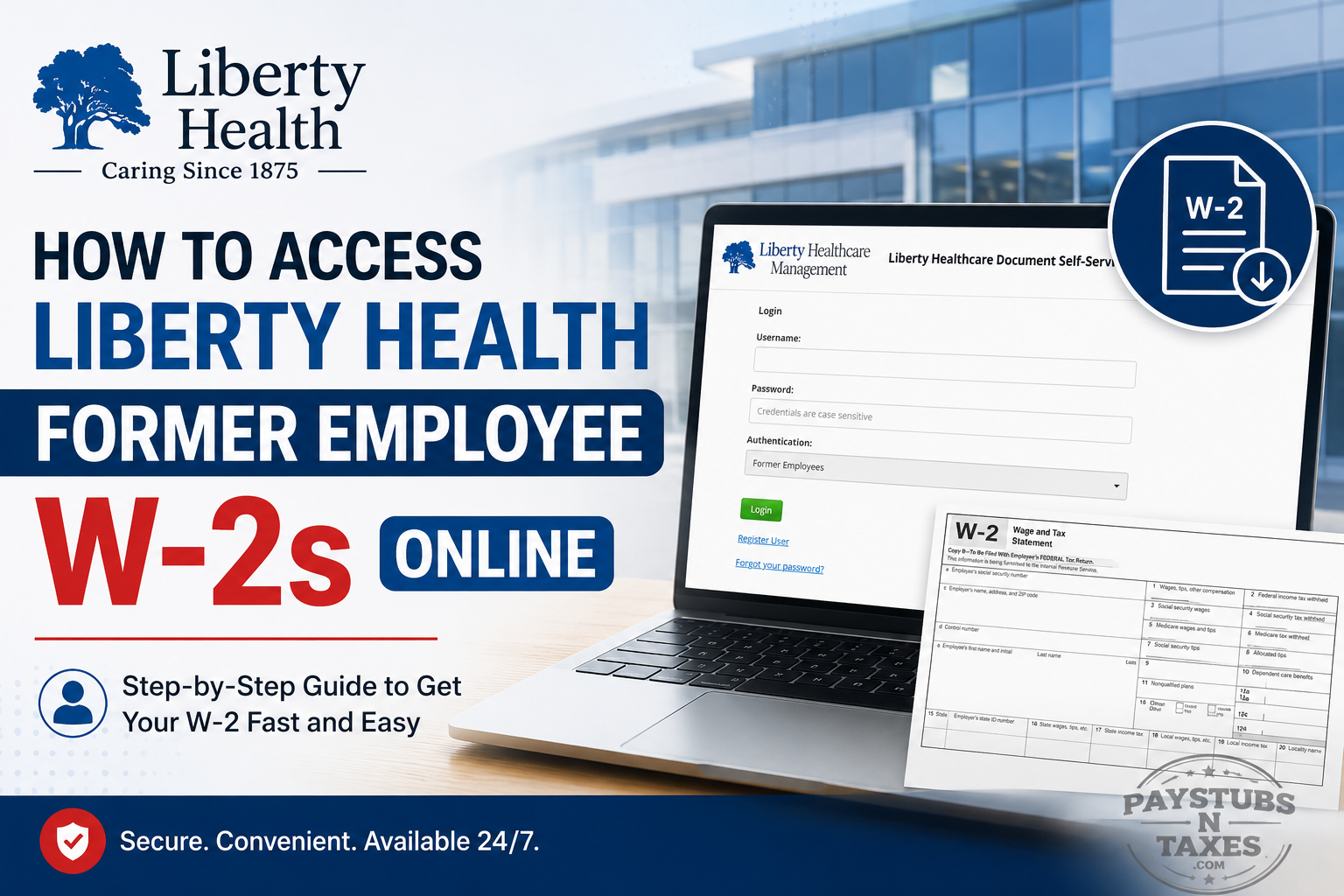
Leaving a job does not bring your tax obligations to an end. If you previously worked for Liberty Health and need a copy of your W-2 for tax filing, income verification, or personal records, you can access eligible tax documents online through the Liberty Healthcare Document Self-Service portal.
Former employees should pay particular attention to the login process because it differs from the procedure used by active employees. Most importantly, you must select “Former Employees” from the Authentication drop-down menu before entering your credentials. If this is your first time accessing Document Self-Service after your employment ended, you may also need to create a former-employee account through the Register User option.
This guide explains, from start to finish, how to access Liberty Health former employee W-2s online, how to register for the portal, how to open your tax statement, and what to do if your W-2 does not appear as expected.
About Liberty Health
Family-owned since 1875, Liberty Health has built an enduring legacy of compassionate care. What began as a small hometown pharmacy in Whiteville, North Carolina, has grown into a comprehensive network of healthcare services and retirement communities serving North Carolina, South Carolina, Virginia, Tennessee, Louisiana, and Florida.
Its family of companies includes Liberty Health and Rehab, Liberty Home Care and Hospice, Liberty Senior Living, Liberty Medical Specialties, Liberty Medical Transportation, Liberty Medicare Advantage, and McNeill’s Pharmacy. Together, these organizations provide a continuum of care designed to support seniors and their families as their circumstances evolve.
Liberty Health applies the same emphasis on independence and personal service to its workforce, offering the opportunities of a large organization while preserving the close-knit atmosphere of a family enterprise.
Can Former Employees Access Liberty Health Pay Stubs Online?
Liberty’s payroll resources include a Former Employee Pay Advice option alongside the Electronic W2 function.
Therefore, if you are a former employee who needs payroll documentation in addition to a W-2, check the former-employee options available to you after authentication.
For active employees, however, current pay stubs are handled through the Infor system, whereas Document Self-Service serves as the relevant portal for year-end tax statements.
Where Do Former Liberty Health Employees Get Their W-2?
Former Liberty Health employees can use the Liberty Healthcare Document Self-Service website to retrieve available W-2 statements.
Document Self-Service portal: https://www.libertyhealthcaredocuments.com/
The portal is particularly useful after separation because a former employee may no longer have access to the internal systems that were available during active employment.
There is an important distinction worth bearing in mind:
- Former employees: Use Document Self-Service for available W-2s and former-employee payroll documents.
- Current employees: Can use Document Self-Service for year-end tax statements, while current-employee pay stubs are available through Liberty’s Infor payroll system.
The Liberty payroll portal itself identifies both Electronic W2 and Former Employee Pay Advices as payroll resources.
How to Access a Liberty Health Former Employee W-2
Step 1: Open the Document Self-Service website
Go to www.libertyhealthcaredocuments.com using a modern web browser such as Google Chrome, Microsoft Edge, Safari, or Firefox.
Check the address carefully before entering your credentials. This small precaution can prevent sensitive information from falling into the wrong hands.
Step 2: Select “Former Employees”
Locate the Authentication dropdown menu on the login page and select Former Employees before entering your credentials.
This step is crucial. If the wrong authentication category is selected, the portal may be unable to verify your former-employee account even when your username and password are correct.
Step 3: Enter your login credentials
Enter your username and password, remembering that login credentials are case-sensitive. Select Login to continue.
If you already created a Document Self-Service account during or after your employment, use those established credentials.
Step 4: Register if this is your first post-employment login
If you are accessing the system for the first time since leaving Liberty Health, select the Register User link beneath the login area.
Complete the registration process by providing the requested identifying information and creating your account credentials. Enter all details exactly as they appeared in your employment records; discrepancies in names or other identifying information may prevent the system from matching your account.
After registration is complete, return to the login page, confirm that Former Employees is selected, and sign in with your newly created credentials.
Step 5: Select “My W2”
Once logged in, find the View My Documents section and select My W2.
A list of available tax years should appear. Locate the year corresponding to the W-2 you need.
Step 6: Open the applicable W-2
Select the magnifying-glass icon displayed beside the appropriate tax year. Depending on the portal’s configuration, you may need to select the icon or a subsequent viewing option once more before the document opens.
Your W-2 should appear in a new browser tab, where you can review, download, or print it.
Step 7: Save the document securely
Download the W-2 only to a private device or a secure storage location. Give the file a clear name—such as “Liberty Health W-2 2025”—so that it can be found without hunting high and low later.
Avoid storing an unprotected copy on a shared or public computer. If you print the document, retrieve it immediately and keep it with your other confidential tax records.
What to Do if the W-2 Does Not Open
The most common obstacle is a browser pop-up blocker. Because the portal opens tax documents in a new tab or window, an active blocker may prevent the W-2 from appearing.
If nothing happens after you select the magnifying-glass icon:
- Look for a pop-up-blocked notification near the browser’s address bar.
- Choose the option to allow pop-ups and redirects from the Liberty Healthcare Document Self-Service website.
- Return to the W-2 list.
- Select the magnifying-glass icon again.
Allow pop-ups only for the official Document Self-Service domain rather than disabling your browser’s protection altogether.
How to Reset a Forgotten Password
If you cannot remember your password, select Forgot your password? on the portal login page and follow the recovery instructions.
Before resetting it, verify that Former Employees remains selected in the Authentication dropdown. An incorrect authentication setting can masquerade as a password problem and send you down the wrong path.
Information for Current Liberty Health Employees
The same portal may be used by current employees to access year-end tax statements. Current employees must format their usernames as follows:
[USERNAME]@liberty-healthcare.com
Current employees should ordinarily access their pay stubs through the Infor system rather than the Document Self-Service portal.
Final Thoughts
Accessing a Liberty Health former employee W-2 online is generally straightforward: visit the Document Self-Service portal, select Former Employees, sign in or register, open My W2, and choose the relevant tax year. If the document does not appear, check your browser’s pop-up settings before assuming that something has gone awry. Should registration, authentication, or document availability remain an issue, Liberty Health Corporate can provide further guidance at 1-800-438-1115.
Frequently Asked Questions About Liberty Health Former Employee W-2s
1. How can a former Liberty Health employee access a W-2 online?
Visit www.libertyhealthcaredocuments.com, select Former Employees from the Authentication dropdown, and enter your credentials. Once logged in, select My W2 under View My Documents and open the required tax year.
2. What is the Liberty Health former employee W-2 portal?
The official portal is the Liberty Healthcare Document Self-Service system, available at www.libertyhealthcaredocuments.com. Former employees can use it to access available pay statements and W-2 tax documents.
3. Which authentication option should former Liberty Health employees choose?
Former employees must select Former Employees from the Authentication dropdown. Choosing the wrong option may prevent the system from recognizing an otherwise valid account.
4. Do former employees need to register for Liberty Health Document Self-Service?
First-time users accessing the system after termination should select Register User and create an account. Returning users can sign in with their existing Document Self-Service credentials.
5. How do I register for the Liberty Health former employee portal?
Open the Document Self-Service login page, select Register User, and provide the requested identifying information. Enter your details exactly as they appeared in Liberty Health’s employment records to help the system verify your identity.
6. Where is the W-2 located after I log in?
After signing in, locate View My Documents and select My W2. The portal should display the tax years for which W-2 statements are available.
7. How do I open a W-2 in the Liberty Health portal?
Find the required tax year and click the magnifying-glass icon on the right. The W-2 should open in a new browser tab, although you may need to click the viewing option again after allowing pop-ups.
8. Why will my Liberty Health W-2 not open?
A browser pop-up blocker may be preventing the W-2 from opening in a new tab. Allow pop-ups and redirects for the official Liberty Healthcare Document Self-Service website, then click the magnifying-glass icon again.
9. How do I allow pop-ups for the Liberty Health W-2 portal?
Select the pop-up-blocked notification near your browser’s address bar and permit pop-ups for the Document Self-Service website. Allow them for this trusted portal only rather than disabling pop-up protection for every website.
10. What should I do if I forget my portal password?
Select Forgot your password? on the login page and follow the recovery instructions. Before resetting the password, confirm that Former Employees is selected under Authentication, as an incorrect selection can also cause a login failure.
11. Why does the portal not recognize my former employee account?
Confirm that Former Employees is selected and that your credentials have been entered with the correct capitalization. If this is your first attempt to access the system since leaving Liberty Health, select Register User before trying to log in.
12. Can current Liberty Health employees use Document Self-Service?
Current employees may use the portal to access year-end tax statements. Their usernames must be formatted as [USERNAME]@liberty-healthcare.com. Current-employee pay stubs are generally accessed through the Infor system.
13. Can I download or print my Liberty Health W-2?
Yes. Once the W-2 opens, use the document viewer or browser controls to download or print it. Save the file on a secure personal device, and avoid downloading confidential tax documents to a public or shared computer.
14. What should I do if the tax year I need is missing?
Check that you are viewing My W2, rather than another document category, and review all available years. If the required year is not listed, contact Liberty Health Corporate to ask whether the statement can be retrieved or reissued.
15. Who can help with a Liberty Health former employee W-2 problem?
For additional assistance with registration, account access, or an unavailable W-2, call Liberty Health Corporate at 1-800-438-1115. Be prepared to identify yourself as a former employee and specify the tax year you need, but never disclose your portal password.
