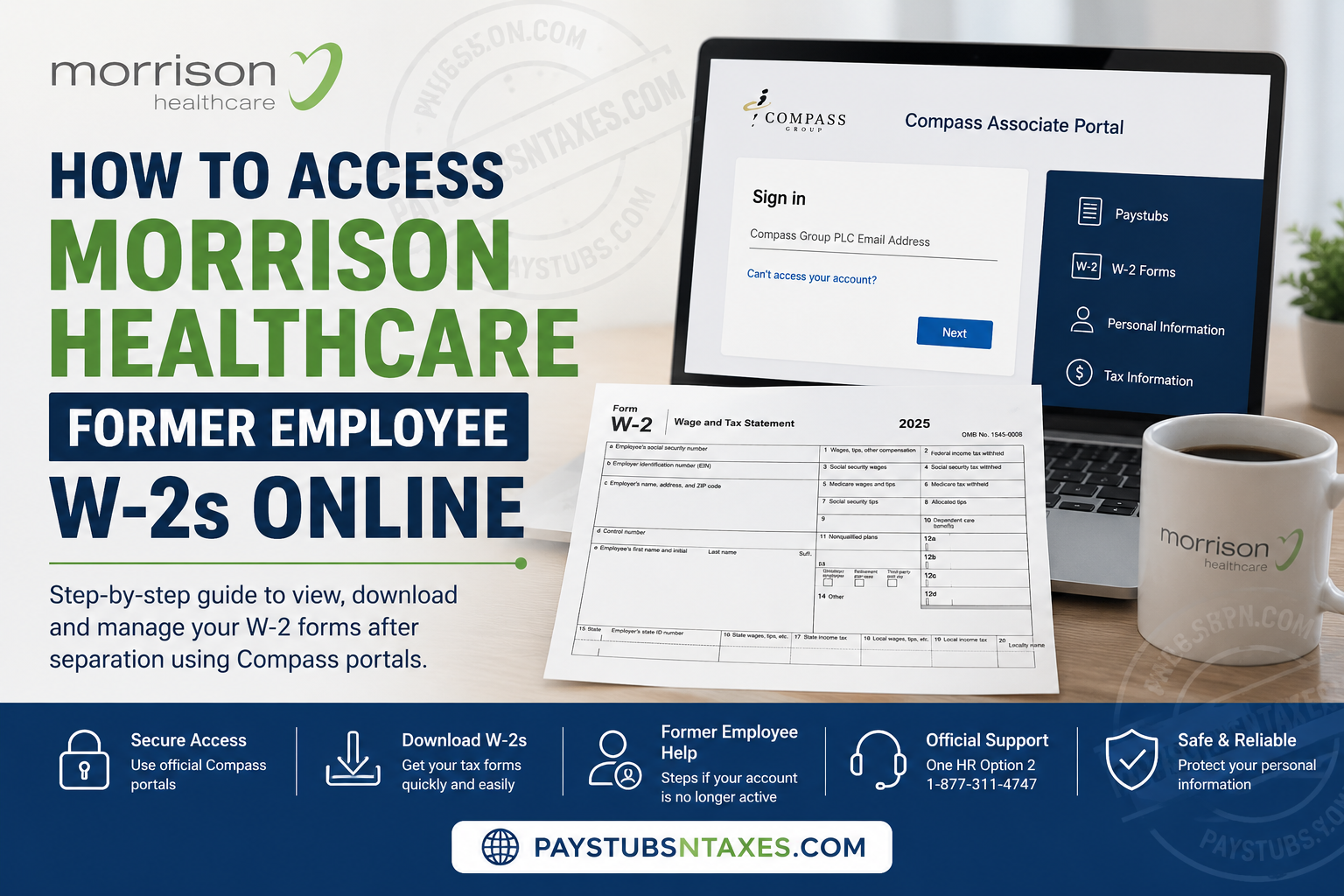
Former Morrison Healthcare employees who need a W-2 Wage and Tax Statement should first determine whether their Compass employee account is still accessible. If your existing employee credentials continue to work after separation, you may be able to retrieve an available W-2 electronically through the Compass Associate Portal (CAP) or ESS Mobility. If your former-employee access has already expired, Compass One HR becomes the appropriate route for requesting assistance with a missing, unavailable, or incorrect W-2. Morrison Healthcare is a national food and nutrition services provider serving more than 1,000 hospitals and healthcare systems, with more than 65 years of experience in healthcare foodservice. Because Morrison associates use Compass employee-service systems for payroll-related functions, understanding which portal handles a particular document can save a great deal of unnecessary trial and error.
Understanding Morrison Healthcare W-2 Access
Morrison Healthcare is part of the Compass Group family of companies. Consequently, employee payroll records and year-end wage statements are generally administered through Compass employee systems and payroll-support channels.
A W-2 is an annual wage and tax statement showing the wages paid to you during a calendar year, together with federal, state, Social Security, and Medicare tax information. It is not the same as a pay stub: a pay stub covers one pay period, whereas a W-2 consolidates reportable payroll figures for the entire tax year.
Former employees should also distinguish between the tax year and the filing year. For example, the W-2 used to prepare a 2025 tax return is labeled 2025, even though the return is normally filed in 2026.
Can Former Morrison Healthcare Employees Access W-2s Online?
Yes, in some circumstances. Leaving Morrison Healthcare does not necessarily close your employee account immediately. Your existing portal access may remain available for a limited period after separation, during which you may still be able to view and download payroll documents.
However, continued access is not guaranteed. Its duration can depend on your former role, account status, payroll configuration, and the system you used while employed. Once access ends, the online W-2 menu may disappear, password recovery may stop working, or the system may no longer recognize your personnel number.
The wisest course is to download and securely retain all necessary payroll documents as soon as possible after leaving the company.
What to Prepare Before Signing In
Having the correct details at your fingertips can prevent unnecessary delays. Before attempting to retrieve your Morrison Healthcare W-2, prepare:
- Your Compass personnel number or former username
- Your existing CAP, ESS, or OMS password
- Access to the email address or recovery method registered with the account
- The specific W-2 tax year you need
- A trusted personal computer, smartphone, or tablet
If payroll support must verify your identity, you may also be asked for your full legal name during employment, approximate employment dates, former Morrison Healthcare location or business unit, personnel number, current mailing address, and contact information.
How to Access a Morrison Healthcare Former Employee W-2 Through CAP
Step 1: Open the verified Compass Associate Portal
Use the Compass Associate Portal address previously supplied by your employer, a verified Compass-controlled route, or a trusted bookmark you used while employed.
Pay close attention to the web address. Employee tax forms contain highly sensitive information, so never enter your password, Social Security number, personnel number, or verification code on an unfamiliar website.
Step 2: Sign in with your existing account
Enter the CAP username and password associated with your former employment. For many hourly associates, the username is their Compass personnel number.
If the password is rejected, check for typing errors and remove any outdated password saved by the browser. Use the official Forgot Password, Reset Account, or Can’t access your account? function when it is available.
Avoid creating another account unless Compass expressly instructs you to do so. A duplicate registration can muddy the waters rather than solve the original access problem.
Step 3: Locate the W-2 section
Once signed in, review the dashboard and payroll-related menus. Depending on the account configuration, the relevant section may be labeled:
- W-2
- W2s
- Tax Forms
- Payroll
- Paystubs
- Employee Documents
Menu names and layouts can change. Therefore, do not assume that the W-2 must appear inside PeopleHub. PeopleHub supports several employee self-service functions, but available wage statements may instead be presented through CAP or ESS Mobility.
Step 4: Choose the correct tax year
Select the calendar year in which the wages were paid. If you are filing a return in 2026 for income earned during 2025, choose the W-2 labeled 2025.
If only an older year appears, refresh the session, confirm that you have opened the wage-statement area, and try the alternative employee-access route before contacting payroll.
Step 5: Review the form
Before downloading or using the statement, verify that the following information appears reasonable:
- Your legal name
- The masked or displayed identifying information
- Employer details
- Federal and state wages
- Federal, state, Social Security, and Medicare withholding
- Benefit codes and other applicable payroll entries
Some wage boxes may legitimately differ because certain pre-tax benefits affect federal taxable wages, Social Security wages, and Medicare wages in different ways. Nevertheless, a substantial or unexplained discrepancy warrants attention.
Step 6: Download the W-2 securely
Use the portal’s download button or your browser’s PDF controls to save the form. Store it in a protected personal folder and give it a clear filename, such as:
2025_Morrison_Healthcare_W2.pdf
Never place your complete Social Security number in the filename. If you print the form, use a private printer and collect it immediately.
How to Access the W-2 Through ESS Mobility
Former associates whose accounts remain active may also be able to use ESS Mobility on a supported smartphone or tablet.
- Open the verified ESS Mobility address in an updated mobile browser.
- Sign in with your CAP credentials if you were an hourly associate without OMS access.
- Use your assigned OMS credentials if your former manager or administrator account was connected to OMS.
- Open More, Payroll, or the available employee-document menu.
- Select W-2, Tax Forms, or a similarly named option.
- Choose the required tax year.
- Open the PDF and select Download, Save to Files, or Print.
- Sign out after completing the download.
If the document does not open, enable JavaScript, allow pop-ups for the verified portal, update the browser, check the device’s available storage, or try a private browsing tab. If the mobile route still reaches a dead end, attempt CAP from a desktop or laptop.
What to Do When Former-Employee Portal Access Has Ended
If your Morrison Healthcare employee login no longer works, stop making repeated sign-in attempts and contact Compass One HR.
Call:
Compass One HR: 1-877-311-4747
Select Option 2 for W-2 and payroll support.
Explain that you are a former Morrison Healthcare associate and identify the exact tax year required. Be ready to provide your former work location, employment dates, personnel number if known, and current mailing address.
Morrison Healthcare or Compass may have mailed the original W-2 to the last address recorded in the payroll system. If you moved after leaving the company, ask whether the form was mailed to an outdated address and request instructions for obtaining an approved replacement.
Human Resources inquiries, including W-2 questions, may also be directed to HRServiceCenter@compass-usa.com. Service hours are generally 7:30 a.m. to 6:00 p.m. Eastern Time, Monday through Friday. However, never attach an unredacted W-2 or send highly sensitive identity information through email unless an authorized representative gives you a verified secure method.
What to Do If Your Morrison Healthcare W-2 Is Missing
A missing form may have been assigned to a different tax year, delivered through another employee system, mailed to an old address, or delayed by an account-access problem.
Take the following steps:
- Confirm that you selected the wage year rather than the filing year.
- Check both CAP and ESS Mobility if your account still works.
- Verify the mailing address held by payroll.
- Call Compass One HR at 1-877-311-4747, Option 2.
- Ask whether the W-2 was issued and how an approved copy can be obtained.
- Record the date of each call, the department contacted, any case number, and the delivery instructions provided.
If you have contacted the employer but still have not received the form by the end of February, call the IRS at 1-800-829-1040 for further guidance. The IRS may discuss Form 4852, a substitute wage statement used in certain circumstances when a W-2 or corrected W-2 cannot be obtained in time.
What to Do If the W-2 Is Incorrect
Never edit the W-2 PDF or manually replace a figure. A correction must ordinarily come from the employer so that your copy agrees with the information reported to the Social Security Administration and tax authorities.
Compare the form with your final pay stub and payroll records, then note the exact box and amount you believe to be incorrect. Call Compass One HR at 1-877-311-4747 and choose Option 2.
Common problems include:
- An incorrect legal name or Social Security number
- Missing or inaccurate wages
- Incorrect federal, state, or local withholding
- Duplicate wage amounts
- Incorrect benefit codes
- Incorrect employer information
Ask whether payroll will issue Form W-2c, Corrected Wage and Tax Statement. Keep both the original W-2 and any corrected version for your records.
An outdated mailing address does not automatically invalidate the wage and tax figures, but you should still ask payroll to review and update your contact details.
Final Takeaway
The fastest way to obtain a Morrison Healthcare former employee W-2 is to act while your Compass employee account remains accessible. Try your existing CAP login, look for the W-2 or tax-document area, select the correct wage year, and save the statement securely. If your online access has run its course, do not go around in circles with repeated login attempts or unofficial retrieval services. Contact Compass One HR at 1-877-311-4747 and select Option 2. With your employment details, tax year, and current mailing information ready, you will be better positioned to resolve a missing, inaccessible, or incorrect W-2 without undue delay.
Morrison Healthcare Former Employee W-2 FAQs
1. How can a former Morrison Healthcare employee get a W-2 online?
Try signing in to your existing Compass Associate Portal or ESS Mobility account. If access remains active, open the W-2, Tax Forms, or Payroll section, select the required tax year, and download the statement.
2. What is the Morrison Healthcare W-2 portal?
Morrison Healthcare employees generally use Compass employee systems, including the Compass Associate Portal and ESS Mobility. The exact portal and menu options can vary according to the employee’s former role and account type.
3. Can former Morrison Healthcare employees still use the employee portal?
Some former employees retain portal access for a limited period after separation. Because access may eventually expire, download and securely retain your W-2 and other necessary payroll records as soon as possible.
4. Is a Morrison Healthcare W-2 available through PeopleHub?
Not always. PeopleHub supports several employee self-service functions, but available W-2 statements may instead appear in CAP, ESS Mobility, or another role-based payroll section. Look for W-2, Tax Forms, Payroll, or Paystubs.
5. What number should I call for a Morrison Healthcare W-2?
Call Compass One HR at 1-877-311-4747 and select Option 2 for W-2 and payroll assistance. State that you are a former Morrison Healthcare employee and specify the tax year you need.
6. What should I do if my former-employee login no longer works?
Use the official password-recovery or account-reset option once. If the account is no longer recognized or remains locked, stop making repeated attempts and contact Compass One HR at 1-877-311-4747, Option 2.
7. Will Morrison Healthcare mail a former employee’s W-2?
A paper W-2 may be mailed to the last address recorded in the payroll system. If you moved after leaving Morrison Healthcare, contact payroll to confirm your mailing information and ask how to obtain an approved replacement.
8. How do I request a replacement Morrison Healthcare W-2?
Call Compass One HR at 1-877-311-4747 and choose Option 2. Be prepared to provide your legal name during employment, former work location, approximate employment dates, personnel number if known, tax year, and current mailing address.
9. Which tax year should I select in the W-2 portal?
Choose the year in which the wages were paid, not the year in which you are filing the return. For example, income earned during 2025 appears on a W-2 labeled 2025, even when the return is filed in 2026.
10. What should I do if my Morrison Healthcare W-2 is missing?
Check the tax year, CAP, ESS Mobility, and your former mailing address. If the form remains unavailable, call 1-877-311-4747, Option 2, and ask whether it was issued and how you can receive an approved copy.
11. How do I correct an inaccurate Morrison Healthcare W-2?
Do not alter the PDF yourself. Note the incorrect box or information, compare it with your final payroll records, and contact Compass One HR at 1-877-311-4747, Option 2. Payroll may issue a corrected Form W-2c.
12. Can I email Morrison Healthcare about a W-2?
Human Resources inquiries may be sent to HRServiceCenter@compass-usa.com. However, do not email an unredacted W-2, Social Security number, password, or security code unless an authorized representative provides a verified secure transmission method.
13. What information should I prepare before contacting payroll?
Have your full legal name during employment, former Morrison Healthcare location or business unit, approximate employment dates, personnel number if known, required tax year, current mailing address, and contact information ready.
