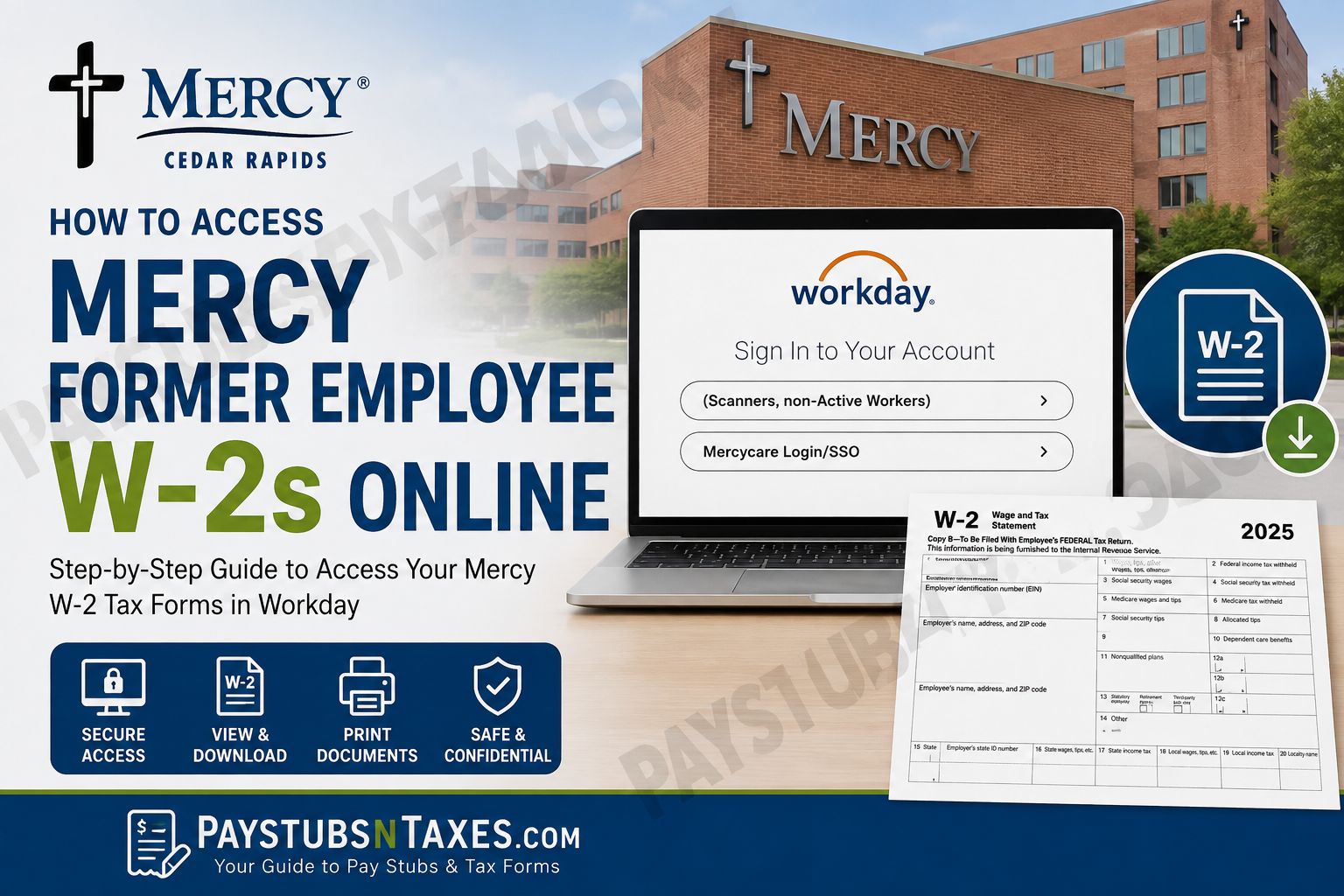
Former employees of Mercy Medical Center and MercyCare Community Physicians in Cedar Rapids, Iowa, may still need access to important payroll records after leaving the organization—particularly W-2 tax forms and historical pay information. Fortunately, Mercy provides a Workday sign-in option specifically for non-active workers, allowing eligible former employees to retrieve their tax documents without relying exclusively on paper copies. Mercy Cedar Rapids has served its community since 1900, carrying forward a mission rooted in compassionate, high-quality healthcare. Its organizational culture is built around the ICARE values of Integrity, Compassion, Accountability, Respect, and Excellence, while almost 3,000 employees have continued the Mercy tradition of service. If you are a former or terminated Mercy employee trying to obtain a W-2, the instructions below will help you navigate the process efficiently.
Can Former Mercy Employees Access W-2s Online?
Yes. Former Mercy employees may access available W-2 tax forms through the Mercy Workday portal by selecting the “Scanners, non-Active Workers” sign-in option.
This option is designed for individuals who are no longer active Mercy employees and therefore cannot use the standard Mercycare Login/SSO authentication method.
Once you gain access to Workday, W-2 forms are generally stored within the Pay area under My Tax Documents, from which an available tax form can be viewed, downloaded, or printed.
Mercy Former Employee Workday Login
Visit the official MercyCare Workday portal:
The sign-in page presents two options:
- (Scanners, non-Active Workers)
- Mercycare Login/SSO
If your employment with Mercy has ended, select “(Scanners, non-Active Workers).” The Mercycare Login/SSO option is generally intended for active workers who use Mercy’s single sign-on system.
Sign in using the credentials provided for your former-employee Workday account. Because payroll and tax records contain sensitive personal information, use a private device and a secure internet connection whenever possible.
How to Find Your W-2 in Workday
Once you have successfully signed in, follow these steps:
- From the Workday home screen, select Menu in the upper-left corner.
- Open Pay from the menu.
- Select My Tax Documents.
- Review the available tax forms and locate the W-2 for the required tax year.
- Select the applicable form to generate or open it.
All available W-2 tax forms are stored within My Tax Documents, making this section the central point for viewing and managing your electronic tax records.
What to Do If Workday Says “Notify Me Later”
Workday may need a few moments to prepare your document. If the system displays a processing message, select Notify Me Later.
You do not need to remain on the same screen while the document is being generated. When it is ready, Workday will send a notification to the bell icon in the upper-right corner of the page.
Open the notification and select the completed PDF file. You can then:
- View your W-2;
- Download a copy to your device; or
- Print the form for tax preparation or record-keeping.
If the file does not open immediately, check whether your browser is blocking pop-ups or downloads from Workday.
When Does Mercy Send W-2 Forms?
Mercy Medical Center generally sends employees’ W-2 forms by standard postal mail no later than January 31 of the following year, subject to the applicable tax-year schedule. Delivery times may vary, however, and an outdated mailing address can prevent the form from reaching you.
Online access through Workday can therefore be particularly useful when:
- Your mailed W-2 has not arrived;
- You have moved since leaving Mercy;
- Your original copy has been misplaced;
- You need a duplicate from a previous year; or
- You prefer to provide an electronic copy to your tax preparer.
Troubleshooting Mercy Workday Login Problems
If you cannot access your former-employee account, first confirm that you selected “(Scanners, non-Active Workers)” rather than Mercycare Login/SSO. Also check that your username and password have been entered correctly and that Caps Lock is not enabled.
If the problem persists, contact Mercy’s Human Resources Department. Human Resources can help with login difficulties and questions concerning former-employee payroll documents.
Mercy Human Resources Contact Information
Hours: Monday-Friday, 7:30 a.m.-4:30 p.m.
Phone: (319) 398-6150 or (319) 398-6605
When calling, be prepared to confirm your identity. For your protection, do not send your Social Security number, password, or complete tax information through an unsecured email or public messaging service.
Final Takeaway
Accessing a Mercy former employee W-2 online need not be an uphill battle. Start at the MercyCare Workday portal, choose Scanners, non-Active Workers, sign in using your former-employee credentials, and navigate to Menu → Pay → My Tax Documents. Select the required W-2, allow Workday to generate the document if necessary, and then open or print the PDF. If your credentials no longer work, your W-2 is missing, or you need assistance with an older payroll record, contact Mercy Human Resources at (319) 398-6150 or (319) 398-6605 during regular weekday business hours. By dealing with access problems early—rather than leaving everything until tax-filing season is in full swing—you can obtain the documents you need with considerably less fuss and keep your financial records firmly in order.
Frequently Asked Questions About Mercy Former-Employee W-2s
1. Can former Mercy employees access their W-2s online?
Yes. Former employees of Mercy Medical Center and MercyCare Community Physicians can access available W-2 forms through the MercyCare Workday portal. They should choose “(Scanners, non-Active Workers)” on the sign-in page.
2. What is the Mercy former-employee Workday portal?
The former-employee portal is available at https://wd5.myworkday.com/mercycare/login.htmld. This portal provides access to available payroll and tax documents stored in Workday.
3. Which Workday login option should a former Mercy employee select?
A former employee should select “(Scanners, non-Active Workers).” The Mercycare Login/SSO option is generally intended for active workers who use Mercy’s single sign-on system.
4. Where can I find my Mercy W-2 after signing in?
From the Workday home screen, select Menu, open Pay, and then choose My Tax Documents. Available W-2 forms will appear in the tax-document table.
5. How do I download my Mercy W-2?
Open the applicable W-2 under My Tax Documents. Once Workday generates the PDF, open it and use your browser’s or PDF viewer’s download button to save a copy securely.
6. Can I print my Mercy W-2 from Workday?
Yes. Open the completed W-2 PDF and select the print command in your browser or PDF viewer. Review the print preview carefully before printing to ensure that every page is included.
7. What does “Notify Me Later” mean in Workday?
Notify Me Later means that Workday needs additional time to generate the requested tax document. Select the option and check the bell icon in the upper-right corner for a notification when the PDF is ready.
8. Where will my completed W-2 appear in Workday?
When processing is complete, a notice should appear under the bell notification icon in the upper-right corner. Open the notification and select the completed PDF to view or print the form.
9. Why can’t I open my W-2 PDF?
The document may still be processing, or your browser may be blocking downloads or pop-ups. Wait for the Workday completion notification, allow downloads from the portal, and try opening the PDF again.
10. What should I do if my Mercy Workday password does not work?
Confirm that you selected “(Scanners, non-Active Workers)” and entered the correct credentials. If you still cannot sign in, contact Mercy Human Resources at (319) 398-6150 or (319) 398-6605.
11. What if I no longer have my former-employee credentials?
Contact Mercy Human Resources for assistance recovering access to your account. Be prepared to verify your identity, but do not send passwords, Social Security numbers, or tax documents through unsecured communication channels.
12. When does Mercy mail employee W-2 forms?
Mercy generally sends W-2 forms by standard postal mail no later than January 31 of the following year, subject to the applicable tax-year calendar. Postal delivery may take additional time.
13. What should I do if my mailed Mercy W-2 never arrived?
Check whether your mailing address on file was current when you left Mercy. You may also retrieve an available electronic copy through Workday or contact Human Resources for further assistance.
14. Can I access a Mercy W-2 from a previous year?
Previous-year W-2s may be available under My Tax Documents, depending on the records retained in your account. If the required year is not displayed, contact Mercy Human Resources.
15. When can I contact Mercy Human Resources for W-2 assistance?
Mercy Human Resources is available Monday through Friday, from 7:30 a.m. to 4:30 p.m. Call (319) 398-6150 or (319) 398-6605 for help with Workday access or former-employee payroll documents.
